How to Fix Error Code: A Step-by-Step Guide

Encountering an error code can be frustrating, especially when you're trying to get your gadget or appliance working smoothly. Whether you're a home user or a busy professional, knowing how to fix error code is essential to keep your devices running efficiently. Error codes are designed to help you identify and resolve issues quickly, but without the right guidance, they can be confusing. This article provides a clear, step-by-step approach to understanding, locating, and fixing error codes on various devices and appliances.
We'll start by explaining what error codes are and how to find their details, so you can better understand what's going on with your device. Next, we'll show you where to look for error codes and what to do if they're not visible at first glance. Understanding the meaning behind these codes is key to resolving the problem effectively.
Once you've identified the error code, we'll walk you through basic troubleshooting steps, including when to reboot or reset your device. Finally, we'll share tips on how to prevent future error codes by maintaining your gadgets properly. By following this guide, you can save time and avoid unnecessary professional help.
Understanding Error Codes
Error codes are essential indicators that help users identify the root cause of a problem with their devices or appliances. These codes act as diagnostic tools, providing specific information about what is wrong and how to address it. Understanding how error codes work can save time and prevent unnecessary frustration, especially for home users and busy professionals who want to resolve issues without professional assistance.

What Are Error Codes?
Error codes are alerts that help identify the root cause of a problem. They can be alphanumeric and vary depending on the device or appliance. Most devices provide a short description of what the error means, which is usually displayed on the screen, in a manual, or through an online support portal. These codes are designed to simplify troubleshooting by pointing users in the right direction without requiring technical expertise.
How to Find Error Code Details
Finding error code details often involves checking the device's display, user manual, or online resources. Many modern gadgets and appliances show the error code directly on the screen when a problem occurs. If the code is not visible, consult the device's manual for guidance on locating it. Additionally, manufacturers often provide online support pages or forums where users can search for error code meanings and solutions. Understanding the context of the error is key to finding the right fix, so it's important to note any additional symptoms or conditions that occurred alongside the error.
Locating the Error Code
Locating the error code is the first step in resolving any technical issue. Most devices display error codes on their screens or through dedicated status panels, but knowing where to look can save time and frustration.
- Check the device screen for the error code, as it is often displayed directly when a malfunction occurs.
- Consult the user manual or support documentation, which typically includes a list of error codes and their meanings.
- Look for a dedicated error screen or status panel, especially on appliances or industrial equipment.
- If the code is not visible, try restarting the device to trigger an error display.
Where to Find the Error Code
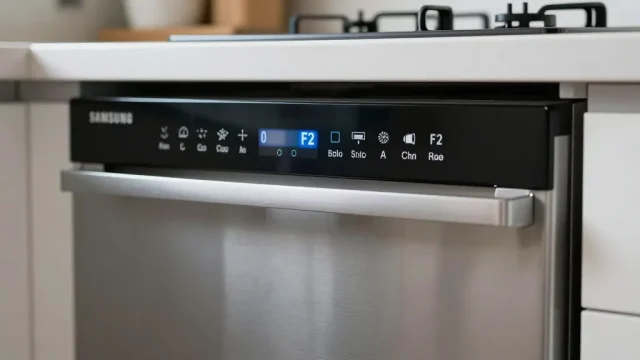
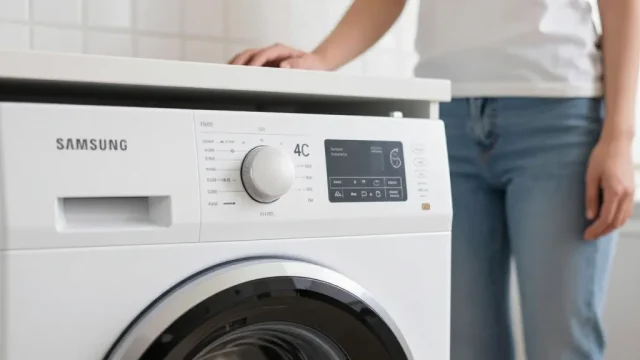
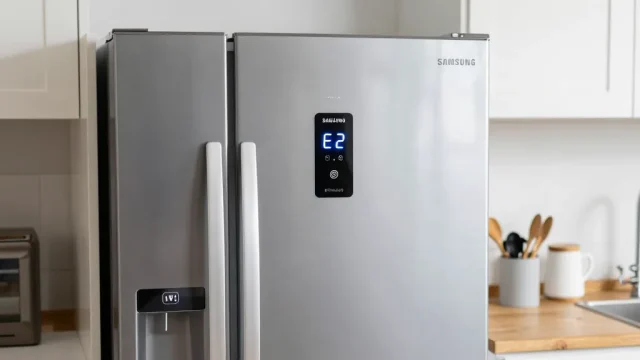
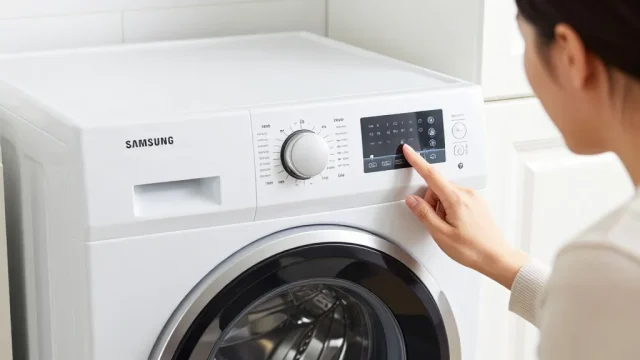
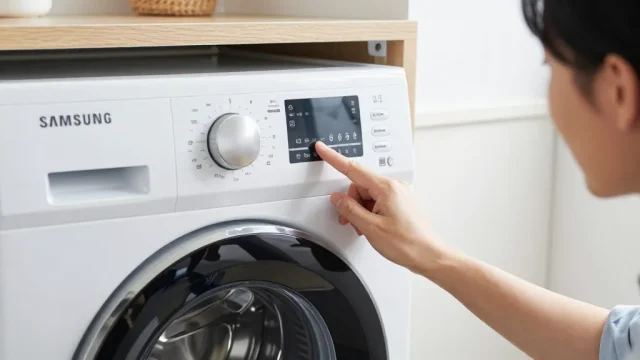
Most devices show error codes on their screens, especially when a malfunction occurs. For example, printers, washing machines, and smart thermostats often display error codes briefly before an error message appears. Pay attention to the screen during the initial moments of an error, as the code may only be visible for a few seconds.
What to Do If the Code Is Not Visible
If the error code is not displayed, refer to the user manual or support documentation for guidance. These resources often include troubleshooting steps and lists of common error codes. If the device lacks a manual, check the manufacturer's website or contact customer support for assistance. In some cases, restarting the device can help reveal the error code, especially if the issue is temporary or related to a software glitch.
Interpreting the Error Code
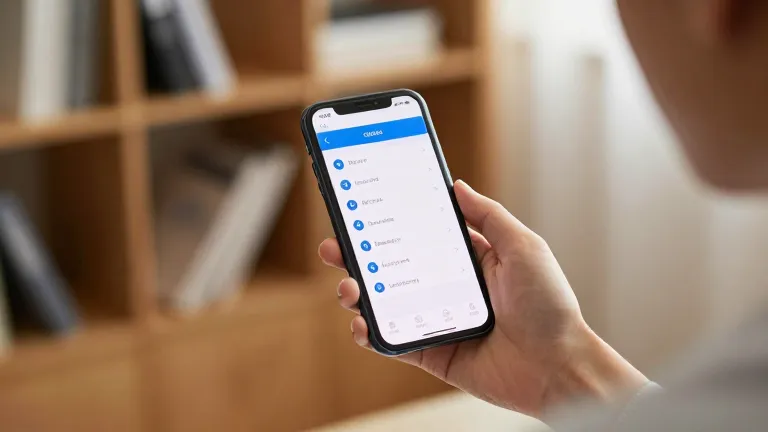
Interpreting an error code is the next step after identifying it. This involves finding out what the code means and what might be causing it. A good starting point is to use the code itself to search for its meaning online or in the user manual. Many manufacturers provide detailed information about error codes on their websites or in the manuals that come with their products.
How to Search for Error Code Meaning
To search for the meaning of an error code, start by typing the code into a search engine. Include the product name or model number to get more accurate results. For example, if you see error code E12 on your washing machine, searching for 'E12 washing machine error' will yield more relevant information. If online resources are unavailable, consult the user manual that came with the device. These manuals often include a list of error codes and their explanations.
Understanding Error Code Categories
Error codes can be grouped into categories, which can help in identifying the root cause of the issue. Common categories include network, software, and hardware problems. For instance, an error related to a network connection might indicate a problem with your internet service or router. A software-related error could be due to a bug or outdated firmware. Hardware errors might suggest a faulty component, such as a damaged sensor or motor. Understanding these categories can guide you toward more effective troubleshooting strategies.
Troubleshooting Common Error Code Issues
Troubleshooting error code issues often starts with simple, effective steps that can resolve the problem without advanced tools. By following these methods, you can address common issues and avoid unnecessary complications. Each step is designed to systematically eliminate potential causes of the error code, helping you restore normal functionality to your device.
- Restart the device to resolve minor software glitches.
- Check for firmware or software updates that may fix known bugs.
- Perform a factory reset if the issue persists after basic fixes.
- Ensure the device is connected to a stable power source.
Basic Fixes for Error Code Problems
Basic fixes for error code problems often involve addressing the most common causes, such as temporary software glitches or minor configuration errors. Restarting the device is a quick and effective way to clear these issues. This action resets the system's memory and can resolve conflicts that may be causing the error code to appear.
If the error code persists after a restart, the next step is to check for firmware or software updates. Manufacturers often release patches and updates to fix bugs or compatibility issues that may trigger error codes. Enabling automatic updates or manually checking for new versions can prevent similar problems in the future.
When to Reboot or Reset
Rebooting or resetting the device is a more involved step that should be taken when basic fixes fail to resolve the error code. A reboot can sometimes clear deeper system errors that a simple restart cannot address. However, a full reset should only be used as a last resort, as it may erase personal data and settings.
Before performing a factory reset, ensure that all important data has been backed up. This step is particularly crucial for devices like smartphones or computers, where personal files and configurations are stored. A reset can help eliminate persistent errors, but it should be approached with caution to avoid data loss.
Preventing Future Error Codes
Preventing future error codes involves proactive steps that ensure your devices run smoothly and efficiently. By maintaining your gadgets and avoiding common pitfalls, you can significantly reduce the chances of encountering errors. This section outlines practical measures to help you stay ahead of potential issues.
How to Prevent Error Code Issues
Keeping your devices updated is one of the most effective ways to prevent error codes. Regularly installing software updates and firmware patches ensures that your gadgets have the latest bug fixes and security enhancements. Manufacturers often release updates to address known issues, so neglecting these can lead to unexpected errors. Set your devices to automatically receive updates, or check for them manually on a regular basis.
Best Practices for Device Maintenance
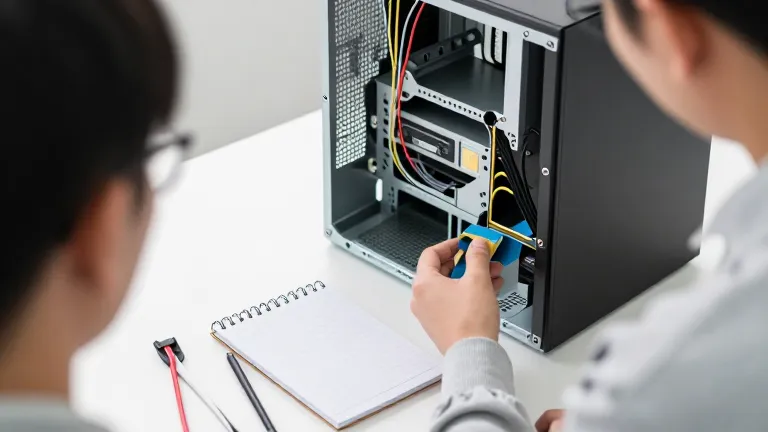
Maintaining your hardware is equally important in preventing error codes. Dust and debris can accumulate in fans and vents, causing overheating and system instability. Clean these components periodically with compressed air or a soft brush to ensure proper airflow. Additionally, avoid overloading your devices with unnecessary apps or programs, as this can strain system resources and lead to performance issues. Use quality accessories and ensure compatibility with your devices to avoid hardware conflicts.
Frequently Asked Questions
What should I do if the error code doesn’t match any online solutions?
If the error code doesn’t match online solutions, try checking the device’s manual or contacting customer support. Some error codes are specific to a device or software version and may not be widely documented.
Can I fix error codes without technical knowledge?
Yes, many error codes can be resolved with basic troubleshooting steps like rebooting or updating software. However, complex issues may require professional assistance.
How do I know if my error code is related to a hardware issue?
Error codes related to hardware issues often include terms like 'hardware failure' or 'device not responding'. If software fixes don’t resolve the problem, it may indicate a hardware issue.
What if the error code keeps repeating after fixing it?
If the error code repeats after fixes, it may indicate an underlying issue that wasn’t resolved. Rebooting the device or checking for system updates might help. If the problem persists, seek further technical support.
Final Thoughts
Understanding error codes is the first step in resolving issues. By following the steps to locate, interpret, and troubleshoot error codes, you can often resolve problems efficiently.
To prevent future errors, maintain your device with regular updates and check for potential issues. If you're unsure, consult the manual or support resources for guidance.