How to Fix Samsung Washer Error Code 4E or 4C (Water Supply)
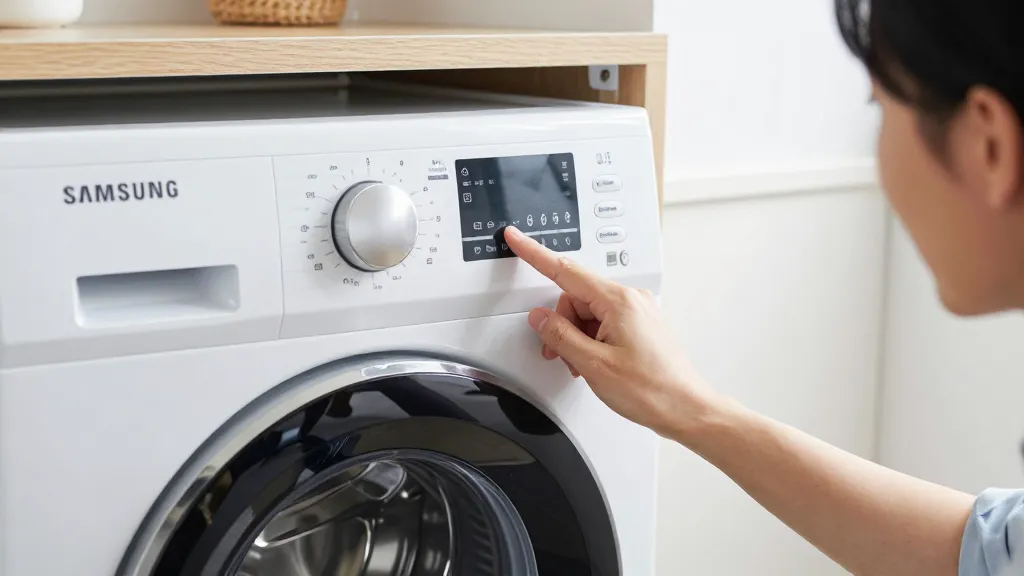
If your Samsung washer is displaying error code 4E or 4C, it’s likely experiencing a water supply issue that’s preventing it from filling properly. These error codes are common among homeowners and apartment dwellers who rely on their washing machines for daily use. Understanding what these codes mean and how to fix them can save you time and frustration. This article provides a clear guide on how to fix Samsung washer error code 4E or 4C, focusing on water supply problems. By following the troubleshooting steps outlined here, you can identify and resolve the issue without needing professional help.
Error code 4E typically indicates a problem with the water supply, such as a closed valve or low water pressure. On the other hand, error code 4C often points to a blockage in the water inlet filter or hose. Both codes are related to the washer’s ability to draw water, which is essential for proper operation. Recognizing the difference between these codes helps you take the right steps to fix the problem.
This article walks you through a series of practical troubleshooting steps to address Samsung washer error code 4E or 4C. You’ll learn how to check water supply connections, inspect the inlet valve, and look for blockages that may be causing the issue. Additionally, tips for resetting the washer and preventing future problems are included. By following these steps, you can restore your Samsung washer to full functionality and avoid unnecessary downtime.
Understanding Error Code 4E and 4C on Samsung Washers
Error codes 4E and 4C on Samsung washing machines signal issues with the water supply system. These codes are common and often prevent the washer from filling with water, which can disrupt your laundry routine. Understanding the specific meaning of each code helps you identify the root cause and apply the right troubleshooting steps.
What Error Code 4E Means
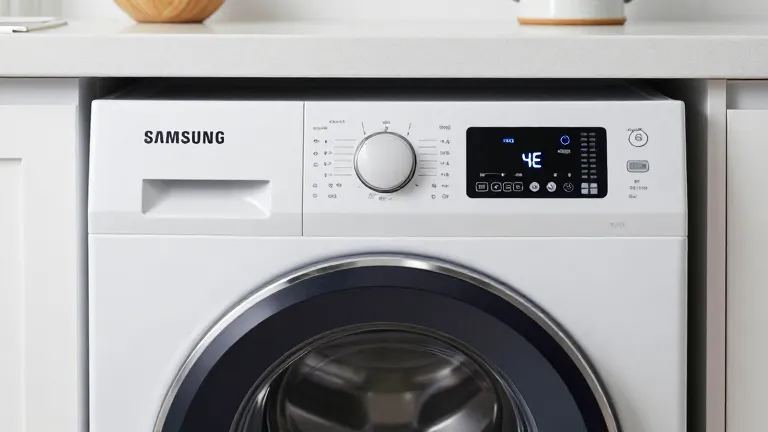
Error code 4E typically indicates a water supply issue. This could be due to a closed water valve, low water pressure, or a kinked hose. The washer may not fill with water, and the cycle might stop prematurely. Checking the water supply connection and ensuring the valve is fully open are essential first steps.
What Error Code 4C Means
Error code 4C usually points to a problem with the water inlet valve. This component controls the flow of water into the washer, and if it's faulty or clogged, the machine may fail to fill. The inlet valve can become obstructed by debris or develop internal damage over time. Inspecting the valve for blockages or signs of wear is crucial for resolving this issue.
Troubleshooting Samsung Washer Error Code 4E
Error Code 4E on Samsung washers indicates a problem with the water supply, typically related to the connection or flow of water into the machine. This section outlines the steps to diagnose and resolve the issue, focusing on the water supply and inlet valve.
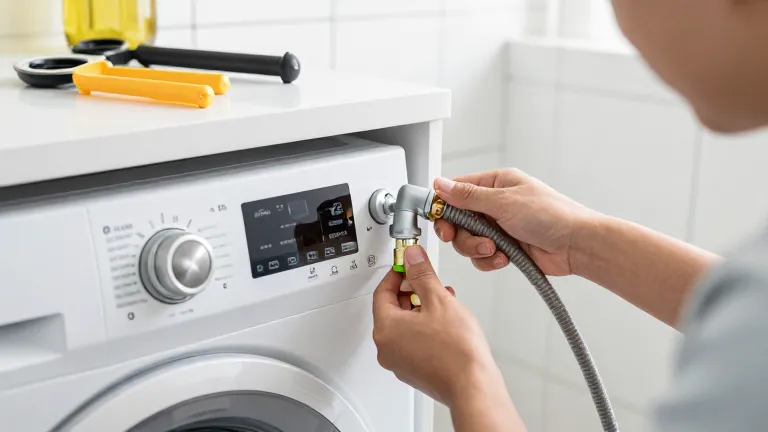
- Check if the water supply is turned on and the hose is connected.
- Inspect the water inlet valve for clogs or damage.
- Verify that the filter in the water supply line is clean.
- Ensure the water pressure is sufficient and the valve is fully open.
Check Water Supply Connection
Begin by checking if the water supply is turned on and the hose is securely connected to both the washer and the water source. A loose or disconnected hose can prevent water from entering the machine, triggering Error Code 4E. Ensure the shut-off valve under the sink is fully open and that the water pressure is adequate. If the hose is kinked or damaged, replace it to restore proper water flow.
Inspect Water Inlet Valve
Next, inspect the water inlet valve for clogs or damage. This valve regulates the flow of water into the washer, and any blockage or malfunction can cause the error. Look for debris, mineral buildup, or signs of wear that might be restricting the flow. If the valve is damaged or not functioning correctly, it may need to be cleaned or replaced to resolve the issue.
Troubleshooting Samsung Washer Error Code 4C
Error Code 4C on a Samsung washer typically indicates a water supply issue, often related to insufficient water flow or a blocked inlet. This section outlines steps to identify and resolve the problem, ensuring your washer can fill properly.
- Verify that the water supply is properly connected and the valve is open.
- Check for any blockages in the water inlet valve or filter.
- Test the water pressure to ensure it's within the recommended range.
- Inspect the water inlet hose for kinks or leaks.
Check Water Supply and Valve
Start by ensuring the water supply is connected to the washer’s inlet valve. Confirm that the shut-off valve behind the washer is fully open. A closed or partially closed valve can restrict water flow, triggering Error Code 4C. If the connection is loose or damaged, tighten it or replace the hose if necessary.
Inspect for Blockages
Inspect the water inlet filter and valve for blockages. Over time, debris, lint, or mineral buildup can clog these components, preventing proper water flow. Remove the filter and clean it thoroughly with a soft brush or cloth. If the valve is damaged or stuck, it may need to be replaced. Always refer to the washer’s manual for specific instructions on accessing and replacing these parts.
Common Causes of Water Supply Issues in Samsung Washers
Water supply issues in Samsung washers often stem from environmental factors or physical obstructions within the system. Identifying the root cause is essential for effective resolution, as it can prevent repeated error codes and ensure optimal performance.
Low Water Pressure or Closed Valve
Low water pressure or a closed valve is a frequent contributor to error codes 4E and 4C. These issues can arise from a partially closed water supply valve, a malfunctioning shutoff valve, or a water main that isn't providing sufficient pressure. It's important to verify that the main water valve is fully open and that there are no leaks or restrictions in the home’s plumbing system. If the pressure is too low, the washer may struggle to fill properly, leading to the error codes.
Clogs in the Inlet Filter or Hose
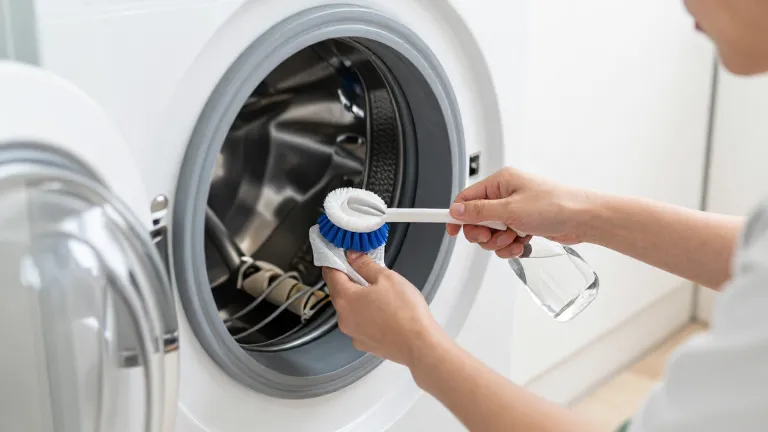
Clogs in the inlet filter or hose can severely restrict water flow, causing the washer to fail in filling. Over time, sediment, minerals, or debris can accumulate in the inlet filter, which is typically located near the water supply hose. Similarly, kinks or blockages in the hose itself can impede water flow. Regular inspection and cleaning of these components are necessary to maintain proper water supply and avoid error code activation. If the issue persists, it may indicate a need for replacement of the filter or hose.
How to Reset and Prevent Future Water Supply Issues
After resolving immediate issues with error codes 4E or 4C, it's essential to reset the washer and implement preventive maintenance to avoid future water supply problems. Regular resets and cleaning routines ensure optimal performance and extend the lifespan of your appliance.
- Turn off the washer and unplug it for a few minutes to reset the system.
- Reconnect the water supply and check for any leaks or blockages.
- Regularly clean the water inlet filter to maintain proper water flow.
- Ensure the water pressure is within the manufacturer's recommended range.
Reset the Washer
To reset the washer, first turn it off at the power source and unplug it for at least five minutes. This allows the internal systems to reset and can resolve temporary glitches. After unplugging, wait a few moments before plugging it back in and turning it on. If the error persists, proceed to the next step.
Maintain Regular Cleaning
Maintaining the water inlet filter is crucial for uninterrupted water flow. Locate the filter, usually near the water inlet valve, and clean it regularly using a soft brush or cloth. A clogged filter can restrict water flow, leading to error codes or inefficient washing. Replace the filter if it shows signs of wear or damage.
Water pressure plays a significant role in the washer's performance. Check the pressure using a pressure gauge, and ensure it falls within the recommended range of 20 to 120 psi. If the pressure is too low, consult a plumber to adjust the supply line or install a pressure booster. Consistently maintaining proper pressure ensures the washer operates efficiently and avoids error codes.
Frequently Asked Questions
What should I do if my Samsung washer won't fill with water?
Check the water supply connection for leaks or kinks. Ensure the water valve is fully open and the filter is clean. If the issue persists, inspect the water inlet valve or contact a technician.
How can I tell if the water inlet valve is faulty?
A faulty water inlet valve may make unusual noises, fail to fill the washer, or cause error codes like 4E or 4C. Testing the valve with a multimeter can confirm if it is receiving power and functioning correctly.
Is there a way to fix error code 4C without calling a technician?
Yes, you can try checking the water supply connection, clearing any blockages in the inlet hose or filter, and resetting the washer. If these steps don’t resolve the issue, professional assistance may be necessary.
What are the common causes of Samsung washer error code 4E?
Error code 4E typically indicates a problem with the water supply, such as a closed valve, low water pressure, or a clogged inlet filter. Inspecting and clearing these issues can often resolve the error.
Final Thoughts
Addressing water supply issues is essential for resolving Samsung washer error codes 4E and 4C. Regular maintenance, such as cleaning the inlet filter and checking the water valve, can help prevent these errors. If the problem persists, it is advisable to consult a professional technician.
By following the outlined troubleshooting steps, you can identify and resolve most water supply issues independently. However, if the problem remains unresolved, seeking professional assistance is the best course of action.