WiFi & Networking
Troubleshooting Steps for Common Tech Problems
Discover effective troubleshooting steps to fix common tech problems quickly and confidently.
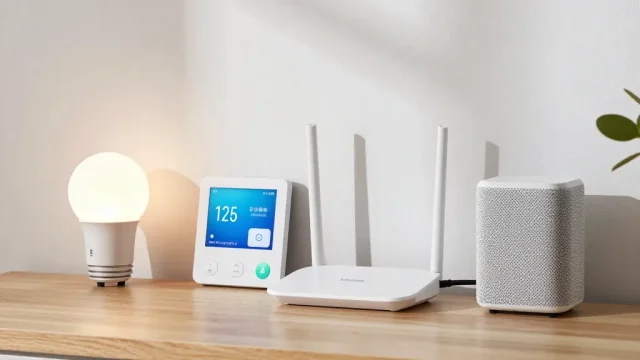
Troubleshoot smart home devices not connecting to WiFi with simple fixes like checking settings, restarting devices, and updating firmware.
Troubleshooting help is essential for resolving common tech issues. Learn how to fix device errors, network problems, and connectivity issues with practical steps and preventative measures.
Learn practical steps to fix internet issues and improve your connection stability.
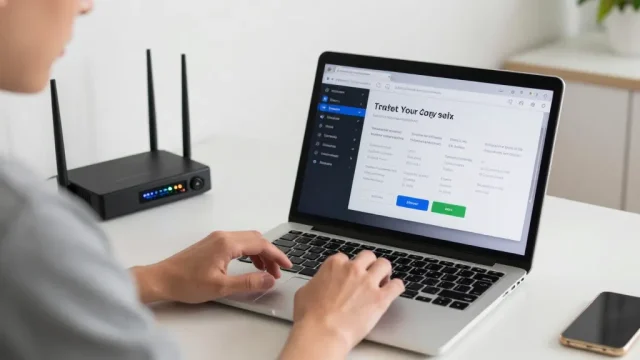
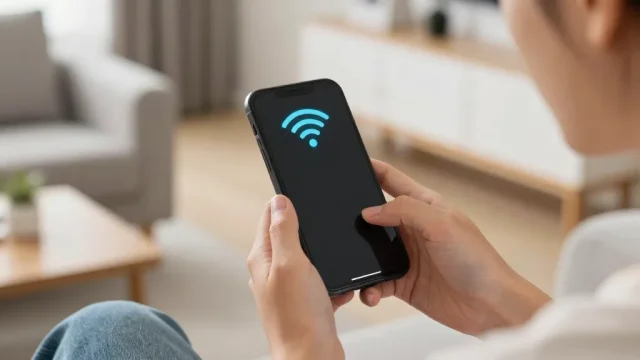
Fix WiFi not working with simple steps like checking settings, restarting devices, and updating software.
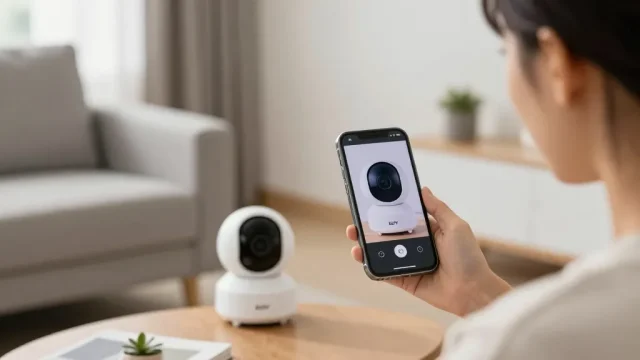
Troubleshoot Eufy camera live stream issues with network checks, restarts, and app updates for reliable performance.
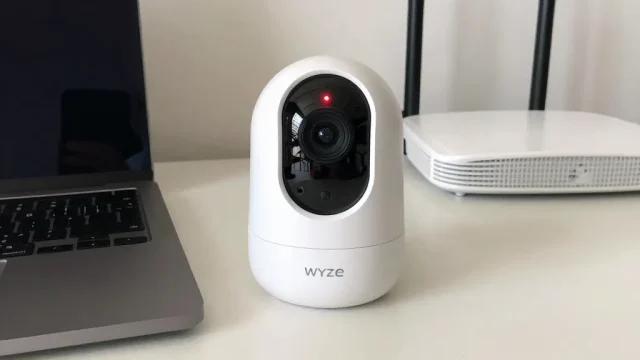
Fix Wyze Cam error code 90 by reconnecting, updating firmware, and optimizing placement.
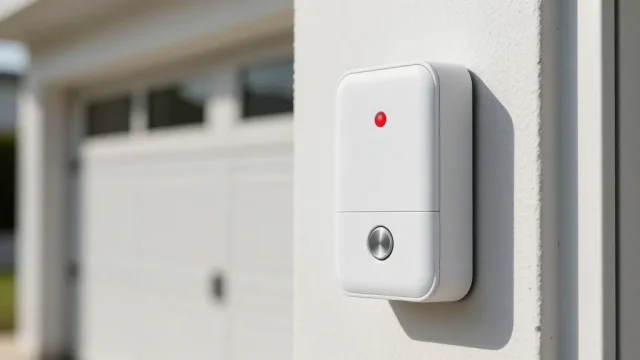
Fix the MyQ offline error by checking connectivity, restarting devices, and ensuring a strong WiFi signal.
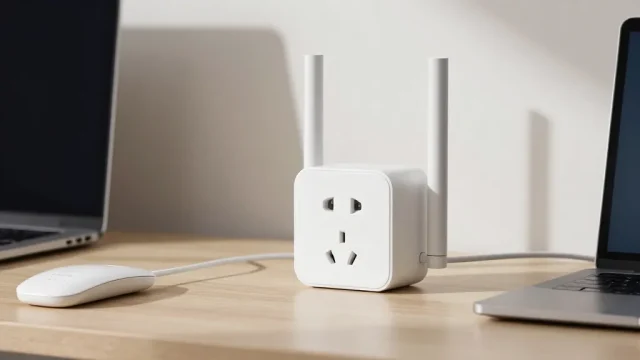
Troubleshoot your smart plug's offline status with simple fixes and network checks.
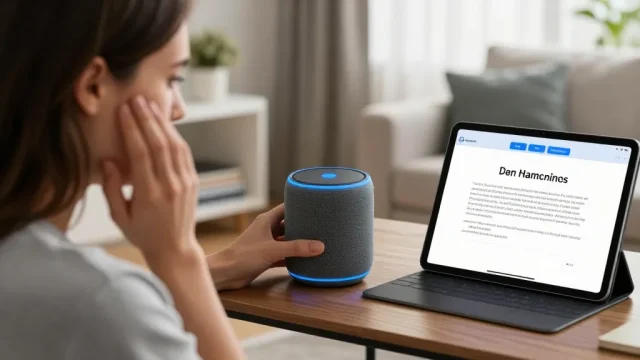
Fix Alexa's 'Sorry, Something Went Wrong' error with simple troubleshooting steps and advanced solutions.