How to Fix LG Washer Error Code OE (Not Draining Water)
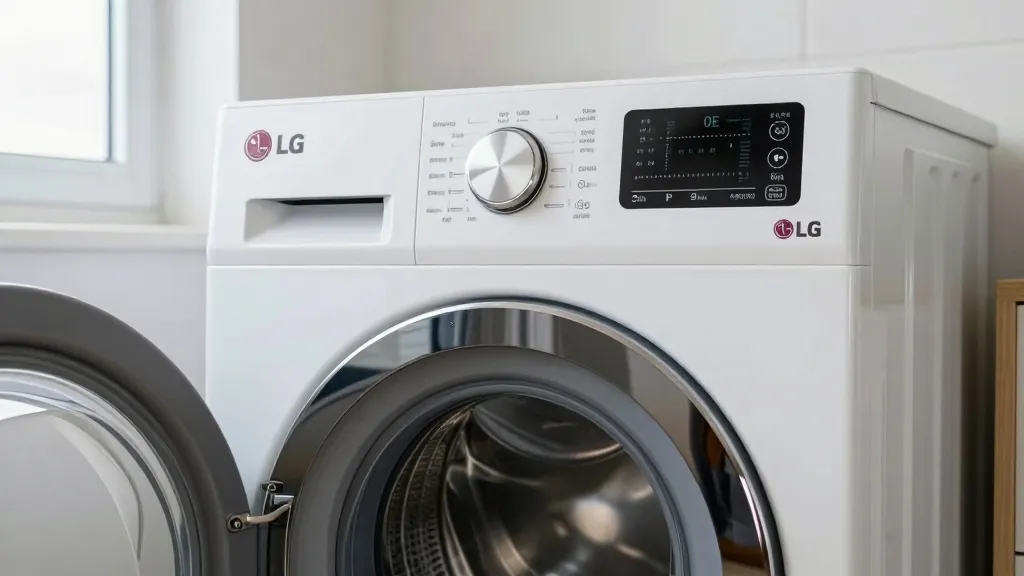
If your LG washer is displaying the OE error code and refusing to drain water, you're not alone. This common issue can leave your laundry unfinished and disrupt your routine. The OE error typically indicates a problem with the drainage process, and understanding how to resolve it can save you time and money. In this article, we’ll explain what the OE error means, why it occurs, and provide a clear, practical guide to fixing it at home. Whether you're dealing with a clogged drain pump or a faulty water level sensor, we’ll walk you through the steps to restore your washer’s functionality.
By following these simple troubleshooting steps, you can often resolve the OE error without needing to call a professional. We’ll cover everything from checking the drain hose and pump to preventing future issues through proper maintenance. If you're looking for a reliable solution to your LG washer's drainage problem, this guide is designed to help you get back to normal operation quickly.
Before attempting any repairs, it’s important to prioritize safety and ensure the washer is properly turned off. We’ll also highlight signs that indicate when it’s time to seek professional assistance, so you can make an informed decision about your appliance’s care. With the right knowledge and tools, you can confidently tackle the OE error and keep your LG washer running smoothly.
Understanding the LG Washer Error Code OE
The OE error code on an LG washer signals a drainage issue, indicating that the machine is unable to drain water properly after a cycle. This error can disrupt the washing process and may lead to water pooling inside the drum or damage to internal components if not addressed promptly. Understanding the OE error and its common causes is essential for resolving the problem effectively and preventing further complications.
What Does the OE Error Code Mean?
The OE error code stands for 'Out of Balance' or 'Drain Error,' depending on the model, but in most cases, it points to a drainage problem. When this error appears, the washer stops mid-cycle, and the display shows OE. This typically happens when the machine fails to drain water from the drum, which can be caused by a variety of factors. The error is a clear indicator that the washer is not functioning correctly and requires immediate attention to avoid more severe issues.
Possible Causes of the OE Error
Common causes of the OE error include a clogged drain pump, which is responsible for removing water from the drum. If debris or lint builds up inside the pump, it can block the flow of water, leading to the error. A faulty or kinked drain hose can also contribute to the problem, as it may restrict water flow or allow air to enter the system. Additionally, issues with the water level sensor can trigger the OE error, as this component helps the washer determine when it has finished draining. Identifying and addressing these potential causes is crucial to resolving the OE error and ensuring the washer operates efficiently.
Step-by-Step Guide to Fix LG Washer Error Code OE
Before attempting any repairs, it's crucial to prioritize safety by turning off the washer and unplugging it to avoid electrical hazards. This step ensures your safety and prevents further damage to the appliance during the troubleshooting process.
- Turn off the washer and unplug it to ensure safety.
- Check the drain hose for clogs or kinks and clear them if necessary.
- Inspect the drain pump for debris and clean it thoroughly.
- Test the washer after cleaning to see if the issue is resolved.
- If the problem persists, consider checking the water level sensor or contacting a technician.
Safety First: Turning Off the Washer
Always start by turning off the washer and unplugging it from the power source. This prevents any electrical shocks and allows the machine to cool down if it has been running continuously. Once the washer is off, locate the power outlet and remove the plug to ensure no electricity is flowing to the appliance.
Checking the Drain Hose and Pump
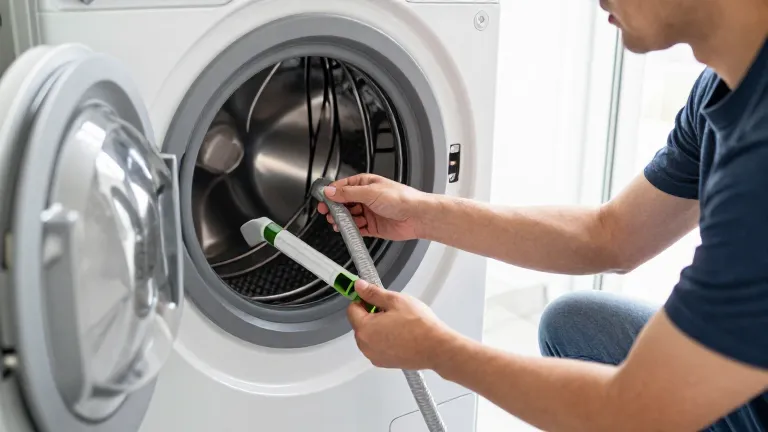
Next, inspect the drain hose for any clogs or kinks. The hose should be free of blockages and have a smooth path to the drain. If you notice any debris, bend, or twists in the hose, straighten it out and remove any obstructions. A clogged drain hose is a common cause of the OE error and can be easily resolved with a quick check and cleaning.
After clearing the drain hose, move to the drain pump. Remove the pump cover and check for any foreign objects such as coins, lint, or small items that may have entered the pump. Use a soft brush or a vacuum to clean out the debris, ensuring the pump operates smoothly. A clogged or dirty drain pump can prevent proper drainage and trigger the OE error.
Common Causes of the OE Error Code
The OE error on an LG washer typically indicates a drainage issue, and several common causes can lead to this problem. Understanding these causes helps homeowners identify and resolve the issue more effectively. The most frequent reason for the OE error is a clogged drain pump, which can become blocked by lint, debris, or foreign objects. Additionally, a faulty water level sensor or a malfunctioning drain pump motor may also contribute to the problem. Other factors, such as improper installation of the drain hose or a full washing machine, can also trigger the OE error.
Clogged Drain Pump
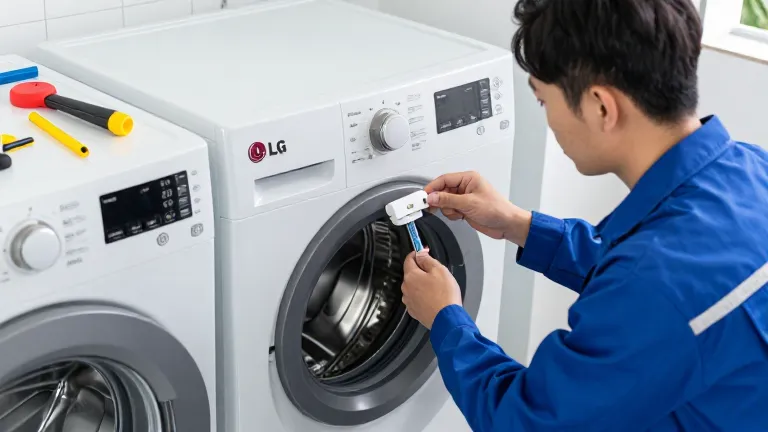
A clogged drain pump is the most frequent cause of the OE error. Over time, lint, fabric softener residue, or small objects can accumulate in the pump, preventing it from functioning properly. This blockage stops the washer from draining water, which triggers the OE error. To address this, homeowners should remove the pump housing and clean out any debris. Regular maintenance can help prevent future clogs and ensure the pump operates efficiently.
Faulty Water Level Sensor
A faulty water level sensor can also lead to the OE error. This sensor detects the water level inside the drum and signals the washer to drain when necessary. If the sensor is damaged or not working correctly, it may send incorrect signals, causing the washer to stop draining. To check the sensor, homeowners should look for signs of damage, such as cracks or corrosion. If the sensor is faulty, it may need to be replaced to restore proper drainage function.
How to Prevent Future OE Errors
Preventing future OE errors involves consistent maintenance and mindful usage of your LG washer. By following a few key practices, you can significantly reduce the risk of drainage issues and extend the lifespan of your appliance.
- Clean the drain pump and hose regularly to prevent blockages.
- Ensure the drain hose is properly installed and free from kinks.
- Avoid overloading the washer to prevent drainage problems.
- Check for signs of wear or damage in the drain pump or hose.
- Run a maintenance cycle to keep the washer in optimal condition.
Maintaining the Drain Pump and Hose
Maintaining the drain pump and hose is crucial for preventing OE errors. Over time, debris, lint, and other particles can accumulate in these components, causing blockages that hinder drainage. To keep them clear, remove the drain pump access panel and use a brush or screwdriver to clean out any buildup. Additionally, inspect the hose for cracks, leaks, or kinks, and replace it if necessary. A clean and properly functioning drain system ensures efficient water removal and reduces the likelihood of future errors.
Avoiding Overloading the Washer
Avoiding overloading the washer helps maintain its efficiency and prevents drainage issues. Loading the machine beyond its capacity can strain the pump and prevent water from draining properly. To avoid this, follow the manufacturer’s guidelines for load size and distribute laundry evenly. Overloading not only increases the risk of OE errors but can also damage the motor and other internal components. By keeping the load within recommended limits, you promote smoother operation and reduce the chances of encountering drainage problems.
When to Call a Professional Technician
If the OE error persists after cleaning the pump and hose, it may indicate a deeper issue that requires professional attention. Faulty water level sensors or drain pump motors can be difficult to diagnose and repair without the right tools and expertise. Attempting to fix complex electrical or mechanical problems yourself can lead to further damage and safety risks.
Signs That You Need a Technician
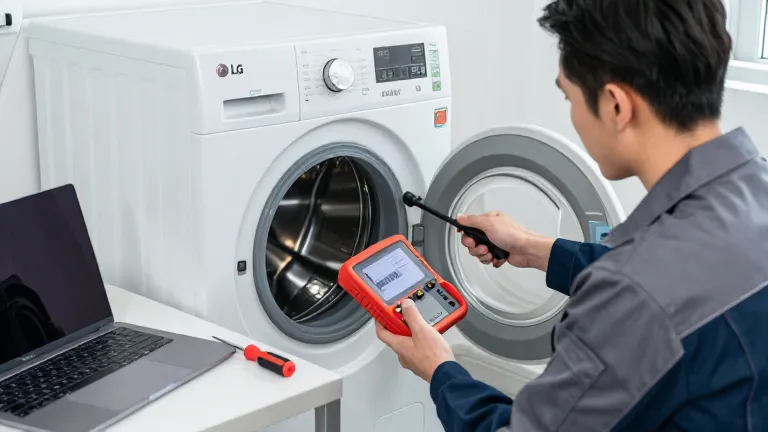
Signs that you need a technician include repeated OE errors despite cleaning the pump and hose, unusual noises during operation, or the washer failing to drain completely even after troubleshooting. If the water level sensor or drain pump motor is faulty, these components may need replacement or recalibration, which is best handled by a trained professional. Complex issues such as damaged internal components or incorrect installation can only be resolved with expert tools and knowledge, making self-repairs risky and potentially ineffective.
Preventing the Need for Repairs
Preventing the need for professional intervention starts with regular maintenance. Clean the drain pump and hose every few months to avoid clogs, and check for signs of wear or leaks during routine inspections. Avoid overloading the washer, as this can strain the pump and water level sensor, leading to OE errors. By staying proactive with maintenance, you can significantly reduce the likelihood of needing a technician. However, if the OE error persists or worsens, it’s best to consult a professional to avoid further complications and ensure the washer functions safely and efficiently.
Frequently Asked Questions
What should I do if my LG washer is full of water and not draining?
If your LG washer is full of water and not draining, first turn it off and unplug it for safety. Check the drain hose for kinks or blockages, and inspect the drain pump for clogs. If these steps don’t resolve the issue, consider calling a professional technician.
Can I fix the OE error without calling a technician?
Yes, you can often fix the OE error without calling a technician by checking and clearing the drain pump, inspecting the drain hose, and ensuring the washer isn’t overloaded. However, if the problem persists, it may require professional assistance.
How often should I clean the drain pump of my LG washer?
It’s recommended to clean the drain pump of your LG washer every 3 to 6 months, depending on usage. Regular cleaning helps prevent clogs and ensures efficient drainage.
What if my LG washer still shows the OE error after cleaning?
If your LG washer still shows the OE error after cleaning, it may indicate a more serious issue, such as a faulty water level sensor or a damaged drain pump. In such cases, it’s best to consult a professional technician for further diagnosis and repair.
Final Thoughts
Regular maintenance and careful use can help prevent the OE error from occurring. Always check the drain hose and pump for blockages, and avoid overloading the washer. If the issue persists, seek professional help to avoid further damage.
By following these steps, you can address the OE error effectively and keep your LG washer running smoothly. Stay proactive with maintenance to ensure long-term reliability and performance.