How to Fix Water Damaged Phone Safely Without Using Rice
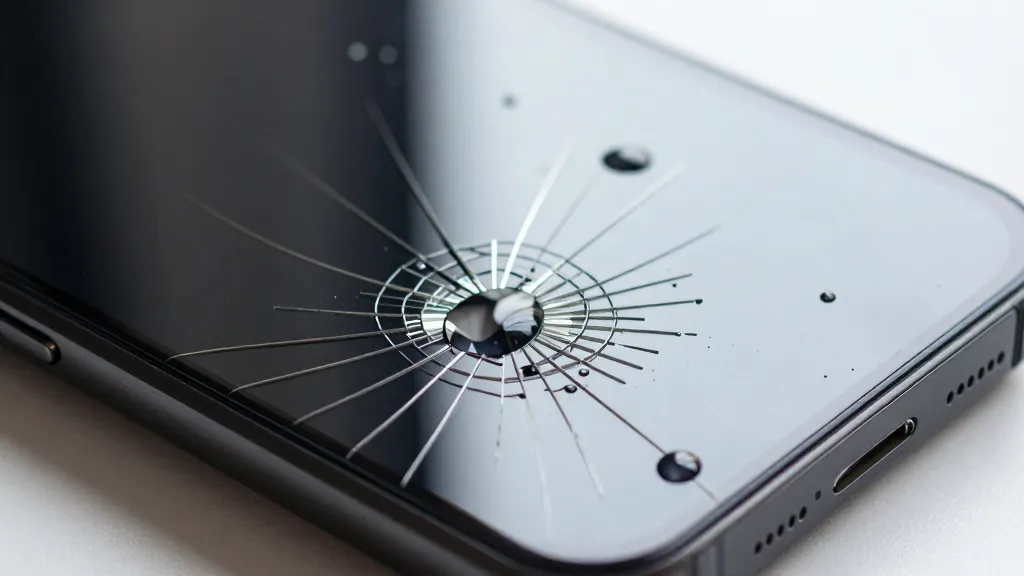
If your phone has been exposed to water, the fear of losing valuable data or a costly repair can be overwhelming. Many people rush to use rice as a drying method, but this approach may not be safe or effective. The main keyword here is How to Fix Water Damaged Phone Safely Without Using Rice. This article provides a clear, practical guide to recovering your phone without resorting to risky or outdated methods. Whether you’ve dropped your phone in a puddle or spilled a drink, knowing the right steps can make all the difference.
We’ll start by explaining how water damage affects your device and the different types of liquids that can cause harm. Next, we’ll cover the immediate actions you should take to prevent further damage. Then, we’ll explore safe drying techniques that avoid the pitfalls of rice-based solutions. Finally, we’ll discuss when it’s best to seek professional help and how to protect your phone from future water damage.
This guide is designed for home users and office workers who want to handle water damage themselves. By following these steps, you can increase your chances of saving your phone without unnecessary risks. Let’s dive into the details and take control of the situation.
Understanding Water Damage in Phones
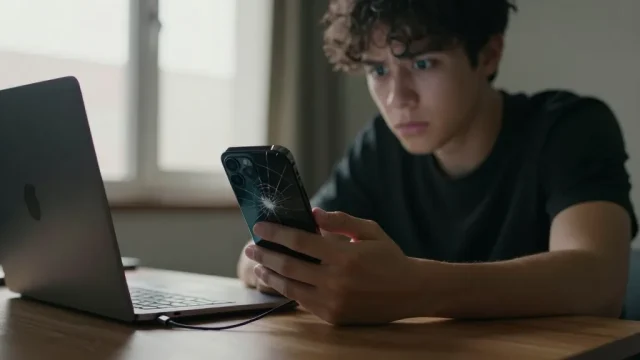
Water damage is a common issue that can affect any phone, regardless of brand or model. Whether you drop your device in a sink, spill coffee on it, or expose it to humidity, the consequences can range from minor malfunctions to complete failure. Understanding the nature of water damage and how it affects your phone is essential to taking the right steps for recovery. Immediate action can significantly improve your chances of salvaging the device and avoiding costly repairs.
Types of Liquids and Their Impact
Different liquids have varying effects on phone components. Water, especially tap water, can cause short circuits and corrosion over time, while saltwater or seawater is more corrosive and can damage internal circuits more severely. Liquids like soda or juice contain sugars and acids that can leave residue and cause long-term damage. The type of liquid you encounter will determine the extent of the damage and the steps needed to address it.
How Water Enters a Phone
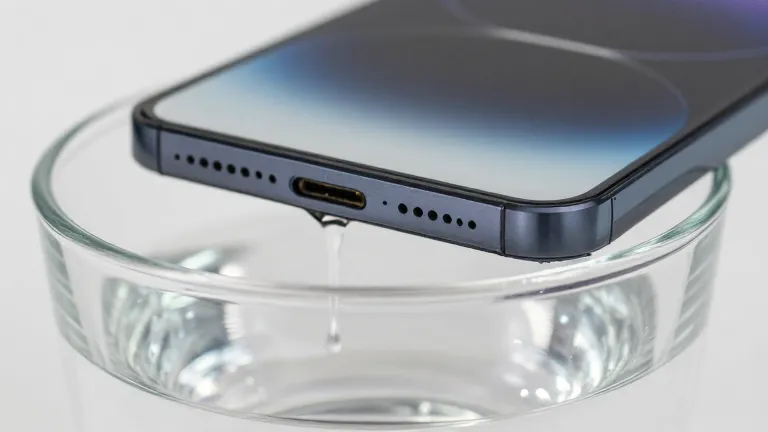
Water can enter a phone through multiple points, including the charging port, headphone jack, speaker grilles, and even the seams of the device. Liquid can seep into the phone during accidental drops or spills, and it may also be absorbed through the screen or case. The more liquid that enters and the longer it remains inside, the greater the risk of damage. Phones are not fully waterproof, and even water-resistant models have limits, making it crucial to act quickly when water exposure occurs.
Immediate Steps to Take When a Phone Gets Wet
The first moments after a phone gets wet are critical for minimizing damage. Acting quickly and correctly can significantly increase the chances of recovering full functionality. Here are the essential steps to take immediately after water exposure.
- Turn off the phone immediately to prevent electrical short circuits.
- Remove any external accessories like cases, earphones, and chargers.
- Dry the phone with a soft, lint-free cloth to remove surface moisture.
Turn Off the Phone
Turning off the phone as soon as it gets wet is crucial to prevent electrical short circuits. Water can cause internal components to overheat or fail, leading to permanent damage. If the phone is already on, press and hold the power button to force a shutdown. Avoid using the phone until it is completely dry to reduce the risk of further harm.
Remove Accessories and Surface Moisture
Before attempting to dry the phone, remove all external accessories such as cases, earphones, and chargers. These items can trap moisture inside the phone and prolong the drying process. Once removed, gently wipe the surface of the phone with a soft, lint-free cloth to remove any visible water or debris. This step helps to prevent moisture from seeping into the ports or buttons.
Safe Drying Techniques for a Water-Damaged Phone
After taking immediate action to stop water from entering your phone, the next step is to dry it safely. While many people recommend using rice to absorb moisture, this method can be counterproductive. Instead, focus on techniques that promote effective and safe drying without risking further damage.
Avoid Using Rice
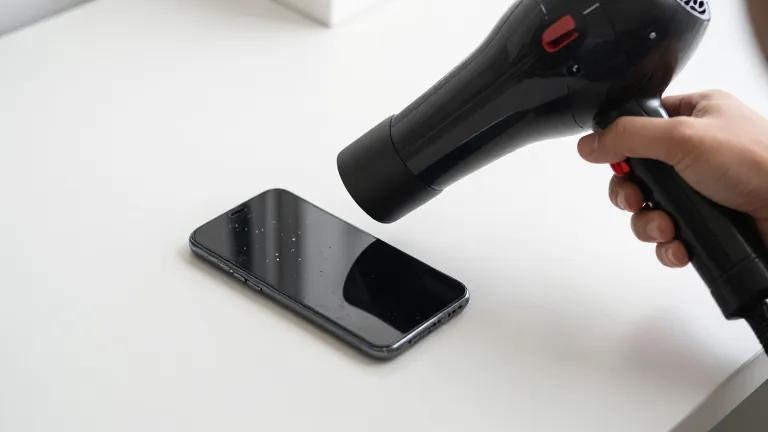
Avoid using rice, as it can trap moisture inside the phone and cause long-term damage. Rice is not an effective desiccant and can leave behind residue that may corrode internal components over time. Additionally, the grains can become lodged in small openings, making it difficult to clean them out later. For a more reliable alternative, consider using a hairdryer on a cool setting or placing the phone in a dry, well-ventilated area.
Use a Hairdryer or Natural Drying
Use a hairdryer on a cool setting to speed up the drying process. Hold the dryer at a distance to avoid overheating the phone, which can damage sensitive electronics. Ensure the phone is not directly exposed to heat, as this can warp internal components or cause further damage. Alternatively, place the phone in a dry, well-ventilated area, such as a room with low humidity and good airflow. This allows moisture to evaporate naturally without the risk of introducing additional heat or contaminants.
When to Seek Professional Help for Water Damage
After attempting to dry your water-damaged phone at home, it's important to know when professional help is necessary. While many phones can recover from minor water exposure, some cases require expert intervention to prevent lasting damage.
Signs That Professional Help Is Required
If your phone doesn't power on after 24–48 hours of drying, it's a strong indication that internal components may be affected. Water can cause corrosion, short circuits, or damage to delicate circuits that aren't visible from the outside. Even if the phone appears to be dry, there may be hidden moisture in critical areas like the motherboard or battery, which can lead to long-term issues such as unexpected shutdowns, charging problems, or data loss.
Finding a Reliable Phone Repair Service
Finding a reliable phone repair service is crucial when internal damage is suspected. Look for technicians who specialize in water damage repairs and have experience with your phone's make and model. Ask for references or check online reviews to ensure the service provider has a good reputation. Avoid low-cost options that promise quick fixes without proper diagnostics, as these can lead to further damage. A qualified professional will use specialized tools to assess the damage and perform repairs that minimize the risk of future issues.
Preventing Future Water Damage
Preventing future water damage is essential to avoid costly repairs and ensure your phone remains functional. By adopting proactive measures, you can significantly reduce the risk of water exposure and catch potential issues early. Simple habits and regular checks can protect your device and extend its lifespan.
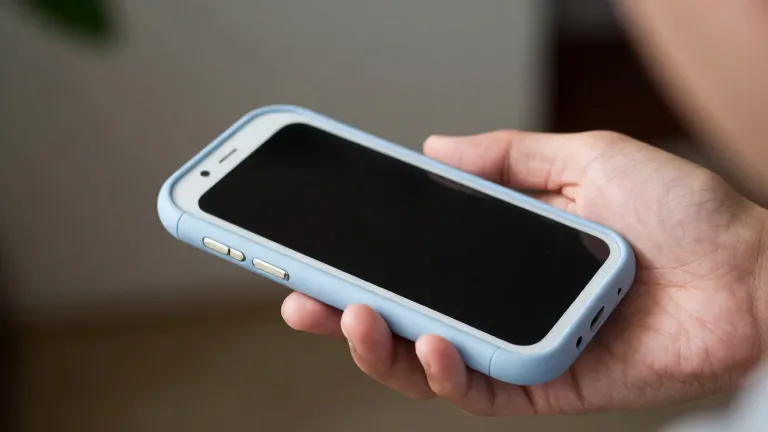
- Use a waterproof phone case or a protective sleeve to prevent accidental water exposure.
- Avoid leaving your phone in places where it might get wet, such as near a sink or in the shower.
- Regularly check for water damage indicators (WDI) in your phone's charging port or other areas.
- Keep your phone away from humid environments and ensure it is not exposed to rain or splashes.
Protect Your Phone From Water
Protecting your phone from water starts with using a waterproof case or a protective sleeve. These accessories create a barrier against accidental splashes, spills, and submersion, making your device more resilient to everyday mishaps. Choose a case that is rated for water resistance, such as IP67 or IP68, to ensure it can withstand minor water exposure.
Check for Water Damage Indicators
Water damage indicators (WDI) are small, colored stickers inside your phone's charging port or other areas that change color if moisture has been present. Regularly inspect these indicators to identify any signs of water exposure early. If the indicator turns red or shows any discoloration, it means your phone has been exposed to water, and you should take immediate steps to dry it and prevent further damage.
Frequently Asked Questions
What should I do if my phone is submerged in water?
If your phone is submerged in water, immediately turn it off and remove any accessories. Gently shake it to remove excess water and avoid pressing any buttons. Place it in a dry, well-ventilated area and do not attempt to charge it until it is completely dry.
Can I use a hairdryer to dry my water-damaged phone?
You can use a hairdryer on a low, cool setting to dry your phone, but avoid using high heat or direct airflow. Keep the phone at a safe distance and ensure it is completely dry before attempting to power it on again.
How long does it take for a water-damaged phone to dry?
The drying process can take anywhere from 24 to 72 hours, depending on the extent of the damage. Patience is key, and rushing the process can lead to further damage.
What are the signs that my phone is permanently damaged from water?
Signs of permanent water damage include unresponsive buttons, a non-working screen, or the phone not turning on. If the phone shows these symptoms after drying, it may require professional repair.
Final Steps for Water-Damaged Phones
Proper handling of water damage is crucial to prevent further harm. By following safe drying techniques and knowing when to seek professional help, you can increase the chances of recovery. Always prioritize caution and avoid risky methods like using rice or heat sources.
If your phone is water-damaged, the first step is to turn it off and remove any accessories. Allow it to air dry in a safe environment. If the phone fails to power on or shows signs of permanent damage, consider contacting a professional repair service.