How to Fix LG Washer Error Code UE or uE (Unbalanced Load)
If your LG washer has stopped spinning and is displaying the UE or uE error code, you're not alone. This error typically signals an unbalanced load, which can cause significant wear on the machine and prevent it from operating efficiently. Understanding and resolving this issue can save you time and money, avoiding the need for costly professional repairs. This article provides a clear, step-by-step guide on how to fix LG washer error code UE or uE, helping you restore your washer's functionality at home. We'll walk you through troubleshooting, prevention tips, and model-specific advice to ensure your appliance runs smoothly and lasts longer.
Understanding the LG Washer UE Error Code
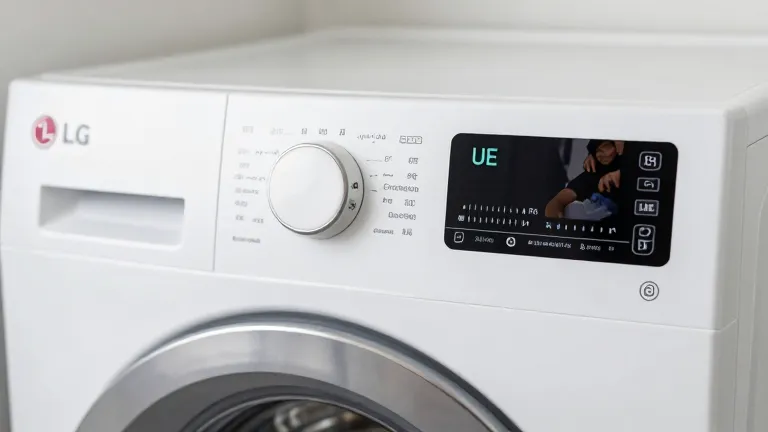
The LG Washer UE error code signals an unbalanced load, a common issue that disrupts the normal operation of your washing machine. This error typically appears when the laundry is not evenly distributed inside the drum, causing the washer to vibrate or make unusual noises. While the error may show up as 'uE' on some models, the underlying cause and troubleshooting steps remain consistent. Understanding the reasons behind this error and its potential impact on your appliance is essential for resolving the issue effectively.
What Causes the UE Error Code?
The UE error is primarily triggered by an uneven distribution of laundry inside the washer drum. When items are stacked or grouped together, the weight is not spread evenly, which prevents the drum from spinning properly. This imbalance can occur when loading a large number of heavy items, such as towels or bedding, or when smaller items like socks or underwear are not distributed throughout the drum. The washer’s sensors detect this imbalance and activate the UE error to prevent damage to the machine.
Why Is an Unbalanced Load a Problem?
An unbalanced load can lead to excessive vibration, loud noises, and even mechanical stress on the washer’s components. The spinning motion of the drum is essential for effective cleaning, and when this motion is disrupted, the washing process becomes inefficient. Prolonged unbalanced loads can also cause wear on the motor, bearings, and other internal parts, potentially leading to more serious and costly repairs. Addressing the UE error promptly helps protect your appliance and ensures optimal performance.
How to Fix the UE Error Code on Your LG Washer
The first step in resolving the UE error code is to manually redistribute the laundry to achieve balance. This simple action often resolves the issue without requiring further intervention.
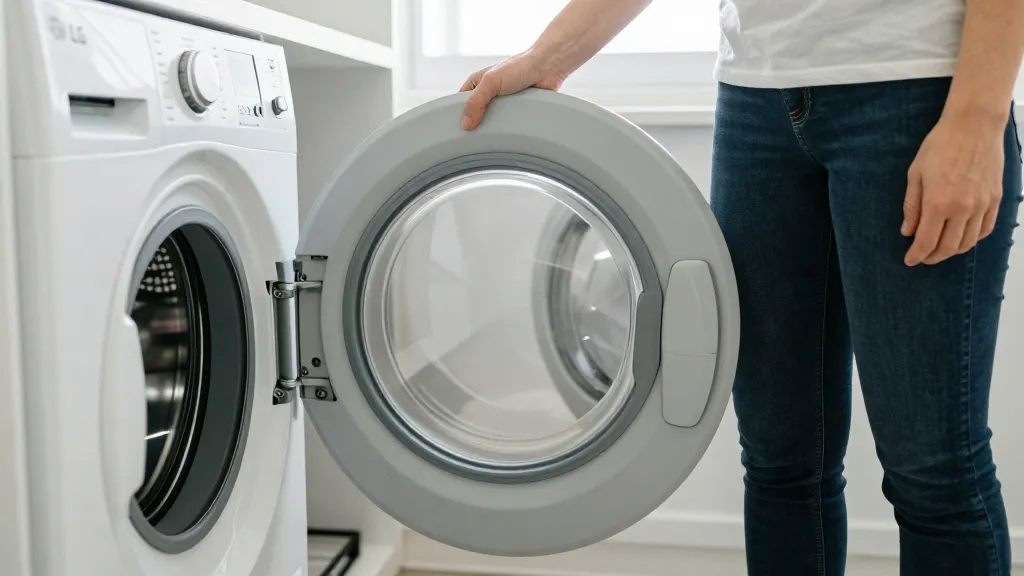
- Stop the washer and open the door to redistribute the laundry.
- If the load is still unbalanced, try redistributing it evenly and restarting the cycle.
- Check for foreign objects or oversized items that may be causing the imbalance.
- Ensure the washer is level and not rocking on the floor.
Step-by-Step Troubleshooting Guide
Begin by stopping the washer and opening the door. This allows you to access the laundry inside and redistribute it evenly. Remove any heavy or unevenly distributed items and place them in a balanced arrangement. Avoid overloading the machine, as this can contribute to imbalance.
What to Do If the Washer Still Won't Spin
If the washer still won't spin after redistribution, inspect the drum for any foreign objects or oversized items that may be causing the imbalance. These can include socks, coins, or other small items that have become lodged in the drum. Additionally, check the floor beneath the washer to ensure it is level. A rocking washer can cause vibrations that lead to the UE error. Adjust the leveling feet if necessary to stabilize the machine.
When to Call a Professional for the UE Error
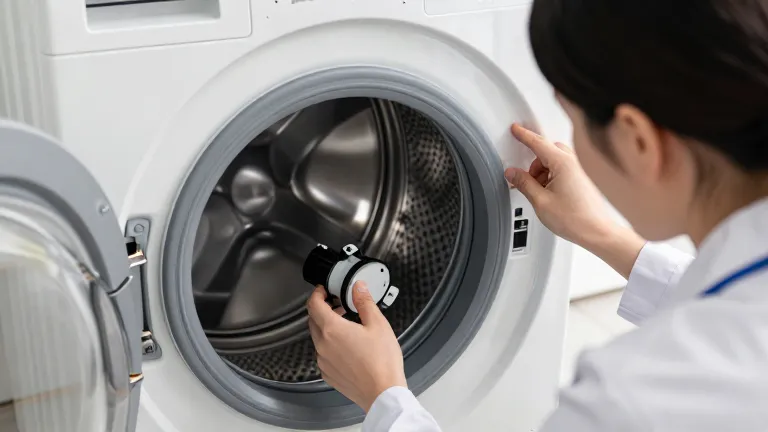
If the UE error code continues to appear even after redistributing the load, it may indicate a more serious mechanical issue that requires professional attention. Persistent errors can signal underlying problems that could compromise the washer's performance and longevity.
Signs That It's a Serious Mechanical Issue
Signs that the UE error points to a serious mechanical issue include repeated error occurrences, unusual noises during operation, or the washer failing to spin even after load redistribution. Faulty sensors, worn-out bearings, or internal mechanical failures are common culprits. These issues can lead to structural damage or electrical faults that are difficult to diagnose without specialized tools.
When to Avoid DIY Fixes
Avoid forcing the machine to spin if the error persists, as this could exacerbate existing problems and lead to further damage. DIY fixes should be limited to basic troubleshooting steps, such as load redistribution or checking for obstructions. If the error continues, it's best to seek professional assistance to prevent potential safety hazards or costly repairs.
Preventing the UE Error Code in the Future
Preventing the UE error code involves consistent maintenance and mindful laundry habits. By following simple yet effective practices, you can significantly reduce the likelihood of encountering the UE error in the future, ensuring smoother operation and longer-lasting performance of your LG washer.
- Distribute laundry evenly in the drum to maintain balance during the spin cycle.
- Avoid overloading the washer, as it can cause imbalance and trigger the UE error.
- Regularly check and adjust the washer's leveling feet to ensure stability.
- Use the washer's built-in load balance feature if available to automatically adjust the load.
Tips for Even Load Distribution
Distributing laundry evenly in the drum is crucial for preventing the UE error. When items are spread out rather than stacked, the washer can spin more efficiently, reducing stress on the motor and drum. To achieve even distribution, spread out heavier items like towels and bedding, and place lighter items like shirts and socks around them. This method ensures that the weight is balanced across the drum, minimizing the risk of an unbalanced load.
Maintaining Your Washer to Prevent Future Errors
Maintaining your washer regularly is key to preventing future UE errors. Start by checking the leveling feet at least once a month to ensure the washer sits evenly on the floor. If the feet are uneven, adjust them until the washer is stable. Additionally, clean the detergent dispenser and drain pump filter to prevent clogs that could affect the washer's performance. Regular maintenance not only helps avoid the UE error but also extends the lifespan of your appliance.
Troubleshooting Tips for Specific LG Washer Models
Different LG washer models may handle the UE error code slightly differently, so it's important to consult your specific model's manual for detailed instructions. Some models include features like a 'Load Balance' option that can be activated during the cycle to help distribute the load evenly. Understanding these model-specific nuances can help you resolve the issue more effectively.
Model-Specific Fixes
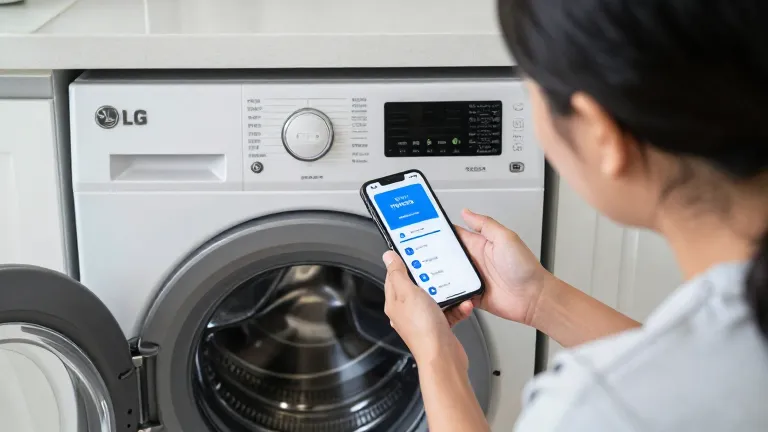
Certain LG washer models, such as the ThinQ series or the Neptune line, may have a dedicated 'Load Balance' setting that can be accessed through the control panel. This feature helps the washer adjust the spin speed to compensate for uneven distributions. If your model includes this option, ensure it is enabled during the wash cycle to prevent the UE error. Always refer to the user manual to confirm the exact location and function of this setting.
Checking for Firmware Updates
Keeping your LG washer's firmware up to date can also play a role in preventing the UE error. Manufacturers often release updates that improve error handling and system performance. To check for firmware updates, connect your washer to the LG SmartThinQ app or follow the instructions in your manual. Regular firmware updates ensure your appliance operates at its best and may resolve known issues related to load imbalance.
Frequently Asked Questions
What should I do if my LG washer keeps showing the UE error after redistributing the load?
If the UE error persists after redistributing the load, ensure the washer is level and restart the cycle. If the issue continues, check for mechanical problems or contact a professional.
Can a foreign object inside the drum cause the UE error code?
Yes, a foreign object inside the drum can disrupt the balance, triggering the UE error. Remove any objects and ensure the drum is clean before retrying the cycle.
Is the UE error code the same across all LG washer models?
The UE error code generally indicates an unbalanced load across LG washer models, but specific model variations may require different troubleshooting steps.
How do I know if the UE error is due to a mechanical issue rather than an unbalanced load?
If the UE error persists after redistributing the load and checking for foreign objects, it may indicate a mechanical issue. Consult a professional for further diagnosis.
Final Thoughts
Addressing the UE error involves checking load balance, ensuring the washer is level, and inspecting for foreign objects. If these steps don't resolve the issue, professional assistance is recommended.
Regular maintenance and mindful loading habits can help prevent future UE errors. Always follow the manufacturer's guidelines for optimal performance.