How to Fix Samsung Washer Error Code 5E or 5C (Drain Issue)
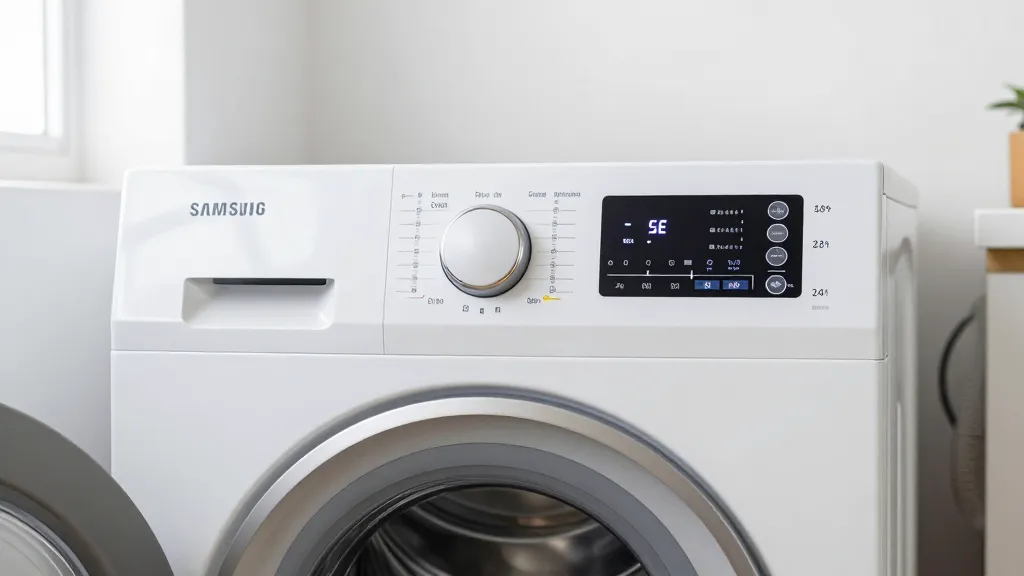
If your Samsung washer is displaying error code 5E or 5C, you're likely dealing with a drainage issue that can disrupt your laundry routine. These codes typically indicate that the washer is unable to drain water properly, which can be frustrating for busy homeowners and professionals. Understanding what these error codes mean and how to address them is essential to restoring your washer’s functionality without unnecessary downtime. This article provides a clear, actionable guide to help you troubleshoot and resolve the issue effectively. Whether the problem is a clogged drain filter or a faulty drain pump, we'll walk you through the steps to fix it yourself.
The first step in resolving error code 5E or 5C is to identify the root cause of the drainage problem. Common culprits include physical obstructions, a dirty drain filter, or improper connections in the drain hose. By systematically checking these areas, you can often resolve the issue without needing professional assistance. We’ll break down each step in an easy-to-follow manner, ensuring you have the tools and knowledge to tackle the problem confidently.
In addition to immediate fixes, this guide also covers how to prevent future drainage issues by maintaining your washer regularly. From cleaning the drain filter to inspecting the drain hose, we’ll provide practical tips to keep your Samsung washer running smoothly. Whether you're a first-time DIYer or a seasoned homeowner, this article is designed to help you resolve error code 5E or 5C and get your laundry back on track.
Understanding Samsung Washer Error Code 5E or 5C
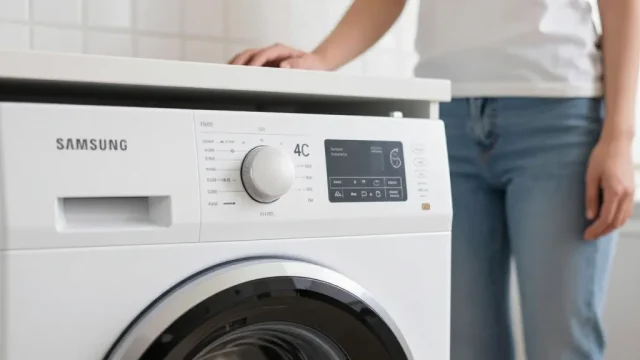
Samsung washer error code 5E or 5C indicates a drainage problem, which can disrupt the washing cycle and lead to incomplete or failed washes. These codes are commonly triggered by blockages in the drain system or malfunctions in the drain pump. While both codes are related to drainage issues, they may arise from different underlying causes, requiring careful diagnosis to resolve effectively.
What Do Error Codes 5E and 5C Mean?
Error code 5E typically appears when the washer fails to drain water during the spin cycle, often due to a blockage in the drain hose or filter. It may also be linked to a faulty drain pump or motor. In contrast, error code 5C is usually associated with a drainage problem that occurs during the fill cycle, suggesting issues with the pump or a clogged drain system. Both codes signal that the washer is unable to complete its drainage process, which can lead to water accumulation inside the drum.
Why Is the Washer Not Draining?
The washer may stop mid-cycle or fail to start altogether if the drain issue remains unresolved. This can result in water sitting inside the drum, creating a risk of mold or mildew growth. The root cause is often a physical obstruction, such as lint, soap residue, or foreign objects, blocking the drain filter or pump. Alternatively, the drain pump itself may be damaged or worn out, preventing it from functioning properly. Identifying which specific error code is displayed is crucial for narrowing down the potential causes and applying the correct troubleshooting steps.
Step-by-Step Guide to Fix Washer Not Draining
Fixing a Samsung washer that won’t drain involves a methodical approach to identify and resolve common issues. Start by checking for physical obstructions, then move on to cleaning the drain filter and pump to ensure proper drainage.
- Check if the drain hose is kinked or blocked.
- Inspect the drain filter and clean it if necessary.
- Ensure the drain pump is free of debris.
- Verify that the home’s water supply and drain connections are working.
- Run a test cycle to see if the error resolves.
Check for Physical Obstructions
Begin by inspecting the drain hose for kinks or blockages. The hose should be positioned at a slight slope, with the bottom end at least 10 inches above the floor to prevent siphoning. If the hose is bent or clogged, straighten it and clear any debris to allow proper water flow.
Clean the Drain Filter and Pump
Next, locate and clean the drain filter. This is typically found at the bottom of the washer, accessible by removing a panel. Use a screwdriver to take off the filter, then rinse it under running water to remove any trapped lint or particles. Reinstall the filter securely to prevent future blockages. Also, check the drain pump for debris, which can accumulate over time and hinder drainage. Use a soft brush or cloth to clean the pump area, ensuring no foreign objects remain.
How to Clean the Drain Filter in Your Samsung Washer
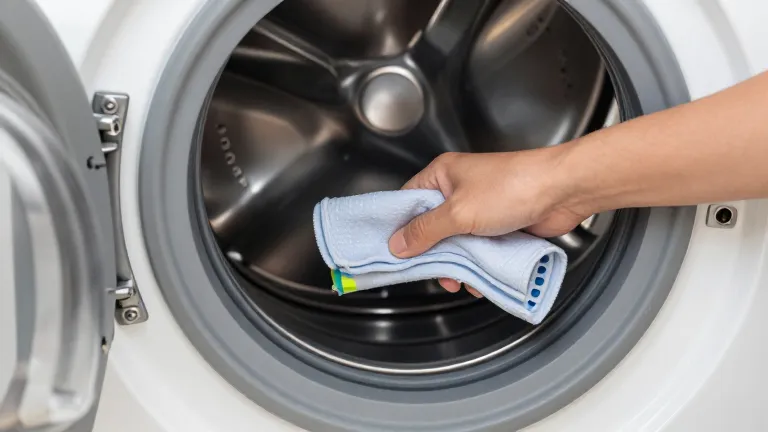
Cleaning the drain filter is a crucial step in resolving Samsung washer error codes 5E or 5C. A clogged filter can prevent proper drainage, leading to error messages and potential damage to the machine. This section guides you through the process of locating, removing, cleaning, and reinstalling the filter to restore your washer’s functionality.
- Locate the drain filter under the washer’s front panel.
- Remove the filter and clean out any dirt, lint, or debris.
- Rinse the filter thoroughly with water before reattaching.
- Replace the filter and ensure it’s securely in place.
- Check for signs of damage or wear on the filter.
Locating and Removing the Drain Filter
To locate the drain filter, gently lift the front panel of your Samsung washer. The filter is typically found near the bottom of the machine, beneath the drum. Depending on the model, you may need to remove a panel or access it from the front. Once located, use a wrench or your hands to carefully remove the filter. Be cautious not to damage surrounding components during this process.
Cleaning and Reinstalling the Filter
After removing the filter, inspect it for dirt, lint, or debris that may have accumulated over time. Use a soft brush or cloth to remove any visible buildup. If the filter is heavily clogged, rinse it under running water to ensure it is clean. Avoid using harsh chemicals or abrasive materials that could damage the filter. Once cleaned, make sure to thoroughly dry the filter before reinstalling it.
Reinstall the filter by aligning it with the slot or housing in the washer. Push it firmly into place until it clicks or feels secure. Double-check that the filter is properly seated to prevent future clogs. If the filter shows signs of damage, such as cracks or wear, replace it with a new one to avoid recurring drainage issues.
Troubleshooting Common Drainage Issues in Samsung Washers
After addressing physical obstructions and cleaning the drain filter, it's essential to investigate other potential causes of drainage issues. These include problems with the drain hose, pump, or washer stability. A thorough inspection of these components can help resolve persistent drainage failures without requiring professional assistance.
Checking the Drain Hose and Connections
Ensure the drain hose is properly connected to the washer and the drain pipe. The hose should be positioned so it is not submerged in water, as this can cause siphoning and prevent proper drainage. Check for kinks, leaks, or blockages in the hose, and make sure the connection at the back of the washer is secure. If the hose is damaged or not installed correctly, it may need to be replaced or repositioned.
Testing the Drain Pump and Motor
To test the drain pump and motor, first unplug the washer and locate the pump, which is usually at the bottom of the unit. Inspect the pump for debris or blockages and clean it if necessary. If the pump is faulty or the motor is not working, the washer may not drain properly. In some cases, a drain pump reset or a firmware update may resolve the issue, especially if the problem persists after cleaning and repositioning the hose.
When to Call a Professional for Samsung Washer Drain Issues
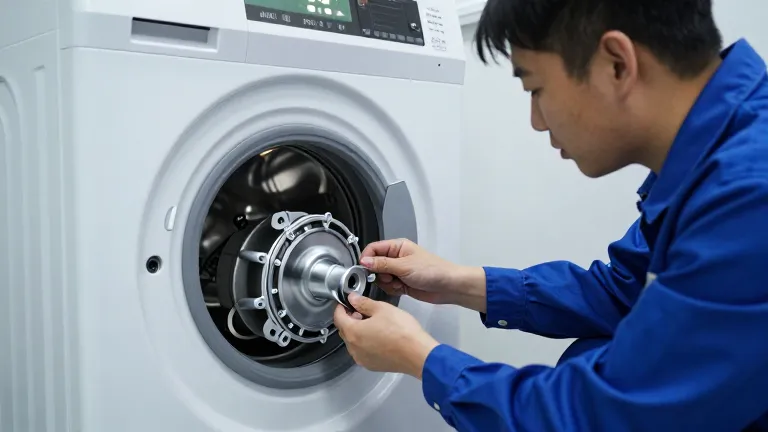
If you've completed all troubleshooting steps and the washer still shows error code 5E or 5C, it's time to call a professional. Persistent issues may indicate deeper mechanical or electrical faults that require expert diagnosis and repair.
Signs That Professional Help Is Needed
Professional help is needed if cleaning the filter and checking the pump don't resolve the issue. A damaged drain pump motor, leaking hose, or improper installation can cause recurring drainage problems. Technicians have the tools to inspect internal components and identify hidden issues that aren't visible to homeowners.
Preventing Future Drainage Problems
To prevent future drainage problems, ensure the washer is level and the drain system is properly installed. Regular maintenance, such as cleaning the filter and checking connections, can help avoid costly repairs. If the error code persists even after a firmware update or reset, professional assistance is crucial to restore the washer's functionality.
Frequently Asked Questions
What should I do if my Samsung washer is not draining and shows error code 5E?
If your Samsung washer is not draining and shows error code 5E, start by checking for physical obstructions. Then, clean the drain filter and inspect the drain hose for blockages. If these steps don't resolve the issue, consider professional assistance.
Can a clogged drain filter cause Samsung washer error code 5C?
Yes, a clogged drain filter can cause Samsung washer error code 5C. The filter can become blocked with lint or debris, preventing proper drainage. Regular cleaning of the filter can help prevent this issue.
How often should I clean the drain filter on my Samsung washer?
It is recommended to clean the drain filter on your Samsung washer every 1 to 3 months, depending on usage. Frequent use or heavy loads may require more frequent cleaning.
Is error code 5E the same as error code 5C on Samsung washers?
Error code 5E and 5C on Samsung washers are related to drainage issues but have slightly different causes. Error code 5E often indicates a drainage problem, while 5C is linked to the drain pump or filter. Both require attention to resolve.
Final Thoughts
Regular maintenance of your Samsung washer's drain filter and hose can prevent error codes 5E and 5C. If drainage issues persist, professional help is advisable.
By following these steps, you can address most drainage problems in your Samsung washer. Ensure you clean the filter and check for obstructions to maintain optimal performance.