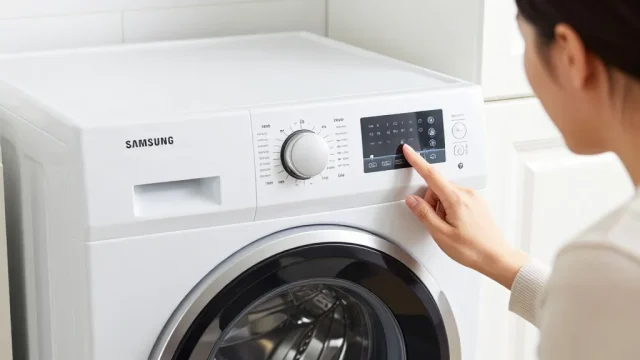
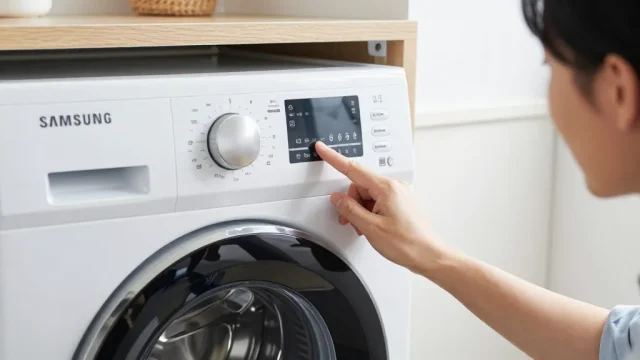
How to Fix Samsung Dryer Error Code dE or dO (Door Error)
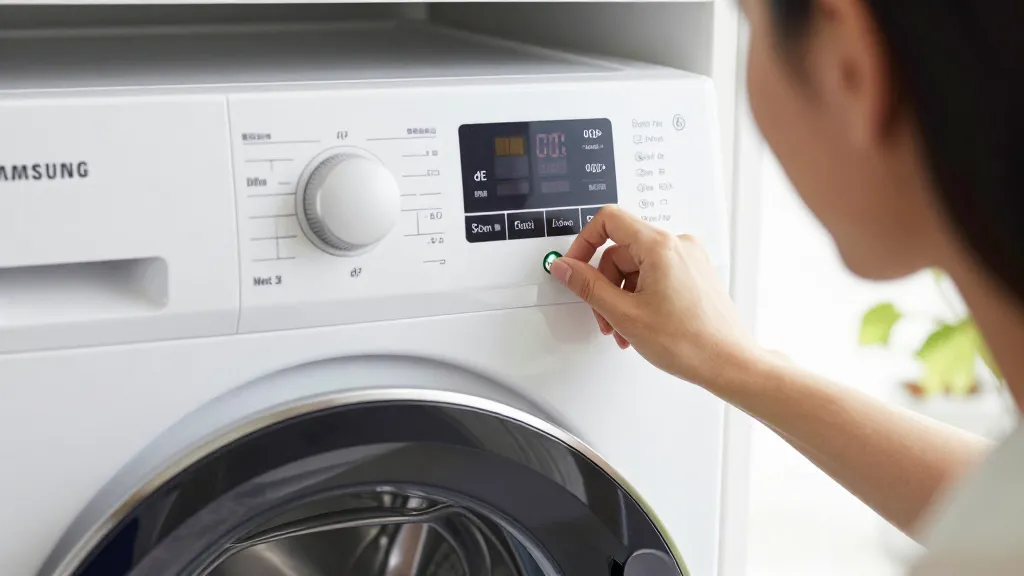
If your Samsung dryer is displaying error code dE or dO, you're not alone. These codes signal a door error, which can disrupt your laundry routine and leave you wondering how to proceed. Whether you're a homeowner or an apartment dweller, encountering this issue can be frustrating, but it's often fixable with the right approach. This article provides a clear, step-by-step guide to help you understand and resolve Samsung dryer error code dE or dO (Door Error).
Understanding the root cause of the error is the first step in troubleshooting. Door errors can stem from a variety of issues, such as a faulty latch, debris buildup, or a malfunctioning door lock switch. By following the practical solutions outlined here, you can address these problems without needing to call a professional immediately.
Prevention is key to avoiding future door errors. Regular maintenance and careful inspection of the door mechanism can help keep your dryer running smoothly. However, if the issue persists despite your efforts, it's important to know when to seek professional assistance to avoid further damage to your appliance.
Understanding Samsung Dryer Error Code dE or dO
Samsung Dryer Error Code dE or dO signals a door-related issue that can disrupt the operation of your appliance. This error typically occurs when the dryer's sensors detect an improperly closed or malfunctioning door. Understanding the meaning and causes of this error is essential for resolving the problem efficiently.
What Does Error Code dE or dO Mean?
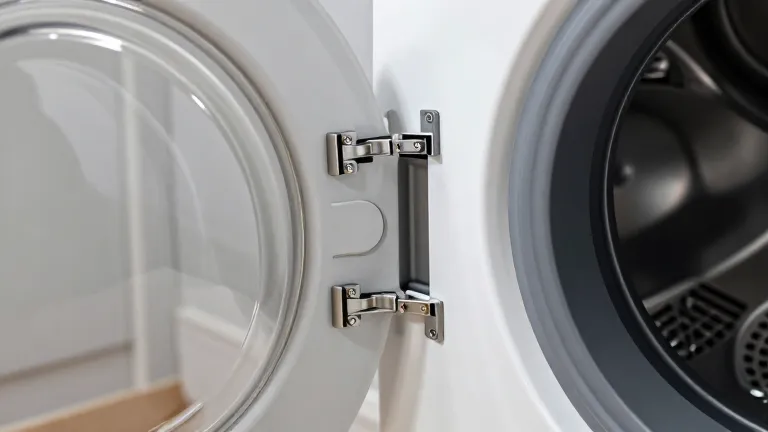
Error code dE or dO appears when the dryer's internal sensors detect an issue with the door or its latch mechanism. These codes are part of Samsung's diagnostic system, designed to alert users to potential problems that could affect the dryer's performance. The error may prevent the dryer from starting or cause it to stop mid-cycle, depending on the severity of the issue. The dryer's control panel displays the error code to help users identify and address the problem promptly.
Common Causes of Samsung Dryer Door Error
Common causes of the Samsung Dryer Door Error include a door that is not fully closed, a damaged or misaligned latch, or a faulty door lock switch. The door must be securely closed for the dryer to operate safely, and any obstruction or misalignment can trigger the error. Additionally, debris or lint buildup around the door area can interfere with the sensors' ability to detect the door's position. In some cases, the error may stem from a malfunction in the door lock switch, which is responsible for confirming that the door is properly latched before the dryer starts.
Step-by-Step Guide to Fix Samsung Dryer Door Error
The first step in resolving a Samsung dryer error code dE or dO is to ensure the door is properly closed and latched. Many door errors occur due to improper closure, so a thorough inspection of the door and its mechanism is essential before moving to more complex fixes.
- Check the Door and Latch Mechanism
- Clean the Door and Surrounding Area
Check the Door and Latch Mechanism
Begin by opening and closing the dryer door to confirm it closes fully. If the door does not latch, check for any obstructions such as lint, dust, or foreign objects that might prevent it from sealing properly. Ensure the door is aligned with the dryer's frame and that the latch mechanism moves freely without resistance.
Clean the Door and Surrounding Area
Use a soft cloth or brush to clean the door and the area around the lint trap and vent hose. Lint and dust buildup can interfere with the door's ability to close securely. Pay special attention to the edges of the door and the latch area, as these are common spots for debris accumulation. A clean door and surrounding area can often resolve minor door errors without further intervention.
Troubleshooting Samsung Dryer Door Error Code dE or dO
Troubleshooting the Samsung dryer error code dE or dO involves addressing potential issues that prevent the door from closing correctly. If the door is closed properly, the next step is to reset the dryer to clear any temporary glitches. This simple action can resolve minor software or sensor errors that may trigger the door error. If the error persists, a deeper inspection of the door lock switch and related components is necessary.
Resetting the Dryer
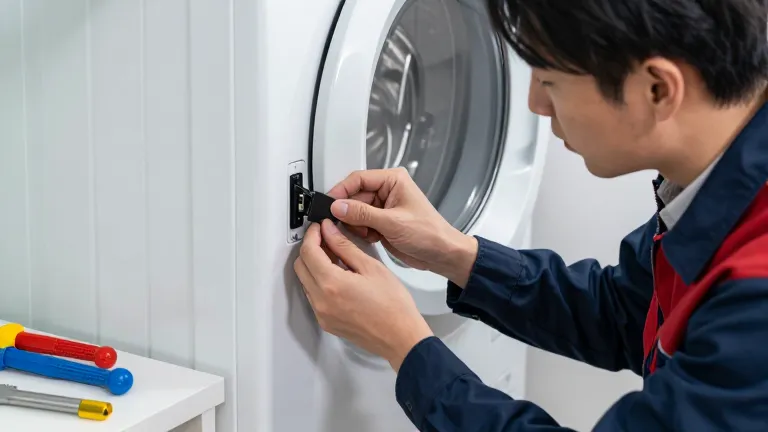
To reset the dryer, unplug it from the power source for at least 30 seconds. This allows the internal systems to reset and can often resolve minor electrical or software issues. After plugging the dryer back in, attempt to start a cycle to see if the error clears. If the problem continues, it may indicate a more persistent issue with the door mechanism or sensors.
Inspecting the Door Lock Switch
Inspect the door lock switch for signs of damage, wear, or misalignment. The switch is responsible for confirming the door is securely closed before the dryer starts. Look for physical damage, such as cracks or broken parts, and ensure the switch moves freely without resistance. A faulty switch can cause the dryer to incorrectly detect an open door, leading to the dE or dO error. If the switch is damaged or worn, it may need to be replaced to restore proper function.
Preventing Future Samsung Dryer Door Errors
Preventing future Samsung dryer door errors starts with consistent maintenance and mindful usage. Always ensure the door is closed properly before starting the dryer. A poorly closed door can trigger the dE or dO error, so take a moment to double-check the latch and alignment. Some dryers have a sensor that detects if the door is fully secured, so a simple visual or auditory confirmation can help avoid unnecessary troubleshooting.
Regular cleaning of the door and surrounding area is essential to prevent lint buildup, which can interfere with the door's operation. Over time, lint and debris can accumulate around the door seal and latch, causing the door to stick or not close correctly. Wipe down the door edges and the area around the dryer’s exterior to maintain optimal performance. This simple habit can significantly reduce the likelihood of door-related errors.
Avoid overloading the dryer, as this can strain the door mechanism and lead to improper closure. While it may be tempting to fit as many items as possible into the drum, overfilling can cause the door to not close fully or create pressure imbalances. Stick to the manufacturer’s recommended load capacity to ensure smooth operation and prevent issues with the door latch. Proper loading also helps maintain the dryer’s efficiency and longevity.
Schedule regular maintenance checks for the door latch and lock system to catch potential issues before they cause a malfunction. A professional technician can inspect the door lock switch, latch mechanism, and surrounding components for wear or damage. Even minor misalignments or degraded parts can lead to repeated door errors, so proactive maintenance helps prevent costly repairs and downtime. Incorporating these preventive steps into your routine can save time, money, and frustration in the long run.
When to Call a Professional for Samsung Dryer Door Error
If basic troubleshooting steps fail to resolve the Samsung Dryer Error Code dE or dO, it's time to seek help from a qualified technician. A professional can accurately diagnose the issue and provide a lasting solution, ensuring your dryer operates safely and efficiently. Attempting to repair complex components like the door lock or latch without experience can lead to further damage or safety risks, which is why it's best to leave such tasks to experts. A trained technician has the tools and knowledge to identify and fix underlying problems that may not be apparent to an untrained eye.
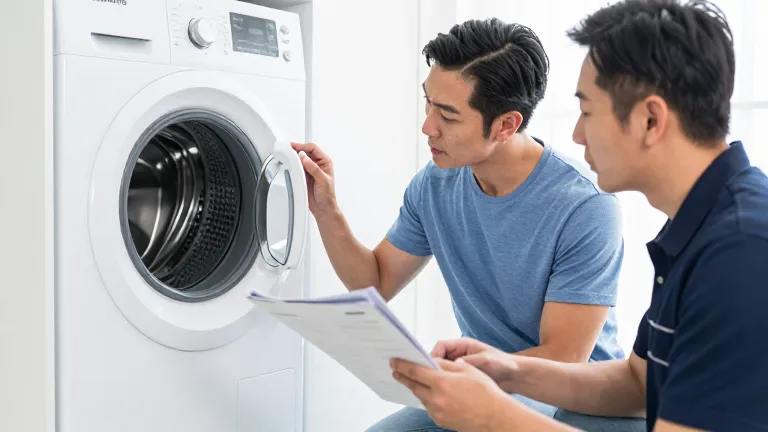
Regular maintenance can significantly reduce the likelihood of recurring door error codes. A professional service can inspect and clean the door mechanism, check the lock switch, and ensure all parts are functioning correctly. This proactive approach helps prevent minor issues from escalating into major repairs, saving time and money in the long run. By scheduling routine maintenance, you not only extend the lifespan of your dryer but also maintain its efficiency and safety.
Calling a professional is especially important if the error persists after multiple attempts at DIY fixes. Some issues, such as faulty wiring or internal component failure, require specialized tools and expertise to resolve. A qualified technician can also verify that any repairs meet safety standards and comply with manufacturer guidelines. Remember, your safety and the proper functioning of your appliance are paramount, and professional assistance ensures both are prioritized. Don't hesitate to reach out to a service provider if you're unsure about the cause or solution of the error.
Frequently Asked Questions
What should I do if my Samsung dryer keeps showing error code dE?
If your Samsung dryer keeps showing error code dE, start by checking if the door is properly closed and the latch is secure. If the issue persists, clean the door and surrounding area, and inspect the door lock switch for damage or malfunction.
Can I fix the Samsung dryer door error without calling a technician?
Yes, you can often fix the Samsung dryer door error without a technician by checking the door and latch mechanism, cleaning the area, and resetting the dryer. However, if these steps don’t resolve the issue, professional help may be needed.
Why does my Samsung dryer stop working when the door is closed?
Your Samsung dryer may stop working when the door is closed due to a faulty door lock switch or a misaligned door. These issues prevent the dryer from operating safely, so it stops to avoid damage or hazards.
How often should I clean the door of my Samsung dryer?
You should clean the door of your Samsung dryer every few months, or whenever you notice lint buildup or odors. Regular cleaning helps prevent door-related errors and maintains optimal dryer performance.
Final Thoughts
Fixing Samsung dryer error code dE or dO requires checking the door and latch, cleaning the area, and inspecting the lock switch. Regular maintenance helps prevent future issues and ensures safe operation.
If basic troubleshooting doesn’t resolve the error, it’s time to call a professional. Taking proactive steps will keep your dryer running smoothly and avoid unnecessary downtime.