How to Fix Samsung Fridge Error Code EF: Troubleshooting Guide
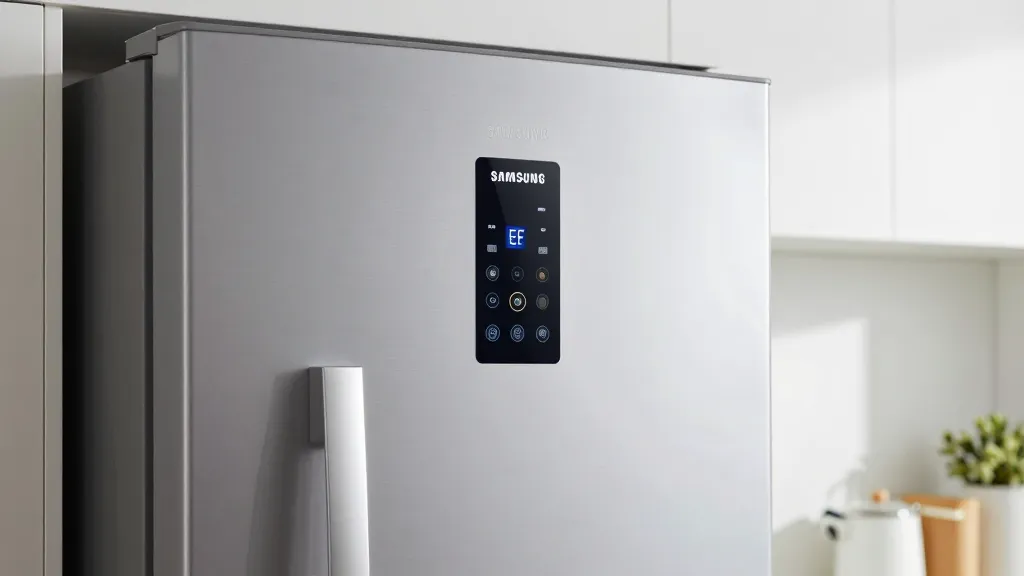
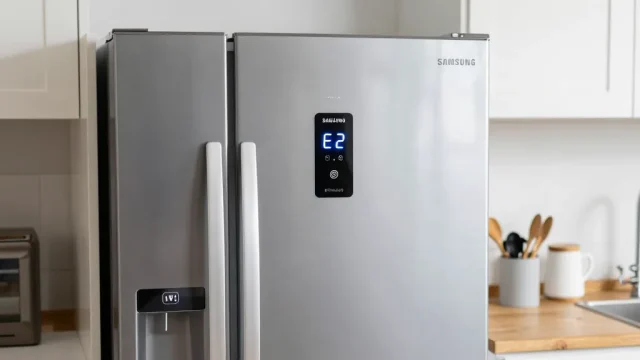
If your Samsung fridge is displaying the error code EF, it can be confusing and disruptive to your daily routine. This code typically signals an issue with the fridge’s cooling system or internal components, but knowing how to fix Samsung fridge error code EF can help you address the problem without needing to call a technician. Understanding the root cause of this error is the first step in resolving it. This article will guide you through the meaning of the EF error, practical troubleshooting steps, and preventive measures to avoid future issues. Whether you're a homeowner or living in an apartment, these tips can help you maintain your fridge’s performance and efficiency. By following the steps outlined here, you can often fix Samsung fridge error code EF on your own, saving time and money. Let’s dive into the details and learn how to resolve this error effectively.
Understanding the Samsung Fridge Error Code EF
The EF error code on Samsung fridges signals a problem with the cooling system, often related to temperature regulation or airflow. While it can be alarming, this error is relatively common and can usually be resolved with simple troubleshooting. Understanding the meaning and causes of EF helps homeowners address the issue without needing professional assistance.
What Does the EF Error Code Mean?
The EF error code appears when the fridge's cooling system is unable to maintain the correct temperature, typically due to issues with the evaporator fan, temperature sensors, or airflow restrictions. This error is designed to alert users to potential malfunctions that could lead to food spoilage or inefficient operation. The code is part of Samsung's diagnostic system, which helps identify problems before they escalate.
Common Causes of the EF Error Code
Common causes of the EF error include blocked vents, incorrect temperature settings, or a malfunctioning evaporator fan. Overloading the fridge with food can also restrict airflow, leading to uneven cooling and triggering the error. Additionally, a faulty temperature sensor or a refrigerant leak might contribute to the EF code appearing. These issues are often manageable with basic maintenance, making it possible for most users to resolve the problem independently.
Step-by-Step Troubleshooting for Error Code EF
Before diving into more complex solutions, start with basic checks that can often resolve the EF error code. These steps are designed to address common issues without requiring professional assistance.
- Check Power and Connections
- Adjust Temperature and Settings
- Reset the Fridge
Check Power and Connections
First, ensure the fridge is properly connected to a stable power source. Check the outlet for any signs of damage and confirm that the circuit breaker hasn't tripped. If the fridge is plugged into a surge protector or extension cord, try using a direct wall outlet to rule out voltage fluctuations. A loose or faulty connection can trigger the EF error, so securing the plug and verifying the power supply is crucial.
Adjust Temperature and Settings
Next, adjust the temperature settings to fall within the recommended range. Samsung fridges typically operate best between 35°F to 40°F (1°C to 4°C) for the fridge compartment and 0°F to 5°F (-18°C to -15°C) for the freezer. Overcooling or overheating can strain the cooling system, leading to the EF error. If the temperature settings are too low, gradually increase them to the recommended levels and monitor if the error clears.
Reset the Fridge
Finally, reset the fridge to clear any temporary system errors. To do this, locate the reset button, usually found on the back panel or inside the fridge compartment near the control panel. Hold the reset button for about 10 seconds until the display turns off and the fridge restarts. This process can resolve minor glitches in the fridge’s internal system, which may be the cause of the EF error.
How to Reset Your Samsung Fridge to Clear Error Code EF
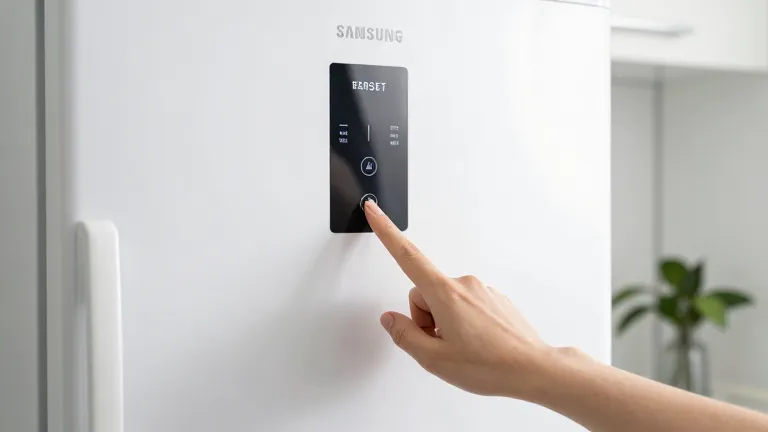
Resetting your Samsung fridge can help resolve minor software glitches or temporary faults that may be causing the EF error code. This process typically involves locating a reset button and following a specific sequence to restart the system.
Locating the Reset Button
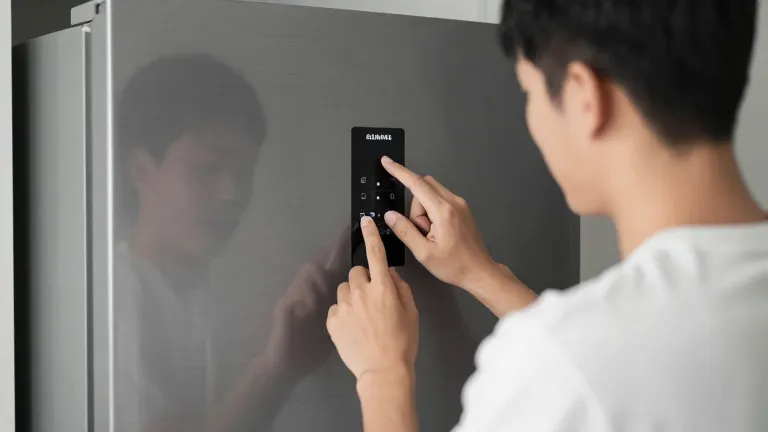
The reset button on a Samsung fridge is usually located on the control panel, often near the temperature settings or on the back of the control panel. It may be labeled as 'Reset' or marked with a small symbol, such as a circular arrow. If you're unsure, consult the user manual for your specific model, as the location can vary slightly between different Samsung fridge series.
Performing a Reset Procedure
To perform a reset, press and hold the reset button for about 10 seconds. This will initiate a restart of the fridge's internal system. Once released, the fridge will begin to reboot, and the error code should clear if the issue was temporary. Allow the fridge to restart fully, which may take a few minutes, and then check if the EF error code has disappeared. If the error persists after the reset, it may indicate a more serious hardware or software issue that requires further troubleshooting or professional assistance.
When to Seek Professional Help for the EF Error Code
If the EF error code persists after following the troubleshooting steps, it's time to seek professional help. Samsung support and certified technicians have the expertise to diagnose and resolve complex issues that may affect your fridge's cooling system.
When to Contact Samsung Support
Contact Samsung support if the error code remains even after checking power connections, adjusting settings, and resetting the fridge. Their technicians can guide you through advanced troubleshooting or confirm if a deeper issue exists. In some cases, the EF error may indicate a faulty component, such as a thermostat or compressor, which requires professional attention.
What to Expect From a Technician
A technician will inspect the fridge's cooling system, including the condenser coils, refrigerant levels, and fan operation, to identify the root cause of the EF error. They may also check for electrical faults or worn-out parts that need replacement. If internal repairs or part replacements are required, a professional can ensure the job is done safely and correctly, avoiding further damage to the appliance.
Preventive Measures to Avoid Future EF Errors
Preventing future EF errors involves consistent maintenance and mindful usage habits. By following these steps, you can ensure your Samsung fridge operates smoothly and avoid the inconvenience of error codes.
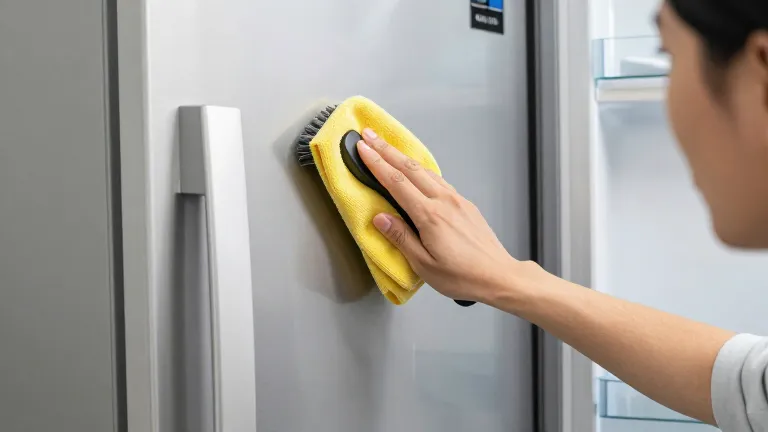
- Regularly clean the fridge's vents and coils to prevent blockages.
- Avoid overfilling the fridge to prevent strain on the cooling system.
- Ensure the fridge is placed in a well-ventilated area.
- Schedule routine maintenance to keep the fridge running efficiently.
Maintaining a Clean Fridge
Maintaining a clean fridge is essential for preventing errors like EF. Dust and food particles can accumulate in the vents and coils, restricting airflow and causing the cooling system to work harder. Regularly cleaning these areas, at least once every few months, helps the fridge function optimally. Use a soft brush or vacuum to remove debris from the vents and coils, and wipe down the interior surfaces to prevent buildup.
Proper Placement and Ventilation
Proper placement and ventilation are crucial for the fridge's performance. Ensure the fridge is positioned away from direct sunlight and heat sources, as excessive warmth can cause the cooling system to overwork. Leave at least 5 cm of space around the fridge for airflow, which allows the condenser to dissipate heat effectively. A well-ventilated environment not only prevents errors like EF but also extends the lifespan of the appliance.
Frequently Asked Questions
What should I do if the EF error code returns after resetting the fridge?
If the EF error code reappears after resetting, it may indicate an underlying issue. Check for loose connections, ensure the fridge is level, and inspect the temperature settings. If the problem persists, contact Samsung support for further assistance.
Can I fix the EF error code without contacting Samsung support?
Yes, you can often resolve the EF error code by checking power connections, adjusting temperature settings, and resetting the fridge. However, if these steps don’t work, professional help may be necessary.
Is it safe to attempt a reset on my own?
Resetting your Samsung fridge is generally safe and can resolve minor issues. Always follow the correct procedure and ensure the fridge is unplugged before starting the reset.
How often should I clean the fridge to prevent EF errors?
Regular cleaning is essential to prevent EF errors. Wipe down shelves and doors weekly, and thoroughly clean the interior every few months. Ensure vents are clear to maintain optimal cooling.
Final Steps for a Smooth Operation
Addressing the EF error code involves checking power, temperature, and connections. Resetting the fridge is a common solution, but persistent issues require professional attention.
Maintaining cleanliness and proper placement can prevent future EF errors. Follow these steps to ensure your fridge runs efficiently and reliably.