Best Error Code Readers for Troubleshooting
Encountering error codes on your devices or appliances can be frustrating, especially when you're not sure how to interpret them. Whether you're a home user or a busy professional, knowing the best error code reader can make a big difference in diagnosing and fixing technical issues quickly. Error codes often point to underlying problems, and having the right tool can help you understand what's wrong without needing to call a professional. In this article, we'll explore what error code readers are, how they can aid in troubleshooting, and which tools are best suited for different devices and situations. You'll also find guidance on choosing the right reader and using it effectively to avoid common mistakes.
What Is an Error Code Reader and Why It Matters
An error code reader is a tool that helps users identify and understand the specific issues affecting their devices or appliances. Whether you're dealing with a malfunctioning smart home gadget or a faulty kitchen appliance, an error code reader can provide clarity and guidance. These tools are essential for anyone looking to troubleshoot without professional assistance, offering a straightforward way to pinpoint problems and take corrective action.
Understanding Error Code Readers
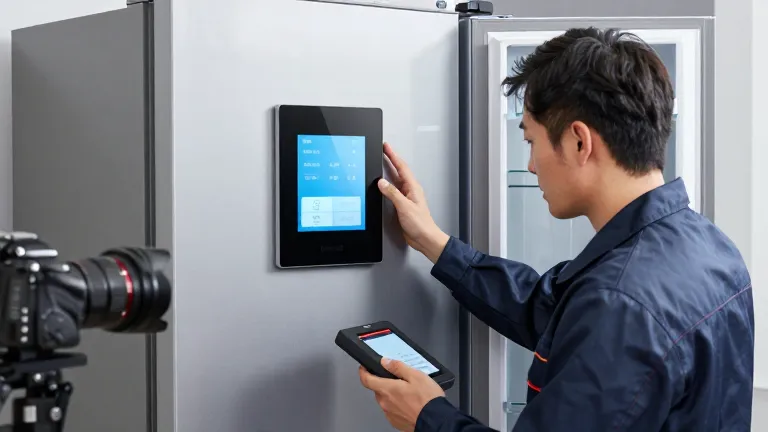
An error code reader is a device or software application designed to interpret the diagnostic codes generated by electronic systems. These codes are typically displayed on a screen or through an interface and can vary depending on the manufacturer and model. The primary role of an error code reader is to translate these codes into user-friendly messages, making it easier for individuals to understand what is wrong with their equipment.
How They Help in Troubleshooting
By using an error code reader, users can quickly identify the root cause of a problem, whether it's a sensor malfunction, a wiring issue, or a system error. This information allows for targeted troubleshooting, reducing the need for costly professional repairs. Additionally, many error code readers provide step-by-step guidance on how to resolve the issue, empowering users to take control of their device maintenance.
Why Accuracy Matters for Repairs
Using a reliable error code reader is crucial for ensuring accurate diagnoses and effective repairs. Inaccurate readings can lead to incorrect assumptions and potentially worsen the problem. A trustworthy error code reader provides precise information, helping users make informed decisions about maintenance and repairs. This reliability is especially important when dealing with critical systems that impact daily life, such as heating, cooling, or security devices.
Top Error Code Readers for Home Devices and Appliances
Selecting the right error code reader depends on the type of device or appliance you're dealing with. Whether you're troubleshooting a smart thermostat or a washing machine, the best error code readers offer compatibility, ease of use, and support for multiple brands. Here’s a comparison of the top tools for different home devices and appliances.
| Tool | Compatibility | Ease of Use | Support for Brands | Suitability for Beginners |
|---|---|---|---|---|
| SmartSense Pro | Smart home devices (thermostats, sensors) | High | Yes | Yes |
| Appliance Diagnostic Kit | Kitchen appliances (washers, ovens) | Medium | Yes | Yes |
| Universal Error Reader | Various devices and appliances | High | Yes | Yes |
| TechScan 3000 | Home devices and appliances | Medium | Yes | Yes |
| DIY Error Reader | Basic home devices | Low | Limited | Yes |
Best Error Code Readers for Smart Home Devices
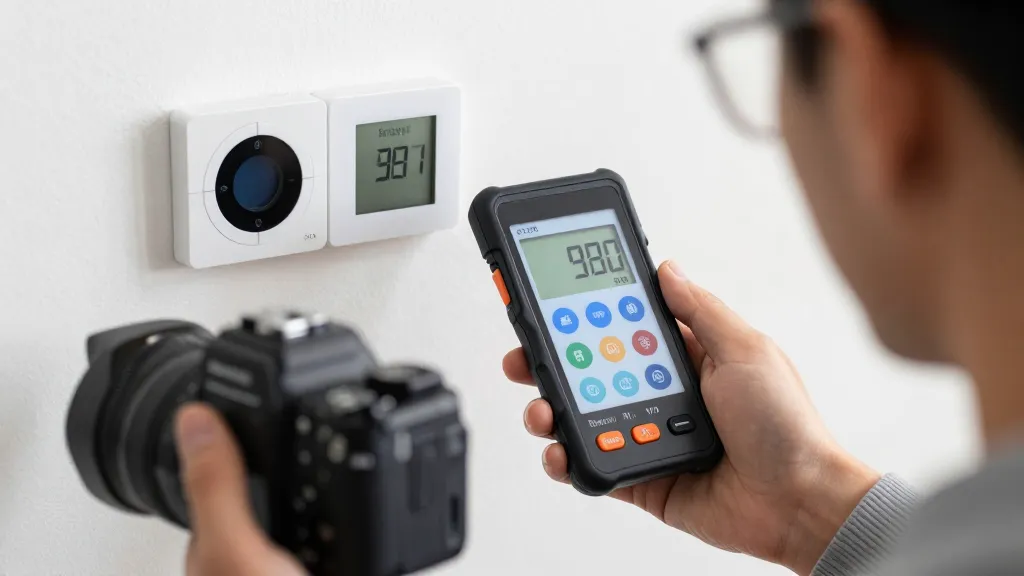
For smart home devices, the SmartSense Pro is a top choice. It supports a wide range of smart thermostats and sensors, offering high compatibility and ease of use. Its intuitive interface makes it suitable for both beginners and experienced users. The tool also provides support for multiple brands, ensuring it can handle various smart home ecosystems.
Error Code Readers for Kitchen Appliances
When it comes to kitchen appliances, the Appliance Diagnostic Kit stands out. It is designed for devices like washing machines and ovens, offering medium ease of use and comprehensive support for multiple brands. This tool is ideal for those looking for a reliable solution without the need for advanced technical skills. Its versatility makes it a great option for both beginners and those with more experience.
How to Choose the Right Error Code Reader
Selecting the right error code reader requires careful consideration of features, cost, and compatibility with your specific devices. A reliable reader can save time and prevent unnecessary repairs, making it essential to choose one that aligns with your needs.
Key Features to Look For
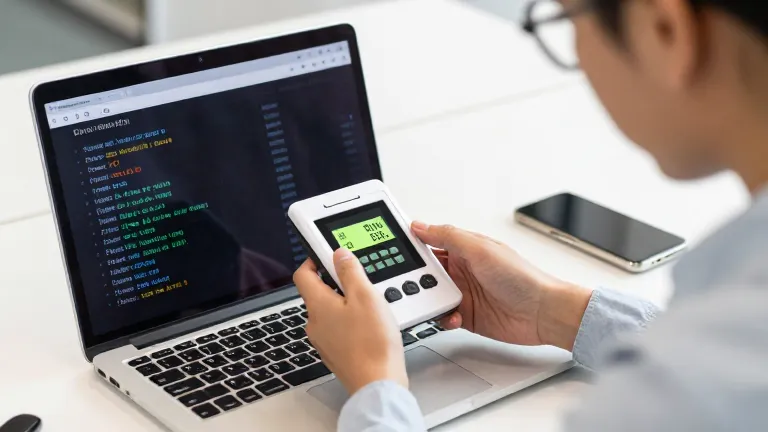
When evaluating an error code reader, prioritize features such as compatibility with your devices, ease of use, and accuracy. Look for models that support multiple brands or types of appliances, as this ensures versatility. Some readers offer additional tools like diagnostic guides or real-time updates, which can enhance troubleshooting efficiency. Consider the interface—intuitive designs reduce the learning curve, especially for non-technical users.
User Reviews and Support
User reviews and support are crucial for assessing the reliability and effectiveness of an error code reader. Check online platforms for feedback on accuracy, ease of interpretation, and customer satisfaction. A high rating often correlates with a trustworthy product. Additionally, consider the availability of customer support; responsive help can be invaluable when encountering issues or unclear readings. Support options such as phone, email, or live chat can make a significant difference in your overall experience.
Using an Error Code Reader: A Step-by-Step Guide
Using an error code reader effectively requires a clear, methodical approach. By following a structured process, users can quickly identify and resolve device issues without unnecessary delays.
- Locate the error code display on your device, often found on the control panel or via a connected app.
- Use the error code reader to scan the displayed code, ensuring it is clean and unobstructed for accurate results.
- Cross-reference the code with the reader’s database or manual to understand its meaning and potential causes.
- Follow the troubleshooting steps provided by the reader, such as resetting the device or adjusting settings.
How to Read Error Codes on Your Device
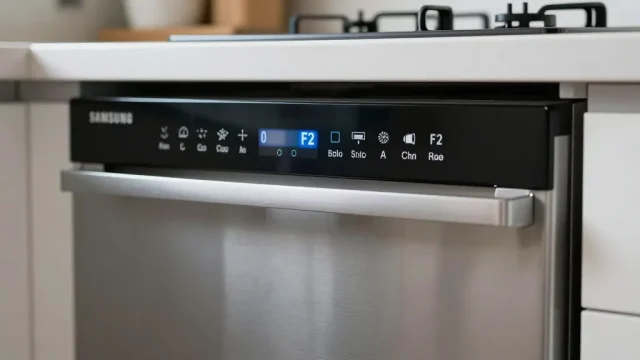
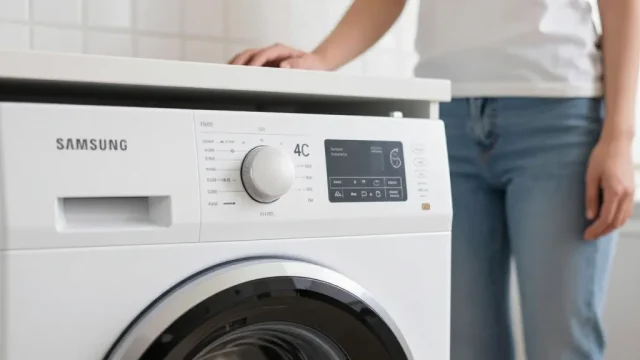
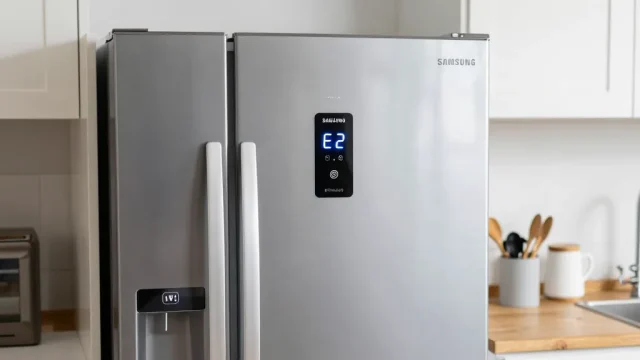
To read error codes on your device, first identify where the code is displayed. Most devices show error codes on their control panel, often labeled as 'Error Code' or 'Diagnostic Code.' If the device is connected to a smartphone or computer, check the associated app or software for the code. Ensure the display is clear and free of dust or smudges to avoid misreading.
Interpreting the Results
Interpreting error codes involves more than just reading the number. Each code corresponds to a specific issue, such as a malfunctioning sensor, overheating, or a software glitch. Use the reader’s database or online resources to determine the exact cause. If the code is not recognized, consult the device’s manual or seek support from the manufacturer’s website. Always follow the recommended actions to resolve the issue safely and efficiently.
Avoiding Common Mistakes When Using Error Code Readers
Avoiding common mistakes when using error code readers is crucial for obtaining accurate and reliable results. Many users overlook essential steps or misinterpret data, which can lead to incorrect diagnoses and ineffective solutions. By understanding and avoiding these pitfalls, you can maximize the effectiveness of error code readers and ensure your troubleshooting efforts are both efficient and precise.
Common Pitfalls to Avoid
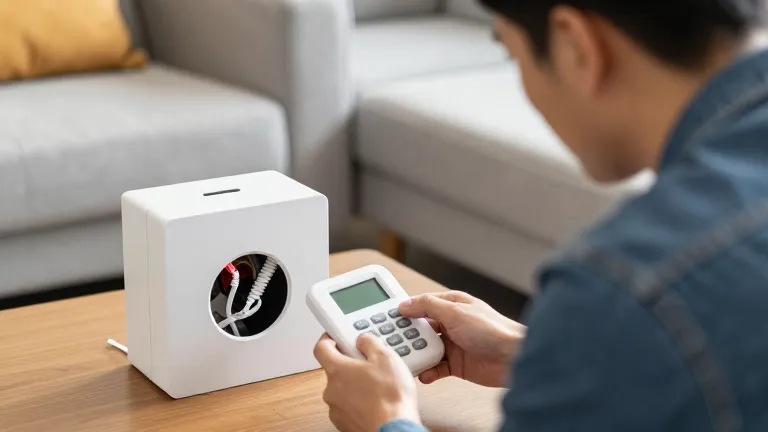
One of the most common mistakes is failing to consult the device’s manual or manufacturer guidelines before using an error code reader. Error codes can vary significantly between models and brands, and without proper context, users may misinterpret the meaning of a code. Additionally, some error code readers require specific software or hardware compatibility, and ignoring these requirements can result in incomplete or misleading data.
How to Ensure Accurate Readings
To ensure accurate readings, always follow the correct procedure for your specific device. This includes powering the device properly, ensuring it is in the correct mode for diagnostics, and allowing sufficient time for the code to appear. Cross-referencing error codes with trusted resources or online databases can also help confirm their meaning. Regular maintenance and updates to your error code reader can further improve accuracy and reliability.
Frequently Asked Questions
What is the best error code reader for my smartphone?
The best error code reader for your smartphone depends on your specific needs. Look for software that offers compatibility with your device's operating system. Ensure it provides clear, actionable insights for resolving issues.
How do I know which error code reader to choose?
To choose the right error code reader, consider compatibility with your device, ease of use, and the range of supported error codes. Check for user reviews and support options to ensure reliability.
Can I use an error code reader on my computer?
Yes, you can use an error code reader on your computer, especially with error code reader software for Windows. Ensure the software is compatible with your operating system and device type.
What should I do if the error code reader doesn't work?
If the error code reader doesn't work, check for software updates or ensure your device is properly connected. Consult the user manual or support resources for troubleshooting guidance.
Final Thoughts
Choosing the right error code reader can significantly improve your troubleshooting efficiency. Always consider compatibility, ease of use, and support options when making your decision.
Start by identifying your device type and selecting a reader that aligns with your needs. For further assistance, refer to user reviews and support resources.