Top Error Codes and What They Mean
When your device or appliance displays a mysterious error code, it can be frustrating—especially if you're not sure what it means or how to fix it. Whether you're a home user or an office worker, encountering top error codes can disrupt your workflow or daily routines. Understanding these codes is key to resolving issues quickly and efficiently without needing professional help. This article provides a clear breakdown of common error codes across smartphones, computers, and home appliances, along with practical solutions.
Each section covers the most frequent error codes you might encounter, explaining what they mean and how to address them. From simple troubleshooting steps to more detailed fixes, you'll gain the confidence to handle most issues on your own. The goal is to empower you with the knowledge to interpret and resolve error codes effectively.
By the end of this guide, you'll have a reliable reference for dealing with unexpected technical problems. Whether you're trying to fix a smartphone error, troubleshoot a computer issue, or resolve a home appliance malfunction, this article equips you with the tools to take control of the situation.
Understanding Error Codes: A Quick Overview
Error codes are essential tools for diagnosing and resolving issues with devices and appliances. Whether you're dealing with a smartphone, computer, or home appliance, these codes provide a structured way to identify the root cause of a problem. Understanding how to interpret them can save time and effort, allowing you to address issues independently without relying on professional assistance.
What Are Error Codes?
Error codes are numerical or alphanumeric identifiers that appear on devices or appliances when something goes wrong. These codes are designed to communicate specific issues, such as hardware malfunctions, software glitches, or system errors. Each code corresponds to a particular problem, helping users pinpoint what needs attention. While the format may vary across devices, the underlying purpose remains consistent: to simplify the troubleshooting process.
Why Do Error Codes Matter?
Error codes matter because they offer clarity and direction when troubleshooting. Instead of guessing what is wrong, users can refer to the code to find relevant solutions. Many devices and appliances come with user manuals or online resources that explain the meaning of each code, making it easier to resolve the issue. However, because error code systems are often device-specific, it's important to understand the context in which a code appears. This ensures that the solution you apply is accurate and effective.
Top Error Codes for Smartphones
Smartphones frequently display error codes that indicate issues with network connectivity, software, or hardware. These codes can range from simple connection problems to more complex system errors. Understanding what these codes mean can help users troubleshoot problems quickly without needing professional assistance.
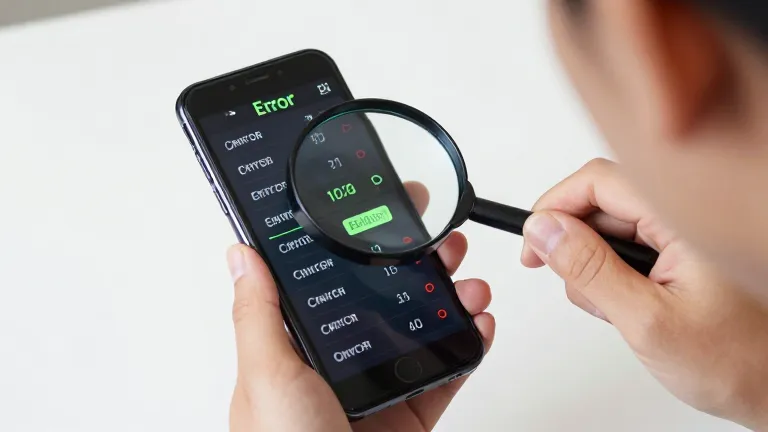
- 404 Not Found: This error appears when a requested webpage or service is unavailable. It often occurs when accessing online services or apps.
- 503 Service Unavailable: This error indicates a temporary server issue, which can affect app functionality or web access.
- SIM Lock Error: This message suggests the SIM card is locked and requires a PIN or network unlock code to proceed.
- APN Settings Error: This error occurs when the Access Point Name settings are incorrect, affecting data connectivity.
Common Smartphone Error Codes
Common smartphone error codes often relate to network issues, software glitches, or hardware malfunctions. For example, '404' and '503' errors typically occur when accessing online services, such as apps or websites. These errors are usually temporary and can be resolved by checking internet connectivity or restarting the device. Other error codes, like 'SIM lock' or 'APN settings error', are more specific to network configuration and may require manual adjustments or contacting the service provider.
How to Fix Smartphone Error Codes
To fix smartphone error codes, start by identifying the specific error message and its cause. For network-related issues, such as 'APN settings error' or 'SIM lock', users can try restarting their device, checking signal strength, or re-entering network settings. If the error persists, contacting the service provider may be necessary to resolve deeper issues. For software-related errors, such as '404' or '503', users can clear app cache, update the operating system, or reinstall the affected app. In some cases, resetting the device to factory settings may be required, though this should be a last resort due to data loss risks.
Top Error Codes for Computers
Computers frequently display error codes to signal software or hardware issues. These codes can range from system crashes to connectivity problems, offering clues for troubleshooting. Understanding these codes helps users identify and resolve issues without needing professional assistance.
- Blue Screen of Death (BSOD): This error occurs when Windows encounters a critical system problem, often due to driver conflicts, hardware failures, or software bugs. The BSOD screen displays a code, such as PAGE_FAULT_IN_NONPAGED_AREA, which can guide users in diagnosing the root cause.
- Windows Update Error 80072F8F: This error typically arises during Windows updates and is linked to issues with the Windows Update service or corrupted system files. Users can resolve it by running the System File Checker or resetting the update components.
- Error Code 0x80070002: This error is common during file operations and indicates a problem with file access permissions or corrupted system files. Running the DISM or SFC tools can help repair the system files and resolve the issue.
- Error Code 0x80070005: This error occurs when the system lacks the necessary permissions to access a file or folder. Users should check file permissions and ensure they have the correct access rights to the affected files.
Common Computer Error Codes
Common computer error codes often reflect system-level issues that can affect performance and stability. Error codes like BSOD and Windows Update Error 80072F8F are frequent indicators of deeper problems, such as driver incompatibility or corrupted system files. Recognizing these codes allows users to take targeted actions, such as updating drivers or running system diagnostics, to prevent further complications.
Other common codes, such as 0x80070002 and 0x80070005, highlight issues related to file access and permissions. These errors can disrupt routine tasks like file transfers or program installations. While these codes may seem daunting, they often point to manageable solutions, such as adjusting permissions or repairing system files through built-in tools.
How to Resolve Computer Error Codes
Resolving computer error codes requires a combination of basic troubleshooting and advanced system tools. For instance, the System File Checker (SFC) and Deployment Image Servicing and Management (DISM) tools can repair corrupted system files, addressing issues like Error 0x80070002. Additionally, updating drivers or checking for hardware failures can resolve errors linked to device conflicts or physical malfunctions.
Users should also consider restarting their system or running the Windows Update Troubleshooter to address issues like Error 80072F8F. In some cases, a clean boot or system restore might be necessary to isolate and resolve the problem. Keeping the operating system and drivers up to date is essential in preventing many common error codes from appearing in the first place.
Top Error Codes for Home Appliances
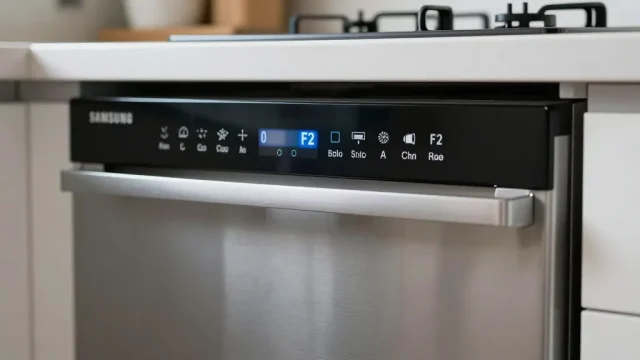
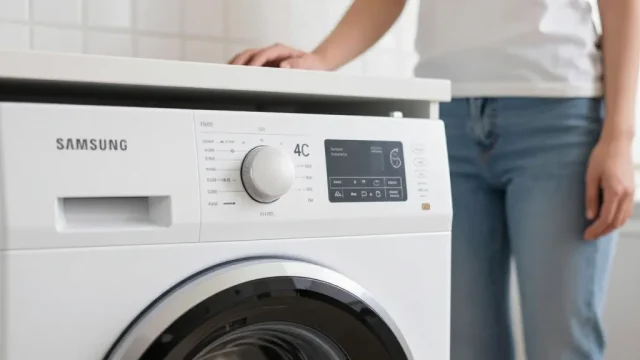
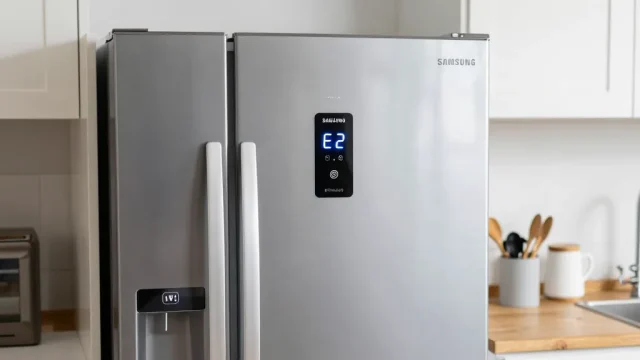
Home appliances such as refrigerators, washing machines, and ovens use error codes to signal mechanical or electronic problems. These codes, often displayed as letters or numbers like 'E1' or 'F2', help users identify specific issues such as water leakage, temperature control failures, or motor malfunctions. Recognizing these codes can save time and prevent unnecessary repairs.
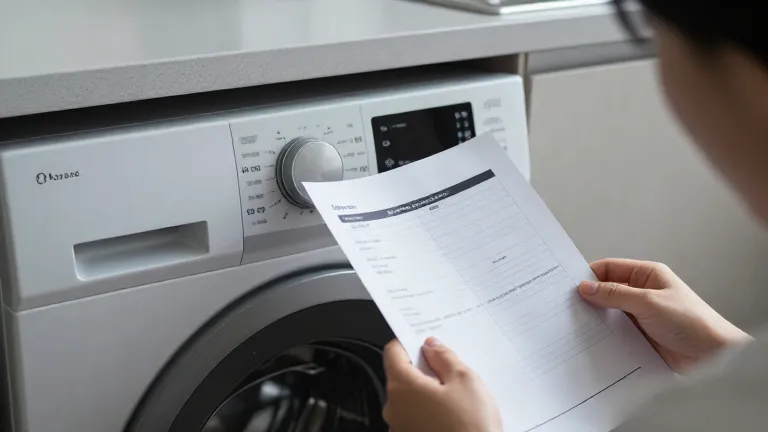
- E1: Indicates a water leakage issue in washing machines or refrigerators. Check for clogs in the drainage system or damaged hoses.
- F2: Often signals a temperature sensor failure in ovens or refrigerators. Ensure the appliance is properly ventilated and the sensors are clean.
- E0: May point to a faulty motor or electrical issue in washing machines. Verify the power supply and check for loose connections.
- F1: Usually relates to a control board malfunction in ovens. Reset the appliance or consult the user manual for further guidance.
Common Appliance Error Codes
Common appliance error codes are designed to help users quickly diagnose issues without professional assistance. For instance, 'E1' in a washing machine typically points to water leakage, which could be due to a clogged drain pump or a faulty water inlet valve. Similarly, 'F2' in an oven may indicate a problem with the temperature sensor, which can affect cooking accuracy. These codes are generally concise and straightforward, allowing users to take immediate action.
How to Fix Appliance Error Codes
Fixing appliance error codes often involves simple troubleshooting steps. For example, if your refrigerator displays 'E1', start by checking for water leaks around the base or inside the unit. If the issue persists, a reset or professional inspection may be necessary. In cases where the error code points to a sensor malfunction, cleaning the sensor or recalibrating the appliance might resolve the problem. Always refer to the user manual for specific instructions related to your model.
How to Interpret and Fix Error Codes
Interpreting and fixing error codes is a critical skill for users aiming to resolve technical issues independently. By understanding how to decode these messages, users can often identify and address problems without needing to call a professional. The process involves a combination of research, troubleshooting, and judgment to determine the best course of action.
Steps to Interpret Error Codes
To interpret error codes, start by consulting the device’s user manual or searching online for the specific error code. Many manufacturers provide detailed explanations of error codes on their websites or support forums. If the code is not immediately clear, cross-referencing with similar codes or general descriptions can help narrow down the issue. Some error codes are generic and may apply to multiple devices, so it’s important to consider the context of the error when interpreting it.
When to Seek Professional Help
For many common errors, simple solutions like restarting the device, resetting settings, or updating software can resolve the issue. These steps are often effective for minor glitches or outdated system files. However, if the error persists or is accompanied by more severe symptoms, such as system crashes or data loss, it may be necessary to seek further assistance. While self-troubleshooting can save time and effort, knowing when to consult support resources or a professional is key to avoiding unnecessary complications.
Frequently Asked Questions
What does error code 404 mean on my phone?
Error code 404 on your phone usually indicates a missing or inaccessible file or resource. It often appears when trying to access a webpage or app that isn't available. Check the URL for typos or try restarting your device to resolve the issue.
How can I fix error code E1 on my refrigerator?
Error code E1 on your refrigerator typically means the door is not properly closed. Check if the door is securely shut and ensure there are no obstructions. If the issue persists, consult the user manual or contact a technician.
What should I do if my computer shows a Blue Screen of Death?
A Blue Screen of Death (BSOD) indicates a critical system error. Restart your computer immediately. If the issue continues, check for driver updates or hardware issues. Seek professional help if the problem persists.
Are there any common error codes that affect both smartphones and computers?
Yes, some error codes like 404 and 500 can affect both smartphones and computers. These codes often relate to network issues, server errors, or application problems. Understanding these codes can help you troubleshoot across devices.
Final Thoughts
Understanding top error codes can help you quickly identify and resolve issues with your devices. Familiarise yourself with common error codes and their meanings to save time and reduce frustration.
If you're unsure how to fix an error code, consult the device's manual or seek professional assistance. Knowing how to interpret and address error codes empowers you to maintain your devices more effectively.