Best Troubleshooting Techniques for Tech Issues
Facing tech issues like slow devices, connectivity problems, or appliance errors can be frustrating, especially when you're not tech-savvy. The best troubleshooting techniques can help you resolve these problems without needing to call a professional. Whether you're a homeowner or an office worker, knowing how to approach common tech issues can save you time and money. This article provides practical, step-by-step guidance to help you identify, fix, and prevent tech problems effectively.
We'll start by teaching you how to pinpoint the exact issue, whether it's a software glitch or a hardware malfunction. Then, we'll walk you through a structured approach to troubleshooting, ensuring you don't miss any key steps. You'll also learn how to use online resources and built-in tools to diagnose and resolve issues quickly.
Finally, we'll cover ways to maintain your devices and avoid future problems. By following these methods, you can take control of your tech environment and reduce the need for professional assistance. Let's dive into the best troubleshooting techniques to keep your devices running smoothly.
Identify the Problem Accurately
Accurately identifying a technical problem is the first step toward resolving it effectively. By carefully observing the symptoms and noting any error messages, you can narrow down potential causes and avoid unnecessary troubleshooting steps. Documenting the issue in detail also helps in tracking patterns and finding solutions more efficiently.
Look for Error Codes and Symptoms
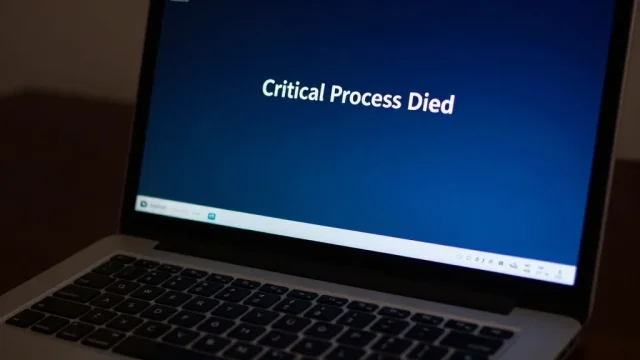
When a device or system malfunctions, start by noting the specific symptoms. For example, if a computer freezes during certain tasks, it could indicate a software conflict, while a constant fan noise might suggest overheating hardware. Pay attention to any error messages or codes displayed, as they often provide direct clues about the issue. These codes can be cross-referenced with manufacturer documentation or online resources to pinpoint the problem more precisely.
Differentiate Between Hardware and Software Issues
Distinguishing between hardware and software issues is crucial for effective troubleshooting. Hardware problems typically involve physical components such as a faulty hard drive, damaged cables, or a failing power supply, while software issues may relate to corrupted files, outdated drivers, or conflicting applications. To differentiate, try restarting the device or checking for updates, which can resolve software-related problems without requiring hardware replacement. If the issue persists after these steps, it's more likely a hardware concern that may need professional attention.
Follow a Systematic Approach
A systematic approach to troubleshooting ensures that you address issues methodically, reducing the risk of overlooking simple solutions. By following a structured process, you can efficiently isolate the root cause and resolve problems without unnecessary complexity.
Start with Basic Checks
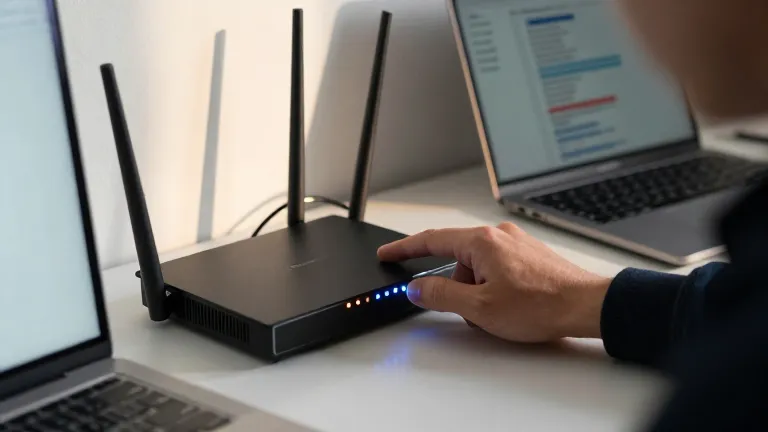
Begin with the most straightforward fixes, such as restarting the device. Many issues, including software glitches or temporary connectivity problems, can be resolved by a simple reboot. Before diving into advanced troubleshooting, ensure all cables, connections, and settings are correctly configured. This step helps eliminate minor causes before moving to more detailed diagnostics.
Use a Step-by-Step Troubleshooting Process
Implement a step-by-step process to maintain clarity and prevent confusion. Break the troubleshooting process into logical stages, starting with basic checks and progressing to more complex solutions. This structured method ensures that each step is completed thoroughly before moving on, helping you identify the exact point where the issue occurs. Avoid making multiple changes simultaneously, as this can complicate the diagnosis and make it harder to determine the cause of the problem.
Leverage Online Resources and Guides
Leveraging online resources can be a powerful way to find solutions to common tech issues. By searching for specific error codes or problem descriptions, you can access detailed guides and tutorials that walk you through the troubleshooting process. Trusted websites and community forums often provide the most accurate and up-to-date information, helping you resolve issues efficiently.

Use Trusted Troubleshooting Websites
When searching for solutions, start by typing the specific error code or problem into a search engine. Trusted troubleshooting websites like FixItQuick often provide clear, step-by-step instructions tailored to your device model. These guides are typically written by experts or experienced users, ensuring that the advice is reliable and practical. Always verify that the guide is relevant to your specific device and operating system to avoid confusion.
Check User Forums and Reviews
User forums and reviews can offer additional insights and real-world experiences from people facing similar issues. Many forums allow users to share their troubleshooting journeys, which can highlight effective solutions or common pitfalls. Reading reviews can also help you assess the credibility of a guide or website. However, be cautious of outdated or biased information, and prioritize sources that are regularly updated and have a good reputation for accuracy.
Use Diagnostic Tools and Built-In Features
Diagnostic tools and built-in features are powerful resources for resolving tech issues without requiring advanced technical knowledge. Most devices and appliances come with diagnostic capabilities that can identify and sometimes fix common problems. By using these tools, you can save time and avoid unnecessary repairs or replacements.
Run Built-In Diagnostic Tools
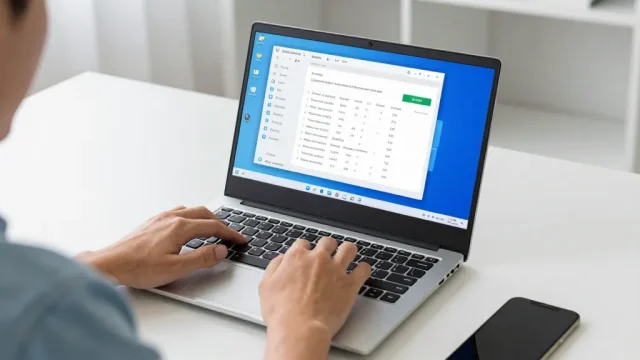
Many devices, including computers, smartphones, and smart home appliances, have built-in diagnostic tools that can detect issues such as performance slowdowns, connectivity problems, or hardware malfunctions. For example, Windows users can access the built-in Diagnostic Troubleshooter through Settings, which scans for system errors and suggests fixes. Similarly, smartphones often have diagnostic modes or tools within their settings menu that can help identify and resolve issues like battery drain or app crashes. These tools are designed to simplify the troubleshooting process and provide actionable insights.
Check for Software and Firmware Updates
Keeping your software and firmware up to date is a crucial part of troubleshooting. Manufacturers often release updates that fix bugs, improve performance, and address security vulnerabilities. You can check for updates through your device’s settings or by visiting the manufacturer’s website. For example, routers and smart home devices may require firmware updates to resolve connectivity issues or enhance functionality. Regularly updating your software ensures that your devices run smoothly and reduces the likelihood of recurring problems.
Prevent Future Issues with Maintenance
Preventing future tech issues starts with proactive maintenance and smart habits. By keeping devices clean, updating software, and backing up data, homeowners and office workers can avoid many common problems. Simple routines can significantly reduce the risk of unexpected breakdowns and data loss, ensuring smoother operations over time.

Maintain Your Devices Regularly
Regularly cleaning your devices is essential to prevent overheating and dust buildup, which can cause performance issues or hardware failure. Use a soft, lint-free cloth to wipe screens and surfaces, and compressed air to remove dust from vents and ports. For laptops and desktops, ensure fans are free from debris to maintain optimal cooling. A quick monthly clean can extend the lifespan of your equipment and improve efficiency.
Back Up Data and Keep Software Updated
Backing up data and keeping software updated are critical steps in maintaining system stability and security. Use cloud storage or external drives to store important files, ensuring you can recover data in case of hardware failure or accidental deletion. Additionally, enable automatic updates for operating systems and applications to patch vulnerabilities and fix bugs. Regular maintenance like this minimizes downtime and keeps your tech environment secure and reliable.
Frequently Asked Questions
What should I do if my device keeps crashing?
If your device keeps crashing, start by checking for software updates and ensuring there are no conflicting apps or background processes. If the issue persists, try resetting the device or performing a factory reset. If the problem continues, it may indicate a hardware issue, and you should seek professional repair.
How can I tell if the problem is with my hardware or software?
To determine if the issue is hardware or software-related, try restarting the device. If the problem persists after a restart, it may be a hardware issue. If it resolves temporarily, it's likely a software issue. Check for error messages or codes that can help identify the root cause.
What are the best tools for diagnosing tech issues?
The best tools for diagnosing tech issues include built-in diagnostic tools provided by the device manufacturer, online troubleshooting guides, and user forums. These resources can help identify common issues and provide step-by-step solutions for most problems.
How do I prevent my devices from developing recurring problems?
To prevent recurring tech issues, maintain your devices regularly by cleaning them, updating software, and backing up data. Avoid overloading devices with unnecessary apps or processes. Regular maintenance can significantly reduce the likelihood of persistent problems.
Final Thoughts
The key to effective troubleshooting is a methodical approach, starting with identifying the problem and moving through basic checks and advanced tools. By following these techniques, you can resolve many common tech issues efficiently.
To maintain your devices, ensure regular maintenance and updates. This proactive approach helps avoid recurring problems and keeps your technology running smoothly.