Fix YouTube Android App Issues with This Free Customization Tool
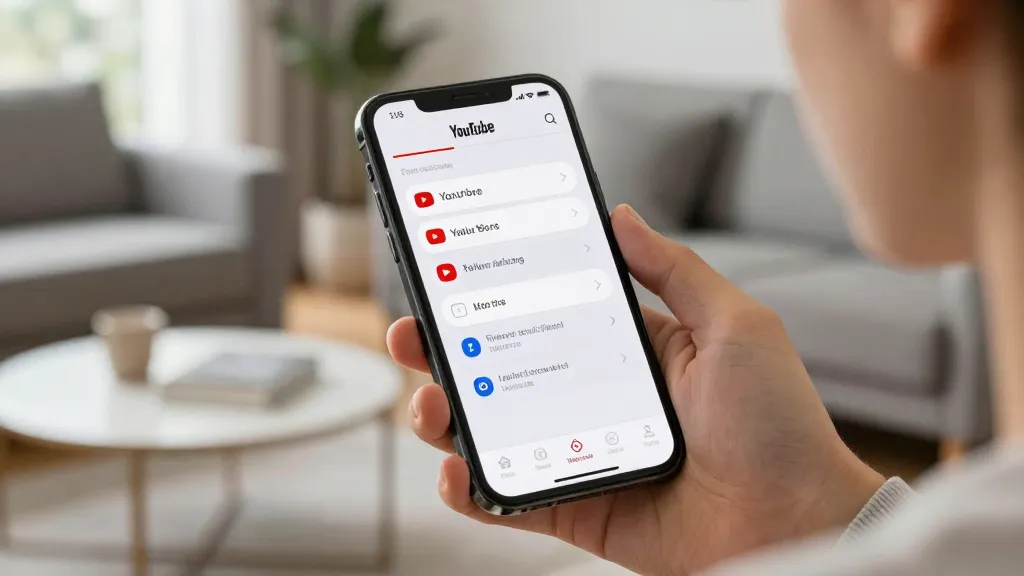
Frustrated with the default YouTube Android app? Many users are tired of ads, lack of customization, and limited control over their viewing experience. Whether you're looking to remove ads, tweak video settings, or enhance performance, the built-in options just don't cut it. That's where youtube android app customization comes in. This article explores how to take control of your YouTube experience with a powerful free tool. We'll walk you through the process of customizing your app to suit your preferences without spending a dime. From removing unwanted features to optimizing performance, you'll learn exactly how to make your YouTube app work better for you. Let's dive into the world of youtube android app customization and transform your app into a personalized powerhouse.
Why Customize Your YouTube Android App
Many users find the default YouTube Android app lacking in essential customization options, leading to a less personalized experience. While YouTube Premium offers some enhancements, it doesn't address all the frustrations users have with the app's design and functionality. As a result, tech-savvy users are turning to free customization tools like Morphe to tailor their YouTube experience.
Common Frustrations with the Default YouTube App
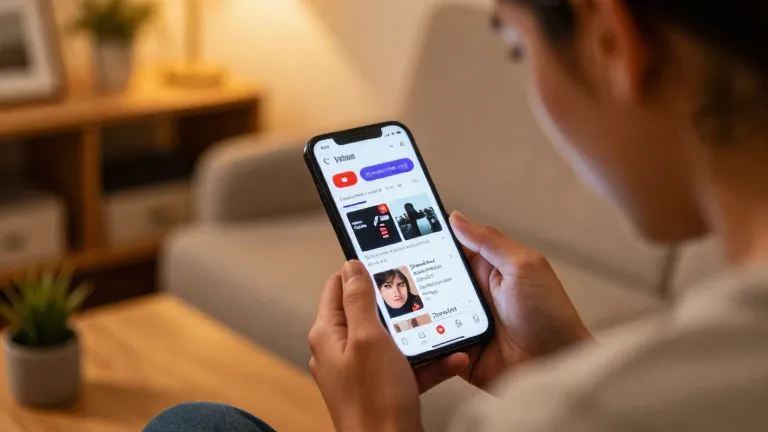
The YouTube Android app often feels restrictive, especially for users who want more control over their viewing experience. Common frustrations include the inability to set a default video resolution, the presence of ads, and the lack of options to hide AI-generated content or disable Shorts. These limitations can make the app feel cluttered and less efficient, especially for users who rely on YouTube for daily content consumption.
What Customization Tools Can Offer
Customization tools like Morphe provide advanced settings that enhance the user experience by addressing these pain points. With Morphe, users can remove ads, customize video quality, and hide unwanted content such as AI-generated videos. These tools offer a level of personalization that the default app lacks, allowing users to tailor their YouTube experience to their preferences without needing to pay for premium features.
What Is Morphe and How It Works
Morphe is a powerful customization tool that empowers users to tailor their YouTube Android experience by applying patches to the app. Developed by former ReVanced developers, it offers a wide range of features that address common frustrations with the default YouTube app, making it an ideal solution for tech-savvy users looking to personalize their streaming experience without paying for premium features.
Morphe: The Customization Tool for YouTube
Morphe is specifically designed for the YouTube app, allowing users to modify various aspects of the app to suit their preferences. The tool is built on the foundation of ReVanced, which is known for its extensive customization options. Morphe not only maintains these features but also expands upon them, offering new patches and enhancements that users can apply to their YouTube app. This makes it an essential tool for anyone looking to customize their YouTube experience beyond the limitations of the default app.
How Morphe Applies Patches to the YouTube App
Morphe applies patches to the YouTube app by modifying its code, enabling users to remove unwanted elements and add desired features. The process involves downloading the Morphe app and using it to apply the patches to an unmodified version of the YouTube app. These patches can remove ads, restore dislike counts, and even block AI-generated content, giving users greater control over their streaming experience. The patches are applied in a way that ensures the app remains functional and stable, providing a seamless customization process for users.
How to Customize Your YouTube App with Morphe
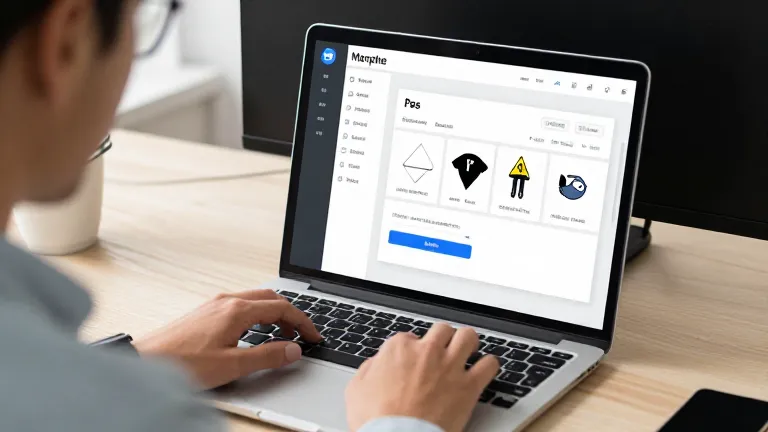
Customizing your YouTube Android app with Morphe requires a few key steps to ensure a smooth and effective process. By following this guide, you can install Morphe, set up Shizuku, and apply patches to tailor your YouTube experience exactly as you want.
- Install Shizuku before using Morphe for easier patch installation.
- Download the latest supported version of the YouTube app using Morphe.
- Apply patches to remove ads, hide Shorts, or customize video resolution.
Step-by-Step Guide to Installing Morphe
Before you can use Morphe, it's essential to install Shizuku. This tool acts as a bridge between your device and Morphe, making it easier to apply patches. Shizuku allows Morphe to install modified apps without requiring root access, which simplifies the process and reduces potential complications.
Once Shizuku is installed and running, you can proceed with Morphe. Download the Morphe application from its official website or GitHub page. After installation, launch Morphe and select the YouTube app you want to customize. Morphe will guide you through the setup process, ensuring that all necessary dependencies are in place.
Applying Patches to Your YouTube App
With Morphe ready, the next step is to apply patches to your YouTube app. Start by selecting the patches you want to apply, such as removing ads, hiding Shorts, or customizing video resolution. Each patch serves a specific purpose, like improving performance or enhancing the user experience.
After selecting your desired patches, Morphe will process them and apply them to the YouTube app. This process is automated, but it's important to ensure that your device is connected to a stable internet connection and that you're using the latest supported version of the YouTube app. Once the patches are applied, restart your YouTube app to see the changes take effect.
Customization Options and Their Benefits
Customization options for the YouTube Android app can significantly enhance user experience by tailoring the app to individual preferences. From removing distractions to optimizing video settings, these changes can improve performance, reduce data usage, and create a more focused viewing environment.
Removing Ads and Enhancing Performance
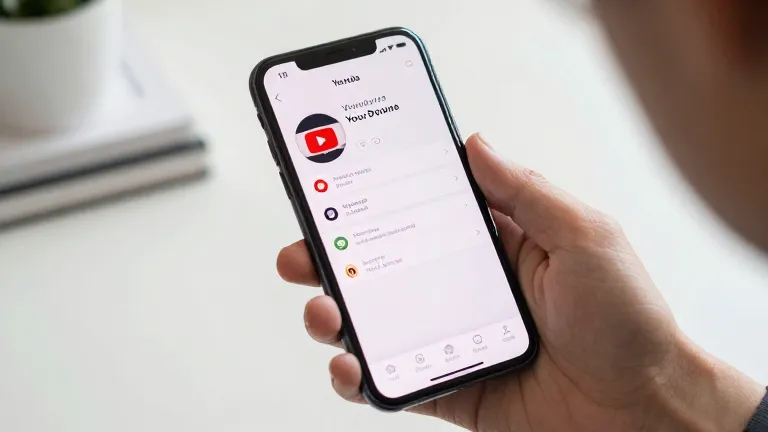
One of the most popular customization features is the ability to remove ads and unwanted elements from the YouTube app. Morphe allows users to eliminate video ads, channel promotion banners, and even the dislike button, which can make the app feel less cluttered and more focused on content. Removing these distractions not only improves the viewing experience but also enhances app performance by reducing unnecessary background processes and resource usage.
Customizing Video Settings for Better Experience
Customizing video resolution settings is another key benefit of using Morphe. Users can set a default video resolution that balances quality and data efficiency, which is particularly useful for those with limited data plans or slower internet connections. Adjusting these settings can also improve playback speed and reduce buffering, making the app more responsive and enjoyable to use. Additionally, disabling Shorts or hiding AI-generated content helps users avoid unwanted distractions and maintain a more personalized viewing experience.
Tips for a Smooth Customization Experience
A smooth customization experience requires careful preparation and attention to detail. By following these tips, you can minimize potential issues and ensure a seamless process when customizing your YouTube Android app with Morphe.
- Ensure your Android device is up to date for compatibility.
- Backup your app settings before applying patches.
- Use Shiz,uku for a smoother installation process.
Preparing Your Device for Customization
Before starting the customization process, make sure your Android device is running the latest software version. This ensures compatibility with Morphe and reduces the risk of installation errors. Check for system updates through your device's settings and install them if available.
Best Practices for a Successful Patch Installation
Back up your YouTube app settings and data before applying any patches. This helps prevent data loss and allows you to restore your app to its original state if needed. You can use built-in backup features or third-party tools to save your settings.
Using Shizuku can greatly simplify the installation process. It acts as a bridge between your device and the Morphe tool, making it easier to apply patches without manual intervention. Install Shizuku beforehand and follow the setup instructions to ensure it works correctly with Morphe.
Frequently Asked Questions
Can I customize the YouTube app without root access?
Yes, you can customize the YouTube app without root access using Morphe. Morphe works by applying patches to the app without requiring root privileges, making it accessible to most users.
What are the most useful patches available for YouTube?
The most useful patches for YouTube include removing ads, hiding AI-generated content, disabling Shorts, and restoring dislike counts. These patches significantly enhance the user experience and tailor the app to individual preferences.
Is using Morphe safe for my Android device?
Using Morphe is generally safe for your Android device, as it modifies the app rather than the system. However, it's important to download Morphe from trusted sources to avoid malware and ensure a secure installation.
How do I revert changes if I'm not satisfied with the customization?
To revert changes, you can uninstall the patched YouTube app and reinstall the original version. Keeping a backup of your original app and settings can also help in restoring your device to its previous state.
Next Steps for Customization
Customizing your YouTube app can significantly enhance your experience by removing ads, improving performance, and tailoring settings to your preferences. With tools like Morphe, you can easily apply a range of patches to achieve these benefits.
To get started, download Morphe and follow the step-by-step guide to install and apply patches. This will allow you to enjoy a more personalized and efficient YouTube experience on your Android device.