Printers & Peripherals
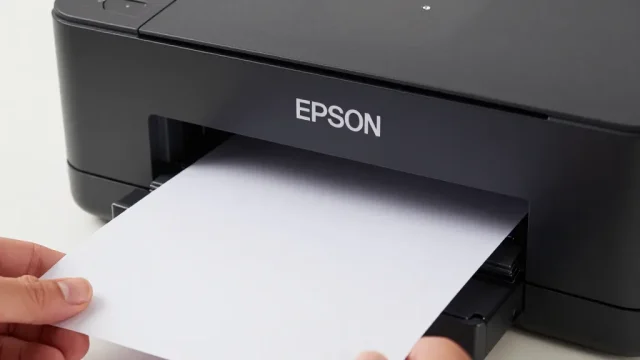
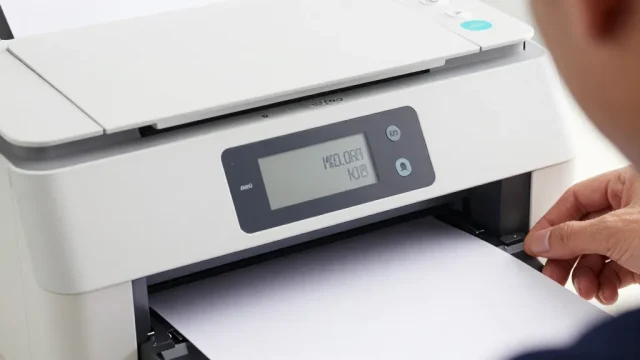
How to Fix Printer Paper Jam Error With No Paper Inside
Learn how to fix a printer paper jam error with no paper inside and avoid future issues.
Learn how to troubleshoot printer problems with step-by-step guidance on connections, errors, and software updates.
Fix Brother printer paper jam errors with no paper by cleaning rollers, checking the rear flap, and resetting the printer.
Fix Canon Printer Error Code 5100 by cleaning the ink carriage and encoder strip. Follow these steps for effective troubleshooting.
Fix a stuck print queue by canceling jobs, restarting the printer, and managing the spooler service.
Fix Epson printer blank pages or missing colors with printhead cleaning, ink cartridge checks, and maintenance routines.