Windows & Mac
How to Fix Windows 11 Keyboard Not Working
Fix Windows 11 keyboard issues with these practical steps, from checking connections to updating drivers and using built-in tools.
Step-by-step troubleshooting guides for PC, laptop, and macOS system errors
Fix Windows 11 keyboard issues with these practical steps, from checking connections to updating drivers and using built-in tools.
Unlock Gmail's hidden features to boost productivity. Enable templates, shortcuts, and custom views for a more efficient email workflow.
Enable Windows settings to restore your work after a restart. Save apps and File Explorer windows effortlessly.
Fix Windows 11 not detecting an external monitor with simple checks, driver updates, and display settings adjustments.
Learn the best troubleshooting techniques to resolve common tech issues and keep your devices running smoothly.
Discover how to download Windows 11 for free and install it on your device with our step-by-step guide.
Learn how to troubleshoot your computer with practical steps and solutions for common issues.
Fix Bluetooth audio drop in Windows 11 with this new update.
Fix a cluttered Windows right-click menu with a free tool and customize your experience efficiently.
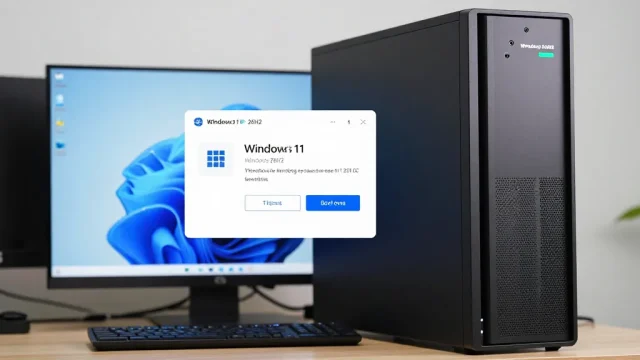
Windows 11 26H2 auto install is rolling out, offering new features and improvements. Learn how it works and how to manage it.