iPhone & Android
How to Fix ‘Storage Almost Full’ on iPhone Without Deleting Photos
Fix 'Storage Almost Full' on iPhone without deleting photos by using iCloud, managing app storage, and clearing caches.
Quick fixes for smartphone battery, screen, app crashes, and OS glitches
Fix 'Storage Almost Full' on iPhone without deleting photos by using iCloud, managing app storage, and clearing caches.
Fix muffled or quiet iPhone speakers with simple cleaning, settings adjustments, and software updates.
Fix Android apps that crash immediately after opening by clearing cache, updating the system, and reinstalling the app.
Troubleshoot iPhone cellular data issues with simple steps like restarting, resetting network settings, and updating iOS.
Learn how to fix your Android phone stuck in a boot loop with practical steps and prevention tips.
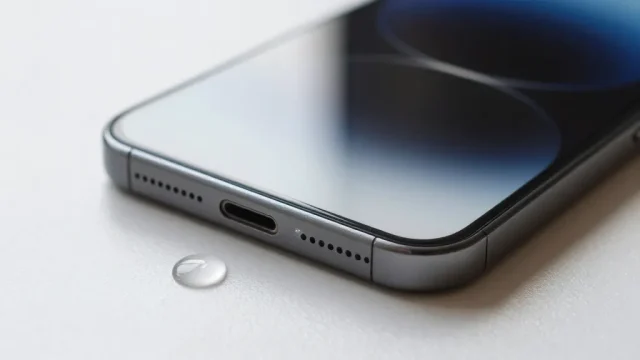
Fix the Liquid Detected error on your iPhone by drying the port safely and testing for moisture. Prevent future damage with proper care.
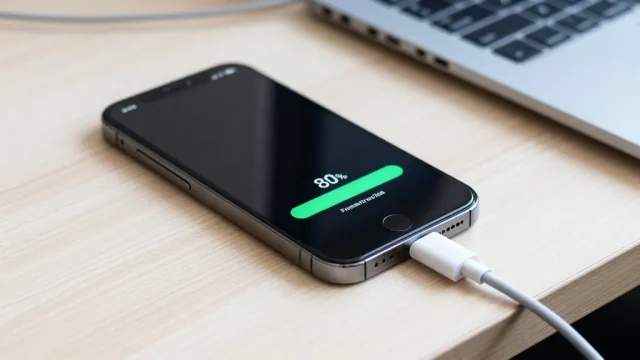
Learn how to fix iPhone charging slowly or stopping at 80% with simple troubleshooting steps and preventive measures.
Fix your iPhone's unresponsive touch screen with these practical steps and prevent future problems.
Discover how to fix iPhone battery draining fast overnight with practical tips and settings adjustments.
Fix your iPhone stuck on Apple logo after an iOS update with force restarts, DFU mode, and professional help.