How to Fix Surge Protector Red ‘Not Grounded’ Light
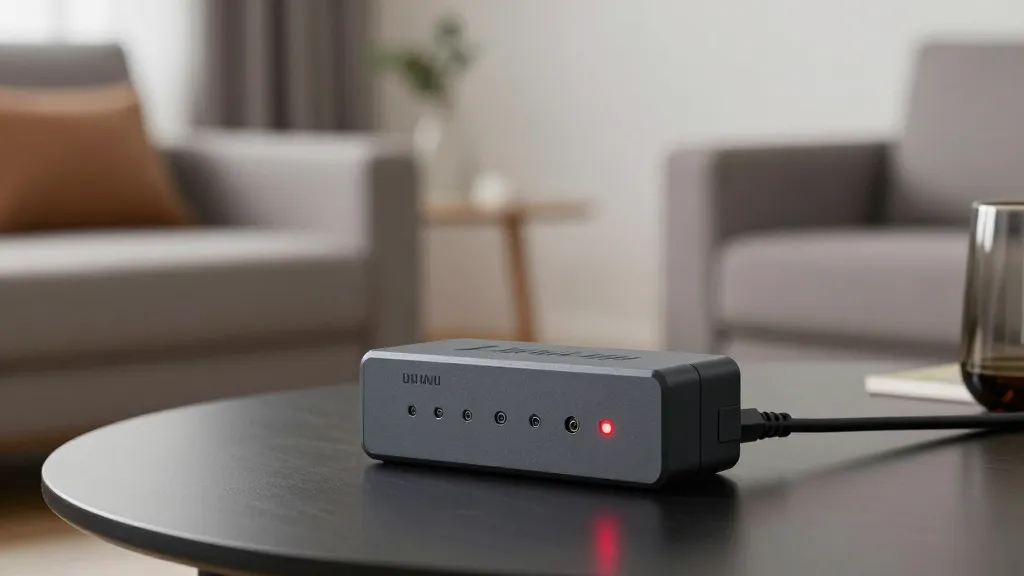
If your surge protector is displaying a red 'Not Grounded' light, it's a clear warning that your electrical setup may not be safe. This light typically indicates a problem with the grounding connection, which is essential for protecting your devices from electrical surges and shocks. Understanding what this light means and how to address it can help you avoid potential hazards and ensure your electronics remain safe. In this article, we’ll guide you through the steps to fix the red 'Not Grounded' light on your surge protector. You’ll learn how to check your outlet, verify proper connections, and determine when it's time to call a professional. Whether you're a homeowner or tech-savvy individual, these practical steps can help you resolve the issue without needing to hire an electrician.
Understanding the Red 'Not Grounded' Light
The red 'Not Grounded' light on a surge protector is a critical warning signal indicating that the device is not properly connected to the grounding system. This condition can affect the safety and functionality of your electrical devices, and understanding its implications is essential for resolving the issue effectively.
What Does the Red Light Mean?
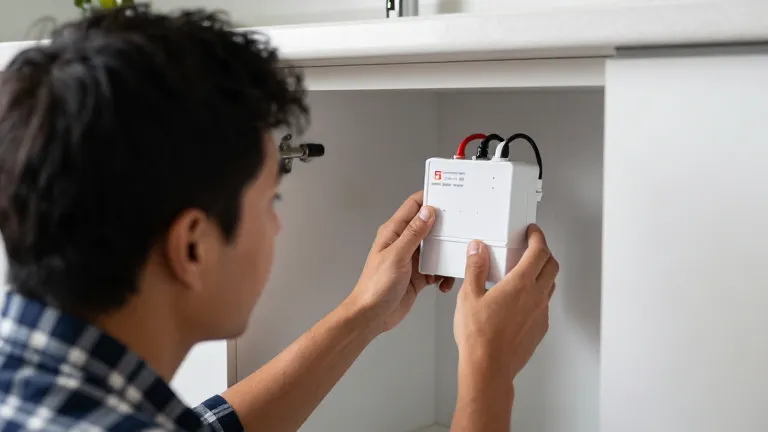
When the red light illuminates, it means the surge protector lacks a secure connection to the grounding system. Grounding is a vital part of the electrical circuit that provides a safe path for excess electricity to dissipate. Without this connection, the surge protector cannot function as intended, and your devices may be at risk of electrical damage or even fire.
Why Grounding Is Important
Proper grounding is essential for electrical safety and the protection of your electronic devices. It ensures that any excess voltage from a power surge or electrical fault is safely directed away from your equipment and into the ground. This prevents potential harm to both your devices and your home’s electrical system. A lack of grounding can also lead to unstable power delivery, causing devices to malfunction or fail prematurely.
Check the Outlet for Grounding Issues
Before addressing the surge protector itself, it's crucial to ensure the outlet it's plugged into is properly grounded. A faulty or improperly grounded outlet can cause the red 'Not Grounded' light to appear, even if the surge protector is functioning correctly. Confirming the grounding status of the outlet is the first step in troubleshooting this issue.
Testing the Ground Connection
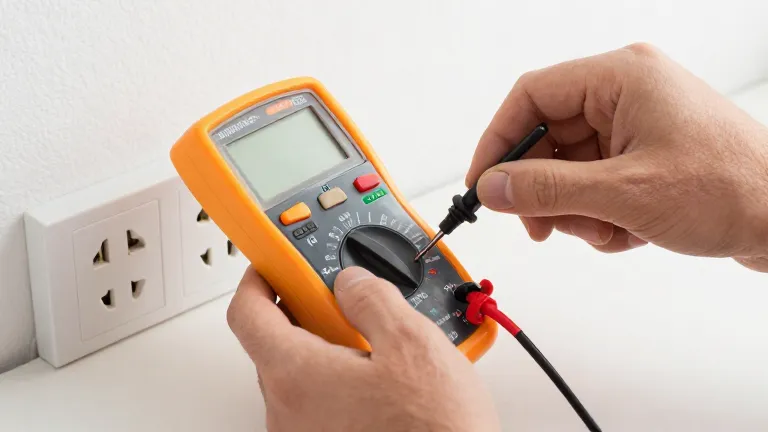
To test the ground connection, use a voltage tester or a multimeter set to measure AC voltage. Insert the tester into the outlet's ground slot and check for continuity to the building's grounding system. A properly grounded outlet should show a reading of around 120 volts between the hot and neutral slots, and a similar reading between the ground and neutral. If no voltage is detected, the outlet may not be grounded, or the wiring could be damaged.
Inspecting the Outlet for Damage
Inspect the outlet for physical damage, such as cracks, burns, or loose wiring. Look for signs of wear on the outlet's faceplate, the prongs, or the internal components. Damaged outlets can compromise the grounding connection and pose a safety hazard. If the outlet is damaged, it should be replaced by a qualified electrician. Additionally, check for loose or frayed wiring behind the outlet, as these can also disrupt the grounding process.
Ensure the Surge Protector Is Properly Plugged In
The first step in resolving a red 'Not Grounded' light is to ensure the surge protector is fully and securely plugged into the outlet. Sometimes, the device may appear to be connected but is not fully seated, which can prevent the grounding connection from being established. Gently pull the plug out and reinsert it to confirm it is fully inserted. If the outlet has a cover plate or a plate that can be removed, check that there are no obstructions preventing a proper connection.
Avoid using extension cords or daisy-chaining multiple devices through the surge protector. These practices can lead to unstable power distribution and may cause the grounding system to fail. Extension cords often lack the proper wiring for grounding, and daisy-chaining can overload the circuit, increasing the risk of electrical issues. Instead, use a dedicated outlet for the surge protector to ensure a stable and safe connection.
Inspect the surge protector for signs of overheating or physical damage. If the device feels excessively hot to the touch, it may indicate an internal fault or an overload condition. Additionally, look for visible signs of wear, such as frayed wires, cracked casing, or burnt components. A damaged surge protector not only poses a safety hazard but can also prevent proper grounding, leading to the red light remaining on.
If the surge protector is overheating or showing signs of damage, it should be unplugged immediately and replaced with a new, certified unit. A faulty protector cannot provide the necessary protection for your electronics and may compromise the entire grounding system. Always use surge protectors that meet safety standards and are designed for the specific electrical requirements of your home.
Replace the Surge Protector If Necessary
If your surge protector is old or shows signs of wear, such as frayed cords, damaged plugs, or a history of frequent circuit trips, it may be time to replace it. Over time, surge protectors can degrade, losing their ability to safely manage electrical surges and ground connections. A faulty unit can no longer provide reliable protection and may even pose a fire hazard. Replacing it with a newer, high-quality model is a proactive step toward ensuring your electrical safety.
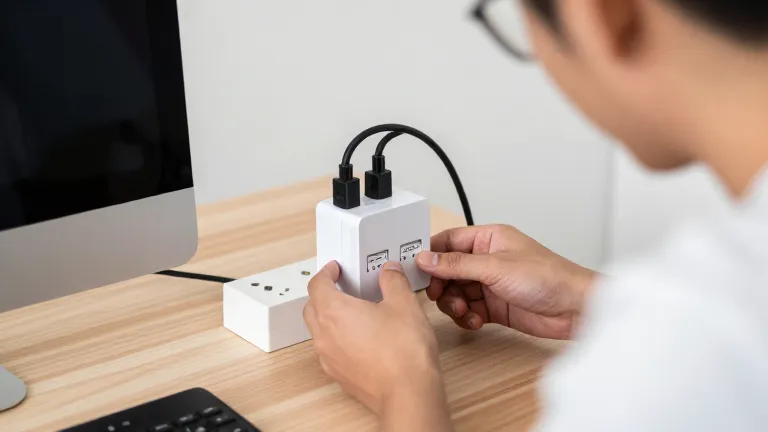
When selecting a replacement, prioritize surge protectors that include a built-in grounding feature. These models are designed to establish a safe connection to the building’s grounding system, which is essential for diverting excess electricity away from sensitive electronics. Look for products that clearly indicate they are grounded, often through a three-prong plug or a dedicated grounding pin. Always verify that the surge protector meets safety standards and has the appropriate surge protection rating for your needs.
Before installing the new surge protector, ensure it is compatible with your electrical setup. Check the voltage and amperage requirements to avoid overloading circuits or using a device that is not suited for your home’s electrical system. Some surge protectors are designed for specific types of outlets or electrical configurations, so it is important to match the model to your setup. A properly compatible unit will function safely and effectively, providing the protection your devices need.
When to Call a Professional Electrician
If you're unsure about the electrical system in your home or if the issue involves complex wiring, it's best to avoid attempting repairs yourself. Electrical systems can be dangerous if not handled correctly, and improper modifications may lead to shocks, fires, or further damage. Always prioritize safety over convenience when dealing with electrical issues that you cannot confidently resolve.
Outdated wiring or a faulty electrical panel are clear indicators that professional assistance is required. Older homes may have wiring that doesn't meet current safety standards, and a malfunctioning panel can pose serious risks. An electrician can assess the condition of your wiring and determine if upgrades or replacements are necessary to ensure a safe and reliable electrical system.
A qualified electrician has the expertise to inspect all connections and ensure they meet local electrical codes and safety standards. This includes checking for proper grounding, verifying that all components are correctly installed, and identifying any hidden issues that may not be apparent to an untrained eye. Their professional evaluation can prevent potential hazards and ensure long-term reliability.
In cases where the surge protector's red 'Not Grounded' light persists after following all troubleshooting steps, it's a strong sign that the problem lies beyond the device itself. This could involve deeper issues within your home's electrical infrastructure. Seeking help from a licensed electrician not only addresses the immediate concern but also helps safeguard your home and electronics from future electrical risks.
Frequently Asked Questions
What should I do if the red light stays on after checking the outlet?
If the red light remains on after verifying the outlet, inspect the wiring for damage or consult a professional. A faulty connection or incorrect wiring may require expert repair.
Can a faulty surge protector cause other electrical issues?
Yes, a faulty surge protector may lead to power fluctuations or damage to connected devices. It could also pose a fire risk if the grounding is compromised.
Is it safe to use a surge protector with a red 'Not Grounded' light?
No, it is not safe to use a surge protector with a red 'Not Grounded' light. This indicates a lack of proper grounding, which can leave devices vulnerable to electrical surges.
How often should I replace my surge protector?
Surge protectors should be replaced every 3 to 5 years, or sooner if they show signs of wear, damage, or frequent tripping.
Final Thoughts
Fixing the red 'Not Grounded' light requires checking the outlet, ensuring proper connection, and replacing the surge protector if needed. If issues persist, consult a professional to avoid risks.
Always prioritize safety when dealing with electrical systems. Regular maintenance and timely replacement of surge protectors can help prevent damage and ensure reliable protection.