How to Fix Sony Bravia TV Blinking Red Light 6 Times
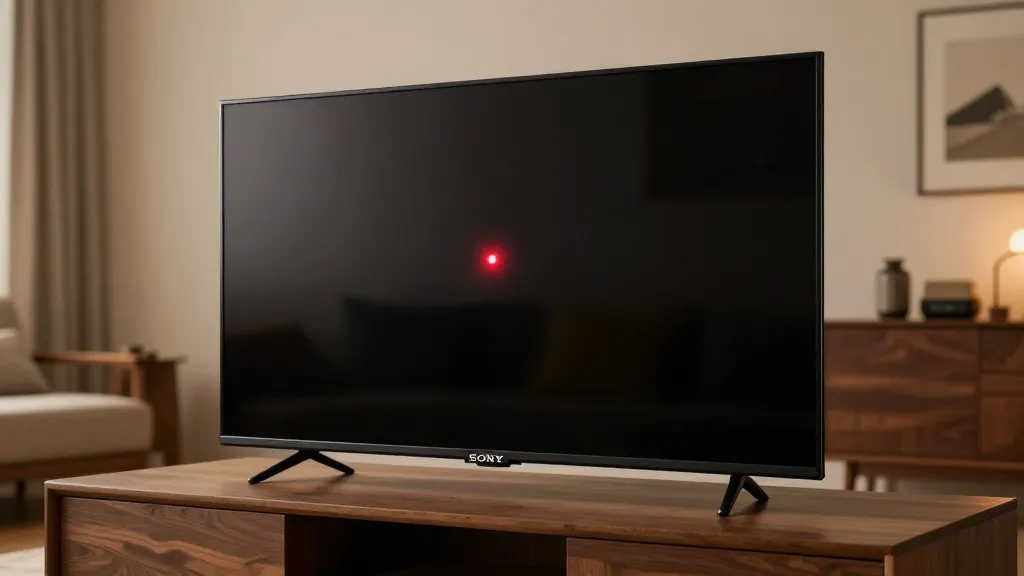
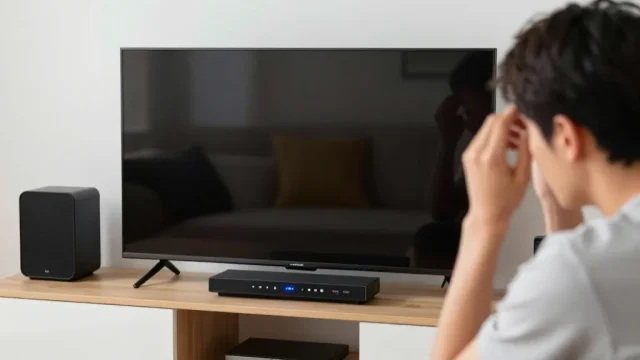
If your Sony Bravia TV is displaying a blinking red light that blinks six times, it can be concerning and disrupt your viewing experience. This error often signals a problem with the TV’s internal systems, and knowing how to fix Sony Bravia TV blinking red light 6 times is crucial for restoring normal operation. This article provides practical steps to troubleshoot and resolve the issue, helping you identify and address the root cause without needing professional assistance immediately. Whether you're a homeowner or a tech-savvy user, these solutions are designed to guide you through a clear, step-by-step process for fixing the problem effectively.
Understanding the Blinking Red Light Error on Sony Bravia
The blinking red light on a Sony Bravia TV can indicate a variety of hardware or software issues. This error is often a signal that something is wrong with the TV's internal systems, ranging from power supply problems to software glitches. When the red light blinks six times, it typically points to a specific issue, such as a backlight or power supply failure. Identifying the exact error code and its meaning is crucial before proceeding with any troubleshooting steps.
What Does a Blinking Red Light on Sony Bravia Mean?
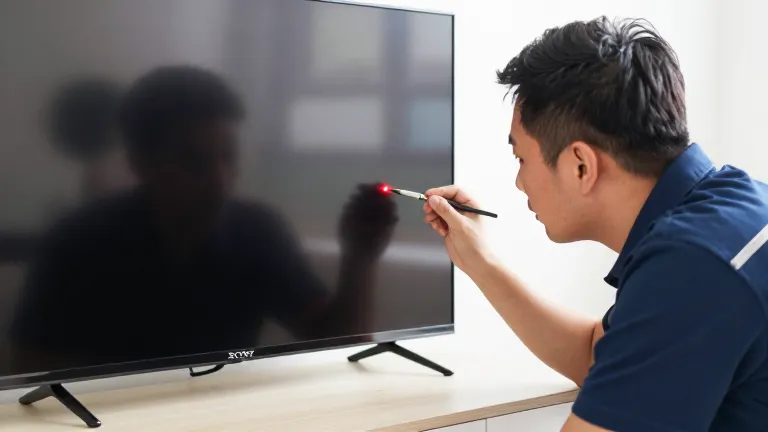
A blinking red light on a Sony Bravia TV is a visual indicator that the TV has encountered an error. This light can blink in different patterns, each corresponding to a specific issue. The blinking red light is part of the TV's built-in diagnostic system, which helps users identify problems without requiring technical expertise. Understanding the meaning of the blinking pattern is essential for effective troubleshooting.
Common Causes of the Red Light Blinking 6 Times Error
The red light blinking six times on a Sony Bravia TV is a specific error code that indicates a problem with the backlight or power supply. This error often occurs when the TV is unable to receive sufficient power, leading to display issues or complete shutdown. It can also be related to the backlight system, which is responsible for illuminating the screen. In some cases, the error may be caused by a faulty power supply unit or a malfunctioning backlight unit.
Identifying the exact error code is important because different blinking patterns correspond to different issues. For example, a red light blinking six times is a clear signal that the TV's power or backlight system is not functioning correctly. It is recommended to consult the TV's user manual or Sony's support resources to confirm the error code and its associated meaning. This information will help in determining the most appropriate troubleshooting steps.
Troubleshooting Steps for the Red Light Blinking 6 Times Error
Troubleshooting the blinking red light error on your Sony Bravia TV involves checking the most common issues that could be causing the problem. Starting with basic power and connection checks can often resolve the issue without the need for further intervention.
- Unplug the TV and wait for 10-15 minutes to allow the power supply to reset.
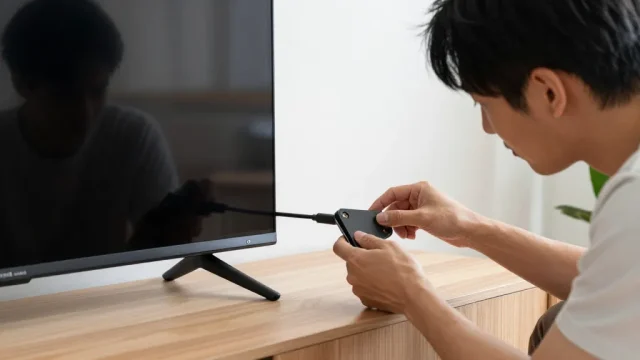
- Check all cables and connections, including the power cable and HDMI cables.
- Try using a different power outlet to rule out electrical issues.
- Ensure the TV is not overheating and is placed in a well-ventilated area.
Basic Power and Connection Checks
Begin by unplugging the TV from the power source and waiting for 10-15 minutes. This allows the internal power supply to cool down and reset, which can often resolve temporary electrical glitches. After the waiting period, plug the TV back in and observe if the blinking red light persists.
Testing with a Different Power Source
Next, inspect all cables and connections to ensure they are securely plugged in. Loose or damaged cables, especially the power cable, can cause the TV to malfunction. Check for any visible damage to the cables and replace them if necessary. Also, verify that the HDMI and other input cables are properly connected to both the TV and external devices.
If the issue persists, try using a different power outlet. Electrical issues such as voltage fluctuations or a faulty outlet can interfere with the TV’s operation. Use a surge protector or a different power strip to test the TV in a different location. This helps determine whether the problem is with the outlet or the TV itself.
How to Reset Your Sony Bravia TV
Resetting your Sony Bravia TV can help resolve software glitches and restore default settings, which may eliminate the blinking red light error. This process is typically straightforward and can be completed using the on-screen menu or your remote control. However, it is important to understand that a factory reset will erase all custom settings, including Wi-Fi passwords and channel configurations, so you should be prepared to reconfigure your TV afterward.
Performing a Factory Reset
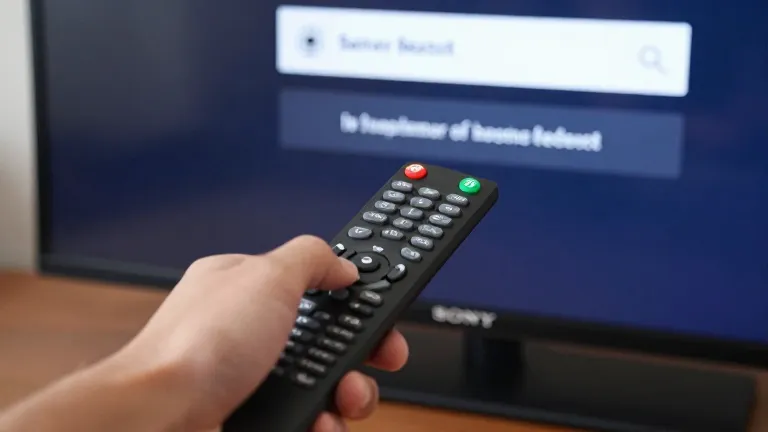
To perform a factory reset, navigate to the TV's settings menu using your remote control. Look for the 'System' or 'Support' section and select 'Factory Reset' or 'Restore Default Settings.' Follow the on-screen prompts to confirm the reset, which will take a few minutes to complete. Once the process is finished, your TV will reboot with all default settings applied.
Reconfiguring TV Settings After Reset
After the reset, you will need to reconfigure your TV to match your preferences. Start by reconnecting to your Wi-Fi network by going to the 'Network' settings and entering your password. Then, re-add any favorite channels or streaming services you previously had set up. It is also a good idea to check the picture and sound settings to ensure they align with your viewing habits. Taking the time to reconfigure your TV properly will help prevent the blinking red light error from recurring.
Checking for Physical Damage or Hardware Issues
If the blinking red light error persists after basic troubleshooting, it may indicate physical damage or hardware failure within the TV. A thorough inspection of the TV's physical condition and internal components can help identify potential issues that may require repair or replacement.
Inspecting the TV for Physical Damage
Begin by visually inspecting the TV for any signs of physical damage, such as cracks on the screen, loose cables, or damaged ports. Check the back panel for any visible burn marks, bulging capacitors, or signs of overheating. These indicators can point to internal component failure or electrical issues that may be causing the red light error.
Replacing the Power Supply or Backlight Unit
If the TV is older, it may be experiencing component failure due to aging parts, such as a failing power supply unit or backlight assembly. These components are critical for the TV's operation and can cause intermittent issues like the blinking red light. If the error continues after checking for physical damage, consider replacing the power supply or backlight unit, which are common points of failure in older models. These repairs often require professional assistance, as they involve disassembling the TV and replacing internal components.
When to Seek Professional Help for Your Sony Bravia
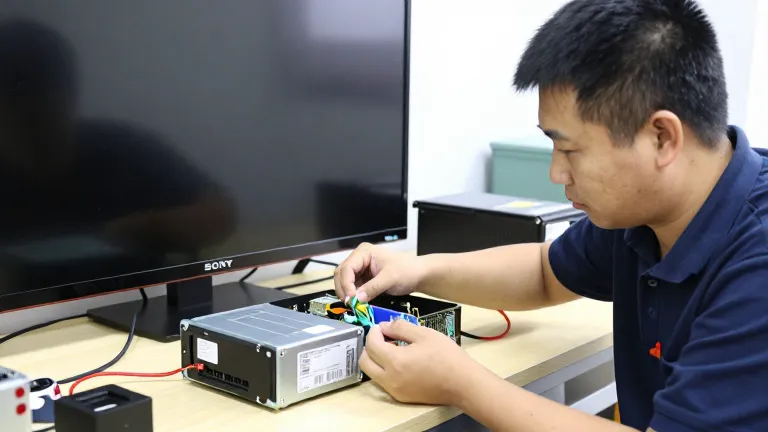
If the blinking red light on your Sony Bravia TV persists after following all troubleshooting steps, it may indicate a serious hardware issue that requires professional attention. In such cases, seeking expert assistance is not only advisable but often necessary to prevent further damage and ensure a proper resolution.
When to Contact Sony Support
Contact Sony support if the blinking red light continues after you've tried all the troubleshooting steps. Sony's customer service team can provide guidance on the specific error code and help determine whether a repair or replacement is needed. They can also assist you in arranging a service technician visit if your TV is still under warranty. Reaching out to Sony early can save you time and money by addressing the issue before it escalates.
Repair Options and Cost Considerations
If your TV is out of warranty, consider the cost of repair versus the cost of a new model. In some cases, the repair cost may exceed the value of the TV, making replacement a more practical option. However, if the TV is still functional in other aspects and the repair cost is reasonable, it's worth pursuing. Always compare repair options from authorized service centers to ensure quality and reliability. Avoid attempting to open the TV yourself unless you have the necessary expertise, as improper handling can lead to additional damage or void any remaining warranty.
Frequently Asked Questions
What does a blinking red light on my Sony Bravia TV mean?
A blinking red light on your Sony Bravia TV typically indicates a hardware issue, such as a backlight error or power supply problem. The specific number of blinks corresponds to an error code, which can help identify the issue.
How can I reset my Sony Bravia TV if it’s not responding?
To reset your Sony Bravia TV, unplug it from the power source for 10 minutes, then plug it back in. If it still doesn’t respond, try a factory reset through the settings menu.
What should I do if my Sony Bravia TV is blinking red and not turning on?
First, check the power connections and try a different power source. If the TV still doesn't turn on, inspect for physical damage or consider contacting a professional.
Can I fix the red light blinking six times error without professional help?
You can attempt basic troubleshooting steps like power resets and checking connections. However, more complex issues such as hardware damage may require professional assistance.
Final Steps and Next Actions
The blinking red light on your Sony Bravia TV is a sign of a hardware or software issue. Addressing it with basic troubleshooting, such as power resets and checking connections, is often the first step. If the issue persists, consider professional help or repairs.
By following the steps outlined, you can identify and resolve many common issues. If the problem continues, reaching out to Sony support or a certified technician is the best course of action.