Printers & Peripherals
How to Fix Canon Printer Error Code 5100 (Carriage Error)
Fix Canon Printer Error Code 5100 by cleaning the ink carriage and encoder strip. Follow these steps for effective troubleshooting.
Guides to fix offline printers, jammed paper, monitors, keyboards, and USB devices
Fix Canon Printer Error Code 5100 by cleaning the ink carriage and encoder strip. Follow these steps for effective troubleshooting.
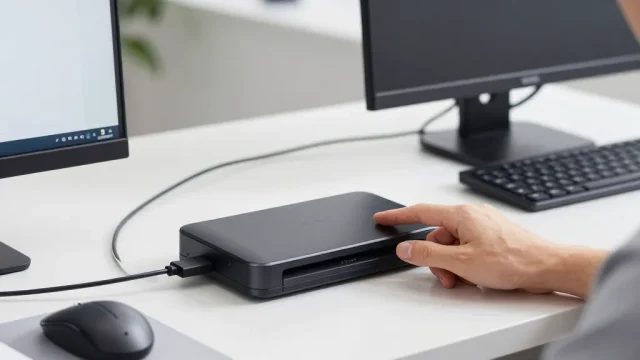
Troubleshoot KVM switch issues with simple steps and prevent future problems by using compatible accessories and maintaining your switch.
Learn how to fix drawing tablet pen cursor offset and pressure issues with practical steps and troubleshooting techniques.
Fix blank labels on Dymo or Rollo printers by checking settings, calibrating sizes, and ensuring proper label alignment.
Fix Bluetooth keyboard pairing issues with iPad or PC by checking batteries, resetting the keyboard, and re-pairing.
Troubleshoot scanner detection issues with Windows Fax and Scan by checking connections, restarting services, updating drivers, and repairing system files.
Fix Logitech Unifying Receiver issues with these simple steps and troubleshooting tips.
Fix mechanical keyboard keys not registering or chattering with cleaning, resetting, and replacing faulty switches.
Fix wireless mouse lag, stuttering, and double clicking with simple troubleshooting and optimization tips.
Fix a stuck print queue by canceling jobs, restarting the printer, and managing the spooler service.