How to Fix Android Phone Overheating: Troubleshooting Tips
Your Android phone is overheating, and you're worried about damaging it or losing performance. Whether you're at home or in the office, dealing with a hot phone can be frustrating. This article provides practical steps on how to fix Android phone overheating so you can cool it down quickly and prevent future issues. We'll cover the causes of overheating, immediate cooling methods, and long-term prevention tips to keep your device running smoothly.
Overheating can be caused by heavy usage, background apps, or even a faulty charger. Understanding these factors is the first step in resolving the problem. By taking the right actions, you can often restore your phone's normal temperature without needing professional help.
This guide walks you through simple yet effective troubleshooting techniques, from stopping usage to checking for software glitches. If your phone continues to overheat, we'll also explain when to seek professional assistance to avoid further damage. Let's get your Android phone back to optimal performance.
Understanding Android Phone Overheating
Overheating is a common issue that many Android phone users face, especially when the device is under heavy use or has been left charging for extended periods. This occurs when the phone’s internal temperature rises beyond normal operating levels, which can be caused by a variety of factors. Understanding the root causes and potential risks of overheating is essential for preventing long-term damage and ensuring optimal device performance.
Common Causes of Android Phone Overheating
One of the primary causes of Android phone overheating is heavy usage, such as gaming, video streaming, or multitasking with multiple apps open. These activities place significant strain on the phone’s processor and graphics capabilities, generating excess heat. Additionally, running numerous background apps can also contribute to overheating, as they consume system resources and keep the CPU and GPU active even when the phone is not in use. Poorly optimized apps or those with high resource demands can exacerbate this issue, making it more likely for the phone to overheat.
Risks of Prolonged Overheating
Prolonged overheating can lead to serious risks for your Android phone, including battery degradation and potential hardware damage. High temperatures accelerate the chemical reactions inside the battery, reducing its overall lifespan and capacity over time. In extreme cases, overheating can cause the battery to swell, leading to safety hazards such as leaks or even fire. Furthermore, excessive heat can affect other internal components, such as the motherboard or display, potentially causing permanent damage. It is crucial to address overheating promptly to avoid these long-term consequences and maintain the phone’s performance and safety.
Immediate Steps to Cool Down Your Android Phone
When your Android phone starts overheating, the first priority is to prevent further damage. Immediate action can stop the temperature from rising and protect your device. Follow these steps to cool down your phone safely and effectively.
- Turn off your phone or put it in airplane mode to reduce heat.
- Remove the phone from direct sunlight or heat sources.
- Avoid using the phone while charging.
- Do not attempt to open the phone or use it in extreme conditions.
Stop Using the Phone Immediately
Stop using the phone immediately to prevent additional heat buildup. Running apps, games, or even basic functions like browsing or messaging can increase the internal temperature. Turning off the phone or switching to airplane mode stops all active processes, giving the device a chance to cool down. This step is crucial because continued use can lead to permanent damage to internal components.
Move to a Cool Environment
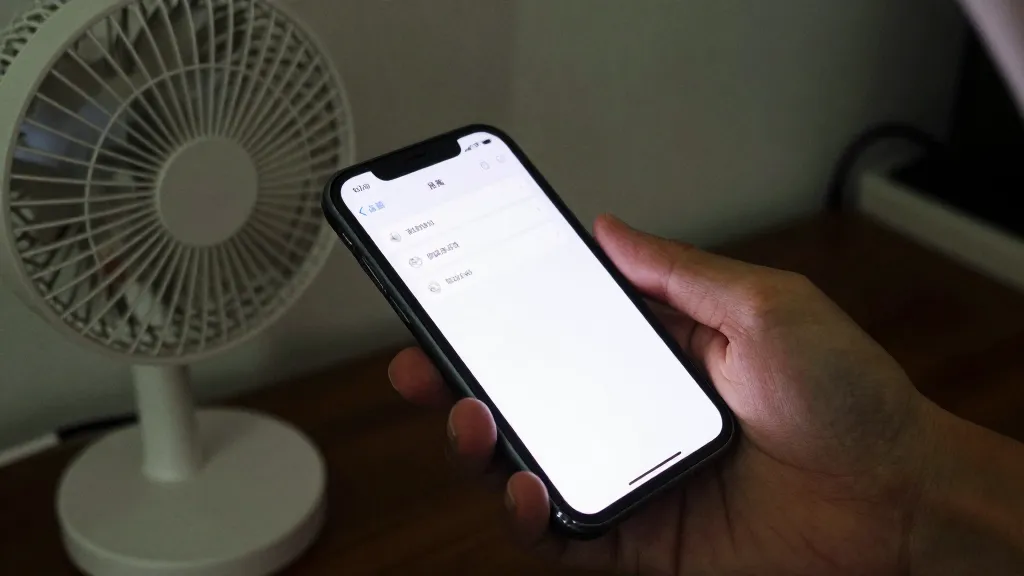
Move to a cool environment to help your phone dissipate heat more effectively. If you're in a hot room, place the phone in a shaded area or near a fan to promote airflow. Avoid leaving the phone in direct sunlight or near heat sources like radiators or fireplaces. A cooler environment allows the phone to lose heat naturally, which can prevent the risk of thermal shutdown or long-term damage.
Troubleshooting Overheating Issues
Troubleshooting overheating issues often starts with identifying and managing the processes running on your Android phone. Many overheating incidents are caused by apps consuming excessive resources in the background. By addressing these factors, you can reduce the strain on your device’s hardware and potentially cool it down.
- Identify and close apps running in the background.
- Clear cached data and storage to reduce system load.
- Disable unnecessary location or data services.
- Check for apps that are known to be resource-heavy.
Check for Background Apps
Check for background apps that are using high resources. Open the Settings app and navigate to 'Battery' or 'Battery Usage' to see which apps are consuming the most power. Look for apps that are running in the background and drain the battery or use significant processing power. Close these apps manually or disable their background activity if possible. This can significantly reduce the workload on your phone’s processor and help lower its temperature.
Restart Your Phone
Restart your phone to clear temporary issues. A restart can resolve software glitches and free up memory, which may be contributing to overheating. When you restart your device, it clears the RAM and stops any background processes that might be causing excessive heat. Make sure to save any important data before restarting, and consider doing this after checking for and closing high-resource apps. A restart is a simple yet effective way to reset your phone’s performance and potentially cool it down.
Preventing Future Overheating
Preventing future overheating involves adopting consistent habits and making informed choices about your phone's usage and maintenance. By focusing on charger quality, background processes, and environmental conditions, you can significantly reduce the risk of overheating and extend your device's lifespan.
- Use a reliable charger and avoid fast charging when possible.
- Close unused apps and limit background processes.
- Keep the phone in a cool and well-ventilated area.
Use a Reliable Charger
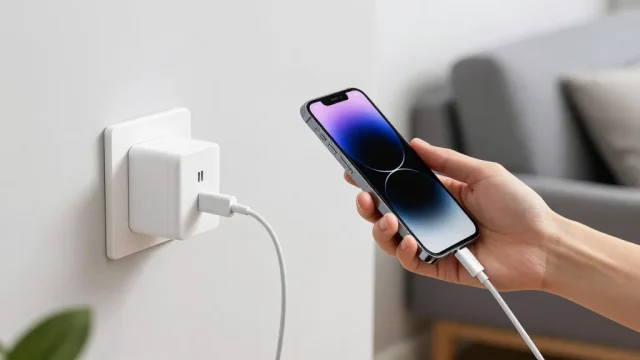
Using a reliable charger is essential for preventing overheating. Cheap or counterfeit chargers can cause electrical instability, leading to excessive heat buildup. Opt for chargers that are certified by the manufacturer or reputable brands. Fast charging, while convenient, generates more heat than standard charging. To minimize risk, use standard charging modes when possible, especially during extended use or overnight.
Manage Background Processes
Managing background processes is another key step in preventing overheating. Many apps run in the background, using system resources and generating heat. Regularly close unused apps and disable unnecessary notifications to reduce the load on your phone's processor. Also, review your phone's settings to limit background data usage and restrict apps from running in the background when not needed. This helps keep your phone cooler and more efficient.
When to Seek Professional Help
If your Android phone continues to overheat despite following troubleshooting steps, it may indicate a hardware issue that requires professional attention. Recognizing these signs early can prevent further damage and ensure your device remains functional.
Signs of Hardware Issues
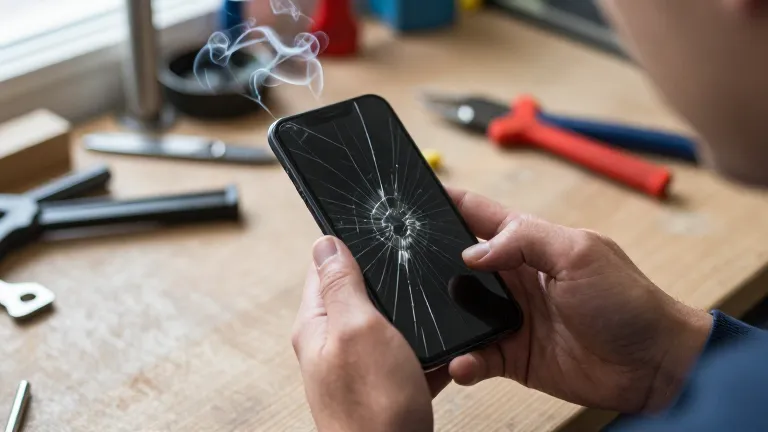
Signs of hardware issues include persistent overheating even when the phone is idle, unusual noises from the internal components, or a swollen battery. If your phone frequently restarts or fails to charge properly, these could be indicators of deeper problems. Additionally, if the phone's performance drops significantly or apps crash unexpectedly, it may be due to internal hardware malfunctions.
What to Do If the Phone Is Too Hot
If your phone is too hot to touch, stop using it immediately and move it to a cool, ventilated area. Avoid using it while it's charging, as this can exacerbate the issue. If the phone is excessively hot, do not attempt to open it or remove the battery, as this could cause further damage. Instead, let it cool down naturally before assessing the situation. Once it has cooled, check if the issue persists, and if so, contact a service center for further assistance.
Frequently Asked Questions
What should I do if my Android phone is too hot?
If your Android phone is too hot, stop using it immediately and move it to a cool environment. Allow the phone to cool down for at least 30 minutes before using it again. Avoid exposing the phone to direct sunlight or heat sources.
Can using too many apps cause my phone to overheat?
Yes, using too many apps can cause your Android phone to overheat. Running multiple apps simultaneously increases CPU usage and battery drain, leading to heat buildup. Close unused apps and limit background processes to prevent overheating.
How can I prevent my Android phone from overheating?
To prevent overheating, use a reliable charger, avoid overcharging, and close unused apps. Keep your phone away from direct heat sources and ensure proper ventilation. Regularly update your phone's software to optimize performance.
When should I take my phone to a repair center?
Take your phone to a repair center if it continues to overheat even after trying all troubleshooting steps. Signs of hardware issues include persistent high temperatures, unusual noises, or malfunctioning components that could indicate internal damage.
Final Thoughts
Managing Android phone overheating involves understanding its causes and taking proactive steps to cool it down. By closing background apps, using a reliable charger, and avoiding heat sources, you can significantly reduce the risk of overheating. Regular maintenance and smart usage habits will keep your phone running smoothly and efficiently.
If your phone continues to overheat despite your efforts, it may be a sign of a deeper hardware issue. In such cases, seeking professional help is the best course of action. Prioritizing your phone's health through proper care and timely repairs ensures optimal performance and longevity.