How to Fix Roku Remote Not Working or Pairing After Battery Change
If your Roku remote stopped working or won’t pair after changing the batteries, you’re not alone. Many users experience this issue, often due to simple missteps during battery replacement. The main keyword here is How to Fix Roku Remote Not Working or Pairing After Battery Change, and this article provides practical steps to resolve the problem. Whether your remote is unresponsive or refuses to connect, we’ll guide you through the troubleshooting process step by step.
First, we’ll explore why the remote might stop working after battery changes and what common issues to look out for. Then, we’ll cover basic troubleshooting methods, such as checking battery installation and testing the remote with other devices. If pairing remains an issue, we’ll walk you through the re-pairing process and what to do if it fails.
For persistent problems, we’ll look at advanced fixes, including factory resets and testing the remote with a computer. Finally, we’ll discuss when it’s best to seek professional help, so you know when to reach out to Roku support. By following these steps, you can restore your remote’s functionality and enjoy uninterrupted streaming.
Understanding Why the Roku Remote Stops Working After Battery Change
Replacing the batteries in your Roku remote is a simple task, but it can lead to unexpected issues if not done properly. Understanding why the remote might stop working or fail to pair after a battery change is essential for troubleshooting effectively.
Common Issues After Battery Replacement
After replacing the batteries, the Roku remote may experience connectivity problems. This is often due to the remote entering a pairing mode or losing its connection to the Roku device. The remote relies on a stable power source to maintain communication with the TV, and a sudden power change can disrupt this process. Additionally, the remote might not respond to commands until it re-establishes a connection with the Roku.
How Battery Changes Affect Remote Functionality
Incorrect battery installation or low battery levels can also contribute to intermittent issues. If the batteries are not seated properly or if they are of poor quality, the remote may not have enough power to function correctly. In some cases, the remote may not even power on after the battery change, making it difficult to re-pair it with the Roku. Users should ensure that the batteries are fully charged and installed correctly to avoid these problems. If the remote still fails to work, it may require a re-pairing process to restore its connection with the Roku device.
Basic Troubleshooting Steps for a Non-Working Roku Remote
Before diving into advanced solutions, start with basic checks that can quickly resolve most issues with a non-working Roku remote. Simple steps like verifying battery installation, checking distance, and testing with other devices often uncover the root cause without needing deeper intervention.
- Check that the batteries are properly inserted and have sufficient charge.
- Ensure the remote is within a reasonable distance of the Roku device.
- Try using the remote with another device to rule out hardware issues.
- Restart both the Roku device and the remote if needed.
Verify Battery Installation and Charge
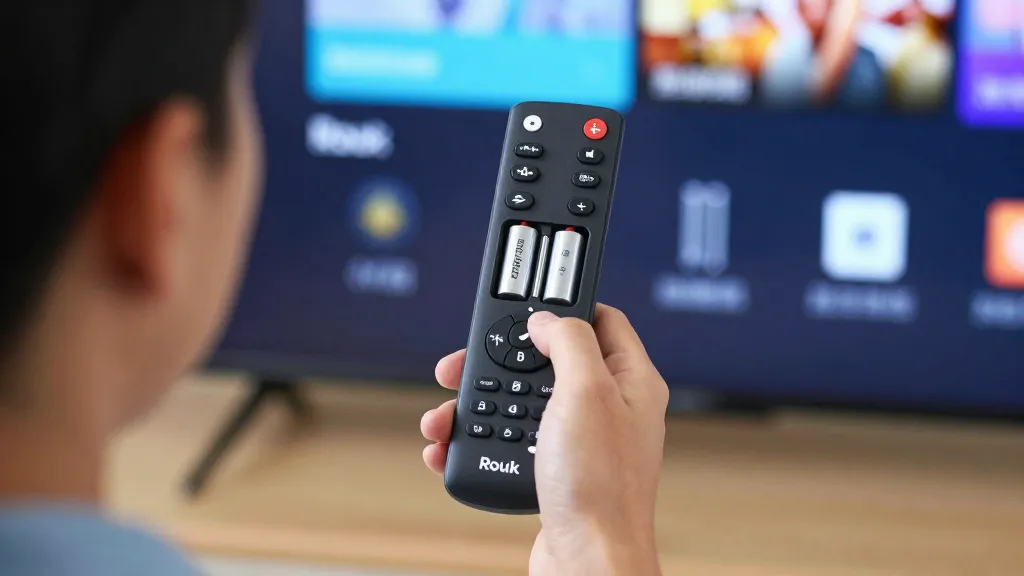
Verify that the batteries are correctly installed and fully charged. Even if the remote has power, improper battery placement or low charge can prevent it from functioning. Remove the batteries, inspect for any damage or corrosion, and reinsert them with the correct polarity. If the batteries are old or weak, replace them with fresh ones to ensure reliable performance.
Test Remote with Other Devices
Testing the remote with another device can help determine if the issue lies with the remote itself or the Roku setup. If the remote works with a different TV, speaker, or smart home device, the problem is likely with the Roku device or its settings. If it doesn’t work with any device, the remote may be faulty. This step helps isolate the issue and guides you toward the right repair or troubleshooting path.
How to Re-Pair the Roku Remote to Your Device
Re-pairing your Roku remote is a straightforward process that can restore its functionality after a battery change. By following the correct steps, you can ensure the remote is properly connected to your Roku device and ready to use.
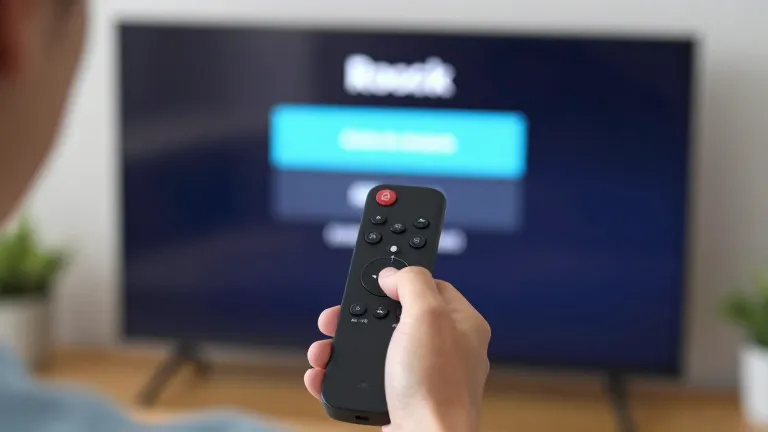
- Press and hold the pairing button on the Roku remote until it starts flashing.
- Follow the on-screen pairing instructions that appear on your Roku device.
- Wait for the Roku device to detect the remote and complete the pairing process.
- Test the remote's functions to confirm it is working correctly.
Step-by-Step Pairing Instructions
To begin the re-pairing process, locate the pairing button on your Roku remote. This is typically found on the back of the remote, near the battery compartment. Press and hold this button until the remote starts flashing, indicating it is in pairing mode. At the same time, your Roku device should display a prompt guiding you through the pairing process. Follow these on-screen instructions carefully to ensure the remote is successfully linked to your device.
What to Do If Pairing Fails
If the pairing process fails, try restarting both the Roku device and the remote. Sometimes a simple restart can resolve connectivity issues. If that doesn't work, ensure the remote is in pairing mode by checking if it is flashing. If the remote still doesn't pair, you may need to reset the Roku device and attempt the pairing process again. If these steps don't resolve the issue, consider testing the remote with a different Roku device or using a computer to troubleshoot further.
Advanced Fixes for Persistent Roku Remote Issues
If your Roku remote continues to have issues after basic troubleshooting, advanced steps can help identify and resolve deeper problems. These include resetting your Roku device, checking for firmware updates, ensuring the remote is not in restricted modes, and testing the remote with a computer.
Factory Reset and Re-Pairing
Performing a factory reset on your Roku device can resolve persistent remote issues by restoring default settings and re-establishing the connection. To do this, navigate to the Roku settings menu, select 'System', then 'Factory Reset'. Confirm the action, and wait for the device to reboot. After the reset, re-pair your remote by pressing and holding the 'Home' button until the pairing process begins. This ensures a clean connection and eliminates any residual configuration conflicts.
Testing the Remote with a Computer
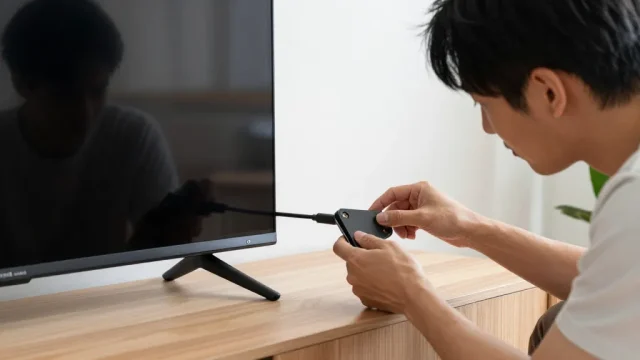
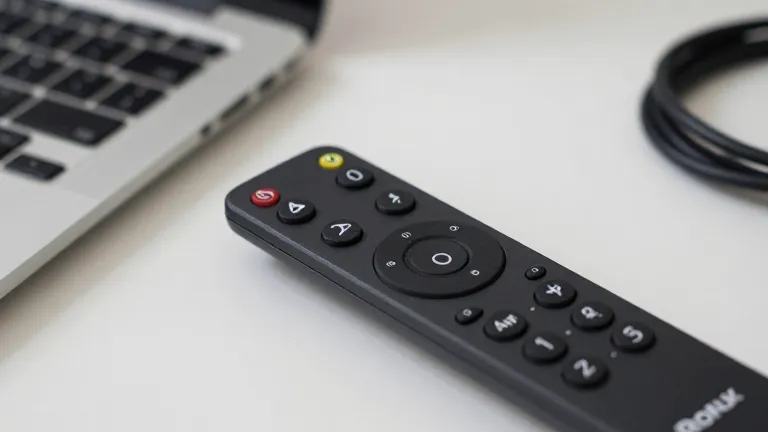
Connecting the Roku remote to a computer using a USB cable can help diagnose hardware or connectivity issues. Plug the remote into a USB port, and if it’s recognized, it may appear as a keyboard or input device. If the remote is detected, it may function temporarily, indicating a software or compatibility issue. If it’s not detected, the problem may be with the remote’s internal hardware. This test can help determine whether the issue is with the remote itself or the Roku device.
When to Seek Professional Help for Your Roku Remote
If your Roku remote continues to malfunction despite following all troubleshooting steps, it may be time to seek professional help. Persistent issues could indicate a deeper hardware problem that requires expert diagnosis and repair.
Signs That the Remote Is Beyond Repair
Signs that your Roku remote is beyond repair include physical damage such as cracks, water exposure, or internal component failure. If the remote shows visible wear or has been dropped, it may no longer function correctly even after re-pairing. Additionally, if the remote's buttons are unresponsive or the LED light fails to illuminate, these could be indicators of internal damage that cannot be resolved through basic troubleshooting.
When to Contact Roku Support
You should contact Roku support if your Roku device is also unresponsive to commands, as this may suggest a broader hardware issue affecting both the remote and the set-top box. If you're unsure about the cause of the problem or if multiple troubleshooting steps have failed, reaching out to Roku's customer service can provide expert guidance. Professional support can help determine whether the remote needs repair, replacement, or if there is an underlying issue with your Roku device that requires attention.
Frequently Asked Questions
What should I do if my Roku remote is still not working after replacing the batteries?
After replacing the batteries, ensure they are correctly inserted and fully charged. If the remote still doesn't work, try re-pairing it to your Roku device or test it with another compatible device.
Can a faulty battery cause my Roku remote to stop pairing with the device?
Yes, a faulty or weak battery can interfere with the remote's signal, causing pairing issues. Replace the batteries with new ones and attempt re-pairing.
How do I know if my Roku remote is in pairing mode?
The Roku remote is in pairing mode when the light at the top of the remote flashes. This indicates it's ready to connect to a new device.
Is there a way to test the Roku remote without the device connected?
You can test the remote by using it with a computer or another compatible device. If it works there, the issue is likely with your Roku device or its connection.
Final Tips and Next Steps
If your Roku remote is not working after replacing the batteries, follow the troubleshooting steps outlined in this guide. Re-pairing, checking battery status, and testing with other devices can help resolve most issues.
If the remote still doesn't function, consider advanced fixes like a factory reset or professional assistance. Regular maintenance and proper battery handling can help avoid future problems.