How to Fix WiFi Dead Zones in Upstairs Rooms or Basement
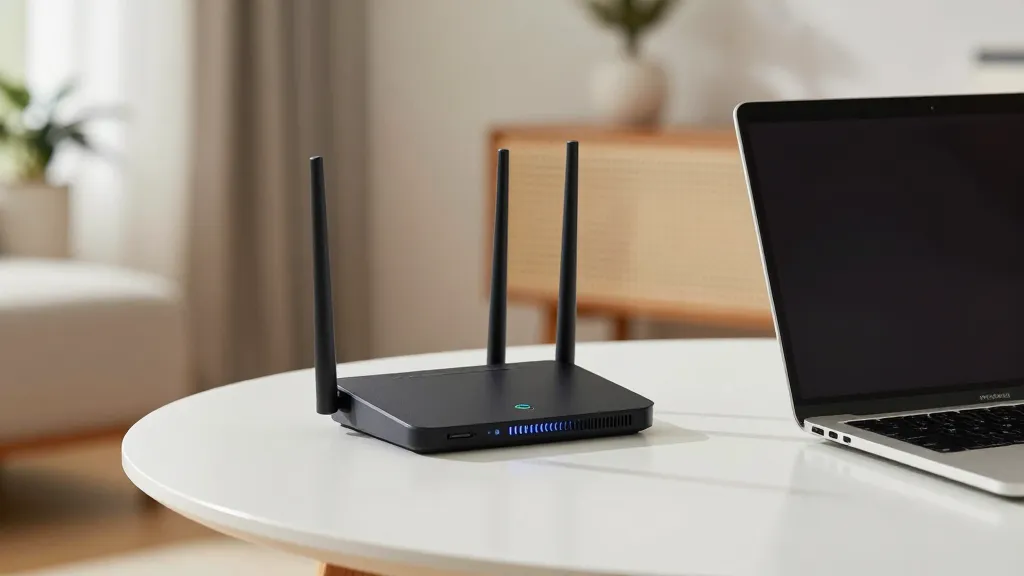
Many homeowners and renters struggle with poor WiFi coverage in upstairs rooms or basement areas, creating dead zones where the signal is weak or non-existent. This can disrupt work, entertainment, and communication. If you're looking for How to Fix WiFi Dead Zones in Upstairs Rooms or Basement, you're not alone. The solution often depends on understanding the root cause and choosing the right tools. From identifying obstacles to upgrading your network setup, this guide offers practical steps to improve signal strength in hard-to-reach areas of your home. Whether you're a DIY enthusiast or just want to enhance your internet experience, the right approach can make a big difference. Let's explore the options and find the best way to eliminate dead zones in your home.
Identify the Cause of WiFi Dead Zones
Before attempting to fix WiFi dead zones, it's essential to understand the root cause of the problem. Identifying whether the issue stems from weak signal strength, physical obstructions, or interference will guide you toward the most effective solution.

Use a WiFi Analyzer App to Diagnose Coverage
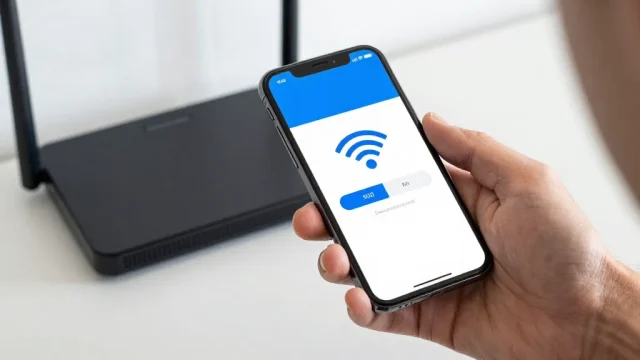
Using a WiFi analyzer app can provide valuable insights into your network's performance. Apps like WiFi Analyzer, InSSIDer, or NetSpot allow you to visualize signal strength and detect nearby networks. These tools can help you pinpoint areas with weak or no signal and identify potential sources of interference.
Check for Obstacles and Interference
Physical barriers such as walls, floors, and large objects can significantly weaken WiFi signals. Materials like concrete, metal, and thick drywall are particularly problematic. Additionally, electronic devices such as microwaves, cordless phones, and Bluetooth gadgets can cause interference. Conduct a visual inspection of the affected area to identify obstacles and note any devices that might be disrupting the signal.
Optimise Your Router Placement
Optimising your router's placement is a fundamental step in reducing WiFi dead zones. A well-positioned router can significantly improve signal strength and coverage throughout your home. By following best practices and considering the layout of your space, you can ensure better connectivity in upstairs rooms or basements.
- Place the router in a central, elevated location.
- Avoid placing the router behind walls or in metal enclosures.
- Use a WiFi extender or repeater if the router is too far from the dead zone.
Best Practices for Router Placement
Place the router in a central, elevated location to maximise signal distribution. Positioning it near the center of your home allows the signal to reach all areas more evenly. Elevating the router, such as on a shelf or table, helps the signal spread more effectively than placing it on the floor. This reduces the likelihood of signal blockage and improves overall coverage.
When to Use a WiFi Extender or Repeater
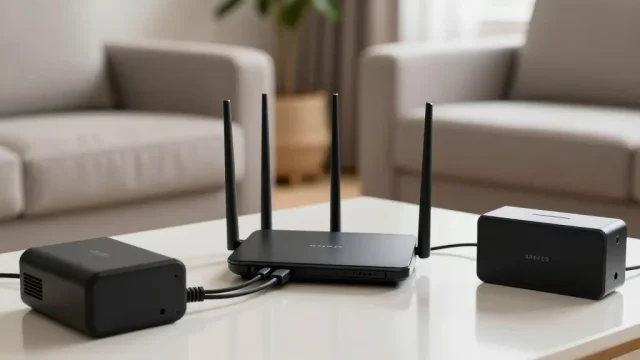
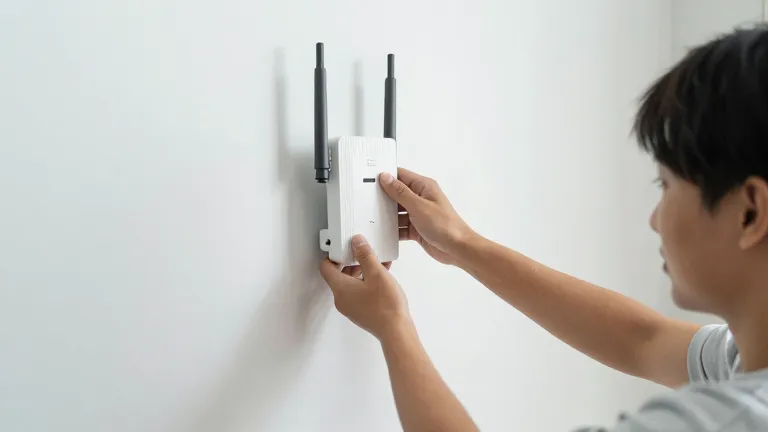
Use a WiFi extender or repeater if the router is too far from the dead zone. These devices receive the existing WiFi signal and retransmit it to areas with poor coverage. They are ideal when the dead zone is far from the main router and moving the router is not practical. However, extenders can sometimes create a weaker signal, so it's important to place them strategically for optimal performance.
Upgrade to a Mesh WiFi System
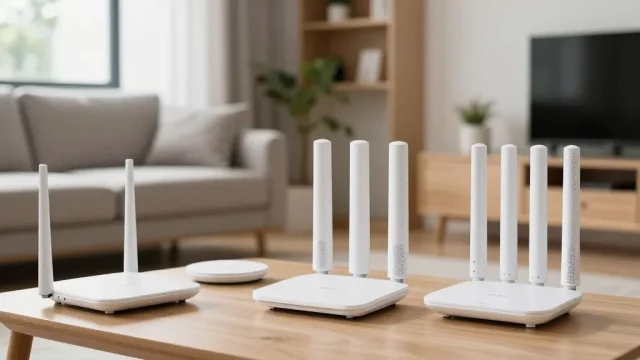
Upgrading to a mesh WiFi system is a powerful solution for eliminating dead zones in upstairs rooms or basements. Unlike traditional routers that provide limited coverage, mesh systems use multiple nodes to create a seamless, extended network throughout your home. These systems are ideal for multi-floor homes and large open spaces, ensuring strong and stable WiFi access in every corner.
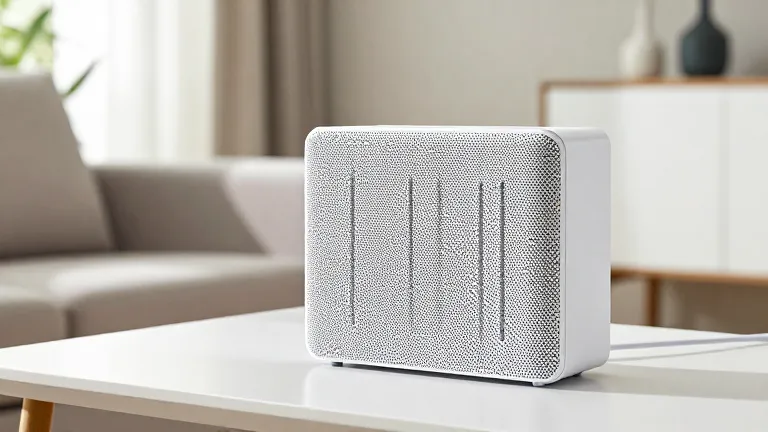
What Is a Mesh WiFi System?
A mesh WiFi system consists of a router and one or more satellite nodes that work together to distribute the internet signal. Each node connects wirelessly to the main router and other nodes, creating a web of coverage that eliminates weak spots. This setup ensures that every area of your home receives a consistent and reliable signal, even in hard-to-reach locations like basements or upper floors.
Choosing the Right Mesh System for Your Home
When choosing a mesh system, consider your home’s size and layout. Look for systems that support multiple floors and have enough nodes to cover your space effectively. Some systems offer additional features like parental controls, guest networks, and app-based management, which can enhance your overall experience. Opt for a system that is easy to install and compatible with your existing internet service for a smooth setup.
DIY Solutions for Improving WiFi Signal
DIY solutions can significantly improve WiFi signal strength in dead zones without requiring professional installation. Simple tools like signal boosters, reflective surfaces, and temporary router relocations can help you test and enhance coverage in hard-to-reach areas of your home.
- Use a WiFi signal booster to extend coverage.
- Add reflective surfaces to redirect the signal.
- Try relocating the router temporarily to test signal strength.
Signal Boosters and Repeaters: How They Work
A WiFi signal booster, also known as a repeater, captures the existing WiFi signal from your router and amplifies it to extend coverage to distant areas. These devices are particularly useful for dead zones that are far from the main router. Place the booster midway between the router and the dead zone for optimal performance. While boosters can improve signal strength, they may reduce overall network speed due to the additional distance the signal must travel.
How to Use Reflective Surfaces to Improve Signal
Reflective surfaces such as metal objects, glass, or even mirrors can help redirect WiFi signals toward areas with poor coverage. By positioning these surfaces strategically near the router or in dead zones, you can create a more direct path for the signal to travel. However, it's important to avoid placing reflective materials in front of the router, as they can cause signal interference. Experiment with different placements to find the most effective setup.
Evaluate and Implement the Best Solution
Once you've identified the cause of your WiFi dead zones, the next step is to evaluate the best solution for your home. This involves comparing the pros and cons of extenders, repeaters, and mesh systems, as well as considering their long-term benefits and cost-effectiveness. Each option has unique advantages and drawbacks that may affect your decision.
| Feature | WiFi Extender | WiFi Repeater | Mesh System |
|---|---|---|---|
| Function | Boosts existing signal to extend coverage | Repeats the signal to cover more area | Creates a seamless network with multiple nodes |
| Installation | Easy to set up near the router | Requires placement near the router | Multiple nodes need strategic placement |
| Performance | Can create weaker signal in far areas | Maintains signal strength but may cause lag | Provides consistent performance with minimal interference |
| Cost | Inexpensive, typically under $50 | Similar to extenders, under $50 | More expensive, typically $100–$300 |
| Long-Term Use | Good for short-term fixes | Suitable for temporary solutions | Ideal for long-term, stable coverage |
Extenders Vs. Repeaters: What’s the Difference?
WiFi extenders and repeaters both amplify the signal, but they operate differently. Extenders receive the signal from the router and rebroadcast it, which can create a weaker signal in far areas. Repeaters, on the other hand, create a new access point by repeating the signal, which may maintain better performance but can cause lag if the signal is too weak. Both are cost-effective for short-term fixes, but they may not provide the most stable coverage over time.
Mesh System Vs. Single Router: Which Is Better?
Mesh systems offer a more advanced and stable solution, especially for larger homes. They use multiple nodes to create a seamless network, reducing interference and providing consistent performance across the home. While more expensive than extenders or repeaters, mesh systems are ideal for long-term use and offer better scalability. A single router may not be sufficient for homes with multiple floors or large areas, making a mesh system a better choice for comprehensive coverage.
Frequently Asked Questions
What is the best way to improve WiFi signal in a basement?
The best way to improve WiFi signal in a basement is to use a mesh WiFi system or a WiFi extender. These solutions help overcome signal blockage caused by concrete and metal structures. Place the mesh nodes or extender near the router and in the basement for optimal coverage.
Can I use a WiFi extender instead of a mesh system?
Yes, you can use a WiFi extender instead of a mesh system, but it may not offer the same level of performance and coverage. Extenders can create a secondary signal, but they may result in slower speeds and less reliable connections. A mesh system is generally better for larger homes.
How do I know if my router is the cause of dead zones?
To determine if your router is causing dead zones, use a WiFi analyzer app to check signal strength and coverage. If the signal is weak or inconsistent in certain areas, the router's placement or performance may be the issue. Moving the router or upgrading to a better model can help.
Are mesh WiFi systems worth the investment?
Mesh WiFi systems are worth the investment for larger homes or areas with multiple dead zones. They provide better coverage, faster speeds, and a more reliable connection. While more expensive than extenders, they offer long-term benefits and ease of use.
Next Steps for Better WiFi Coverage
Fixing WiFi dead zones requires identifying the root cause, optimising router placement, and choosing the right solution. Whether you opt for a mesh system, extender, or DIY methods, the goal is to ensure consistent coverage. Evaluate your home's layout and needs to make the best choice.
Once you've identified the issue, take action by adjusting your router's position or investing in a mesh system. These steps will help eliminate dead zones and improve your overall WiFi experience. Start by using a WiFi analyzer app to gather data before making any changes.