How to Fix High Ping and Packet Loss in Online Gaming
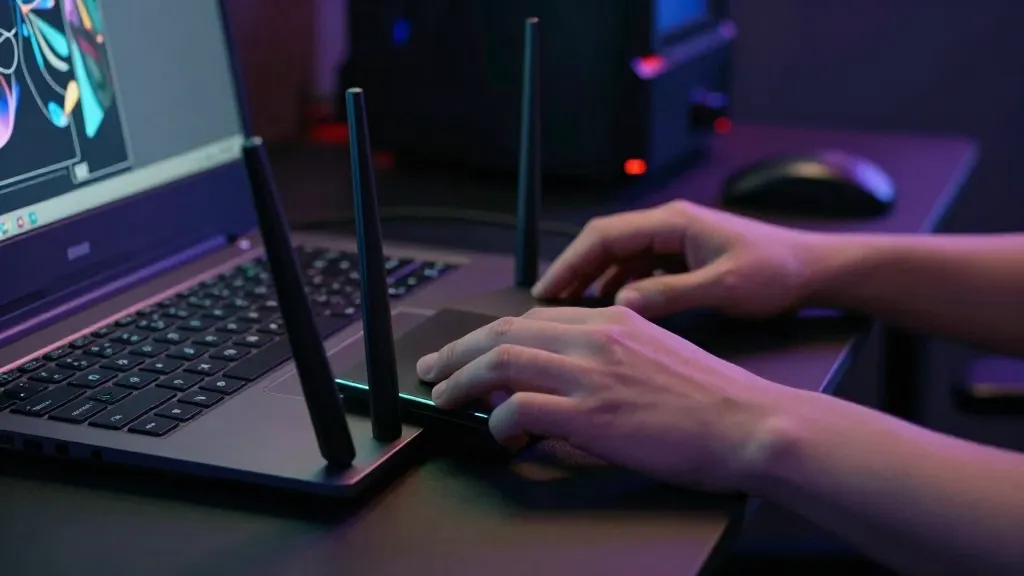
Are you frustrated by high ping and packet loss in your online gaming sessions? These issues can turn exciting matches into frustrating lags and disconnections, ruining your gameplay. If you're looking for practical solutions to improve your gaming experience, you're in the right place. This article covers how to fix high ping and packet loss in online gaming by offering clear, actionable steps tailored for ordinary users. Whether you're a casual gamer or a competitive player, these fixes can help you achieve smoother, more stable connections. We'll guide you through everything from setting up a wired Ethernet connection to optimizing your network for better performance.
Understanding High Ping and Packet Loss in Gaming
High ping and packet loss are common network issues that can severely impact online gaming experiences. These problems often result in lag, disconnections, and an overall loss of competitive edge. Understanding the causes and effects of these issues is essential for gamers looking to improve their connection and gameplay.
What Is Ping in Online Gaming?
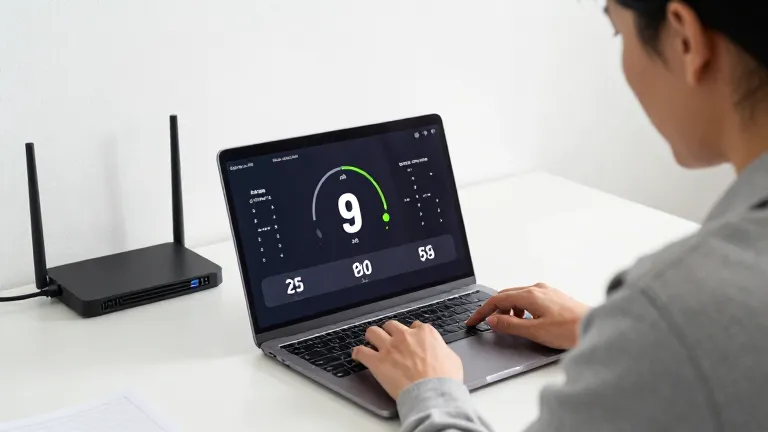
Ping measures the time it takes for data to travel between your gaming device and the game server. It is typically displayed in milliseconds (ms) and represents the round-trip latency. A lower ping means faster communication between your device and the server, which is crucial for real-time gaming. High ping can lead to delayed actions and a less responsive gaming experience.
What Is Packet Loss and Why It Matters?
Packet loss occurs when data packets sent over the network fail to reach their destination. This can happen due to network congestion, interference, or hardware issues. Even a small amount of packet loss can cause noticeable disruptions, such as stuttering or missed actions in games. Packet loss is particularly harmful in fast-paced games where timing is critical. Both ping and packet loss are symptoms of underlying network problems, such as poor internet service, outdated equipment, or interference from other devices on the same network.
Fix High Ping with a Wired Ethernet Setup
Switching from Wi-Fi to a wired Ethernet connection is one of the most effective ways to reduce high ping and improve gaming performance. A direct physical connection to your router provides a more stable and faster link, which is essential for competitive online gaming.
- Connect an Ethernet cable from your gaming device to the router's LAN port.
- Ensure both your device and router have the correct network settings configured for Ethernet.
- Test your connection speed and latency using a speed test tool to confirm the improvement.
- Avoid running Ethernet cables over electrical wires to prevent interference.
How to Set Up a Wired Ethernet Connection
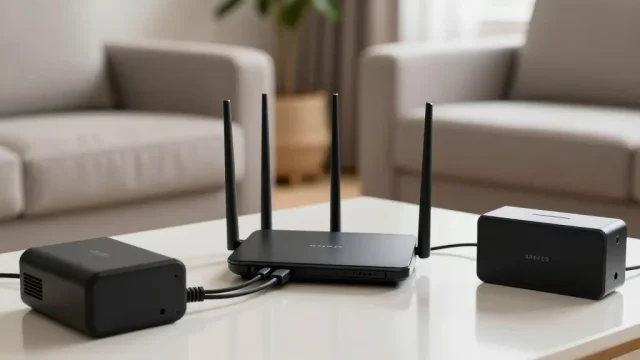
To set up a wired Ethernet connection, start by connecting one end of an Ethernet cable to your gaming console or PC and the other end to an available LAN port on your router. Most modern routers have multiple LAN ports, so choose one that is not occupied by other devices. Make sure the Ethernet cable is of good quality and length to avoid signal degradation. Once connected, your device should automatically detect the network and establish a stable connection.
Benefits of a Wired Setup for Gamers
A wired Ethernet setup offers significant advantages for gamers, including lower latency and reduced interference. Unlike Wi-Fi, which can be affected by walls, other devices, and environmental factors, a direct Ethernet connection provides a consistent and reliable link. This results in lower ping times and fewer disconnections, which are critical for competitive play. Additionally, wired connections are less susceptible to congestion, making them ideal for high-performance gaming environments.
Fix Packet Loss by Optimizing Your Network
Packet loss can severely impact your gaming experience, causing lag and disconnections. Identifying and addressing packet loss is crucial for maintaining a stable and responsive connection. By using network diagnostic tools and optimizing your router settings, you can significantly reduce packet loss and improve your online gaming performance.
How to Check for Packet Loss on Your Network
To check for packet loss, use built-in tools like the ping command in Windows or the traceroute command in macOS and Linux. These tools send data packets to a server and measure how many are lost along the way. Online services like pingtest.net or speedtest.net can also provide insights into your network's performance and help identify packet loss. Monitoring these metrics regularly allows you to detect and address issues before they affect your gaming experience.
Using QoS to Prioritize Gaming Traffic
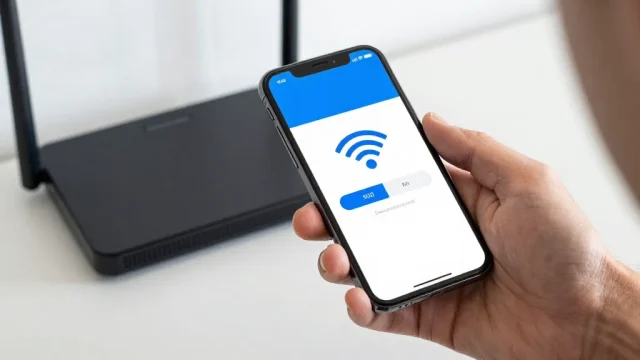
Quality of Service (QoS) settings on your router allow you to prioritize gaming traffic, ensuring that your game data packets are given higher priority than other types of traffic. Access your router's settings and look for QoS options, which are often found under advanced settings or network management. Configure QoS to allocate more bandwidth to your gaming applications or devices, which can help reduce packet loss and improve latency. Regularly reviewing and adjusting these settings can further enhance your gaming stability.
Improve Your Gaming Network with Simple Fixes
Simple fixes can make a big difference in reducing high ping and packet loss. By managing your network environment and keeping your devices up to date, you can create a more stable and responsive gaming experience.
- Close Background Applications for Better Performance
- Update Router and Device Firmware
- Restart Your Router and Gaming Device
- Ensure No Other Device Is Using the Same Bandwidth
Close Background Applications for Better Performance
Closing background applications can free up system resources and reduce network congestion. Games often require a lot of bandwidth and processing power, so having other apps running can lead to lag and packet loss. Close programs like video streaming services, file-sharing apps, and browser tabs to ensure your gaming device has full access to your network.
Update Router and Device Firmware
Outdated firmware can cause performance issues and security vulnerabilities. Regularly updating your router and gaming device firmware ensures you have the latest bug fixes and performance improvements. Check the manufacturer’s website for updates and apply them as soon as possible to keep your network running smoothly.
Prevent High Ping and Packet Loss Long-Term
Maintaining a stable gaming network requires proactive steps to ensure consistent performance over time. By making long-term investments in your hardware and monitoring tools, you can minimize the risk of high ping and packet loss during gameplay.
Invest in a Quality Router for Stable Gaming
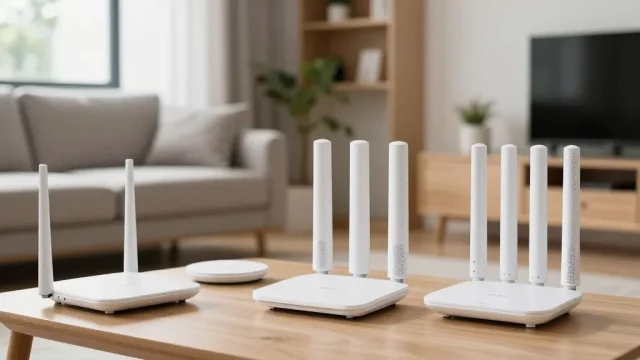
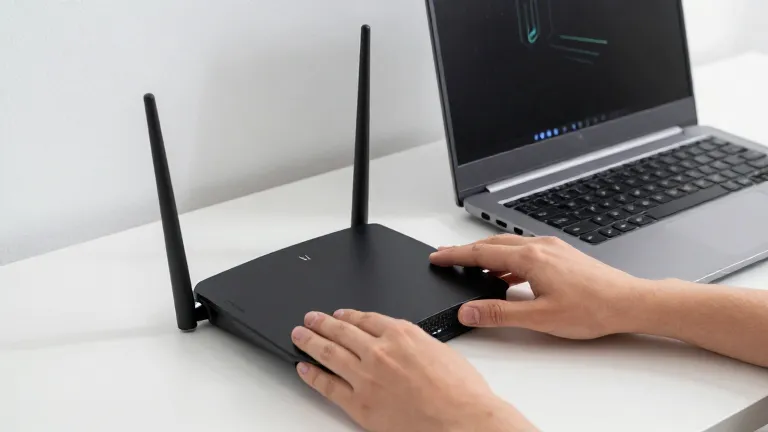
Investing in a quality router is a key step toward preventing high ping and packet loss. Look for routers with dual-band Wi-Fi, Quality of Service (QoS) settings, and strong signal range to handle gaming traffic efficiently. A router with advanced features like MU-MIMO can also help by allowing multiple devices to connect simultaneously without degrading performance.
Use Network Monitoring Tools for Long-Term Stability
Network monitoring tools provide valuable insights into your connection's health and help identify issues before they disrupt your gaming experience. Tools like Wireshark, GlassWire, or even built-in router dashboards can track bandwidth usage, detect latency spikes, and highlight potential bottlenecks. Regularly reviewing these metrics allows you to adjust settings or upgrade hardware as needed, ensuring your network remains optimized for gaming.
Frequently Asked Questions
Can a wired Ethernet connection completely eliminate packet loss?
A wired Ethernet connection significantly reduces packet loss by providing a stable and direct link. While it can minimize issues, it cannot guarantee complete elimination due to other factors like network congestion or router performance.
How do I know if my router is causing high ping?
High ping can be caused by a router if it's outdated, overloaded, or not optimized for gaming. Check by testing ping from different devices and comparing results with other network issues.
What is the best way to prioritize gaming traffic on my network?
Use QoS settings on your router to prioritize gaming traffic. This ensures critical data packets are sent first, reducing latency and improving overall gaming performance.
Is high ping always caused by my internet service provider?
High ping is not always due to your ISP. It can result from local network issues, such as poor router settings or interference. Testing with different devices can help identify the root cause.
Final Thoughts on Gaming Network Optimization
Optimizing your gaming network involves a combination of wired connections, QoS settings, and regular maintenance. These steps can greatly enhance your gaming experience by reducing lag and improving stability.
Start by setting up a wired Ethernet connection and checking for packet loss. Then, prioritize gaming traffic and update your router firmware. A stable and optimized network is key to enjoying smooth online gaming.