How to Keep Your Smart Home Working When the Internet Goes Down
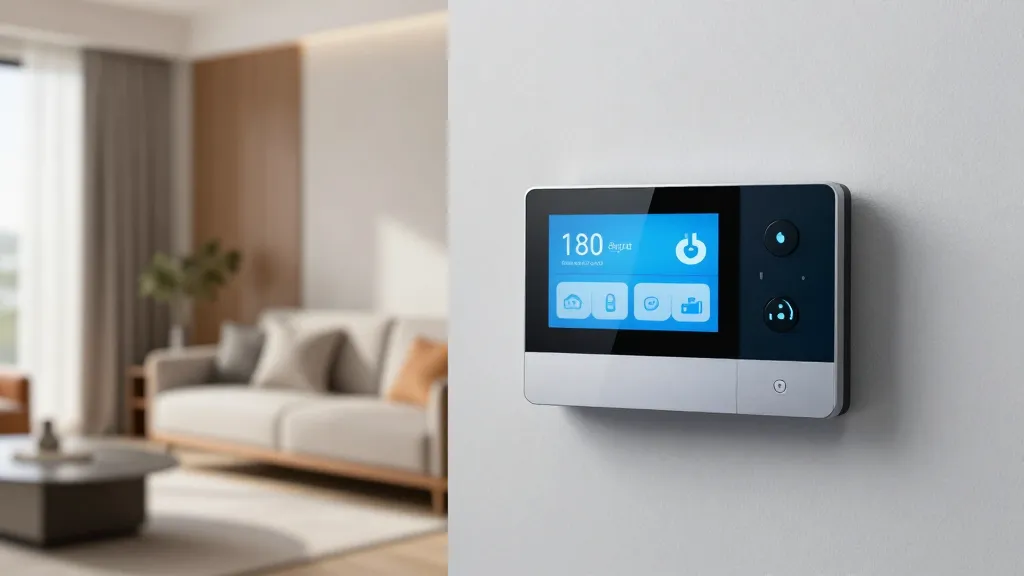
If you rely on a smart home system, you've probably noticed that it can stop working during an internet outage. While your router might still be on, many smart devices depend on cloud-based services to function. This means your lights, locks, and sensors could go dark when the internet drops. The main keyword here is 'smart home works without internet,' which is essential for ensuring your home remains functional during outages. Understanding how to make your smart home work without internet is crucial for those who depend on automation for security, comfort, or convenience.
This article explores why your smart home stops working during internet outages and provides practical steps to keep it running. We'll cover the difference between local networks and cloud-based services, and how to set up your smart home to work offline. Whether you're a homeowner or renter, knowing how to maintain your smart home's functionality without internet access can prevent frustration and ensure your home remains secure and comfortable.
We'll also highlight the best practices for maintaining your smart home offline, including choosing the right devices and testing your setup. By understanding the role of local hubs and protocols like Zigbee and Z-Wave, you can create a more resilient smart home. Finally, we'll address common troubleshooting steps to help you quickly resolve issues during internet outages. With these insights, you'll be better equipped to keep your smart home working even when the internet goes down.
Why Your Smart Home Stops Working When the Internet Goes Down
Many smart home devices rely on the internet to function properly, which means that when the internet goes down, your smart home may stop working. Understanding why this happens is key to finding solutions that keep your devices running during outages.
The Internet Vs. Your Local Network
The internet and your local network are often confused, but they serve different purposes. Your Wi-Fi router maintains your local network, allowing devices to communicate with each other within your home. However, many smart home devices connect to the internet to access cloud-based services. When the internet is down, these devices lose their connection to the cloud, which can cause them to stop working. This is why your smart lights and sensors may not respond to commands during an outage. Even though your router is still operational, the absence of internet access disrupts the communication necessary for these devices to function.
The Role of Cloud-Based Services in Smart Home Automation
Cloud-based services are central to smart home automation, enabling features like remote access, advanced automation, and data storage. Many smart devices send data to the cloud and receive instructions from remote servers. When the internet goes down, these services become unavailable, and your automation routines can freeze or stop working altogether. For example, a motion-activated light that relies on a cloud server to trigger the light may fail to operate during an outage. Understanding this dependency is crucial because it highlights the need for local solutions that keep your smart home functional without internet access. By recognizing how your smart home relies on the internet, you can take steps to ensure continuity during outages.
How to Make Your Smart Home Work Without Internet
To ensure your smart home continues to function during internet outages, focus on using local hubs and offline-capable devices. By prioritizing local automation and avoiding cloud-dependent systems, you can maintain control over your home’s essential functions even when the internet is down.
Local Hubs Vs. Cloud-Dependent Devices
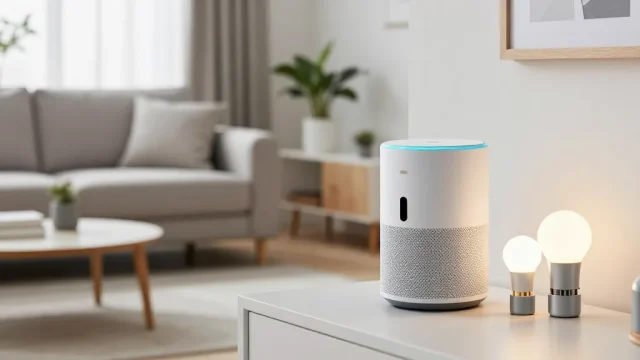
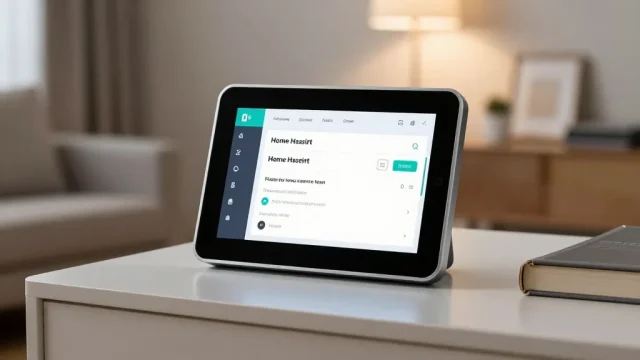
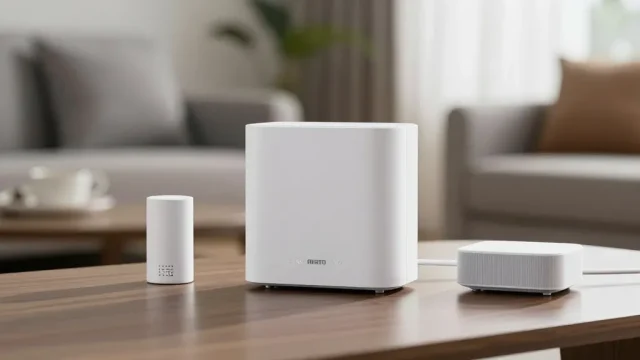
Local hubs act as the central nervous system of your smart home, enabling devices to communicate directly without relying on cloud services. Unlike budget smart home devices that depend on remote servers for basic functions, local hubs like Home Assistant or SmartThings allow you to manage your devices entirely within your network. This setup ensures that your lights, locks, and sensors remain operational even if your internet connection fails. When choosing devices, prioritize those that support local-only operation or integrate with local hubs to avoid dependency on cloud services.
Setting Up a Smart Home That Works Offline
Setting up a smart home that works offline involves careful planning and the right tools. Start by installing a local hub and configuring it to manage your devices without internet access. Use apps like Home Assistant to create local automation rules that trigger actions based on sensors or schedules, rather than relying on cloud-based routines. For critical functions like lighting and security, opt for local-only systems that operate independently of your internet connection. A hybrid approach—where some functions work offline and others require internet—can also offer flexibility, ensuring your smart home remains functional during outages while still benefiting from cloud-based features when available.
Best Practices for Ensuring Your Smart Home Works Offline
Ensuring your smart home works offline requires proactive planning and the right tools. By selecting compatible devices and regularly testing your setup, you can maintain functionality even during internet outages.
Choosing the Right Smart Home Devices
Choosing the right smart home devices is crucial for offline operation. Prioritize devices that support local automation, such as those compatible with Zigbee or Z-Wave protocols. These devices can communicate directly with a local hub, eliminating the need for a constant internet connection. Avoid budget devices that rely solely on cloud-based services, as they will stop working during an outage. Instead, invest in high-quality devices that offer both cloud and local control options, ensuring flexibility and reliability.
Testing Your Smart Home Offline
Regularly testing your smart home offline is essential to identify and resolve potential issues. Schedule periodic tests to simulate internet outages and verify that your devices function as expected. This includes checking if your routines and scenes activate without cloud connectivity. If you notice any failures, update your firmware or reconfigure your setup accordingly. Testing also helps you become familiar with your system’s behavior during emergencies, allowing you to respond confidently when an outage occurs. Consistent testing ensures your smart home remains dependable, even when the internet is down.
Smart Home Devices That Work Without Internet
When the internet goes down, some smart home devices continue to function thanks to their ability to operate locally. These devices either rely entirely on your local network or use protocols like Zigbee and Z-Wave to communicate without cloud dependency. Choosing the right devices ensures your smart home remains functional even during outages.
- Smart plugs and sensors are ideal for local-only operation, as they typically don’t require internet connectivity to function.
- Avoid budget devices that depend on cloud services for basic tasks, as they may stop working entirely during an outage.
- Zigbee and Z-Wave devices enable seamless communication between devices on your local network, making them reliable for offline use.
- Use a local hub to control multiple Zigbee or Z-Wave devices, ensuring they operate independently of the internet.
Local-Only Smart Home Devices
Local-only smart devices, such as smart plugs and sensors, operate entirely on your local network. These devices do not rely on cloud services for basic functions like turning on lights or monitoring motion, making them reliable during internet outages. They communicate directly with your local hub or router, ensuring consistent performance even when the internet is down.
Smart plugs, for example, can be controlled through your local network using a hub or a smartphone app connected to your Wi-Fi. Similarly, motion sensors can trigger actions locally without needing to send data to a remote server. This makes them excellent choices for users who want their smart home to function reliably during internet disruptions.
Zigbee and Z-Wave for Offline Functionality
Zigbee and Z-Wave are wireless communication protocols that allow smart home devices to interact locally without internet access. These protocols create a mesh network between devices, enabling them to communicate directly with each other and a central hub. This setup ensures that your smart home remains functional even when the internet is unavailable.
By using Zigbee or Z-Wave devices, you can create a self-contained smart home ecosystem. For instance, a Zigbee thermostat can communicate with a smart lock and a motion sensor on your local network, eliminating the need for cloud services. This approach enhances reliability and reduces dependency on external servers, making your smart home more resilient during outages.
Troubleshooting Smart Home Issues During Internet Outages
When your smart home stops working during an internet outage, troubleshooting is key to restoring functionality. By systematically checking your local network, restarting your hub, and verifying app compatibility, you can identify and resolve issues without relying on cloud services. These steps help ensure your smart home remains operational even when the internet is unavailable.
Checking Local Network Connectivity
Begin by confirming that your smart home devices are still connected to your local network. Even if your internet is down, your devices should remain on the same Wi-Fi or Ethernet network. Use your smartphone or computer to scan for connected devices through your router's admin panel or your smart home app. If a device is missing, check for physical obstructions, signal interference, or incorrect network settings that may prevent it from staying connected.
Resetting Your Smart Home Hub
If your devices are offline, restart your router and local hub to reset communication. Turn off your router for about 30 seconds, then power it back on. Next, restart your smart home hub, such as a Home Assistant or SmartThings device, to refresh its connection to your network and any local devices. This can resolve temporary glitches that prevent your hub from communicating with your smart home ecosystem. After rebooting, check if your devices reconnect automatically or if further configuration is needed.
Frequently Asked Questions
Can my smart home work without an internet connection?
Yes, your smart home can work without an internet connection if you use local hubs and offline-capable devices. Many smart home systems can operate on your local network, allowing devices to communicate directly without relying on cloud services.
What devices can operate without an internet connection?
Devices that operate without an internet connection include local hubs like Home Assistant, Zigbee, and Z-Wave devices. These devices communicate directly with each other through your local network, allowing your smart home to function offline.
How do I set up my smart home to work offline?
To set up your smart home to work offline, use a local hub and choose devices that support local communication protocols like Zigbee or Z-Wave. Ensure all devices are connected to your local network and configure them to work without cloud-based services.
What should I do if my smart home stops working during an outage?
If your smart home stops working during an internet outage, check your local network connectivity and ensure your hub is functioning. If necessary, reset your hub and verify that all devices are connected to your local network.
Final Thoughts
To keep your smart home working during an outage, use local hubs and offline-capable devices. This ensures your home automation functions without relying on the internet.
Set up your smart home with a local hub and test it offline regularly. This way, you can maintain control over your home even when the internet goes down.