How to Use Your Echo Show with Home Assistant
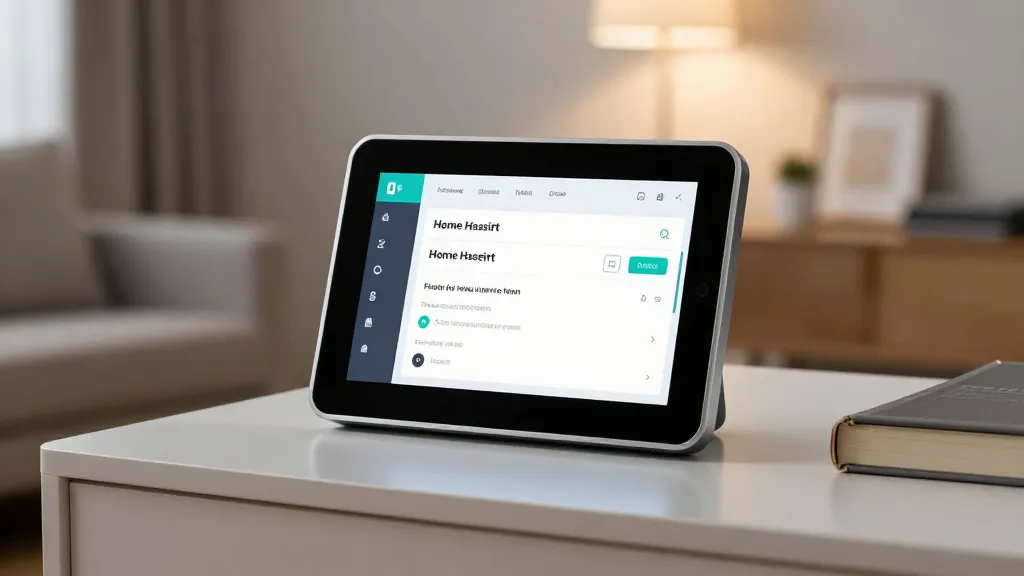
If you're looking to enhance your smart home experience, integrating your Amazon Echo Show with Home Assistant could be the key to unlocking its full potential. While the Echo Show is a versatile device, its stock firmware limits its capabilities. By connecting it to Home Assistant, you can turn it into a powerful control hub for your smart home. This article will guide you through the process of integrating your Echo Show with Home Assistant, from jailbreaking to configuration. Whether you're a tech enthusiast or a homeowner seeking convenience, this guide offers practical steps to help you achieve seamless smart home integration.
The journey begins with understanding the compatibility of your Echo Show model and the benefits of jailbreaking to access advanced features. While jailbreaking may seem daunting, it opens the door to running custom software like Home Assistant, giving you greater control over your smart home ecosystem. We'll walk you through the necessary steps, ensuring a smooth setup that aligns with your goals.
Once your Echo Show is integrated with Home Assistant, you'll discover new ways to manage your devices, automate routines, and even customize your interface. From voice commands to advanced tools like Kiosk Satellite, this guide covers everything you need to make the most of your Echo Show. Whether you're troubleshooting or optimizing your setup, this article provides actionable insights to help you achieve a smarter, more connected home.
Getting Started with Echo Show and Home Assistant
Integrating your Echo Show with Home Assistant can transform your smart home experience by combining the visual capabilities of the Echo Show with the powerful automation features of Home Assistant. This integration allows you to control and monitor your smart home devices through a more interactive and customizable interface, offering greater flexibility and control over your home environment.
Why Integrate Echo Show with Home Assistant?
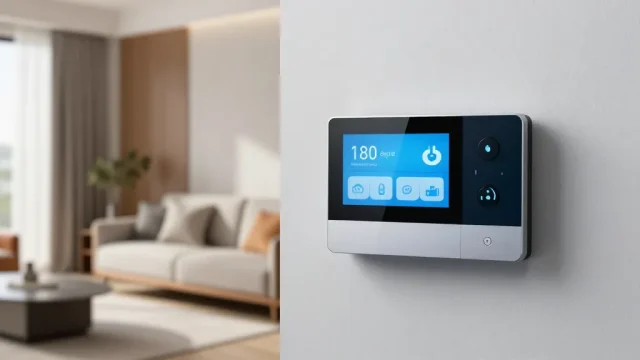
By integrating your Echo Show with Home Assistant, you can leverage its screen to display real-time data, such as weather updates, security camera feeds, or smart home status. This setup enables you to manage multiple devices from a single interface, making it easier to monitor and control your home environment. Additionally, the Echo Show's voice command capabilities complement Home Assistant's automation, allowing for seamless interaction with your smart home.
Compatibility Check for Your Echo Show
Before proceeding, it's essential to check if your Echo Show model is compatible with Home Assistant. The Echo Show 5 and Echo Show 10 are generally supported, but compatibility can vary depending on the specific firmware and software versions. Ensure that your device meets the minimum requirements and is running the latest firmware to avoid any potential issues. Additionally, verify that your Echo Show is not locked down by Amazon's stock firmware, as this can limit its functionality with third-party systems like Home Assistant.
Jailbreaking Your Echo Show for Home Assistant
Jailbreaking your Echo Show 5 is a crucial first step in unlocking its full potential for Home Assistant integration. This process allows you to bypass Amazon's restrictions and install custom firmware, enabling advanced customization and control over your smart home devices.
- Research and select a reliable jailbreaking method, such as using tools like 'Echo Show Jailbreak' or 'Kiosk Satellite'.
- Backup your current firmware and settings to prevent data loss during the jailbreaking process.
- Install the necessary firmware and ensure your device is connected to a stable power source during the process.
- Verify the stability of the jailbroken firmware by testing basic functions before proceeding to advanced setups.
What Is Jailbreaking and Why It Matters?
Jailbreaking your Echo Show 5 involves modifying the device's software to remove restrictions imposed by Amazon. This allows you to install custom firmware and applications that are not available through the official Amazon app store. While jailbreaking can provide greater control and flexibility, it also comes with risks such as potential security vulnerabilities and the possibility of bricking your device if not done correctly.
Step-by-Step Guide to Jailbreaking Your Echo Show
To jailbreak your Echo Show 5, start by downloading the appropriate jailbreaking tool from a trusted source. Connect your device to your computer and follow the on-screen instructions to initiate the jailbreak process. Once the jailbreak is complete, install the custom firmware that enables Home Assistant integration. It is essential to follow each step carefully to avoid any errors that could compromise the device's functionality.
Setting Up Home Assistant with Echo Show
Setting up Home Assistant with your Echo Show involves installing the platform and integrating the device to control your smart home. This process ensures your Echo Show functions as a central hub for managing connected devices and voice commands.
Installing Home Assistant
To install Home Assistant, you can use the Home Assistant OS, which is a lightweight operating system designed for this purpose. Alternatively, you can run it on a Raspberry Pi or a virtual machine. During installation, follow the on-screen prompts to set up your home network and configure basic settings such as time zones and location. Once installed, access the Home Assistant web interface through your browser to begin adding devices.
Adding Your Echo Show to Home Assistant
Adding your Echo Show to Home Assistant requires ensuring it is jailbroken and running a compatible firmware. Once your Echo Show is jailbroken, you can install the Kiosk Satellite app, which allows it to display a Home Assistant dashboard. In Home Assistant, navigate to the Integrations section and select 'Add Integration.' Choose the appropriate device type for your Echo Show and follow the prompts to connect it. After the connection is established, test the integration by using voice commands to control your smart home devices.
Configuring Your Echo Show for Smart Home Control
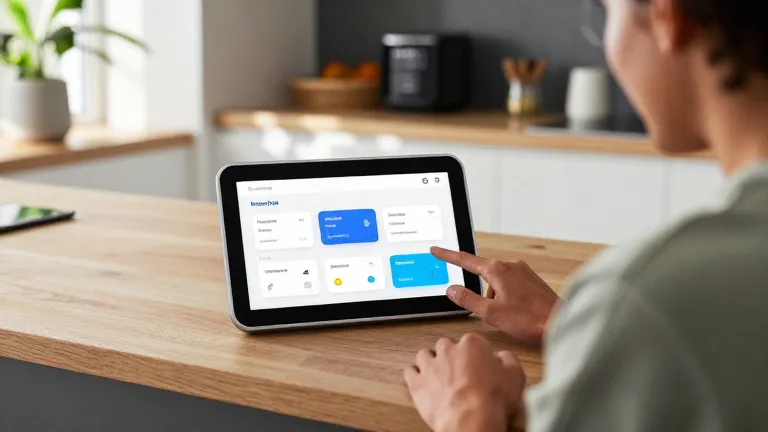
Configuring your Echo Show for smart home control involves setting up voice commands, customizing the dashboard, and leveraging the Kiosk Satellite app to streamline your smart home experience. These steps ensure your Echo Show becomes an intuitive and powerful hub for managing your home automation system.
- Set up voice commands to control your smart home devices.
- Customize the dashboard to display relevant information.
- Use the Kiosk Satellite app for a more integrated experience.
- Test your setup to ensure all devices are responding correctly.
Voice Commands and Smart Home Integration
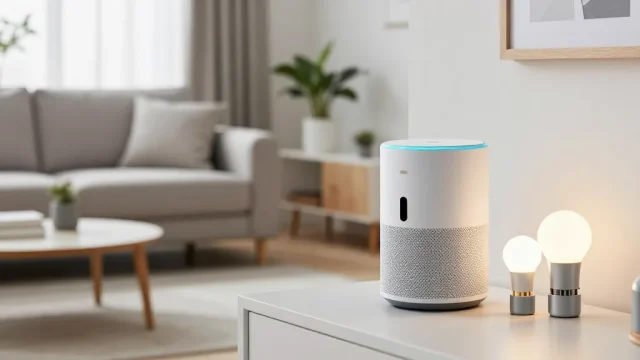
Voice commands are the cornerstone of smart home integration with your Echo Show. Once your Echo Show is linked to Home Assistant, you can use Alexa voice commands to control lights, thermostats, and other smart devices. For instance, you can say, 'Alexa, turn off the living room lights,' and your Echo Show will relay the command to your Home Assistant instance. To ensure smooth operation, make sure your Echo Show is on the same Wi-Fi network as your Home Assistant server and that all devices are properly configured within Home Assistant.
Using Kiosk Satellite for Enhanced Control
The Kiosk Satellite app enhances your Echo Show's functionality by providing a dedicated interface for Home Assistant. This app allows you to display your Home Assistant dashboard directly on your Echo Show screen, making it easier to monitor and control your smart home setup. With Kiosk Satellite, you can customize the layout and widgets to show the most relevant information, such as weather forecasts, security camera feeds, or energy usage statistics. This integration offers a more immersive and interactive experience compared to using a web browser or mobile app.
Troubleshooting and Optimizing Your Setup
Troubleshooting and optimizing your Echo Show setup with Home Assistant is essential for ensuring reliability and performance. Issues can range from connectivity problems to configuration errors, but with the right approach, these can be resolved effectively.
Common Issues and Solutions
Common issues when integrating Echo Show with Home Assistant often include connectivity problems between the Echo Show and your local network. Ensure both devices are on the same Wi-Fi network and that your router supports the required protocols. If the Echo Show fails to connect, try restarting both devices and checking for any firewall settings that might block communication. Another frequent issue is incorrect integration settings in Home Assistant; double-check the configuration to ensure the correct IP address and port are specified. If you're using a custom firmware or jailbroken setup, make sure all dependencies are properly installed and updated.
Tips for Optimizing Your Smart Home Setup
Optimizing your smart home setup involves regular firmware updates for both your Echo Show and Home Assistant. Check for updates in the Home Assistant dashboard and ensure your Echo Show's firmware is current to benefit from the latest features and security patches. Adjust settings such as screen timeout and network prioritization to enhance performance. Additionally, consider using a dedicated network for your smart home devices to reduce interference and improve stability. Regularly review your device permissions and access logs to maintain a secure environment and prevent unauthorized access.
Frequently Asked Questions
How do I know if my Echo Show is compatible with Home Assistant?
Most Echo Show models are compatible with Home Assistant, but jailbreaking is typically required. Check for support on the Home Assistant forum or community resources.
What are the risks of jailbreaking my Echo Show?
Jailbreaking may void your warranty and could potentially brick your device. Always back up your data and follow trusted guides to minimize risks.
Can I use my Echo Show with Home, Assistant without jailbreaking?
Limited integration is possible through Alexa and Home Assistant, but full control and customization usually require jailbreaking for advanced features.
How do I reset my Echo Show if something goes wrong?
Press and hold the Echo Show button for 20 seconds to factory reset. Ensure you have a backup before proceeding.
Next Steps for Your Smart Home Setup
Integrating your Echo Show with Home Assistant can significantly enhance your smart home experience, offering greater control and customization. By following the outlined steps, you can transform your Echo Show into a powerful hub for your smart home ecosystem.
If you're ready to take your smart home setup to the next level, start by checking your Echo Show's compatibility and exploring jailbreaking options. With the right tools and setup, your Echo Show can become a central part of your connected home.