Turn Your Old Android Phone Into a Bedside Clock
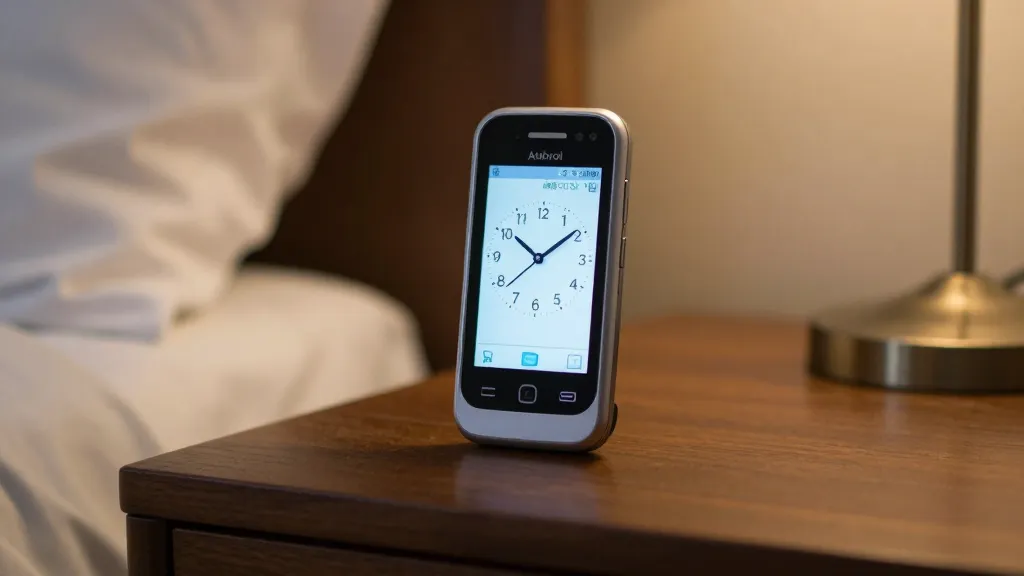
Waking up in the middle of the night to check the time can disrupt your sleep and leave you groggy. While smart displays offer a convenient solution, they often come with limitations in customization and brightness control. A better alternative might already be in your drawer—an old Android phone. Using an old Android phone as a bedside clock can provide a more flexible and reliable option. With its built-in features and customizability, it can outperform many smart displays at a fraction of the cost. This article explores why an old Android phone is a superior choice and how to set it up for optimal use.
Why an Old Android Phone Is Better Than a Smart Display
An old Android phone can outperform a smart display as a bedside clock due to its greater customization, reliability, and cost-effectiveness. While smart displays offer convenience, they often lack the flexibility and control needed for a personalized sleep environment. By repurposing an old Android phone, users gain access to a versatile device that can be tailored to their specific needs, ensuring a more effective and user-friendly experience.
Customization and Control
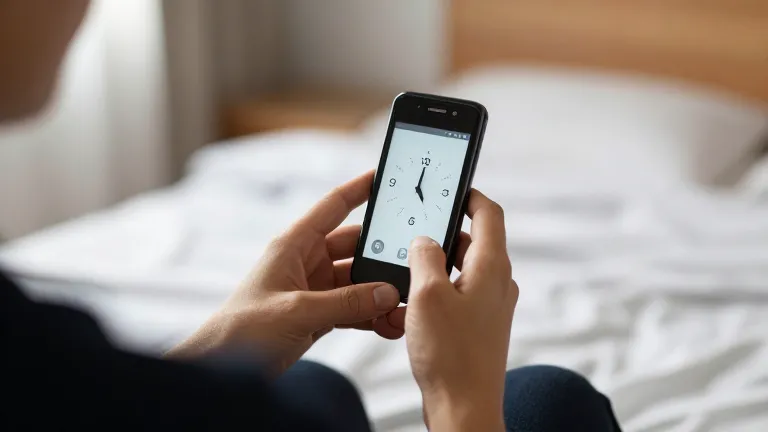
Old Android phones provide a level of customization that smart displays simply cannot match. Unlike smart displays, which are often locked down by manufacturers, an old Android phone allows users to choose clock faces, adjust brightness, and even install third-party apps. This flexibility means you can create a bedside clock that perfectly fits your preferences, whether you want a minimalist design or a more detailed display. With full control over the interface, users can avoid the limitations imposed by proprietary software, making the phone a far more adaptable option for a bedside clock.
Built-In Features Make It Reliable
The built-in features of an old Android phone make it a reliable choice for a bedside clock. These devices come equipped with Wi-Fi, alarms, and a responsive touchscreen, all of which contribute to a more dependable and functional clock. Unlike smart displays, which may struggle with connectivity or have limited power options, an old Android phone can operate independently, even if the power goes out. Additionally, its long battery life ensures that it remains functional throughout the night. This combination of reliability and built-in capabilities makes an old Android phone a superior alternative to a smart display for a bedside clock.
How to Set Up Your Old Android Phone as a Bedside Clock
Setting up your old Android phone as a bedside clock is a straightforward process that requires careful selection of the right device and proper configuration of its features. By following a few key steps, you can transform your phone into a reliable and customizable clock that enhances your sleep routine without the need for a new smart display.
- Choose a phone with a good screen and battery life.
- Use a dedicated clock app or set up the phone as a clock.
- Adjust brightness, alarm settings, and other features.
- Place the phone in a visible location and ensure it’s charged.
- Use a screen protector or case to protect the phone.
Selecting the Right Phone
Selecting the right phone is the first step in setting up your old Android phone as a bedside clock. Look for a device with a high-quality screen for clear visibility, especially in low-light conditions. A phone with a decent battery life is also essential to ensure it stays powered throughout the night. If possible, choose a model with a removable battery or one that can be charged easily, as this will help maintain consistent operation.
Setting Up the Clock App
Once you have the right phone, the next step is to set up the clock app or configure the phone to function as a clock. You can use a dedicated clock app, which often offers more customization options such as different clock faces, brightness settings, and alarm features. Alternatively, you can set the phone to display the time on the home screen and disable unnecessary apps to streamline its use. Make sure to adjust the brightness settings to a comfortable level for nighttime viewing, and set up alarms if needed.
Apps to Use for a Simple Bedside Clock
Choosing the right clock app is essential for turning your old Android phone into a reliable bedside clock. A good app should offer simplicity, customization, and energy efficiency while avoiding unnecessary features that can drain battery life or clutter the interface.
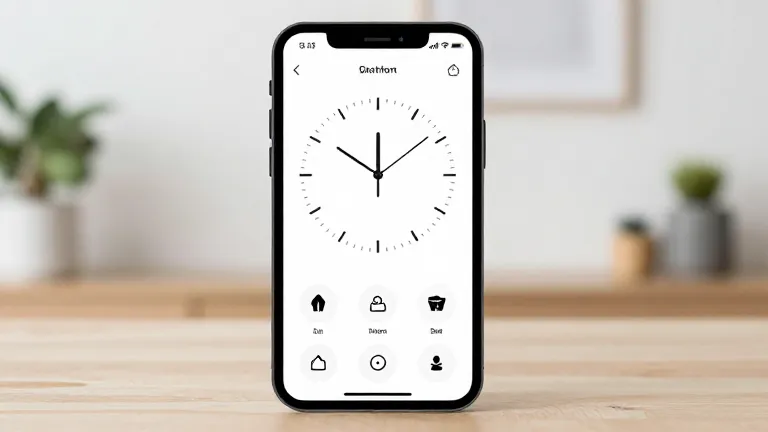
- Use free clock apps like 'Clock' or 'World Clock' for a simple interface.
- Consider apps that allow for easy customization of time zones and alarm settings.
- Look for clock apps with features like night mode or brightness control.
- Avoid apps with ads or unnecessary features that may drain battery.
- Check for apps that support smart home integration if needed.
Free Clock Apps to Try
Free clock apps like 'Clock' and 'World Clock' provide a straightforward way to manage time without extra complexity. These apps often include essential features such as alarm settings, time zone adjustments, and a clean display. They are ideal for users who want a no-frills solution that works reliably without consuming too much power.
Apps with Smart Home Integration
If you need your bedside clock to interact with your smart home devices, look for apps that support smart home integration. These apps can sync with smart lights, thermostats, or other IoT devices, allowing you to control your environment based on the time. However, ensure that the app doesn't come with excessive features that could impact performance or battery life.
Tips for Using Your Old Android Phone as a Bedside Clock
Once you've set up your old Android phone as a bedside clock, proper placement and maintenance are key to ensuring it works well during the night. These tips will help you maximize visibility, minimize distractions, and keep your phone running smoothly for long-term use.
- Place the phone in a location where it’s easy to see during the night.
- Set the phone to use dark mode for less light pollution.
- Use the built-in alarm app for reliable wake-up calls.
- Ensure the phone is charged using a power bank or wall charger.
- Keep the phone updated with the latest software for security and performance.
Placement and Lighting
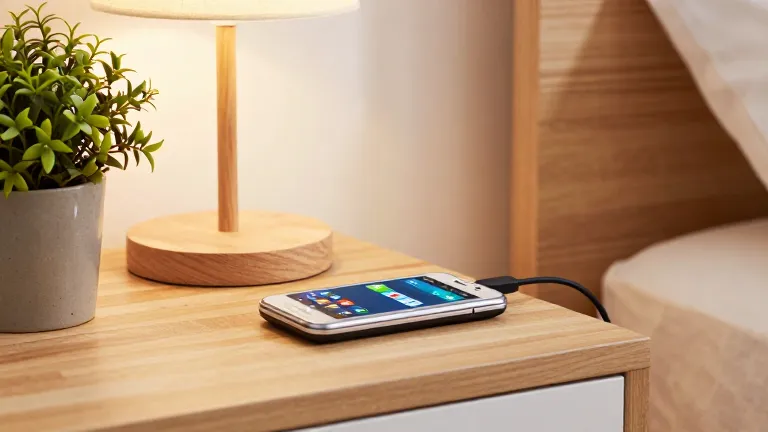
Place the phone in a location where it’s easy to see during the night. Position it on a nightstand or shelf near your bed so you can glance at it without getting out of bed. Avoid placing it too far away or in a dark corner, as this can make it harder to read. Make sure the phone is oriented so the screen faces you directly, and consider using a stand or mount to keep it steady.
Battery and Charging Tips
Ensure the phone is charged using a power bank or wall charger. Since your phone will be in use throughout the night, it's important to keep it powered up. A power bank is a great option if you want to avoid leaving the phone plugged in all night, while a wall charger ensures a steady supply of power. Set up a charging schedule to keep the phone ready for the next day without overcharging it.
Keep the phone updated with the latest software for security and performance. Regular updates improve the phone's functionality, fix bugs, and enhance security. Enable automatic updates in the settings so your phone stays current without manual intervention. This ensures your bedside clock remains reliable and efficient over time.
Benefits of Using an Old Android Phone as a Bedside Clock
Using an old Android phone as a bedside clock offers a range of benefits that make it a smart choice for home users and busy professionals. This approach not only saves money but also reduces electronic waste by repurposing existing devices. The flexibility and reliability of an old phone make it a practical and user-friendly solution for improving sleep routines without the need for new purchases.
Cost and Environmental Benefits
One of the most significant advantages of using an old Android phone as a bedside clock is its cost-effectiveness. Instead of buying a new smart display, which can cost upwards of $50, you can use a device you already own. This approach is especially beneficial for those looking to save money while still enjoying a functional and customizable clock. Additionally, repurposing old devices helps reduce electronic waste, making it an environmentally friendly choice.
Reliability and User Experience
An old Android phone provides a reliable and familiar interface that users can easily navigate. Unlike smart displays, which often come with limited customization options, a phone allows for greater control over settings such as brightness, alarm features, and clock faces. This familiarity makes it a more intuitive option for users who may not want to deal with the limitations of proprietary smart display software. The built-in features of a phone, such as Wi-Fi and a touchscreen, also contribute to a more reliable and user-friendly experience.
Frequently Asked Questions
Can I use an old Android phone as a clock without rooting it?
Yes, you can use an old Android phone as a clock without rooting it. Most clock apps are designed to work without requiring root access. Simply download a clock app from the Google Play Store and configure it to display the time on your phone's screen. This method is safe and doesn't compromise your phone's security or performance.
What are the best free clock apps for Android?
Some of the best free clock apps for Android include Clockify, World Clock, and Clock Widget. These apps offer customizable clock faces, multiple time zones, and alarm features. They are easy to install and can be configured to suit your preferences, making them ideal for use as a bedside clock.
How do I set up the phone to work as a bedside clock at night?
To set up your phone as a bedside clock, place it in a location with good lighting and minimal distractions. Use a clock app to set the desired display settings, and ensure the screen brightness is adjusted for nighttime use. You can also use a sleep mode or widget to keep the phone running without unnecessary features.
Will using my old phone as a clock drain the battery quickly?
Using your old phone as a clock may drain the battery, but it's generally more efficient than using a smart display. To minimize battery drain, use a clock app that doesn't require constant updates and place the phone in a location where it can be charged overnight. A power bank or wall charger can also help keep it powered.
Final Thoughts
Using an old Android phone as a bedside clock is a cost-effective and customizable solution. It offers more control over features like brightness and clock faces than smart displays. By selecting the right app and setting up your phone properly, you can enjoy a reliable clock that suits your needs.
To get started, choose a clock app that meets your requirements and configure it for nighttime use. Place your phone in a convenient location and ensure it's charged for continuous use. This simple setup can transform your old phone into a functional and personalized bedside clock.