Why iPhone Gets Hot and How to Fix It
If your iPhone feels unusually warm, you're not alone. Many users experience their device getting hot during everyday use, and the main keyword 'why iPhone gets hot' is often the first concern. Overheating can happen for various reasons, from heavy app usage to environmental factors. Understanding these causes is the first step in keeping your iPhone running smoothly and safely.
This article explores the common reasons behind iPhone overheating, helping you distinguish between normal heat and signs of a more serious issue. Whether you're at home or in the office, knowing how to spot and address overheating can prevent potential damage to your device.
We'll guide you through diagnosing the problem, offering practical fixes, and providing tips to prevent future overheating. From reducing app activity to choosing the right case, we'll cover everything you need to keep your iPhone cool and functional without needing professional help.
Understanding Why iPhone Gets Hot
iPhone overheating is a common issue that can affect performance and battery life. Understanding the causes and recognizing when heat is normal versus a problem is essential for maintaining your device's health.
Common Causes of iPhone Overheating
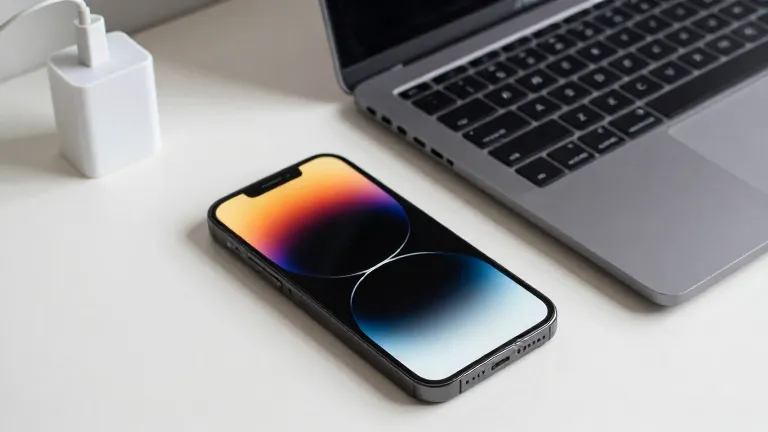
Heavy app usage, particularly with resource-intensive applications like gaming or video editing, can cause the iPhone to overheat. Background processes, such as location tracking, push notifications, and app updates, also contribute to increased heat. Additionally, environmental factors like high ambient temperatures or direct sunlight can exacerbate the issue. When using the phone in extreme conditions, it's important to be mindful of these external influences.
Normal Heat Vs. Abnormal Heat
Normal heat is typically experienced during prolonged use, such as watching videos or using GPS navigation. The iPhone's internal components, including the processor and battery, generate heat as part of regular operation. However, abnormal heat occurs when the phone becomes excessively hot, even when not in heavy use. This could indicate issues such as software glitches, hardware malfunctions, or overcharging. If the device feels unusually warm or starts to shut down unexpectedly, it's a sign that further investigation is needed.
Step-by-Step Guide to Diagnose iPhone Overheating
Diagnosing iPhone overheating involves identifying both internal and external factors that may be causing the device to become excessively warm. By systematically checking for symptoms and environmental influences, you can pinpoint the root cause and take appropriate action to resolve it.
- Monitor the device temperature by touching the back of the iPhone. If it feels abnormally hot, especially around the camera or charging port, it may indicate overheating.
- Check if the iPhone displays a warning message such as 'Your iPhone is getting too hot' or 'Your iPhone is too hot to charge.' These alerts are designed to protect the device and should be taken seriously.
- Avoid using the phone while it is charging, as this can increase heat generation. If the phone becomes hot during charging, disconnect it and let it cool down.
- Ensure the phone is not exposed to direct sunlight, high ambient temperatures, or hot environments like a car dashboard. External heat sources can exacerbate internal overheating.
How to Spot Overheating Symptoms
Overheating symptoms can include the iPhone becoming uncomfortably warm to the touch, the device shutting down unexpectedly, or the screen becoming dim or unresponsive. If the phone feels hot even when not in active use, it may be experiencing internal issues such as software glitches or hardware strain.
Checking for External Heat Sources
External factors such as high ambient temperatures, direct sunlight, or being in a hot environment can cause the iPhone to overheat. Using the phone while it is charging can also contribute to heat buildup, so it's important to avoid this practice. If the phone is placed in a hot location, move it to a cooler area and allow it to cool down before using it again.
Effective Fixes for iPhone Overheating
To address iPhone overheating, start by minimizing the workload on your device. Overheating often results from excessive app activity and environmental factors, so taking targeted steps can help restore normal operating temperatures.
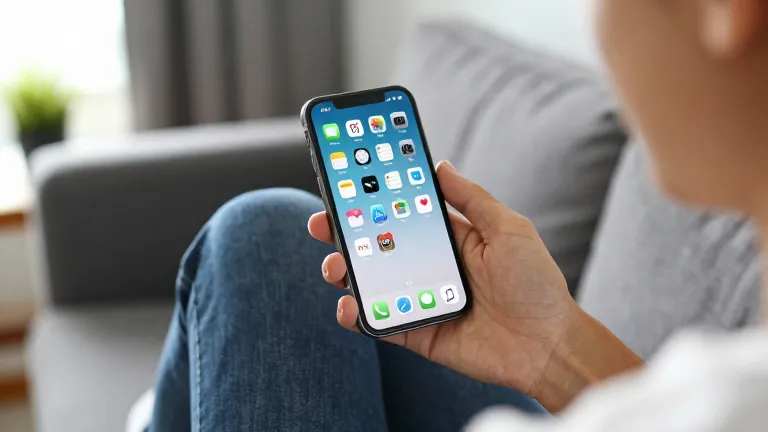
- Close unused apps and background processes to reduce CPU usage.
- Avoid using the iPhone in direct sunlight or in a hot car.
- Restart the device to clear temporary system errors and reset thermal management.
Reducing App Activity
Reducing app activity is a simple yet effective way to prevent overheating. When multiple apps run in the background, they consume processing power and generate heat. Close any apps you’re not actively using by swiping them away from the App Switcher. Additionally, disable unnecessary notifications and location services to cut down on resource usage. Keeping the device’s software updated can also optimize performance and reduce unexpected heat buildup.
Avoiding Environmental Heat
Avoiding environmental heat is crucial for maintaining your iPhone’s temperature. Never use your phone in direct sunlight or leave it in a hot car, as these conditions can rapidly raise the device’s internal temperature. If you must use your iPhone in a warm environment, ensure it has proper ventilation. Placing the phone on a cool surface or using a cooling pad can help dissipate heat more effectively. Always keep the phone away from heat sources like radiators or fireplaces to prevent prolonged overheating.
Preventing Future iPhone Overheating
Preventing future iPhone overheating involves adopting consistent habits and using the right accessories to maintain optimal device temperature. By focusing on case selection and charging practices, you can significantly reduce the risk of heat-related issues and prolong your phone's lifespan.
- Use a protective case to insulate the phone from heat and physical damage.
- Keep the iPhone in a cool, well-ventilated area when not in use.
- Ensure the charging cable and adapter are in good condition to prevent electrical issues.
Choosing the Right Case
Choosing the right case is essential for protecting your iPhone from both physical damage and excessive heat. A case with breathable materials or a thin design can help dissipate heat more effectively while still offering protection. Avoid cases that are overly thick or made of insulating materials like rubber or silicone, as they can trap heat and increase the risk of overheating. Opt for cases with built-in cooling features or those that allow airflow to maintain a balanced temperature.
Proper Charging Habits
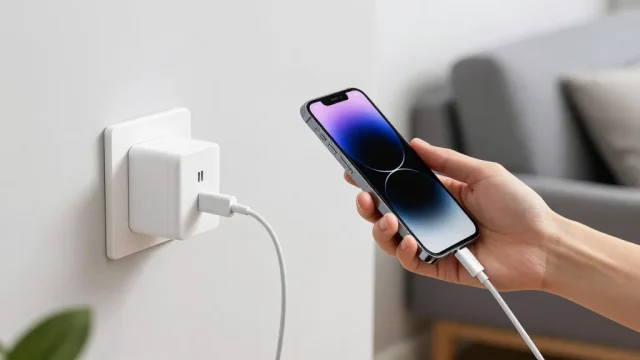
Proper charging habits play a crucial role in preventing iPhone overheating. Always use the original charging cable and adapter, as they are designed to work efficiently with your device and minimize electrical strain. Avoid overcharging by unplugging the phone once it reaches 100% battery, and try to charge it in a cool environment. Additionally, avoid using your iPhone while it's charging, as this can increase the device's workload and generate extra heat.
When to Seek Professional Help
If your iPhone continues to overheat despite your efforts to troubleshoot, it may indicate internal hardware issues that require professional attention. Recognizing these signs early can help prevent further damage and ensure your device remains functional.
Signs of Internal Hardware Issues
Signs of internal hardware failure include persistent overheating even after removing heat sources, unexpected shutdowns, or a battery that drains quickly. A faulty thermal sensor or degraded battery can cause the phone to overheat during normal use. If your iPhone frequently restarts or the screen becomes unresponsive, these could be indicators of deeper issues that need expert diagnosis.
When to Avoid DIY Fixes
Ignoring persistent overheating can lead to permanent battery damage, reduced performance, or even system shutdowns. In severe cases, the heat can affect internal components, leading to costly repairs or the need for a replacement device. It's important to avoid DIY fixes if the problem persists, as improper handling can worsen the issue or void your warranty. Always take your iPhone to an authorized service center for a proper assessment and repair.
Frequently Asked Questions
What should I do if my iPhone gets hot while charging?
If your iPhone gets hot while charging, stop using it immediately and move it to a cool place. Avoid using it while charging and ensure the charging cable and adapter are in good condition.
Can using too many apps cause my iPhone to overheat?
Yes, running too many apps can cause your iPhone to overheat. This is because apps use the processor and battery, which can generate heat. Close unused apps to reduce strain.
Is it safe to use my iPhone in direct sunlight?
No, it is not safe to use your iPhone in direct sunlight. Prolonged exposure to sunlight can cause overheating and potential damage to the internal components.
How can I tell if my iPhone’s overheating is a hardware issue?
If your iPhone overheats even when not in use, it may indicate a hardware issue. Check for unusual warmth, performance problems, or sudden shutdowns, which could point to internal damage.
Final Thoughts
iPhone overheating can be caused by various factors, including heavy app usage, environmental conditions, and charging habits. By following the outlined fixes and prevention tips, you can significantly reduce the risk of overheating.
If your iPhone continues to overheat despite your efforts, it is best to seek professional help. Regular maintenance and mindful usage will keep your device running smoothly and safely.