How to Automate Tasks Without Smart Home Gadgets
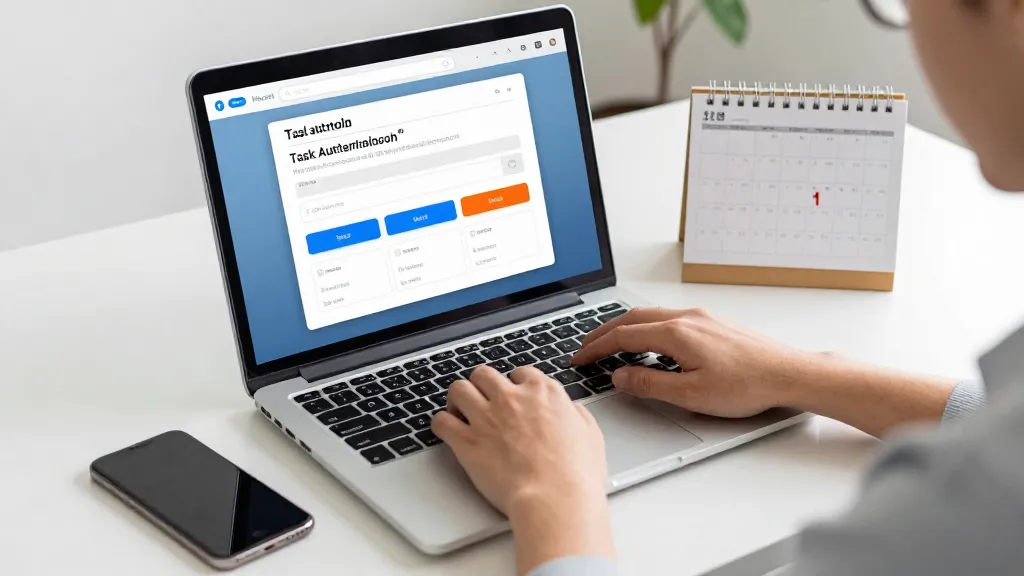
In today’s fast-paced world, homeowners and busy professionals are always looking for ways to save time and increase efficiency. While smart home gadgets offer automation, they often come with a high price tag and require setup that can be overwhelming. The good news? You can automate without smart home gadgets using simple, cost-effective solutions that fit seamlessly into your daily routine. Whether you're managing household chores or boosting productivity, there are practical ways to streamline tasks without investing in smart devices. This article explores how to automate daily responsibilities using mobile apps, task automation tools, and everyday tools—proving that smart automation doesn’t always mean smart gadgets.
By focusing on no-gadget automation, you can avoid the complexity and cost of smart home systems while still achieving significant time savings. From tracking chores with a simple app to setting up Pomodoro timers for focused work, these methods are designed for real-world use. The goal is to make your life easier without relying on smart technology, making automation accessible to everyone.
Throughout this article, you’ll discover step-by-step strategies for automating tasks using tools you already own. We’ll cover everything from setting up chore systems for kids to customizing Pomodoro sessions for productivity. Whether you're a parent looking to simplify household management or a professional aiming to boost efficiency, these practical tips will help you automate without smart home gadgets—making your daily life smoother and more organized.
Why Automate Without Smart Home Gadgets
Automating tasks without smart home gadgets is a practical and cost-effective way to streamline daily routines. Many homeowners and busy professionals find that simple tools and apps can handle automation needs without the need for expensive smart devices. This approach not only saves money but also reduces the complexity of setting up a smart home system.
The Benefits of No-Gadget Automation
The Benefits of No-Gadget Automation highlight the simplicity and efficiency of using basic tools for automation. By relying on mobile apps, calendar reminders, and task management systems, users can create effective routines without the need for smart home gadgets. This method is particularly useful for small tasks like tracking chores or managing daily schedules. It allows for greater flexibility, as there are no physical devices to maintain or update. Additionally, it avoids the potential issues that come with smart home technology, such as connectivity problems or software updates.
When Is It Better to Skip Smart Home Tech?
When Is It Better to Skip Smart Home Tech? depends on the specific automation needs and available resources. For tasks that require minimal interaction, such as setting reminders or managing a to-do list, traditional methods are often sufficient. These solutions are also ideal for those who prefer a more hands-on approach or have limited budget for smart home devices. Furthermore, skipping smart home tech can be beneficial in situations where privacy or data security is a concern. It allows users to maintain control over their personal information and avoid reliance on third-party services.
Automate Chores with Mobile Apps
Automating chores with mobile apps is a practical way to streamline household responsibilities without the need for smart home gadgets. By using simple apps and tools, you can create a structured system that keeps kids engaged and motivated to complete tasks efficiently.
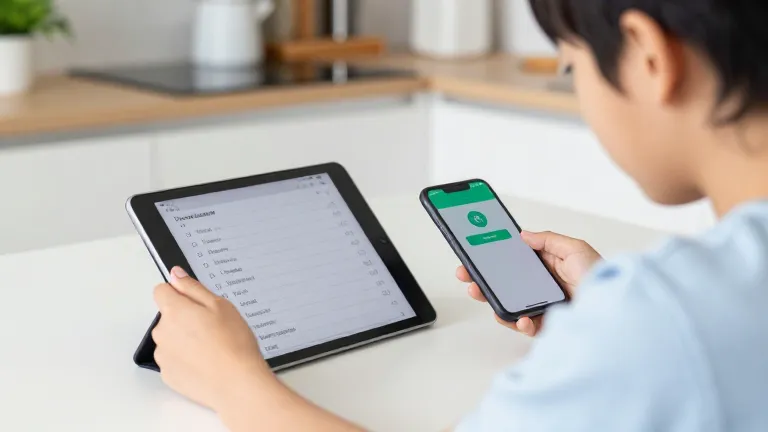
- Choose a chore-tracking app that allows for task scheduling and progress tracking.
- Set up a chore schedule using a calendar or task app to assign specific tasks to each child.
- Enable notifications to confirm when a task is completed, ensuring accountability.
- Integrate a reward system where kids can earn points or incentives for completing chores.
Tracking Chores with a Simple App
Tracking chores with a simple app involves setting up a digital system where tasks are assigned and tracked. You can use apps like ChoreMonster or Taskade to create a chore list and assign tasks to each child. These apps allow you to set deadlines, assign points, and monitor progress in real time. This method ensures that chores are completed on time and provides a clear overview of each child's responsibilities.
Rewarding Kids for Completing Tasks
Rewarding kids for completing tasks is an effective way to encourage responsibility and motivation. When a child completes a chore, a notification is sent to the parent's phone, confirming the task is done. This instant feedback reinforces positive behavior and helps build a habit of completing tasks without constant reminders. Rewards such as screen time, small treats, or extra allowance can be given based on the number of chores completed, making the process both fun and rewarding for the child.
Set Up Pomodoro Timers for Productivity
Setting up a Pomodoro timer is an effective way to boost productivity without relying on smart home gadgets. By using your phone or computer, you can create a simple yet powerful tool that helps you stay focused and manage your time efficiently.
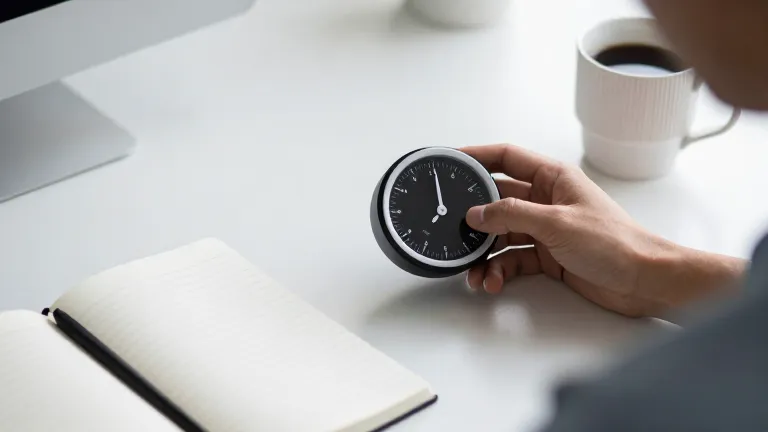
How to Use a Timer for Focused Work
To use a Pomodoro timer, start by selecting a work interval, typically 25 minutes, followed by a short break of 5 minutes. This structured approach helps maintain concentration and prevents fatigue. You can use built-in timer apps on your phone or computer, or even a simple spreadsheet to track your sessions. The key is to commit to the intervals and avoid distractions during work periods.
Customizing Pomodoro Sessions
Customizing Pomodoro sessions allows you to tailor the timer to your personal workflow. Some people prefer longer work intervals, such as 45 minutes, with longer breaks in between. You can also adjust the break duration based on your task intensity. Experiment with different intervals to find what works best for you, and consider incorporating short stretches of activity or movement during breaks to refresh your mind. This flexibility ensures that the Pomodoro method remains a sustainable and effective tool for productivity.
Create Smart Routines with Task Automation Tools
Creating smart routines with task automation tools allows you to streamline repetitive tasks without investing in smart home gadgets. Services like IFTTT (If This Then That) and Home Assistant offer straightforward ways to automate daily activities, such as turning off lights or setting reminders, by linking simple triggers to actions. These tools are especially useful for homeowners and busy professionals who want to manage their time more efficiently without relying on complex smart home ecosystems.
Basic Automation Without Smart Devices
Basic automation without smart devices can be achieved through task automation tools that rely on existing apps and services. For example, IFTTT allows you to create applets that trigger actions based on specific events, such as sending a reminder when your calendar is updated or turning off a light when you leave a room. These tools are ideal for users who want to automate simple routines without the need for additional hardware.
Using Scripts for More Control
For more advanced automation, users can combine task automation tools with simple scripts to customize their routines. Home Assistant, for instance, supports scripting to automate complex workflows, such as adjusting your thermostat based on your schedule or syncing multiple apps to manage your tasks. This level of control is perfect for those who want to tailor their automation to their specific needs without the complexity of a full smart home setup.
Automate with Everyday Tools and Apps
Automate with everyday tools and apps can streamline your workflow without requiring any smart home gadgets. By leveraging existing software on your phone or computer, you can create efficient routines that save time and reduce stress.
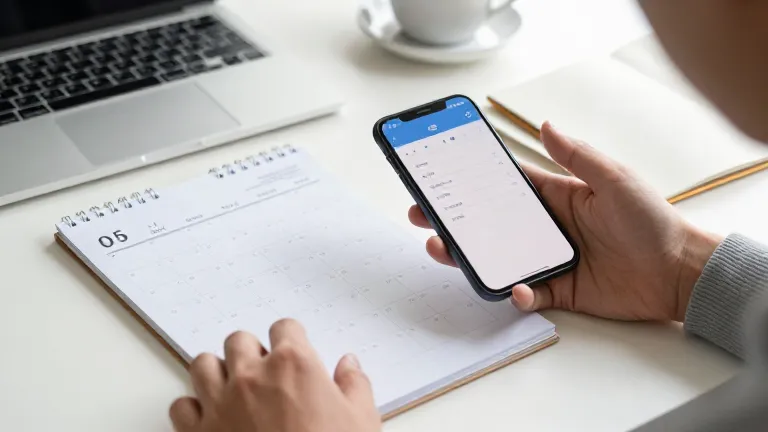
- Use calendar apps to schedule recurring tasks.
- Set up reminders for daily routines.
- Leverage existing apps to simplify your workflow.
Using Calendar Apps for Task Automation
Using calendar apps for task automation is a simple yet powerful way to manage your schedule. Most calendar apps allow you to create recurring events for tasks like bill payments, grocery shopping, or exercise routines. By setting these up once, you ensure that important tasks are never missed. You can also link your calendar to other apps or services, making it easier to sync tasks across devices.
Creating a Daily Routine with Reminders
Creating a daily routine with reminders helps maintain consistency and productivity. Set up reminders for morning routines, work breaks, or evening tasks to keep your day on track. Many apps allow you to customize reminder intervals and even set multiple reminders for the same task. This ensures that you stay on top of your responsibilities without needing to rely on smart home gadgets.
Frequently Asked Questions
Can I automate my home without any smart devices?
Yes, you can automate your home without any smart devices. Many automation tasks can be done using mobile apps, scripts, and simple tools. These methods allow you to manage tasks like chores and routines without needing smart home gadgets.
What are some simple automation tools I can use?
Simple automation tools include mobile apps, calendar apps, and task management software. These tools help you schedule tasks, set reminders, and manage routines, offering a straightforward way to automate without smart home tech.
How do I track chores without smart home gadgets?
You can track chores using a mobile app or a simple spreadsheet. Set up a system where tasks are listed, and check off completed chores. This method is effective and doesn't require any smart home devices.
Is it possible to automate work sessions without a smart timer?
Yes, it's possible to automate work sessions without a smart timer. You can use a basic timer app or even a kitchen timer to manage Pomodoro sessions. This approach helps maintain focus and productivity without advanced tech.
Next Steps for Automation
Automating tasks without smart home gadgets is both practical and effective. By using mobile apps, scripts, and everyday tools, you can manage chores, focus sessions, and routines with ease. These methods offer flexibility and control without the need for advanced technology.
Start by identifying the tasks you want to automate and choose the tools that best fit your needs. Whether it's tracking chores with a mobile app or setting up a Pomodoro timer, small steps can lead to significant improvements in efficiency.