What Is Not Working on My Phone: Troubleshooting Guide

If you're wondering, what is not working on my phone, it's easy to feel overwhelmed by the range of possible issues. From unresponsive apps to unexpected shutdowns, modern phones can experience a variety of problems that disrupt daily use. This guide is designed to help you identify and resolve common phone issues without needing professional assistance. Whether it's a software glitch or a hardware concern, we'll walk you through step-by-step solutions to get your device back in working order.
The article covers the most common phone problems, such as physical damage, overheating, and software malfunctions. We'll start with basic troubleshooting steps like restarting your phone and updating software, which can often fix minor issues quickly. For more persistent problems, we'll explore advanced techniques like factory resets and checking for malware.
Finally, we'll discuss when it's best to seek professional help and how to prevent future issues by maintaining your phone's health and securing your data. By following this guide, you can take control of your phone's performance and avoid unnecessary downtime.
Identifying Common Phone Issues
Before taking action to fix your phone, it's essential to identify whether the issue stems from hardware or software. Recognizing the type of problem you're facing will help you focus your troubleshooting efforts effectively and avoid unnecessary steps.
Physical Damage and Overheating
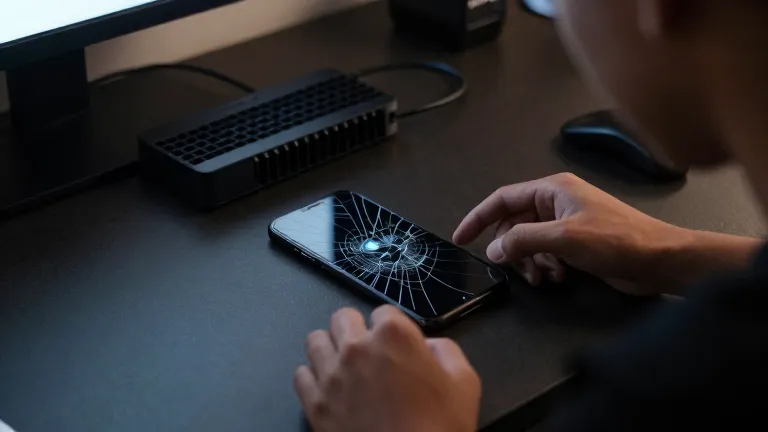
Physical damage and overheating are common hardware-related issues that can affect your phone's performance. Check for visible cracks, water damage, or bent corners that might indicate physical trauma. Overheating can occur due to prolonged use, heavy apps, or environmental factors, and it may cause your phone to shut down unexpectedly or slow down.
Software and App Behavior
Software and app behavior often lead to issues like unresponsiveness, app crashes, or connectivity problems. If your phone is freezing or apps are crashing frequently, it could be due to outdated software or incompatible app updates. Connectivity issues such as Wi-Fi or Bluetooth problems may also point to software glitches rather than hardware failure. Keep track of any recent changes, such as new app installations or system updates, as they might be the root cause of the problem.
Basic Troubleshooting Steps
Basic troubleshooting steps can often resolve common phone issues without needing advanced technical knowledge. These methods are simple and effective, helping to stabilize your device and improve its performance.
- Restart your phone
- Check for software updates
- Uninstall or disable problematic apps
- Test phone connectivity
Restarting Your Phone
Restarting your phone is one of the simplest yet most effective ways to resolve temporary software glitches. When your phone experiences crashes, freezes, or unresponsive buttons, a restart can clear out memory and refresh the system. It is recommended to restart your phone at least once a week to maintain smooth operation.
Updating Software and Apps
Keeping your phone's software and apps up to date ensures optimal performance and security. Manufacturers frequently release updates that fix bugs, improve features, and enhance overall stability. To check for updates, go to your phone's settings and look for the 'Software Update' or 'System Update' option. Installing these updates can prevent many common issues.
Advanced Troubleshooting Techniques
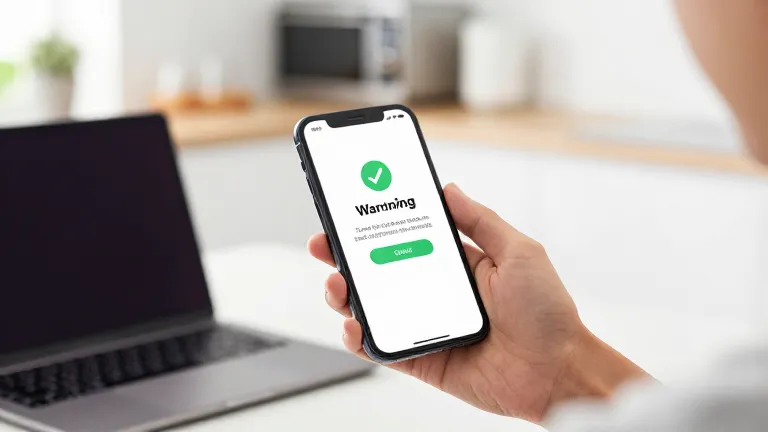
Advanced troubleshooting techniques can help resolve deeper issues with your phone, especially when basic steps fail to fix the problem. These methods include performing a factory reset, using safe mode, and checking for malware or system errors. Each technique addresses different aspects of phone performance and can be used in combination for better results.
- Perform a factory reset after backing up data.
- Check for malware or security threats.
- Reinstall system apps or use safe mode to isolate issues.
- Use diagnostic tools to identify hardware problems.
Factory Reset and Safe Mode
A factory reset can resolve software-related issues by returning your phone to its original state. Before proceeding, ensure all important data is backed up to avoid losing personal files. Once the reset is complete, your phone will restart with default settings, which may fix persistent glitches or performance issues.
Safe mode allows you to identify if third-party apps are causing problems. To access it, power off your phone and press the power button again until the safe mode prompt appears. If the issue disappears in safe mode, a recently installed app is likely the cause. Uninstalling or disabling such apps can resolve the problem.
Checking for Malware and System Issues
Malware can significantly impact your phone's performance and security. Use built-in security apps or third-party antivirus tools to scan for threats. If malware is detected, follow the app's instructions to remove it. Regularly updating your phone's security software can also help prevent future infections.
System issues can often be addressed by reinstalling key apps or using diagnostic tools. Some phones have built-in diagnostics that can check for hardware problems, such as battery health or display malfunctions. If these tools are unavailable, consider using external diagnostic apps or contacting the manufacturer for support.
When to Seek Professional Help
Knowing when to seek professional help is crucial to avoid further damage and ensure your phone is repaired correctly. Some issues are beyond the scope of basic troubleshooting and require expert intervention to diagnose and fix.
Signs of Hardware Failure
Signs of hardware failure include persistent charging issues, unresponsive buttons, cracked screens, or unusual sounds coming from the device. If your phone is overheating frequently or the battery drains rapidly despite normal usage, these may indicate internal hardware problems. Physical damage such as water exposure or drops can also lead to complex issues that require professional assessment.
When to Contact a Professional
Contact a professional if your phone is not responding to restarts, updates, or safe mode attempts. Issues with the touchscreen, camera, or audio system that persist after troubleshooting may require internal component replacement. Additionally, if your phone is under warranty, it's best to contact the manufacturer's support to avoid voiding the coverage. Professional repair services can offer cost-effective solutions, though prices vary depending on the issue and device model.
Preventive Measures to Avoid Future Issues
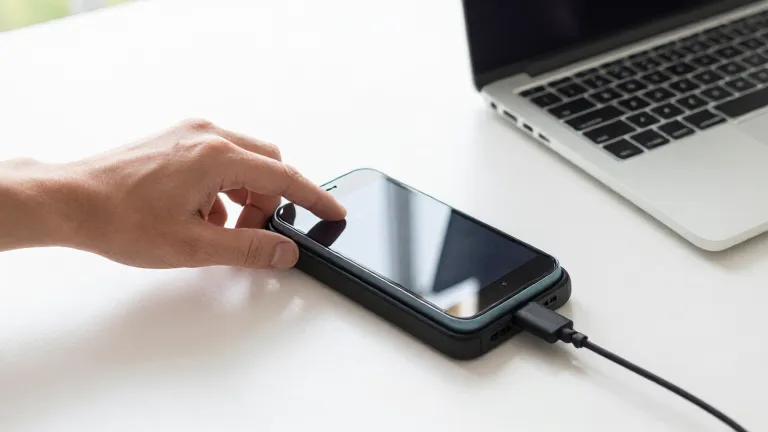
Preventive measures are essential to minimize phone issues and extend its lifespan. By adopting good habits and practices, you can avoid common problems and ensure your device remains reliable and secure.
- Keep your phone clean and away from extreme temperatures.
- Avoid using your phone while charging to prevent overheating.
- Regularly back up data to prevent loss in case of failure.
- Install apps from trusted sources to avoid malware.
Maintaining Phone Health
Maintaining phone health involves regular cleaning and keeping it away from extreme temperatures. Dust and debris can accumulate in ports and vents, leading to overheating or short circuits. Store your phone in a cool, dry place to prevent damage from heat or moisture, which can degrade internal components over time.
Data Backup and App Security
Data backup and app security are critical for protecting your information. Regularly back up photos, documents, and other important data to a cloud service or external storage to avoid loss during hardware failure or accidental deletion. Only install apps from trusted sources like the official app store to reduce the risk of malware and unwanted permissions.
Frequently Asked Questions
What should I do if my phone is not responding to touch?
If your phone is not responding to touch, try cleaning the screen and restarting the device. If it still doesn't work, check for software issues or hardware damage, and consider a factory reset if needed.
How can I tell if my phone's battery is faulty?
A faulty battery may cause unexpected shutdowns, rapid draining, or failure to charge. Use built-in diagnostics or a battery health app to assess its condition and consider replacing it if necessary.
What are the signs of a software bug on my phone?
Signs of a software bug include app crashes, slow performance, unexpected reboots, or system errors. Check for updates, clear cache, or perform a factory reset to resolve these issues.
Can I fix my phone's overheating problem without replacing parts?
Yes, you can fix overheating by closing unused apps, removing the case, avoiding direct sunlight, and ensuring proper ventilation. If the issue persists, it may indicate a deeper hardware problem.
Final Steps for a Working Phone
By systematically identifying and addressing issues, you can often resolve common phone problems. If the issue persists, it's best to seek professional help to avoid further complications.
Regular maintenance and proactive steps, such as updating software and backing up data, can help prevent future issues. Keep your phone in good condition to ensure it works reliably.