Android Vs. ESP32 for Network Scanning: Which Is Better?
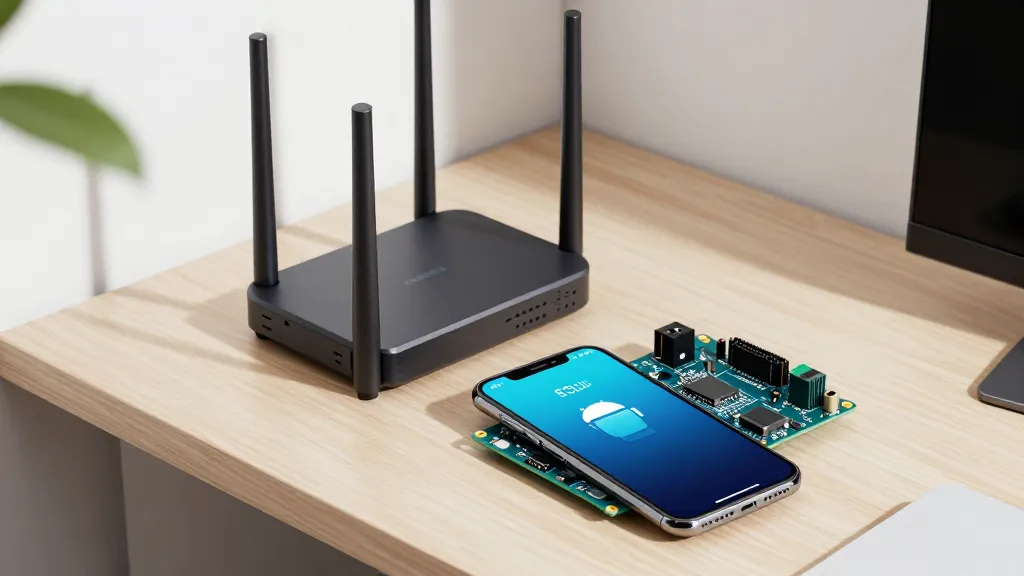
If you're looking to monitor your Wi-Fi network for performance or security issues, you might be wondering whether an Android device or an ESP32 is the better choice for network scanning. The android vs esp32 network scan debate often comes down to cost, ease of use, and the specific needs of your setup. While Android offers powerful apps and a user-friendly interface, the ESP32 brings a unique blend of affordability and low-power operation that can be ideal for continuous monitoring. This article explores why network scanning matters for home users, how Android and ESP32 devices perform in this task, and when each is the better option. Whether you're a tech enthusiast or a home user, understanding these differences can help you make an informed decision about your network monitoring strategy.
Why Network Scanning Matters for Home Users
Network scanning is an essential tool for home users seeking to optimize their Wi-Fi performance and ensure the security of their network. Whether you're troubleshooting connectivity issues or assessing potential vulnerabilities, understanding how devices interact with your network can provide valuable insights. While both Android and ESP32 can perform network scans, their approaches and capabilities differ significantly, making it important to choose the right tool based on your specific needs.
What Is a Network Scan and Why Is It Useful?
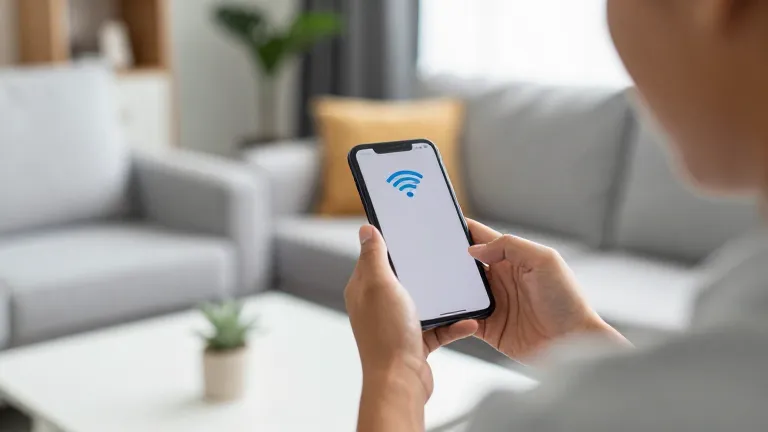
A network scan involves analyzing the devices connected to your Wi-Fi network and identifying any potential issues or weaknesses. This process can reveal devices that are consuming excessive bandwidth, unauthorized devices that may have been added to the network, or even outdated firmware that could pose a security risk. By gaining visibility into your network's activity, you can take proactive steps to improve performance and protect your data from potential threats.
Common Use Cases for Wi-Fi Scanning
Common use cases for Wi-Fi scanning include monitoring network performance, detecting unauthorized access, and identifying devices that may be causing interference. For example, if your internet speed is consistently slow, a scan can help pinpoint devices that are using too much bandwidth. Similarly, if you suspect your network has been compromised, a scan can reveal unfamiliar devices that may be accessing your network without permission. Understanding these use cases can guide you in selecting the most suitable device for your scanning needs.
How Android Devices Perform Network Scanning
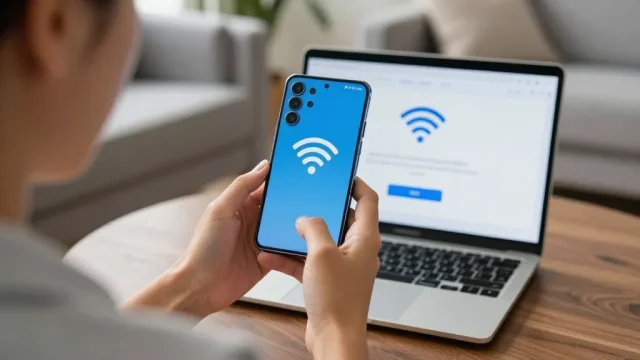
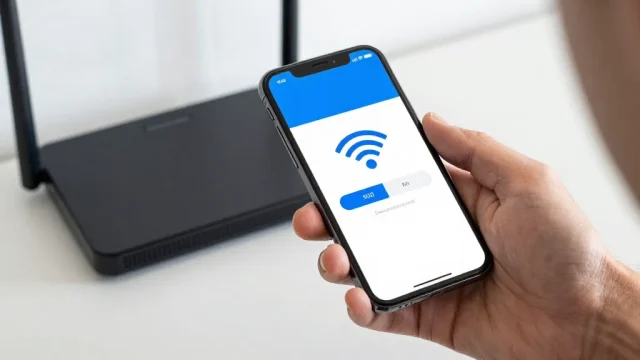
Android devices provide a range of tools for Wi-Fi scanning, offering users detailed insights into their network environment. With access to powerful apps and built-in hardware, Android can efficiently analyze signal strength, channel usage, and network congestion, making it a practical choice for home users.
Popular Android Wi-Fi Scanner Apps
Several popular Android apps are designed for Wi-Fi scanning, such as WiFi Analyzer and Wi-Fi Scanner. These apps typically provide visual representations of signal strength, channel utilization, and nearby networks. WiFi Analyzer, for example, allows users to view real-time data on SSID, signal strength, and channel congestion, helping identify potential interference or performance issues. These apps often include graphs and charts that make interpreting network data more intuitive, especially for non-technical users.
Pros and Cons of Using Android for Network Scanning
While Android devices offer robust scanning capabilities, they are not without limitations. The hardware, though more powerful than an ESP32, may still be constrained by battery life and thermal management, which can affect scan frequency and precision. Additionally, Android’s operating system introduces overhead that can slow down scanning processes, especially when running multiple apps or background services. This can lead to less precise results compared to dedicated hardware like the ESP32, which is optimized for such tasks. However, the convenience and user-friendly interface of Android devices make them a viable option for many users seeking basic network insights.
How ESP32 Devices Can Be Used for Network Scanning
The ESP32 is a low-cost microcontroller that can be programmed to perform Wi-Fi scanning tasks. Its ability to run continuously and provide real-time data without the need for a computer makes it an attractive option for long-term network monitoring. While it may lack some of the advanced features found on Android devices, it offers a practical and cost-effective solution for users who need consistent network visibility.
Setting Up ESP32 for Wi-Fi Scanning
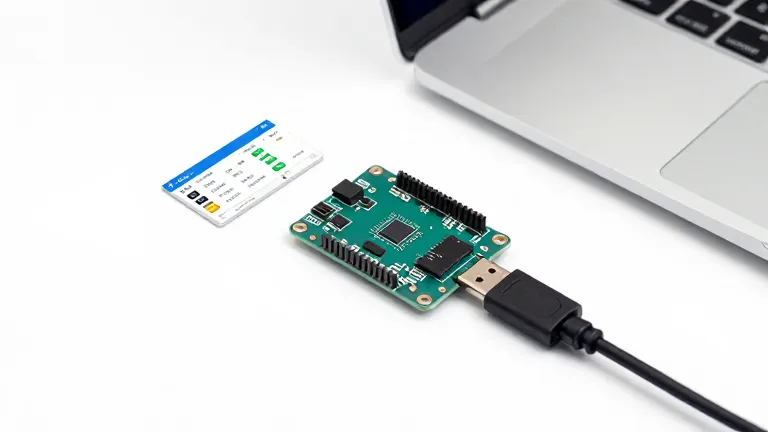
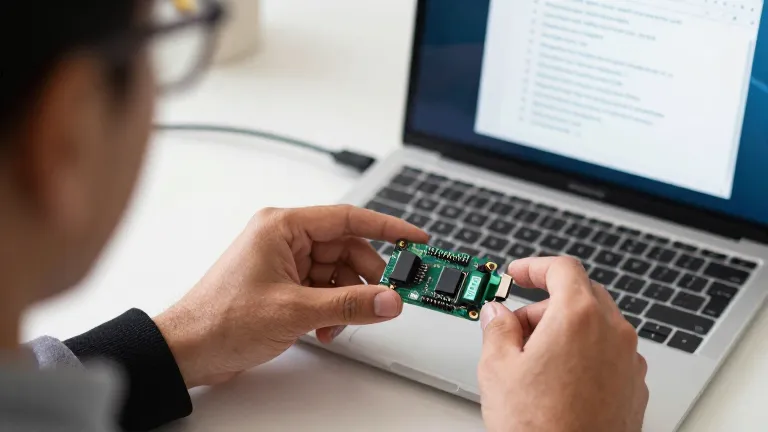
Setting up the ESP32 for Wi-Fi scanning involves programming it with a suitable sketch that runs a continuous scan and displays the results. This can be achieved by using the ESP32’s built-in Wi-Fi capabilities to periodically scan for nearby access points and update a small web interface or serial output. The process requires a computer, the Arduino IDE, and a USB cable to upload the code, which may be less convenient than using a smartphone app. However, once set up, the ESP32 can operate independently, providing ongoing network insights without requiring user intervention.
ESP32 Vs. Android: A Comparison of Capabilities
When comparing the ESP32 with Android devices for network scanning, the ESP32 excels in continuous operation and low power consumption. It can run 24/7 without needing a charging source, making it ideal for long-term monitoring. However, it lacks the advanced features of Android apps, such as detailed graphs, channel congestion analysis, and multi-device support. Android devices offer more comprehensive tools for identifying network issues, but the ESP32 provides a simpler, more cost-effective alternative for users who prioritize reliability and independence over advanced analytics.
Choosing the Right Tool for Your Network Scan
Choosing the right tool for your network scan depends on your specific needs, budget, and technical expertise. Android devices offer powerful scanning capabilities for one-time checks or in-depth analysis, while ESP32 devices provide a cost-effective, always-on solution for continuous monitoring. Both options have their strengths, and the best choice depends on your goals.
When to Use Android for Wi-Fi Scanning
Android is better suited for one-time scans or detailed network analysis. Its advanced apps like WiFiAnalyzer provide comprehensive data, including signal strength, channel usage, and security types, which are ideal for troubleshooting performance issues or assessing network security. The ease of use and availability of high-quality apps make Android a great choice for users who need quick, detailed insights without the hassle of setting up hardware.
When to Use ESP32 for Network Monitoring
The ESP32 is ideal for continuous monitoring or when you want a low-cost, always-on scanner. Its ability to run custom scans and provide real-time data makes it perfect for long-term network observation, especially in environments where consistent monitoring is necessary. While setting up an ESP32 requires some technical know-how, its affordability and flexibility make it an excellent option for users looking to maintain an ongoing network health check without a significant investment.
Practical Tips for Performing a Wi-Fi Scan
Performing a Wi-Fi scan effectively requires attention to detail and the right tools. Whether you're using an Android device or an ESP32, following best practices ensures accurate and actionable results. Testing in varied environments and using the correct setup can make a significant difference in the reliability of your scan.
Best Practices for Android Wi-Fi Scanning
For Android users, choosing a reliable Wi-Fi analyzer app is crucial. Apps like WiFi Analyzer are trusted for their accuracy and detailed insights, showing signal strength, channel usage, and security types. To ensure accurate results, run the scan in areas with varying signal strength and avoid interference from physical obstacles. Regularly updating the app can also help maintain its performance and compatibility with new Wi-Fi standards.
Tips for Setting Up ESP32 for Network Scanning
Setting up the ESP32 for continuous network scanning involves writing a simple sketch that periodically scans and logs Wi-Fi data. Using the Arduino IDE, you can upload the code to your ESP32 and access the results via a web interface. For continuous monitoring, ensure the ESP32 is placed in a central location with good signal reception. Testing the scan in different environments, such as near walls or in open spaces, helps identify potential interference and signal degradation issues.
Frequently Asked Questions
Can I use ESP32 to monitor my home Wi-Fi network?
Yes, you can use an ESP32 to monitor your home Wi-Fi network. It can scan for nearby networks, signal strength, and channel congestion, making it a useful tool for network monitoring.
What are the best Android apps for Wi-Fi scanning?
The best Android apps for Wi-Fi scanning include WiFi Analyzer, which provides detailed information on nearby networks, signal strength, and channel congestion.
Is ESP32 better than Android for long-term network monitoring?
ESP32 is better for long-term network monitoring due to its low power consumption and ability to run continuously. Android devices may require more frequent charging and are less suited for unattended monitoring.
How can I set up ESP32 for continuous Wi-Fi scanning?
To set up ESP32 for continuous Wi-Fi scanning, you can use a sketch that runs a Wi-Fi scan on a loop and pushes the results to a webpage or a cloud service for ongoing monitoring.
Final Thoughts on Network Scanning Tools
Choosing between Android and ESP32 for network scanning depends on your specific needs. Android offers a user-friendly interface and advanced features, while ESP32 provides continuous monitoring with lower power consumption.
For home users, consider using an Android device for quick scans and diagnostics. For long-term monitoring, ESP32 is ideal. Start with a simple scan using your preferred tool to assess your network's health.