How to Find Your Missing Earbuds with Google and Samsung
Losing wireless earbuds is a frustrating experience that many home users and office workers can relate to. Whether you're rushing out the door or caught up in a busy day, those tiny buds often vanish without a trace. The main keyword here is find missing earbuds, and this article provides practical solutions to help you locate them quickly. With the right tools and steps, you can recover your lost earbuds and avoid the hassle of replacing them.
Both Google and Samsung offer powerful tracking features that can help you find missing earbuds through their respective apps. These tools leverage location services and device connectivity to locate your missing earbuds, whether they’re in your bag, on a plane, or even under a seat. The article explores how to use these features effectively.
By following a clear step-by-step guide, you can ensure your earbuds are always trackable and recoverable. This article covers everything from setting up tracking features to preventing future losses. Whether you use Google or Samsung, there's a way to find missing earbuds and keep them safe for daily use.
Understanding the Problem: Why Earbuds Go Missing
Wireless earbuds have become an essential part of modern life, offering convenience and mobility. However, their small size and frequent use make them prone to being lost. Whether at home, in the office, or on the go, the challenge of finding missing earbuds can be frustrating. This section explores why earbuds are so difficult to locate and how losing them affects daily routines, while also highlighting the new tracking features from Google and Samsung that can help.
Why Earbuds Are So Hard to Find
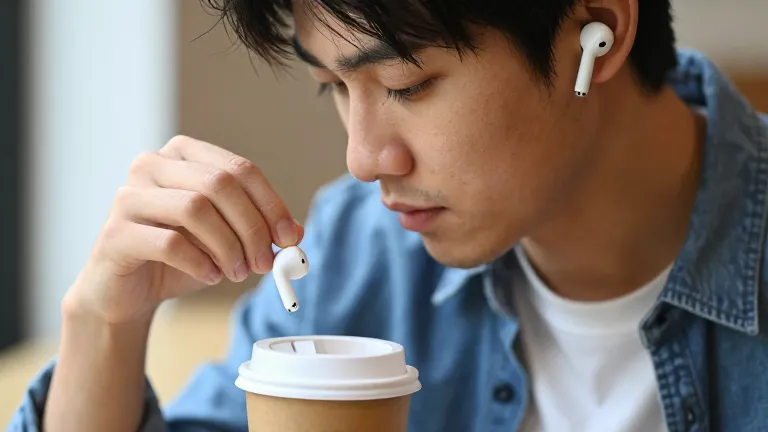
Wireless earbuds are small, lightweight, and often used in environments where they can easily be misplaced. Their compact design makes them easy to drop or forget in pockets, bags, or even on furniture. Since they are often used with one earbud at a time, it's common for one to be left behind while the other remains in use. Additionally, their tendency to fall out during activities like exercising or commuting adds to the challenge of locating them. These factors contribute to the frequent frustration of losing earbuds, making it essential to have reliable tracking solutions.
The Impact of Losing Earbuds on Daily Life
Losing earbuds can disrupt daily routines and cause inconvenience. For home users and office workers, missing earbuds can mean missed calls, interrupted work, or difficulty focusing on tasks. The time spent searching for lost earbuds can be significant, especially if they are misplaced in hard-to-reach places like under a car seat or in a cluttered bag. The emotional impact of losing a device that is often used for communication and entertainment can also be stressful. With the rise of wireless earbuds, the need for effective tracking features has become more critical than ever.
Google's Find Hub for Pixel Buds
Google's Find Hub is a powerful tool that helps users locate their Pixel Buds, whether they're missing the case or one of the individual earbuds. This feature is available on newer Pixel Buds models and works seamlessly with both the case and each earbud, making it an essential tool for anyone who has lost their wireless earbuds.
How to Add Your Earbuds to Find Hub
To use Find Hub, your Pixel Buds must be paired with a Google device, such as a Pixel phone or tablet. Once paired, the earbuds are automatically added to Find Hub, but it's a good idea to verify this in the settings. Go to Settings > Connected devices, then select the gear icon next to the earbuds' name. From here, you can choose to add the earbuds to Find Hub. If they are already added, you can skip this step.
Finding Your Earbuds Using Find Hub
Once your earbuds are added to Find Hub, you can use the feature to locate them. Open the Find Hub app on your Google device and select the earbuds from the list of devices. Tap the 'Play sound' option to make one of the earbuds ring, which can help you find it if it's nearby. If the earbuds are out of range, the app will show the last known location. Ensure that location services are enabled on your device for this to work effectively. This feature is particularly useful for finding earbuds that have fallen out of pockets or been left in places like cars or public transport.
Samsung's Built-In Earbud Tracking Features
Samsung Galaxy devices come with built-in earbud tracking features that help users locate missing earbuds. This functionality is exclusive to Samsung and works with both the case and individual earbuds, making it a reliable tool for recovering lost or misplaced earbuds. Whether your earbuds fell out of your bag, got stuck in a car seat, or were left behind in a café, Samsung's tracking feature can help you find them quickly.
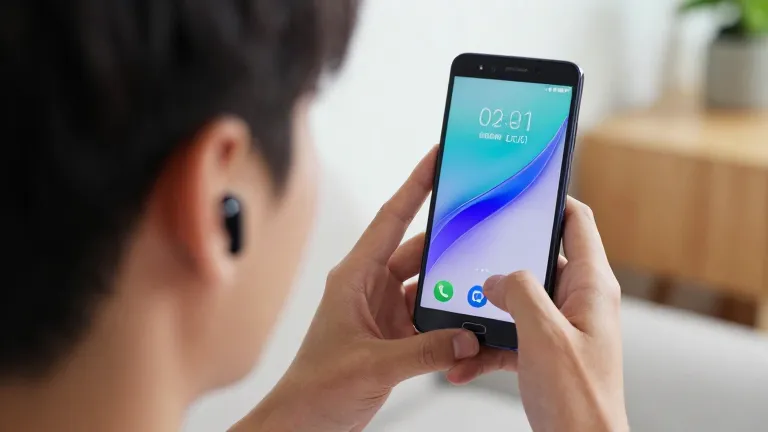
How to Use Samsung's Earbud Finding Feature
To use Samsung's earbud finding feature, ensure your earbuds are paired with your Galaxy device and that location services are enabled. Once paired, open the Galaxy Find app and select the earbuds from the list of connected devices. From there, you can trigger a sound from either earbud to help locate it. This feature works best when your earbuds are within range of your phone or connected to the case, which acts as a location beacon.
Troubleshooting Common Issues
If you're unable to locate your earbuds, common issues may include the earbuds not being charged, being out of range, or not being properly paired. To resolve this, check that your earbuds are fully charged and within a few meters of your Galaxy device. You can also try re-pairing the earbuds through the Galaxy Find app. If the issue persists, consider restarting your device or updating the firmware to ensure compatibility and optimal performance.
Step-by-Step Guide to Finding Your Missing Earbuds
This step-by-step guide will walk you through the essential actions to locate your missing earbuds using either Google's Find Hub or Samsung's Find My Device. By following these steps carefully, you can significantly increase your chances of recovering your lost earbuds.
- Ensure your earbuds are paired with your device.
- Enable location services on your phone.
- Add your earbuds to the tracking app (Google Find Hub or Samsung Find My Device).
- Use the app to trigger a sound or locate the earbuds.
Preparing Your Device for Tracking
Before attempting to locate your earbuds, make sure they are properly paired with your phone. Check that the earbuds are connected to your device by looking at the Bluetooth settings. If they are not connected, follow the pairing instructions for your specific model. A stable connection is crucial for the tracking features to work effectively.
Using the Tracking App to Locate Your Earbuds
Once your earbuds are paired, enable location services on your phone. This allows the tracking app to access your device's location data and send signals to your earbuds. For Google Find Hub, go to Settings > Location and ensure it is turned on. For Samsung Find My Device, check the settings for location permissions. Without location services enabled, the app may not function as intended.
With your earbuds added to the tracking app, you can now use the app to trigger a sound or locate your earbuds. Open the app, select your earbuds from the list, and choose the 'Play sound' option. This will make your earbuds emit a sound, helping you locate them. If the sound doesn't work, try using the 'Find device' feature, which may show you the last known location of your earbuds. Follow these steps carefully to increase your chances of finding your missing earbuds.
Tips and Best Practices for Preventing Earbud Loss
Preventing the loss of your wireless earbuds is just as important as knowing how to find them if they do go missing. By adopting simple habits and maintenance routines, you can significantly reduce the chances of losing your earbuds and extend their lifespan. Here are practical strategies to help you keep your earbuds safe and in good condition.
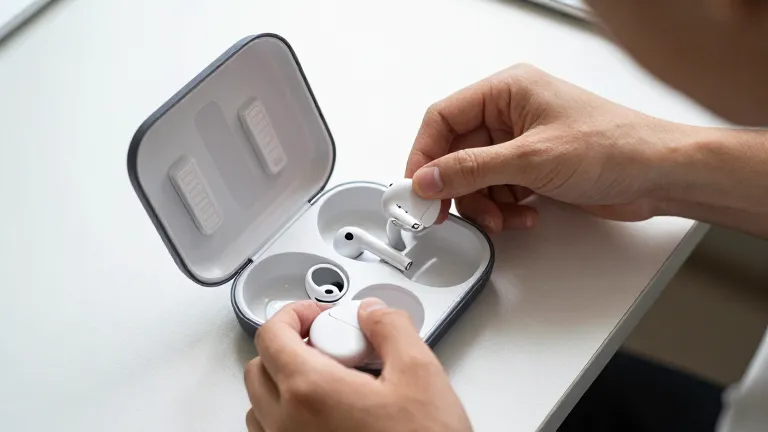
How to Prevent Losing Your Earbuds
Always keep your earbuds in a secure case or pouch when not in use. This is one of the simplest yet most effective ways to prevent them from going missing. Invest in a durable, compact case that fits your earbuds snugly, and make it a habit to place them back in the case after each use. For added convenience, consider using a magnetic pouch or a clip that attaches to your bag or clothing, so you can easily access them without worrying about misplacing them.
Maintaining Your Earbuds for Longevity
Regularly checking your earbuds for signs of wear or damage can help you spot issues early and avoid unnecessary replacements. Look for cracks, frayed wires, or loose connections that may affect performance and increase the risk of loss. Additionally, cleaning the earbuds with a soft, dry cloth can remove dirt and debris that might interfere with their functionality. By maintaining your earbuds, you not only keep them in optimal working condition but also reduce the chances of them falling out or breaking during use.
Frequently Asked Questions
How do I enable location services for my earbuds?
To enable location services for your earbuds, ensure your device's location settings are turned on. For Google's Find Hub, check that location is enabled in your device settings. For Samsung, go to settings and ensure location services are active for your earbuds.
Can I find my earbuds if they are not in my case?
Yes, both Google and Samsung allow you to find your earbuds even if they are not in the case. Google's Find Hub and Samsung's built-in features work with individual buds, not just the case.
What should I do if my earbuds are not showing up in the app?
If your earbuds are not showing up, check if they are paired and location services are enabled. Restart the app or your device, and ensure the earbuds are within range. If issues persist, try reconnecting the earbuds.
Are these tracking features available on all earbud models?
Tracking features vary by model. Google's Find Hub works with specific Pixel Buds models, while Samsung's features are available on certain Galaxy earbuds. Check your device's specifications for compatibility.
Final Thoughts
Both Google and Samsung offer effective ways to track missing earbuds, ensuring you can locate them easily. By following the steps outlined, you can minimize the stress of losing your earbuds.
To avoid future losses, consider using the tips provided to prevent misplacement. Always keep your earbuds charged and within reach for a seamless experience.