How to Fix Arlo Camera Battery Draining in Just a Few Days
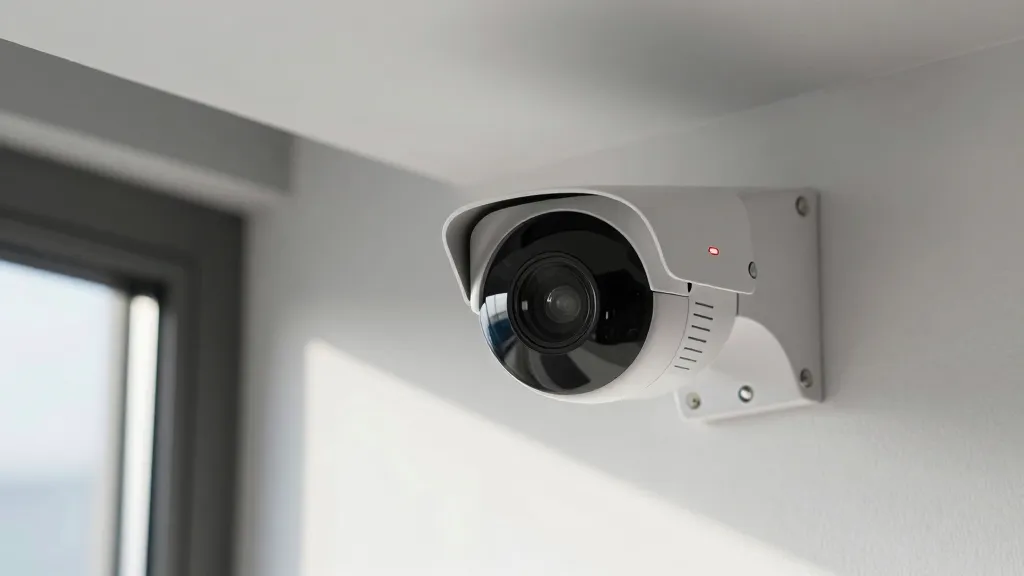
If your Arlo camera is draining its battery in just a few days, you're not alone. Many homeowners and tech-savvy users are frustrated by the frequent need to replace batteries, especially when relying on Arlo cameras for security. This issue can disrupt your peace of mind and add unnecessary costs. The key to solving this problem lies in understanding the root causes and taking practical steps to extend battery life. In this article, we'll explore how to fix Arlo camera battery draining in just a few days by addressing common causes, optimizing settings, and improving signal strength. You'll also learn how to adjust activity zones and maintain your camera for long-term performance.
Battery drain in Arlo cameras can be caused by a variety of factors, including inefficient settings, weak Wi-Fi signals, and improper activity zones. Environmental conditions such as temperature and light can also play a role in how quickly your camera's battery depletes. By identifying these issues and taking targeted actions, you can significantly improve battery life without compromising security. Each solution is designed to be simple and effective, making it easier for both beginners and experienced users to maintain their Arlo cameras efficiently.
From adjusting camera settings to optimizing your Wi-Fi environment, this guide provides actionable tips that you can apply immediately. We'll walk you through how to tweak activity zones, improve signal strength, and adopt best practices for battery maintenance. Whether you're dealing with a single camera or a full system, these strategies can help you reduce the frequency of battery replacements and ensure your Arlo cameras remain reliable for longer. With the right approach, you can enjoy peace of mind knowing your security system is always powered and ready.
Understanding Why Arlo Camera Battery Drains Quickly
Arlo cameras rely on rechargeable batteries, but their battery life can vary significantly based on usage patterns, environmental conditions, and device settings. If your Arlo camera is draining its battery in just a few days, it’s likely due to a combination of factors that affect power consumption. Understanding these causes is the first step in troubleshooting and extending battery life.

Common Causes of Arlo Camera Battery Drain
One of the most common reasons for rapid battery drain is constant motion detection. Arlo cameras are designed to activate when motion is detected, but if the camera is frequently triggered by small movements or false positives, it can consume more power than necessary. Adjusting motion sensitivity settings can help reduce unnecessary activity and preserve battery life.
How Environmental Factors Affect Battery Life
Poor Wi-Fi signal strength can also contribute to battery drain. When the camera struggles to maintain a stable connection, it uses additional power to re-establish the link, which can significantly shorten battery life. Additionally, incorrect activity zones can cause the camera to monitor areas it doesn’t need to, leading to higher power consumption. Reviewing and customizing activity zones in the Arlo app can help the camera focus on relevant areas and conserve energy.
How to Fix Arlo Camera Battery Draining
Fixing Arlo camera battery draining starts with adjusting settings and ensuring strong Wi-Fi connectivity. By optimizing power usage and improving signal strength, you can significantly extend battery life. Regular monitoring through the Arlo app helps identify and resolve issues before they become critical.
- Reduce motion detection sensitivity to lower power consumption.
- Disable unnecessary features like night vision or spotlight when not needed.
- Schedule regular motion detection checks to avoid overuse.
- Place the camera in a location with a strong Wi-Fi signal to prevent signal drops.
Optimize Camera Settings for Power Efficiency
Optimizing camera settings is key to reducing power consumption. Features like motion detection and night vision use significant battery power. Adjusting sensitivity settings to a lower level can reduce false triggers and minimize power use. Additionally, disabling features that are not essential during periods of low activity can help preserve battery life.
Improve Wi-Fi Signal for Better Battery Life
A weak Wi-Fi signal forces the Arlo camera to work harder to maintain a connection, leading to increased battery drain. Position the camera near your router or use a Wi-Fi extender to improve signal strength. Regularly check signal quality through the Arlo app and move the camera if signal strength is poor. A stable connection not only improves battery life but also ensures reliable performance and data transmission.
Fixing Weak Signal Drain on Arlo Camera
A weak Wi-Fi signal can significantly impact the battery life of your Arlo camera. When the connection is unstable, the camera works harder to maintain a link, which increases power consumption and leads to faster battery drainage. Addressing this issue is essential for ensuring your camera remains functional and efficient over time.
How Weak Signal Affects Battery Life
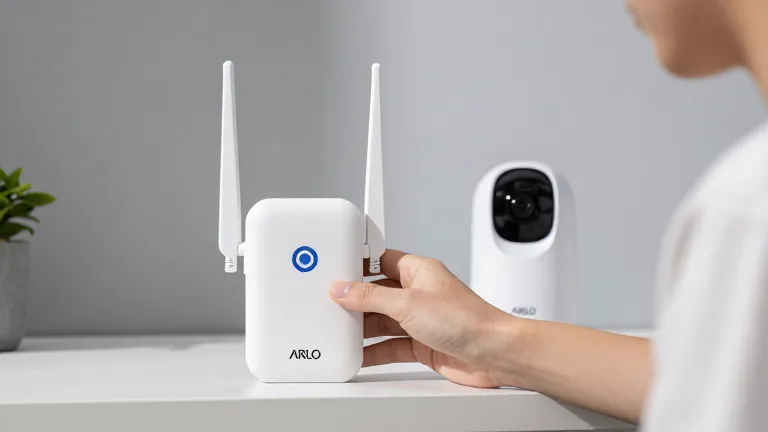
Weak Wi-Fi signals force the Arlo camera to use more power to maintain a stable connection. The camera constantly attempts to re-establish the link, which drains the battery more quickly. This issue is common in areas with poor signal strength or where the camera is placed far from the router. Additionally, physical obstructions such as walls, furniture, or metal objects can weaken the signal and increase power usage.
Improving Wi-Fi Signal for Arlo Cameras
To improve Wi-Fi signal strength, position the camera closer to the router and remove any barriers between them. If the camera is located in an area with weak signal coverage, consider using a Wi-Fi extender to boost the connection. Extenders can help extend the range of your network and provide a stronger, more stable signal for the camera. This reduces the need for the camera to work excessively hard to maintain connectivity, thereby preserving battery life.
Adjusting Activity Zones to Save Battery
Adjusting activity zones is a simple yet effective way to extend your Arlo camera's battery life. By limiting the areas the camera monitors, you can significantly reduce power consumption and ensure the device remains operational for longer.
- Define specific zones to match your security needs.
- Regularly review and update zones to ensure accuracy.
- Avoid setting zones that cover unnecessary areas.
- Use the Arlo app to customize and manage zones efficiently.
Why Activity Zones Affect Battery Life
Large or unnecessary activity zones cause the camera to stay active for extended periods, leading to faster battery drainage. The camera continuously scans these zones, using more power than needed. By narrowing the detection area, you can reduce the workload on the device and prolong battery life.
How to Adjust Activity Zones in the Arlo App
To adjust activity zones, open the Arlo app and navigate to your camera's settings. Select the 'Activity Zones' option and use the map view to draw or adjust the zones. Ensure the zones are limited to areas where motion detection is necessary. This not only conserves battery but also improves the accuracy of alerts, making your security system more effective.
Long-Term Tips for Extending Arlo Camera Battery Life
Maintaining optimal battery life for your Arlo camera requires consistent care and awareness of its usage patterns. By adopting regular maintenance routines and being mindful of when to replace the battery, you can significantly extend its lifespan and ensure reliable performance.
Best Practices for Battery Maintenance
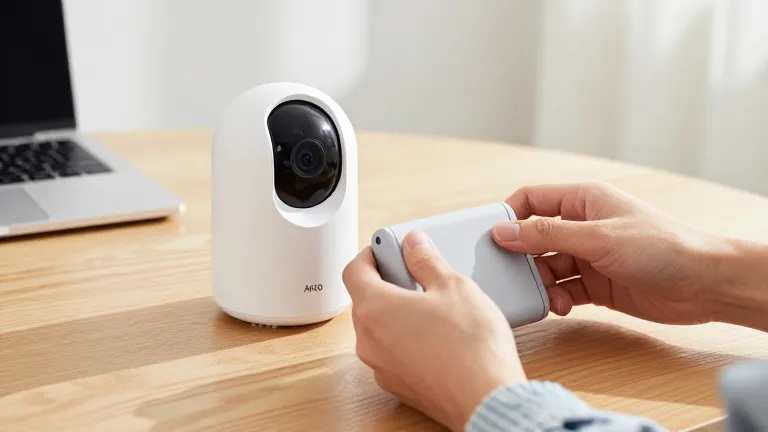
Use the Arlo app to schedule regular battery checks and maintenance. The app provides real-time battery status and alerts when the battery is low, helping you stay proactive. Setting up reminders for periodic checks ensures you don't overlook any signs of degradation. Additionally, the app allows you to monitor power consumption patterns, which can help identify unusual activity that may impact battery life.
When to Replace Your Arlo Camera Battery
Replace the battery if it shows signs of significant degradation. Over time, even high-quality batteries can lose their capacity to hold a charge, leading to frequent recharging and reduced performance. If your camera is no longer holding a charge for the expected duration or if the battery drains faster than usual, it's time to replace it. Keep in mind that battery life can vary based on usage and environmental conditions, so always refer to the manufacturer's guidelines for replacement recommendations.
Frequently Asked Questions
Why is my Arlo camera battery draining so fast even when it's not recording?
Even when not recording, Arlo cameras use power for constant connectivity and motion detection. A weak Wi-Fi signal or overly sensitive motion detection settings can cause unnecessary power consumption. Check your camera's activity zones and signal strength to optimise battery life.
Can a weak Wi-Fi signal cause my Arlo camera to use more battery?
Yes, a weak Wi-Fi signal forces the camera to use more power to maintain a connection. Stronger signals reduce the need for constant reconnection, thereby extending battery life. Ensure your camera is within range of a reliable Wi-Fi network.
How do I adjust activity zones to save battery on my Arlo camera?
Adjust activity zones in the Arlo app to limit the camera's detection area. Reducing the zones minimises the amount of area the camera needs to monitor, which lowers power usage. Make sure the zones are set to only cover areas you want to monitor.
What should I do if my Arlo camera's battery doesn't last more than a day?
If your Arlo camera's battery doesn't last more than a day, check for weak signal strength, overly sensitive motion detection, or incorrect activity zones. Optimise these settings and ensure the camera is placed in an ideal location to improve battery life.
Final Thoughts
Optimising settings, improving Wi-Fi signal, and adjusting activity zones can significantly extend your Arlo camera's battery life. Regular maintenance and proper placement are key to ensuring long-term performance.
To keep your Arlo camera running efficiently, review your settings periodically and consider replacing the battery if it no longer holds a charge for extended periods.