How to Fix Ecobee Thermostat Rebooting Frequently During Heating
If your Ecobee thermostat is rebooting frequently during heating, it can disrupt your comfort and raise concerns about system reliability. This issue may stem from environmental factors, software glitches, or underlying heating system problems. Understanding how to fix Ecobee thermostat rebooting frequently during heating is essential for maintaining consistent indoor temperatures. This article provides a clear, step-by-step guide to help you identify and resolve the root cause of the rebooting issue without professional assistance.
We'll start by exploring the common causes of thermostat reboots, including potential software and hardware issues. Next, we'll examine physical factors such as wiring, placement, and environmental conditions that may contribute to the problem. If the thermostat is functioning correctly, we'll then look into potential heating system issues, such as a dirty furnace filter or high limit switch problems.
Finally, we'll guide you through the process of updating your thermostat's software, performing a factory reset, and reconfiguring your device. By following these steps, you can troubleshoot and fix Ecobee thermostat rebooting frequently during heating and restore your system's performance efficiently.
Identify the Root Cause of Ecobee Thermostat Rebooting
Understanding why your Ecobee thermostat is rebooting during heating is crucial for resolving the issue. Thermostat reboots can be caused by a variety of factors, including software glitches, environmental conditions, or hardware malfunctions. Identifying the root cause requires a methodical approach, starting with common triggers and moving toward more complex diagnostics.
Common Causes of Ecobee Thermostat Rebooting
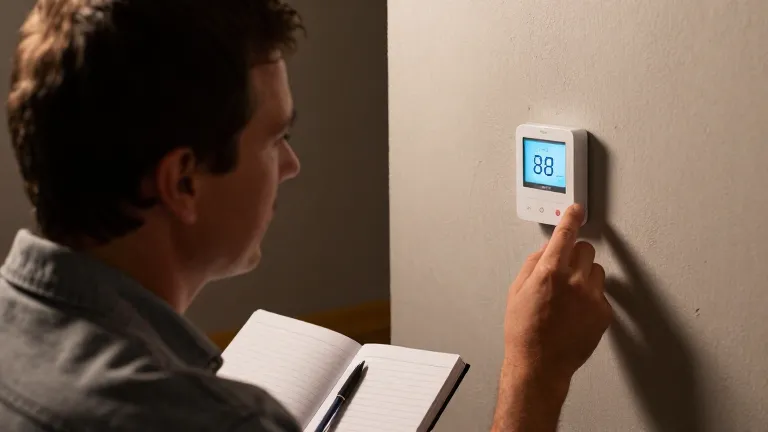
Common causes of Ecobee thermostat reboots during heating include overheating, software errors, and electrical interference. The thermostat may reboot if it detects excessive heat, which can occur if the heating system is overworking or if the thermostat is placed near heat sources. Software issues, such as corrupted firmware or failed updates, can also trigger unexpected reboots. Additionally, electrical interference from nearby devices or unstable power supply can disrupt the thermostat's operation.
How to Determine If the Thermostat Is the Problem
To determine if the thermostat is the problem, start by checking for physical signs of damage or wear. Look for loose connections, exposed wiring, or visible cracks on the thermostat's housing. If the thermostat is placed in an area with high humidity, extreme temperatures, or direct sunlight, it may malfunction due to environmental stress. You can also test the thermostat by temporarily relocating it to a different location to see if the rebooting stops. If the issue persists, it may indicate a deeper problem with the device or its integration with your heating system.
Check for Physical Issues with the Thermostat
Physical issues with your Ecobee thermostat can often lead to unexpected reboots, especially during heating cycles. A thorough inspection of the device itself and its connections can reveal underlying problems that may be resolved without further complications.
Physical Damage or Loose Wiring
Begin by visually inspecting the thermostat for any signs of physical damage, such as cracks, dents, or exposed wiring. These can compromise the internal components and cause the device to malfunction. Check all connections, including the power cable and any wiring linked to the heating system, to ensure they are secure and undamaged. Loose or frayed wires can lead to intermittent power supply, triggering reboots during critical heating periods.
Thermostat Placement and Environmental Factors
Thermostat placement can significantly impact its performance. Avoid placing the device near sources of heat, moisture, or direct sunlight, as these conditions can cause overheating or condensation, both of which may lead to system failures. Ensure the thermostat is installed in a well-ventilated area with stable temperature conditions to prevent overheating. Additionally, check for nearby electrical interference or other devices that might disrupt the thermostat’s operation.
Address Potential Heating System Problems
A malfunctioning heating system can cause the Ecobee thermostat to reboot frequently, especially during heating cycles. Issues with the furnace or boiler can lead to electrical spikes or overheating, which may trigger the thermostat's safety mechanisms. Identifying and resolving these problems can help stabilize the system and prevent unnecessary reboots.
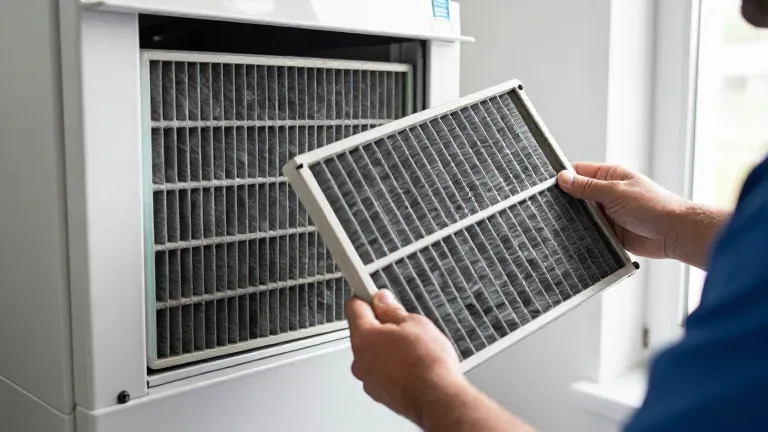
- Inspect the furnace filter for dust buildup.
- Check for signs of a faulty high limit switch.
- Verify the furnace's electrical connections.
- Monitor for unusual noises or odors from the heating system.
Dirty Furnace Filter
A dirty furnace filter can restrict airflow, causing the furnace to work harder and overheat. This strain can lead to electrical surges that may cause the Ecobee thermostat to reboot. Regularly replacing or cleaning the filter can improve airflow and reduce the risk of overheating. A clogged filter can also reduce indoor air quality and lower the efficiency of your heating system.
If the filter is clean and the system still reboots, consider checking the furnace's airflow. A restricted ductwork or improperly sized HVAC system can also contribute to poor airflow. Ensure that the return and supply vents are unobstructed and that the ducts are properly sealed to maintain optimal airflow.
High Limit Switch Issues
The high limit switch is a safety device that prevents the furnace from overheating. If this switch fails, it can cause the furnace to shut down unexpectedly, which might trigger the Ecobee thermostat to reboot. A faulty high limit switch can also lead to inconsistent heating and potential damage to the furnace components.
To check the high limit switch, first ensure the power to the furnace is off. Locate the switch, usually near the blower motor, and inspect it for signs of damage or corrosion. If the switch is faulty, it should be replaced by a qualified technician to avoid further complications. A malfunctioning switch can also cause the furnace to cycle on and off frequently, adding stress to the system.
Perform a Software and Firmware Update
Updating the software and firmware on your Ecobee thermostat can resolve rebooting issues caused by outdated or corrupted system files. Ensuring your thermostat is running the latest firmware is a critical step in maintaining optimal performance and stability, especially during heating cycles.
How to Update Ecobee Thermostat Software
To update the Ecobee thermostat software, open the Ecobee app and navigate to the thermostat's settings. Look for an option related to firmware or software updates. If an update is available, follow the on-screen prompts to download and install it. The thermostat will typically reboot automatically once the update is complete. If the update fails, try reconnecting the thermostat to your Wi-Fi network and retry the process.
Troubleshooting Software Reboot Issues
If your thermostat continues to reboot after a software update, check for any connectivity issues between the thermostat and your Wi-Fi network. A weak or unstable connection can trigger unexpected reboots. Ensure the thermostat is within range of your router and that no other devices are interfering with the signal. If the problem persists, consider performing a factory reset and reconfiguring the thermostat through the Ecobee app. This process can resolve lingering software conflicts that may be causing the rebooting behavior.
Reset and Reconfigure the Ecobee Thermostat
Resetting and reconfiguring your Ecobee thermostat can resolve rebooting issues caused by software glitches or incorrect settings. This process restores the thermostat to its original state and allows you to reestablish proper connectivity and functionality.
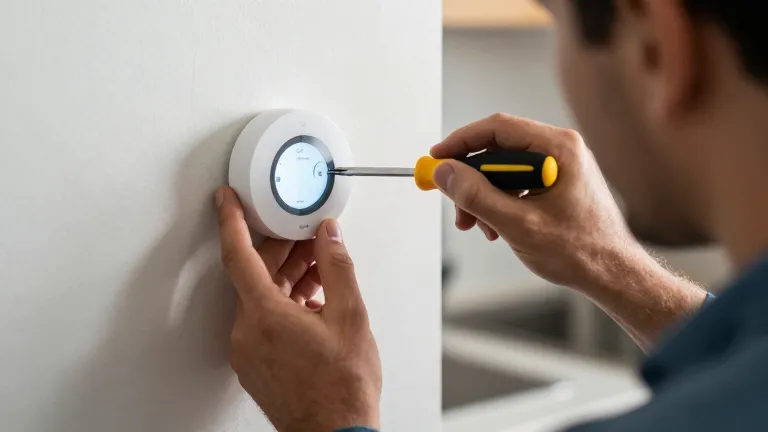
- Press and hold the 'Menu' button until the 'Factory Reset' option appears on the screen.
- Select 'Factory Reset' and confirm the action to erase all current settings and data.
- Wait for the thermostat to reboot and return to the initial setup screen.
- Follow the on-screen prompts to reconnect the thermostat to your Wi-Fi network and set up your account.
Factory Reset Instructions
A factory reset removes all custom settings, schedules, and user preferences, returning the thermostat to its default state. This can eliminate configuration errors that might be causing the device to reboot unexpectedly. Before proceeding, ensure you have the Wi-Fi credentials and any necessary account details ready, as the reset will erase your current setup.
Reconnecting to Wi-Fi and Reinstalling App
After the factory reset, the thermostat will prompt you to reconnect to your Wi-Fi network. Enter the correct password and ensure the signal is strong for a stable connection. Once connected, reinstall the Ecobee app on your smartphone to sync the thermostat with your account. This step ensures the thermostat functions correctly and avoids any residual issues from previous configurations.
Frequently Asked Questions
What should I do if my Ecobee thermostat keeps rebooting during heating?
Start by checking for physical damage, loose wiring, and environmental factors. Ensure the furnace filter is clean and the high limit switch is functioning properly. If issues persist, perform a software update or reset the thermostat.
Can a dirty furnace filter cause my Ecobee thermostat to reboot?
Yes, a dirty furnace filter can restrict airflow, causing the system to overheat and trigger a reboot. Clean or replace the filter to improve airflow and prevent overheating.
How do I check if the high limit switch is causing my thermostat to reset?
Inspect the high limit switch for signs of wear or damage. Ensure it's properly installed and functioning. If it's faulty, replace it to prevent overheating and system resets.
Is it possible to fix my Ecobee thermostat rebooting without replacing parts?
Yes, many issues like software glitches, dirty filters, or improper placement can be resolved without replacing parts. Start with basic checks and updates before considering hardware replacements.
Final Thoughts and Next Steps
Addressing frequent reboots in your Ecobee thermostat involves checking both the thermostat and the heating system. Clean filters, proper placement, and software updates can often resolve the issue. If problems persist, professional assistance may be needed.
If your Ecobee thermostat keeps rebooting during heating, follow the outlined steps to identify and resolve the issue. Regular maintenance and timely updates can help prevent future problems.