How to Fix August Smart Lock Jammed or Not Calibrating Properly
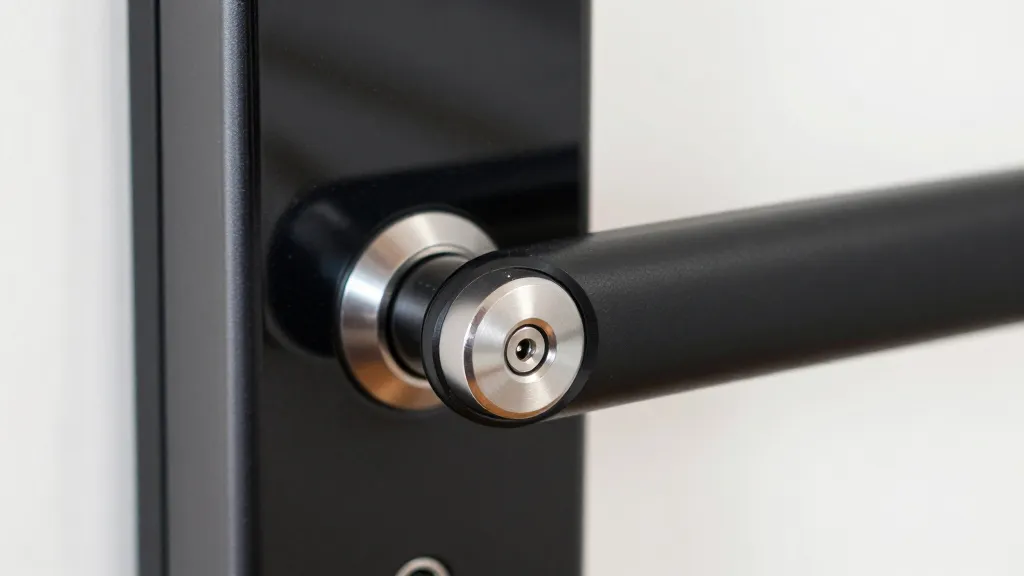
If your August Smart Lock is jammed or not calibrating properly, it can disrupt your smart home routine and compromise security. Whether it's a mechanical blockage or a calibration error, these issues can be frustrating and confusing. This article provides a clear guide on How to Fix August Smart Lock Jammed or Not Calibrating Properly, helping you resolve the problem at home without needing to call a technician. From basic checks to advanced recalibration steps, we cover all the essential troubleshooting methods. If you're experiencing difficulty with your lock's performance, this guide will walk you through the most effective solutions available. By following these steps, you can restore your August Smart Lock’s functionality and ensure it works reliably for your daily use.
Understanding Common August Smart Lock Issues
Understanding common issues with your August Smart Lock is the first step in resolving mechanical or calibration problems. Whether your lock is jammed or failing to calibrate, identifying the root cause helps you choose the right solution. This section explains the typical reasons behind these issues and how to distinguish between mechanical and calibration-related problems.
What Causes an August Smart Lock to Jam?
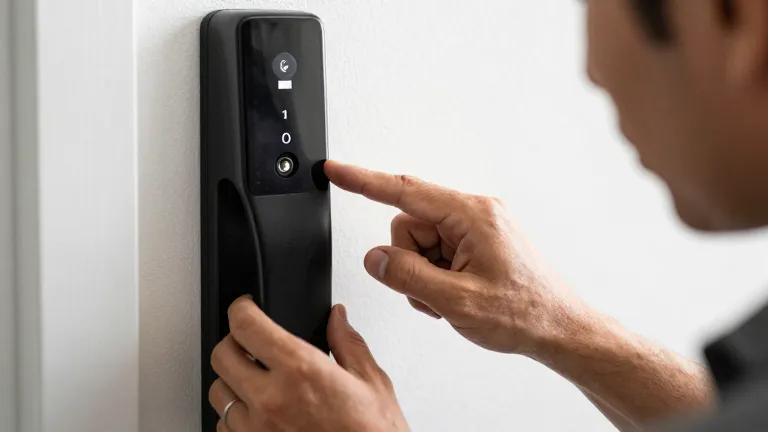
An August Smart Lock can jam due to physical obstructions such as debris, dirt, or misaligned components blocking the internal mechanisms. Over time, dust or foreign objects can accumulate in the lock’s moving parts, leading to resistance or complete blockage. Additionally, improper installation or damage from forced entry can cause mechanical failure. If the lock fails to turn smoothly or becomes unresponsive, it may be jammed, requiring physical inspection and cleaning.
Why Does an August Smart Lock Fail to Calibrate?
Calibration issues often arise when the lock’s sensors or alignment settings are disrupted. This can happen after a firmware update, a power outage, or incorrect installation. Misalignment between the deadbolt and the strike plate can also prevent the lock from calibrating correctly, leading to inconsistent performance. If your lock appears locked but doesn’t respond to commands or fails to sync with the app, the problem may be related to calibration rather than a mechanical blockage.
Basic Troubleshooting for an August Smart Lock
Before diving into more complex fixes, start with basic troubleshooting steps to identify and resolve minor issues with your August Smart Lock. These simple checks can often resolve jams or calibration problems without requiring advanced intervention.
- Check if the lock is physically obstructed or jammed.
- Ensure the lock is properly aligned with the deadbolt.
- Reset the lock through the August app or physical reset button.
Check for Physical Obstructions
Begin by inspecting the area around the lock for any physical obstructions that may be preventing it from operating smoothly. Look for debris, dirt, or objects blocking the path of the deadbolt. Even small items can cause the lock to jam or fail to engage properly. Remove any obstructions and test the lock again to see if the issue is resolved.
Verify Deadbolt Alignment
Next, verify that the deadbolt is properly aligned with the lock mechanism. Misalignment can lead to calibration issues or difficulty in locking and unlocking. Ensure the deadbolt moves freely and is centered within the lock's housing. If misalignment is suspected, gently adjust the deadbolt and recheck its operation. Proper alignment is crucial for the lock to function as intended.
How to Recalibrate an August Smart Lock
Recalibrating an August Smart Lock is essential when it fails to respond correctly to touch or key entry. This process ensures the lock aligns properly with the deadbolt and maintains accurate sensor readings. Whether using the August app or performing a manual calibration, following precise steps will restore the lock’s functionality.
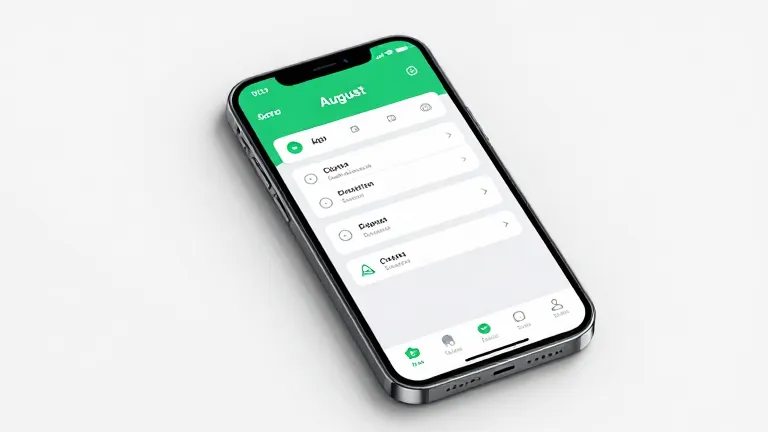
- Open the August app and navigate to the lock’s settings. Tap the 'Calibrate' option to begin the process. The app will guide you through the steps, including aligning the lock and pressing the deadbolt in a specific manner.
- Hold the lock in a stable and secure position during calibration. Ensure the door is closed but not locked, and the deadbolt is fully extended. This stability prevents misalignment and ensures accurate calibration.
- After completing the calibration process, test the lock by attempting to unlock it using the app, a key, or your fingerprint. If the lock responds correctly, the recalibration was successful.
- If the app is unavailable or malfunctioning, manually recalibrate the lock by pressing and holding the deadbolt for 10 seconds. This action resets the lock’s internal sensors and may resolve calibration issues.
Calibrating via the August App
Calibrating via the August app is the most reliable method for ensuring your lock functions correctly. The app provides a step-by-step guide that aligns the lock’s sensors with the deadbolt, improving accuracy and responsiveness. This process is ideal for users who regularly use the app to manage their smart home devices.
During app calibration, ensure the door is closed but not locked, and the dead, bolt is fully extended. Follow the on-screen instructions to press the deadbolt and confirm alignment. If the lock fails to calibrate, check for interference from nearby metal objects or ensure the app is updated to the latest version.
Manual Recalibration Without the App
Manual recalibration is useful when the August app is unavailable or not functioning properly. This method involves pressing and holding the deadbolt for 10 seconds to reset the lock’s internal sensors. This process is simple but effective for resolving minor calibration issues.
Before attempting manual calibration, ensure the lock is in a stable position and the door is closed. This prevents misalignment and ensures accurate recalibration. After pressing the deadbolt, test the lock to confirm it responds correctly to touch or key entry.
Advanced Fixes for an Unresponsive August Smart Lock
If your August Smart Lock remains unresponsive after basic troubleshooting, advanced fixes may be necessary. These steps can help resolve deeper issues with the lock’s operation and connectivity.
- Attempt to factory reset the lock if it remains unresponsive.
- Check for firmware updates through the August app.
- Inspect the lock for any visible damage or wear.
Factory Reset Procedure
A factory reset can resolve software glitches that may be causing your August Smart Lock to malfunction. To perform a reset, hold the lock’s button for 15 seconds until the light blinks. This will restore the lock to its default settings, removing any custom configurations. After the reset, you’ll need to re-pair the lock with your August account and reconfigure settings like access codes and scheduling.
Checking for Firmware Updates
Keeping your August Smart Lock’s firmware up to date is crucial for maintaining optimal performance and security. Open the August app, navigate to the lock’s settings, and check for available updates. Firmware updates often include bug fixes, new features, and improved compatibility with other smart home devices. If an update is available, follow the on-screen instructions to install it and restart the lock if prompted.
When to Seek Professional Help for an August Smart Lock
If basic troubleshooting steps fail to resolve your August Smart Lock issues, it's time to consider professional help. Persistent mechanical failures, unresponsive sensors, or calibration problems that recur despite repeated attempts to fix them may indicate deeper issues that require expert attention.
Signs That You Need Professional Help
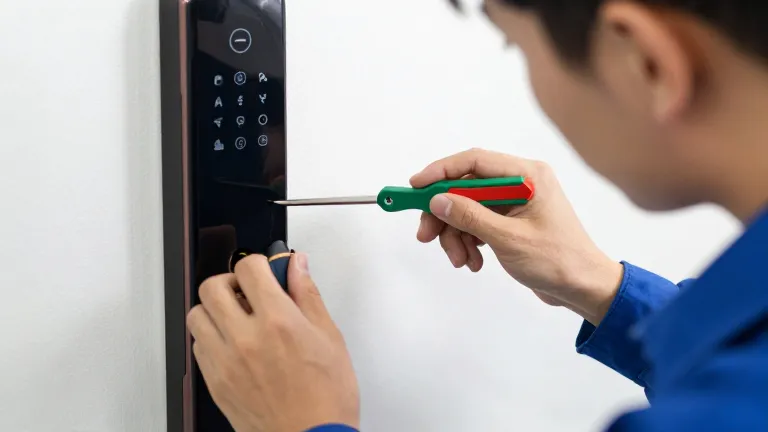
Signs that your August Smart Lock may need professional repair include persistent jamming, failure to respond to touch or key entry, or inconsistent calibration despite recalibration attempts. If the lock continues to malfunction after trying all recommended troubleshooting steps, it may be a sign of internal mechanical damage, sensor failure, or electrical issues. These problems often require specialized tools and expertise to diagnose and resolve.
Contacting August Support
When you suspect a more complex issue, contacting August Support is the best course of action. August offers customer service and technical assistance to help resolve advanced problems. You can reach them through their official website or by phone. Providing detailed information about the issue, including any error messages or steps you've already taken, can help support representatives provide accurate guidance. If the problem involves hardware replacement or advanced diagnostics, they may recommend sending the lock for professional repair or replacement.
Frequently Asked Questions
What should I do if my August Smart Lock is stuck and won't open?
If your August Smart Lock is stuck, first check for physical obstructions. If the issue persists, try recalibrating the lock via the August app or manually. If these steps don't resolve the issue, consider a factory reset or contacting August support.
Can I recalibrate my August Smart Lock without using the app?
Yes, you can perform a manual recalibration without the app by aligning the deadbolt and following the physical calibration steps. This method is useful if the app is unavailable or not responding.
Why is my August Smart, Lock not responding to my phone?
Your August Smart Lock may not be responding due to a connectivity issue or a calibration error. Check the app for firmware updates and ensure the lock is properly paired with your phone. If the issue continues, recalibrate or reset the lock.
How do I know if my August Smart Lock is misaligned?
A misaligned August Smart Lock may produce a clicking sound or fail to lock/unlock properly. You can also visually inspect the deadbolt alignment. If you're unsure, follow the calibration steps or consult the August app.
Final Steps for a Functional August Smart Lock
Proper calibration and alignment are essential for the smooth operation of your August Smart Lock. Regular maintenance and troubleshooting can prevent most common issues. If problems persist, seeking professional help ensures your lock functions correctly and securely.
If your August Smart Lock is jammed or not calibrating properly, start with basic troubleshooting, then move to advanced fixes like recalibration or a factory reset. If these steps don't resolve the issue, contact August support for further assistance.