How to Fix MyQ Smart Garage Door Opener Offline Error
If your MyQ Smart Garage Door Opener is showing an offline error, it can be frustrating, especially when you rely on remote access to secure your home. This error typically indicates a connectivity issue between your opener and your home network, preventing it from syncing with the MyQ app. Understanding what causes this error and how to fix it can help you regain control of your garage door without needing professional assistance. In this article, we'll walk you through practical steps to resolve the 'MyQ Smart Garage Door Opener Offline Error' by checking your network, updating software, and troubleshooting potential hardware issues. Whether you're a tech-savvy homeowner or just looking for a simple solution, this guide offers clear, actionable advice to get your system back online.
Understanding the MyQ Offline Error
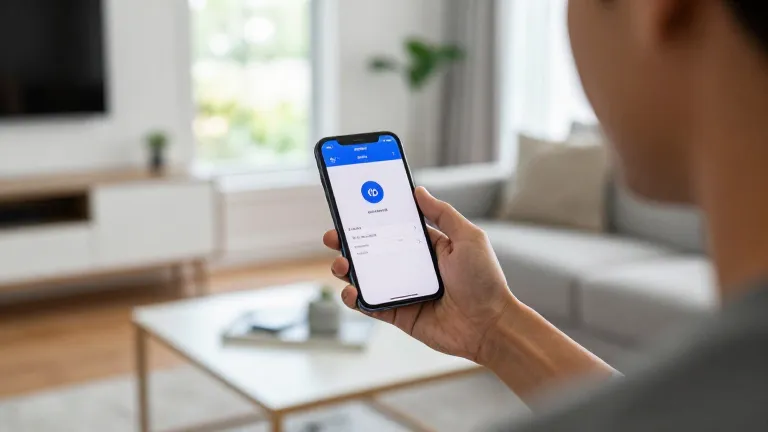
The MyQ offline error indicates that your smartphone app can't establish a connection with your Smart Garage Door Opener. This issue can disrupt remote access and monitoring, making it essential to understand the underlying causes to resolve the problem effectively.
What Does the MyQ Offline Error Mean?
When your MyQ Smart Garage Door Opener is offline, it means the app is unable to communicate with the device. This could be due to a variety of factors, such as a temporary loss of internet connectivity, incorrect network settings, or a malfunction within the opener itself. The app typically displays this error to alert you that the system is not functioning as expected, which may impact your ability to control or monitor your garage door remotely.
Common Causes of the MyQ Offline Error
Common causes of the MyQ offline error include a weak or unstable WiFi signal, which can prevent the opener from maintaining a consistent connection. Incorrect settings in the MyQ app, such as an improperly configured network or outdated firmware, can also lead to this issue. Additionally, hardware malfunctions, such as a faulty WiFi module or power supply, may cause the opener to go offline. Understanding these potential causes helps you systematically troubleshoot the problem and restore connectivity.
Basic Troubleshooting Steps
Basic troubleshooting steps are essential when your MyQ Smart Garage Door Opener shows an offline error. These steps help resolve minor connectivity issues before moving to more complex solutions.
- Restart the MyQ app and your router to refresh the connection.
- Ensure the WiFi hub is properly connected and powered.
- Check for any software updates available for the MyQ app and the garage door opener.
Restart Your Devices
Restarting your devices is a simple yet effective way to refresh your MyQ Smart Garage Door Opener's connection. Close the MyQ app completely, then reopen it to ensure it's running the latest version. If the app doesn't respond, try restarting your phone or tablet. Additionally, power cycle your router by unplugging it for 30 seconds and plugging it back in. This process can clear temporary glitches that might be causing the offline error.
Check for Software Updates
Keeping your MyQ app and garage door opener updated ensures compatibility and security. Check for app updates in your device's app store and install any available versions. For the garage door opener, log into the MyQ account on the app and look for firmware updates. If an update is available, follow the on-screen instructions carefully. Regular updates can prevent connectivity issues and improve overall performance.
Reconnecting the MyQ Garage Door Opener to WiFi
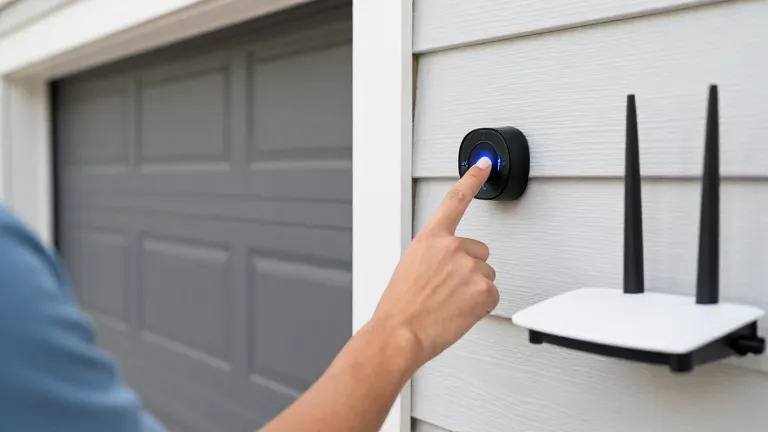
Reconnecting the MyQ Garage Door Opener to your WiFi network is a critical step in resolving the offline error. The process involves both using the MyQ app and ensuring the opener is within range of your router. If the opener is not responding, a manual reset may be necessary to restore connectivity.
Reconnecting via the MyQ App
To reconnect via the MyQ app, open the app and navigate to the device settings for your garage door opener. Select the option to reconnect to WiFi and follow the on-screen prompts to choose your network. Make sure the opener is within range of your WiFi hub and has a strong signal to avoid connection issues. If the app fails to connect, try refreshing the page or restarting the app to resolve temporary glitches.
Resetting the Opener Manually
If the opener is unresponsive to app commands, a manual reset can help restore functionality. Locate the reset button on the opener, usually found on the back or under the cover, and press and hold it for about 10 seconds. This will restart the opener and clear any temporary errors. After resetting, attempt to reconnect through the MyQ app again. If the issue persists, check for hardware faults or consider contacting MyQ support for further assistance.
Advanced Fixes for Persistent Offline Issues
If your MyQ Smart Garage Door Opener remains offline despite basic troubleshooting, consider more advanced fixes. These steps focus on optimizing your network environment and testing alternative connections to resolve persistent connectivity issues.
- Move the opener closer to the WiFi hub to improve signal strength.
- Check for interference from other devices or physical obstructions.
- Test the opener using a different WiFi network if possible.
Improving WiFi Signal Strength
Improving WiFi signal strength is crucial for maintaining a stable connection. Place the MyQ opener as close as possible to your router or modem to reduce distance-related signal degradation. Avoid placing the opener behind thick walls, metal objects, or large appliances that can absorb or block wireless signals. A stronger and more direct signal can significantly enhance the reliability of the connection.
Testing with a Different Network
Testing the opener on a different WiFi network can help identify if the issue is specific to your current network. If possible, connect your smartphone or tablet to another WiFi network and try to access the MyQ app. If the opener works on a different network, the problem may lie with your primary router or its settings. This test can also help determine if the issue is related to network congestion or interference from other devices.
When to Seek Professional Help
If basic troubleshooting steps fail to resolve the MyQ Smart Garage Door Opener offline error, it may indicate a deeper issue that requires professional intervention. MyQ support can provide guidance on advanced diagnostics and may identify problems beyond the scope of standard troubleshooting. Seeking assistance ensures that you receive accurate solutions tailored to your specific setup.
Contacting MyQ Support
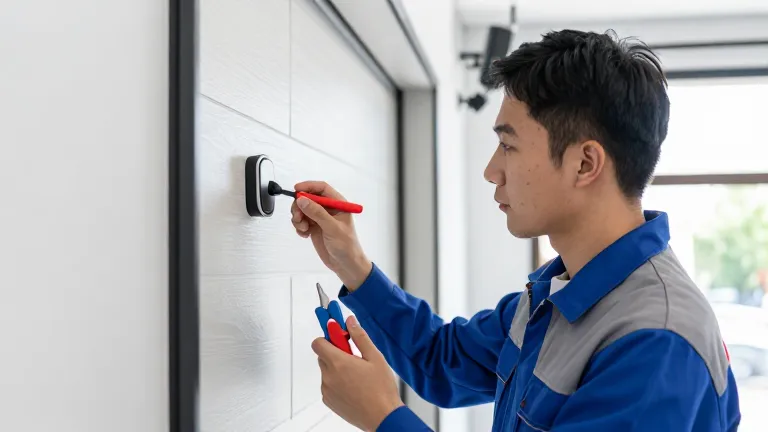
Contacting MyQ support is the next step if your garage door opener remains offline despite attempting all basic fixes. MyQ's customer service team can help identify potential issues such as network configuration errors or software glitches that might not be apparent to users. They may also suggest additional troubleshooting steps or confirm if a firmware update is necessary for your device.
Replacing Faulty Hardware
Replacing faulty hardware may be necessary if the MyQ Smart Garage Door Opener continues to experience connectivity problems. Components such as the WiFi module, power supply, or internal wiring could be damaged or degraded over time, leading to persistent offline status. A qualified technician can assess the device and determine whether repair or replacement is required to restore full functionality.
Regular maintenance can help prevent future connectivity issues by ensuring all hardware components remain in optimal condition. Checking for physical damage, cleaning dust buildup, and verifying proper connections can extend the lifespan of your device and reduce the likelihood of unexpected offline errors. Proactive care ensures your MyQ system remains reliable and responsive.
Frequently Asked Questions
What should I do if my MyQ garage door opener is offline but the app is working?
If your MyQ garage door opener is offline but the app is working, check the WiFi hub signal and ensure the opener is properly connected. Restart the opener and the router to resolve any temporary connectivity issues.
Can a weak WiFi signal cause the MyQ offline error?
Yes, a weak WiFi signal can cause the MyQ offline error. Ensure your opener is within range of a strong and stable WiFi signal to maintain a consistent connection.
How do I reset my MyQ garage door opener?
To reset your MyQ garage door opener, locate the reset button on the device and press it for 10 seconds. This will restore the opener to its factory settings and allow you to reconnect it to your network.
Is there a way to test my MyQ opener's connectivity without the app?
You can test your MyQ opener's connectivity by using a smart home device like a smart bulb or a smart plug. These devices can help verify if the opener is receiving a signal and functioning properly.
Next Steps for Resolution
Fixing the MyQ offline error involves checking connectivity, restarting devices, and ensuring a stable WiFi signal. If issues persist, advanced troubleshooting or professional help may be necessary.
After following these steps, your MyQ garage door opener should be back online. If not, contact MyQ support for further assistance.