How to Fix iPhone Overheating While Charging or Using Apps
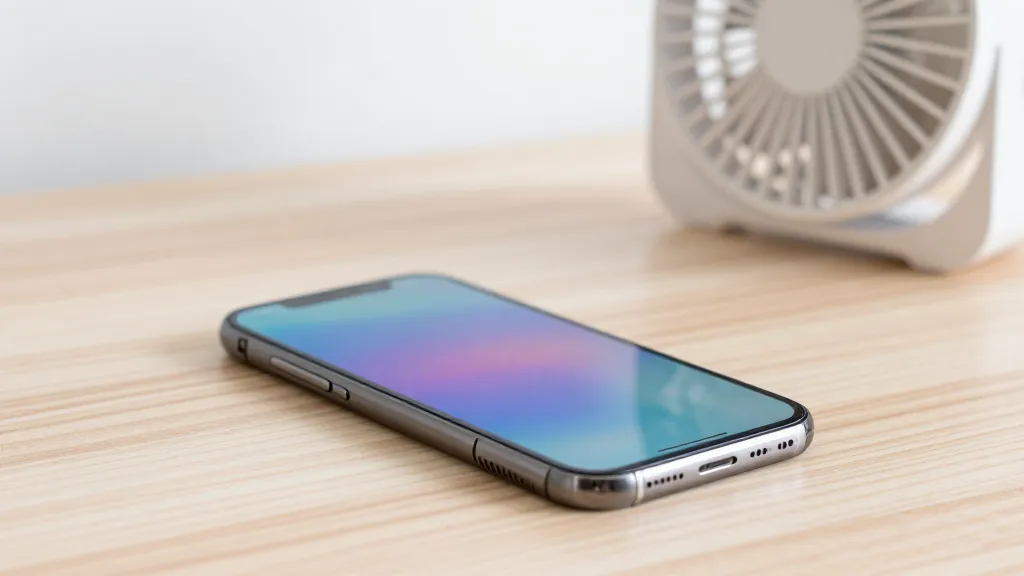
Your iPhone may get hot while charging or using apps, which can be concerning. This issue, known as How to Fix iPhone Overheating While Charging or Using Apps, is common and often manageable with the right steps. If your device feels excessively warm, it's important to act quickly to avoid potential damage. Understanding why your iPhone overheats is the first step in resolving the problem effectively.
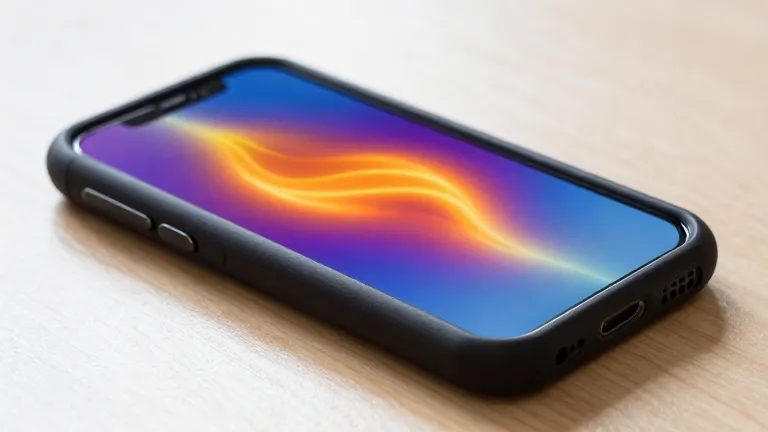
Overheating can occur due to various factors, such as heavy app usage, prolonged charging, or environmental conditions. Recognizing the difference between normal warmth and overheating is crucial for taking the right action. Immediate steps like removing the phone from its case or stopping usage can help cool it down quickly.
Preventing future overheating involves adopting good charging habits and keeping your iPhone's software up to date. However, if the problem persists, it may signal a deeper issue that requires professional attention. This article covers practical solutions to address and prevent iPhone overheating, ensuring your device remains in optimal condition.
Understanding Why Your iPhone Gets Hot
Understanding why your iPhone gets hot is essential for maintaining its performance and longevity. While some heat is normal during use, excessive warmth can signal deeper issues. Recognizing the difference between standard operation and overheating helps users take timely action to protect their device.
Normal Vs. Overheating: What's the Difference?
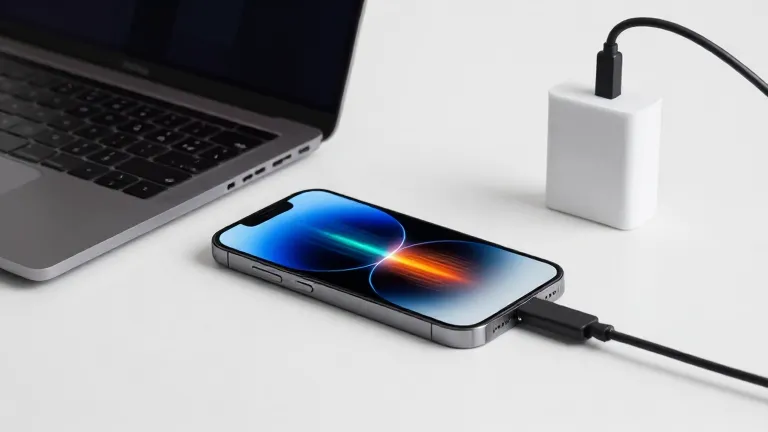
Normal heating occurs when your iPhone performs tasks like running apps, charging, or using GPS. The device’s internal systems generate heat as part of regular operation, and this is usually manageable within safe temperature ranges. Overheating, however, happens when the device exceeds these limits, often due to prolonged use or environmental factors. If your iPhone feels excessively warm to the touch, especially in areas where it shouldn’t be, this may indicate a problem requiring attention.
Common Causes of iPhone Overheating
Heavy app usage, especially resource-intensive apps like gaming or video editing, can cause your iPhone to heat up. Additionally, charging your iPhone in direct sunlight or near heat sources can accelerate temperature rise. The iPhone’s internal thermal management system works to regulate heat by adjusting performance and cooling mechanisms. However, if the device is subjected to extreme conditions or continuous high load, the system may struggle to keep up, leading to overheating. Being aware of these scenarios helps users avoid unnecessary stress on their device.
Immediate Steps to Cool Down Your iPhone
When your iPhone starts to overheat, taking immediate action can help prevent damage and ensure your device remains functional. A few simple steps can significantly reduce the temperature, allowing your phone to return to normal operation.
- Stop using intensive apps or games to reduce heat generation.
- Move your iPhone to a cooler environment or away from direct sunlight.
- Avoid using the phone while it is charging to prevent additional strain.
- Close background apps and services that may be running in the background.
How to Cool Down Your iPhone Quickly
To cool down your iPhone quickly, stop using apps or games that consume a lot of processing power. Applications like gaming, video streaming, or heavy multitasking can significantly increase heat levels. Closing these apps or switching to lighter tasks can help your iPhone cool more efficiently.
When to Stop Using Your iPhone During Overheating
If your iPhone continues to overheat, it’s important to stop using it entirely. Prolonged exposure to high temperatures can cause permanent damage to internal components, including the battery and processor. Allow your phone to rest in a cool, shaded area until it returns to a safe operating temperature.
Preventive Measures to Avoid Future Overheating
Preventive measures are crucial to avoid future iPhone overheating. By adopting smart charging habits, managing app usage, and keeping your device updated, you can significantly reduce the risk of excessive heat buildup.
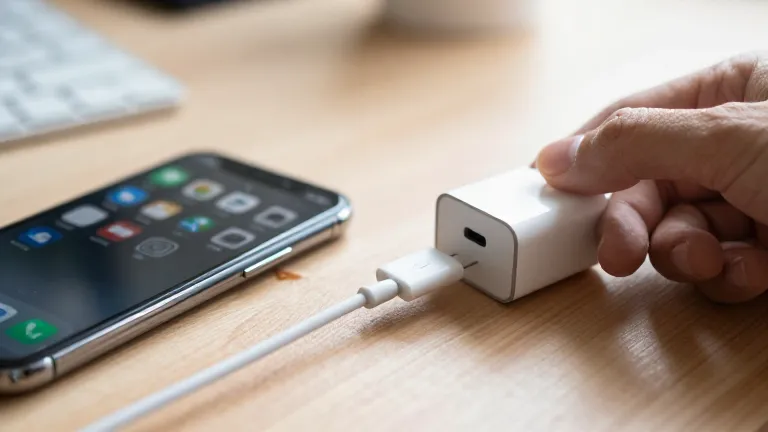
- Use a high-quality, original charging cable and wall adapter.
- Keep your iPhone updated with the latest iOS version for improved thermal management.
- Avoid running multiple apps or resource-heavy tasks simultaneously.
Best Practices for iPhone Charging and Usage
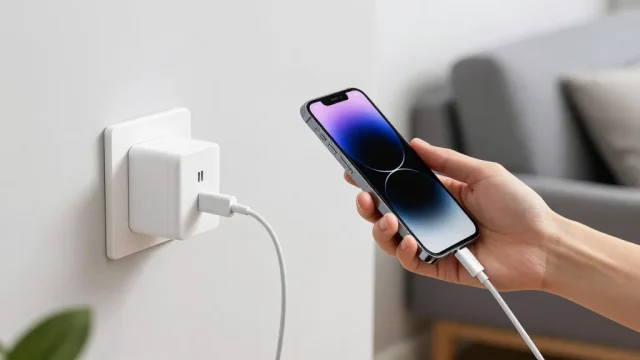
Best Practices for iPhone Charging and Usage involve using genuine Apple accessories. Original cables and wall adapters are designed to deliver the correct voltage and current, reducing the risk of overheating. Avoid using third-party chargers that may not meet safety standards, as they can cause electrical issues and generate excessive heat. Additionally, charge your iPhone in a well-ventilated area, away from direct sunlight or heat sources. This helps dissipate heat more effectively and prevents the device from retaining excess warmth.
Software Updates and Their Impact on Heat Management
Software Updates and Their Impact on Heat Management are essential for long-term device health. Apple regularly releases iOS updates that optimize performance and improve thermal management systems. These updates may include enhancements to battery efficiency, background processes, and power consumption, all of which contribute to reducing heat generation. By keeping your iPhone updated, you ensure that it benefits from the latest optimizations, which can help prevent overheating during charging or app usage. Always connect to a stable Wi-Fi network to download updates and avoid interruptions during the installation process.
When to Seek Professional Help
If your iPhone continues to overheat despite following troubleshooting steps, it may indicate a deeper hardware issue. Recognizing these signs early can help you avoid further damage and ensure your device remains reliable.
Signs Your iPhone May Need Repair
Persistent overheating, especially when the device is not under heavy use, could signal a problem with internal components such as the battery, processor, or thermal management system. If your iPhone frequently overheats during charging or while running apps, even after cooling down and restarting, it might require professional attention. Additionally, if the device becomes excessively hot to the touch or shows unusual behavior like unexpected shutdowns, these are red flags that warrant a visit to an authorized service center.
Risks of Ignoring Persistent Overheating
Ignoring prolonged overheating can lead to significant risks, including battery degradation, reduced performance, and potential hardware damage. Overheating can cause the battery to lose capacity over time, leading to shorter battery life and decreased reliability. In severe cases, excessive heat may damage internal components, resulting in permanent malfunctions or even safety hazards. It’s crucial to address persistent overheating promptly to prevent these long-term issues and maintain the longevity of your iPhone.
Troubleshooting iPhone Overheating in Different Scenarios
Troubleshooting iPhone overheating in different scenarios requires a methodical approach to isolate the root cause. By systematically testing charging conditions, app interactions, and physical factors, you can determine whether the issue stems from software, hardware, or environmental factors.
- Identify and close apps that may be running in the background, especially those known to consume high processing power.
- Monitor temperature changes when using apps while charging to determine if the combination exacerbates overheating.
- Use a different charger and cable to rule out faulty hardware causing excessive heat during charging.
- Check for third-party app conflicts by booting into Safe Mode to see if overheating persists.
Testing Charging and App Usage Together
Testing charging and app usage together can help pinpoint whether the issue is caused by simultaneous processes. Start by charging your iPhone while using a single app, such as a game or video stream, and observe if the device becomes unusually hot. If the heat increases significantly, it may indicate that the app or the charging process is stressing the device's hardware.
Physical Inspection for Heat-Related Issues
Physical inspection for heat-related issues involves checking for blockages or damage that could hinder heat dissipation. Look for dust buildup in the charging port or vents, as this can trap heat and prevent proper airflow. Additionally, inspect the device for any signs of physical damage, such as cracked screens or bent frames, which may affect the internal cooling system. Ensure that the iPhone is placed on a flat, heat-conductive surface to facilitate even cooling.
Frequently Asked Questions
What should I do if my iPhone keeps overheating even when not in use?
If your iPhone overheats when not in use, check for environmental factors like high ambient temperatures. Ensure the device is not placed near heat sources or in direct sunlight. If the issue persists, consider contacting Apple Support for further assistance.
Can using a third-party charging cable cause my iPhone to overheat?
Using a third-party charging cable may cause your iPhone to overheat if the cable is not certified or of poor quality. Always use Apple-certified accessories to ensure safe and efficient charging.
Is it safe to use my iPhone while it's charging?
It is generally safe to use your iPhone while charging, but prolonged usage during charging can increase heat levels. To avoid overheating, limit heavy app usage and keep the phone in a well-ventilated area.
How often should I update my iPhone's software to prevent overheating?
Regularly updating your iPhone's software ensures optimal performance and heat management. Apple often releases updates that improve thermal efficiency, so check for updates at least once a month.
Final Thoughts on iPhone Overheating
Managing iPhone overheating involves understanding its causes, taking immediate action, and adopting preventive measures. Regular software updates and proper charging habits are crucial for long-term device health.
If your iPhone continues to overheat despite these steps, consult a professional. Prioritizing device safety helps extend its lifespan and ensures a better user experience.