iPhone & Android
How to Reset Your Android Phone to Factory Settings
Learn how to reset your Android phone to factory settings safely and recover your data effectively.
Page 9
Learn how to reset your Android phone to factory settings safely and recover your data effectively.
Fix Windows 11 keyboard issues with these practical steps, from checking connections to updating drivers and using built-in tools.
Troubleshooting can fail for various reasons. Discover effective alternatives and when to seek professional help.
Use PcapAnalyzer to detect and fix network issues with local packet capture analysis.
Unlock Gmail's hidden features to boost productivity. Enable templates, shortcuts, and custom views for a more efficient email workflow.
Secure your Gmail account with essential security settings to protect your data and privacy.
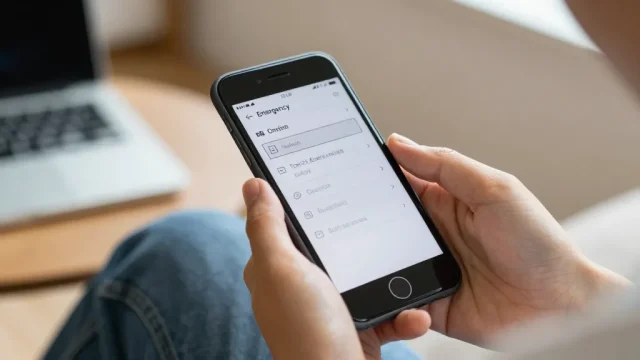
Set up your Android emergency settings to stay safe and prepared. Configure medical info, contacts, and call shortcuts for quick access in emergencies.
Learn how to use Android's built-in tools to free up storage and keep your phone running smoothly.
Customize your YouTube Android app with Morphe for a better experience.
Enable Windows settings to restore your work after a restart. Save apps and File Explorer windows effortlessly.