WiFi & Networking
How to Fix Weak WiFi Signal Caused by Neighbor Channel Interference
Fix weak WiFi signal caused by neighbor interference by changing your WiFi channel and optimizing your router settings.
Fix Double NAT on Xbox and PlayStation with bridge mode or router settings. Improve your online gaming experience today.
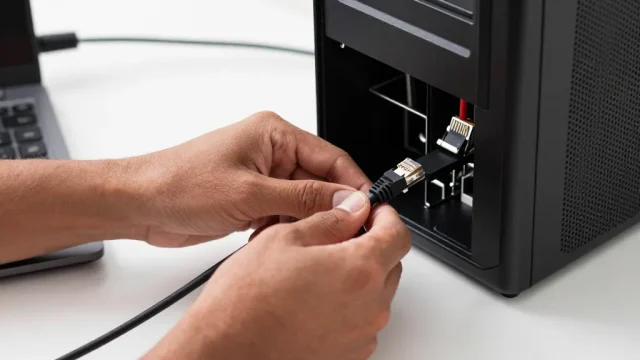
Troubleshoot Ethernet issues by checking connections, ensuring the adapter is enabled, and updating drivers for a reliable network connection.
Fix WiFi issues by renewing IP addresses, resetting settings, and updating firmware to avoid invalid IP configuration errors.
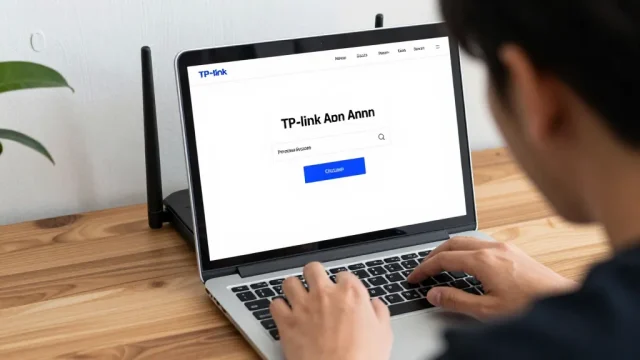
Fix TP-Link router login issues with these practical steps.
Fix high ping and packet loss with a wired setup and network optimization for smoother online gaming.
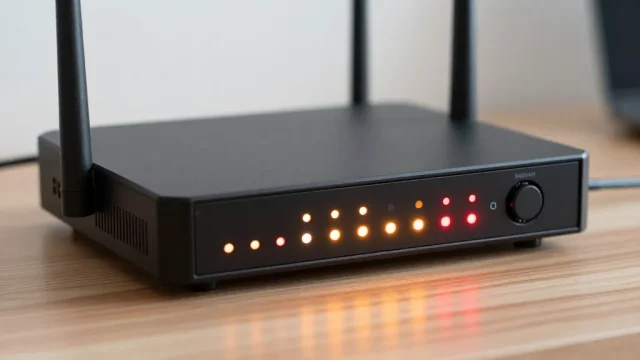
Learn how to fix router blinking orange or red internet lights with practical troubleshooting tips.
Fix DNS server not responding errors on Windows and Mac with practical solutions and tips.
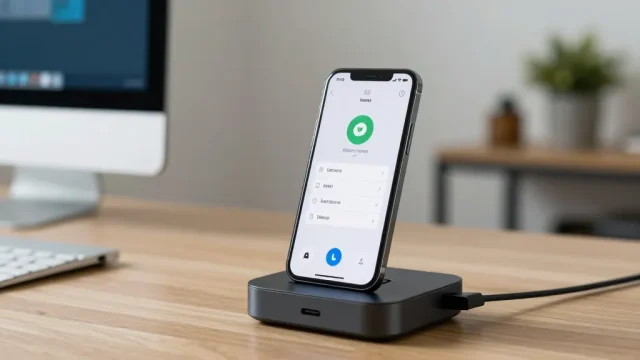
Fix iPhone hotspot issues with simple troubleshooting steps and ensure a stable connection for your devices.
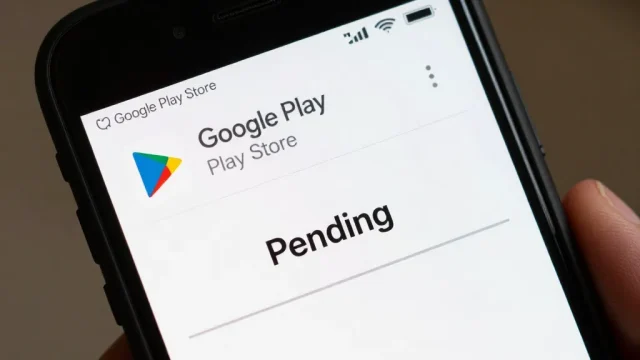
Fix Google Play Store pending download issues with practical steps and prevent future problems.