Why Your iPhone Says Slow Charger and How to Fix It
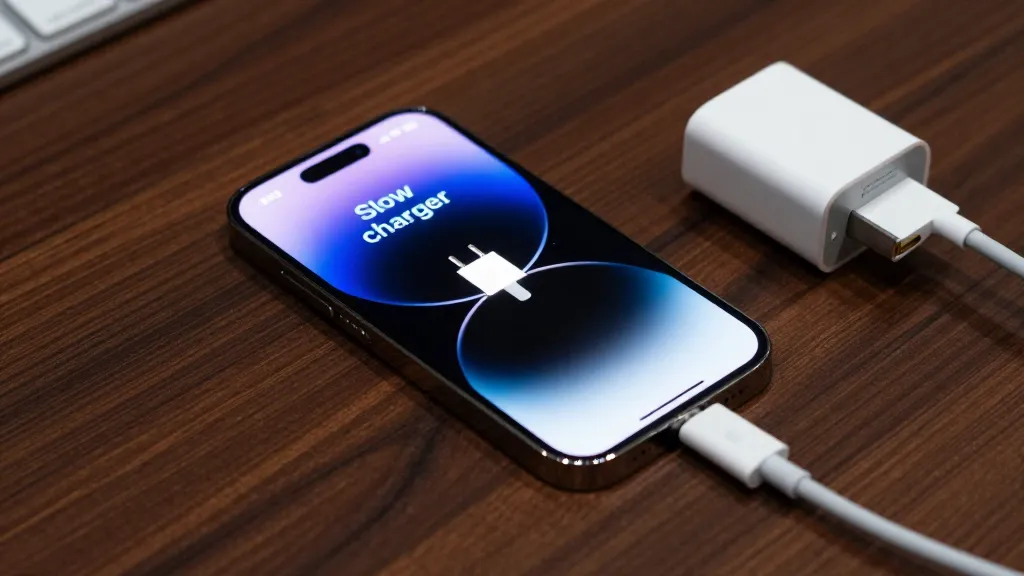
If your iPhone displays the message 'Slow Charger,' it can be frustrating, especially when you're in a hurry. This alert typically appears when your device is not charging at the expected rate, which can disrupt your workflow or daily routine. The main keyword here is why iPhone says slow charger, and understanding this message is the first step toward resolving it. This issue can arise due to various factors, from simple connectivity problems to deeper software or hardware concerns.
In this article, we’ll break down what the 'Slow Charger' message means and when it’s likely to appear. We’ll also provide clear, step-by-step solutions to help you fix the problem quickly. Whether you're a tech-savvy home user or a busy professional, these practical tips will guide you through troubleshooting and preventing future issues.
From checking your charging cable and adapter to updating your iPhone’s software, we cover all the essentials. If the problem persists, we’ll also explain when it’s time to seek professional help. Let’s get your iPhone back to charging efficiently and keep your device running smoothly.
Understanding the 'Slow Charger' Message on Your iPhone
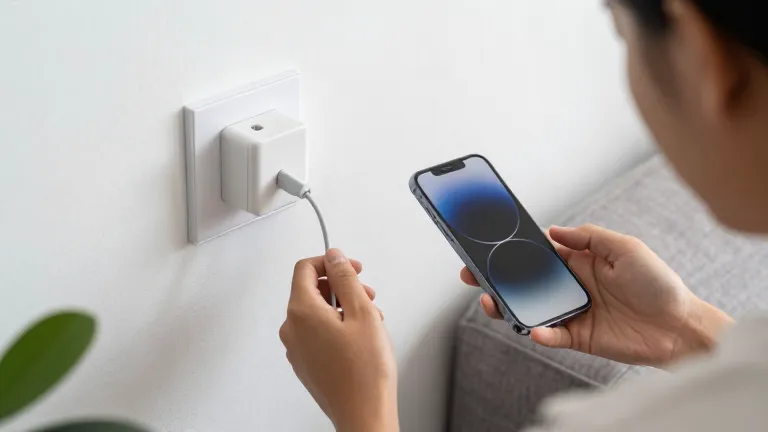
The 'Slow Charger' message on your iPhone is a warning indicator that appears when your device detects a potential issue with its charging process. This message is not an error but a notification that your iPhone is charging at a reduced rate, which could be due to various factors. Understanding what this message means and when it appears is essential for troubleshooting and maintaining your device's performance.
What Does 'Slow Charger' Mean?
The 'Slow Charger' message indicates that your iPhone is not receiving power at the expected rate. This could be due to a variety of reasons, including a faulty charging cable, an incompatible power adapter, or issues with the charging port. While the message is not an error, it serves as a warning that the charging process may be slower than usual. It does not prevent your iPhone from charging, but it may affect how quickly your battery fills.
When Does the Message Appear?
The 'Slow Charger' message typically appears when your iPhone is connected to a power source, but the charging speed is lower than usual. This can happen if you're using a non-Apple-certified charger or cable, which may not provide the necessary power output. The message may also appear if there is a buildup of dust or debris in the charging port, which can interfere with the connection. Additionally, if your iPhone is running low on battery, it may take longer to charge, which could trigger the message.
Step-by-Step Troubleshooting for the 'Slow Charger' Issue
The 'Slow Charger' message on your iPhone is often a sign of a simple issue that can be resolved with basic troubleshooting. By following these steps, you can identify and fix the problem without needing to replace your device or seek professional help.
- Check Your Charging Cable and Adapter
- Try a Different Charging Source
- Restart Your iPhone
- Ensure the Charging Port is Clean
Check Your Charging Cable and Adapter
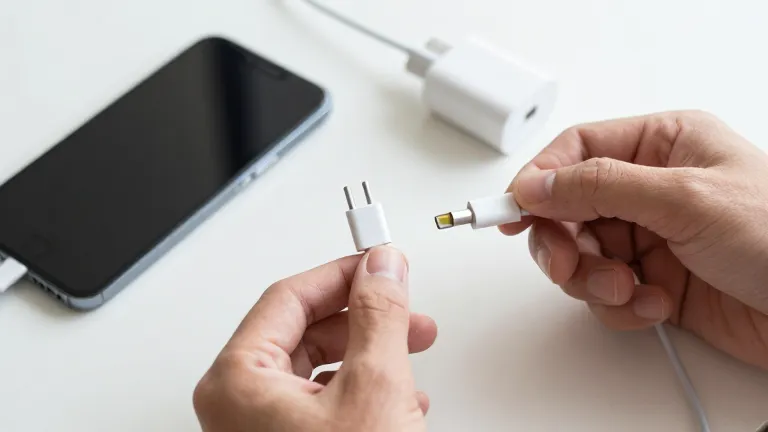
Start by inspecting your charging cable and adapter for any signs of damage. Look for frayed wires, bent prongs, or cracks that could interfere with the charging process. A faulty cable or adapter is one of the most common reasons your iPhone may display the 'Slow Charger' message. If you notice any issues, replace the cable or adapter with a known working one to see if the problem resolves.
Try a Different Charging Source
Next, try using a different charging source, such as a USB port on a computer or a different wall adapter. Some power outlets may not provide enough power to charge your iPhone efficiently, especially if they are overloaded or of poor quality. If the problem persists across multiple charging sources, it could indicate a deeper issue with your iPhone's charging system or battery health.
Advanced Fixes for Persistent 'Slow Charger' Issues
If basic troubleshooting doesn't resolve the 'Slow Charger' issue, advanced fixes can help restore your iPhone's charging performance. These steps focus on resetting system settings, updating software, and addressing potential hardware issues that may be causing the problem.
Reset All Settings
Resetting all settings on your iPhone can eliminate configuration errors that may be interfering with charging. Go to Settings > General > Reset > Reset All Settings. This action doesn't delete your data but reverts system preferences to their default state. If the 'Slow Charger' message persists after this reset, it may indicate a deeper software or hardware issue.
Update Your iPhone Software
Keeping your iPhone updated with the latest iOS version is crucial for resolving bugs and improving charging efficiency. Navigate to Settings > General > Software Update to check for available updates. Apple frequently releases patches that address known issues affecting charging performance. If your device is not updating, try connecting it to a stable Wi-Fi network or using a computer with iTunes to install the update. Outdated software can cause unexpected behavior, including slow charging.
Preventive Measures to Avoid Future 'Slow Charger' Issues
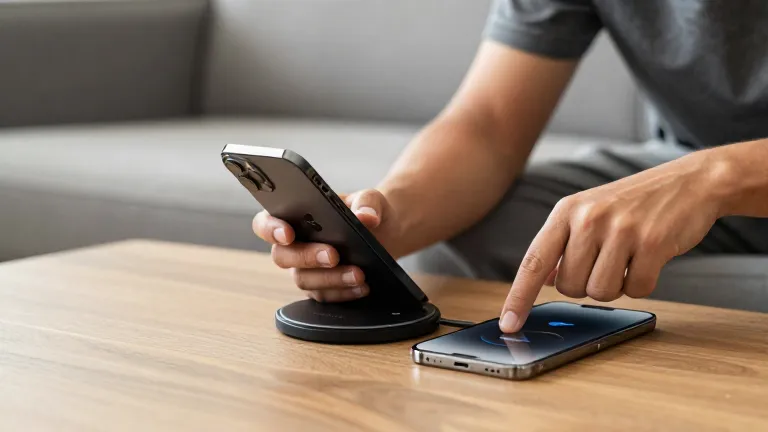
To prevent future 'Slow Charger' issues, it's important to adopt habits that support long-term battery health and charging efficiency. Avoid using your iPhone while it's charging, as this can cause the device to overheat and slow down the charging process. Keeping the phone active during charging may also lead to unexpected shutdowns or reduced battery life over time.
- Avoid using your iPhone while it's charging to prevent overheating.
- Keep your iPhone in a cool, dry place to maintain battery health.
- Use a high-quality, certified charging cable and adapter.
- Regularly check for software updates to ensure optimal performance.
Maintaining a cool and dry environment for your iPhone is essential for preserving battery health. Exposure to high temperatures or humidity can degrade the battery's performance and shorten its lifespan. Store your device in a well-ventilated area, away from direct sunlight or heat sources, to ensure optimal charging conditions.
Using a high-quality, certified charging cable and adapter is a key preventive measure. Low-quality or counterfeit accessories may not provide the necessary power output, leading to slower charging speeds or even damaging your device. Always use Apple-certified accessories to ensure compatibility and safety.
Regularly checking for software updates is another effective way to avoid 'Slow Charger' issues. Apple often releases updates that improve charging efficiency and fix bugs that may affect the charging process. Enabling automatic updates or manually checking for updates in Settings ensures your iPhone runs the latest version of iOS.
When to Seek Professional Help for the 'Slow Charger' Problem
If your iPhone continues to show the 'Slow Charger' message even after following all troubleshooting steps, it may indicate a deeper issue that requires professional attention. Signs that the problem is beyond your control include persistent slow charging, unexpected shutdowns during charging, or a significant drop in battery life. These symptoms often point to internal hardware damage, such as a faulty battery or motherboard issues, which are not easily resolved with simple fixes.
Attempting DIY repairs on internal components of your iPhone carries risks, including voiding your warranty, causing further damage, or creating safety hazards. Without proper tools and expertise, you may accidentally damage delicate circuits or connectors, leading to more expensive repairs down the line. It's important to recognize the limits of your own capabilities and avoid actions that could compromise your device’s functionality or safety.
Visiting an Apple Store or authorized service provider ensures you receive expert diagnosis and repair services tailored to your iPhone model. These professionals have access to specialized diagnostic tools and genuine Apple parts, which are essential for accurate troubleshooting and long-term reliability. They can also provide guidance on whether a repair is worth the cost or if it’s more practical to replace the device.
When considering professional help, weigh the cost of repairs against the value of your iPhone. If the repair cost exceeds half the price of a new device, it may be more economical to upgrade. However, if your iPhone is still under warranty or has significant sentimental or functional value, investing in a professional repair is a wise choice. Always prioritize safety and reliability when making this decision.
Frequently Asked Questions
What should I do if my iPhone still says 'slow charger' after trying all the fixes?
If the issue persists, consider visiting an Apple Service Provider for a professional diagnosis. There could be a deeper hardware issue that requires expert attention.
Can using a third-party charger damage my iPhone?
Using non-Apple chargers can potentially damage your iPhone, especially if they don't meet safety standards. Always use Apple-certified accessories to avoid risks.
Is the 'slow charger' message a sign of a faulty battery?
The 'slow charger' message can indicate a battery issue, but it may also relate to other factors like the charging port or software. A battery test can help determine the cause.
How can I check if my iPhone's charging port is damaged?
Look for visible debris or bent pins in the port. If you notice any damage, use a soft brush to clean it or seek professional help to avoid further issues.
Final Thoughts
By following the outlined steps, you can effectively resolve most 'slow charger' issues on your iPhone. Maintaining proper charging habits and using certified accessories can prevent future problems.
If the issue remains unresolved, it's best to consult Apple Support or a certified technician for further assistance and to ensure your device remains in optimal condition.