How to Fix Kasa Smart Switch Blinking Orange and Green
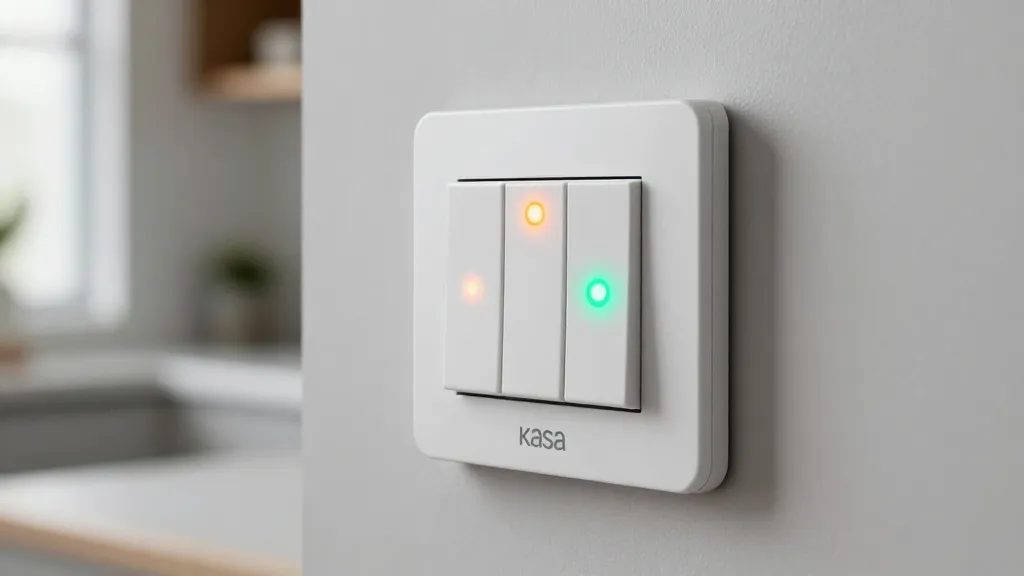
If your Kasa Smart Switch is blinking orange and green, it may signal a connectivity or configuration issue that needs immediate attention. This unusual light pattern can disrupt your smart home setup and prevent your switch from functioning as intended. Understanding the meaning behind the blinking lights is the first step in resolving the problem. This article provides a comprehensive guide on how to fix a Kasa Smart Switch blinking orange and green, covering both basic and advanced troubleshooting methods.
The blinking orange and green light on your Kasa Smart Switch can be caused by a variety of factors, including Wi-Fi connectivity issues, outdated firmware, or incorrect installation. By following a structured approach, you can identify and resolve the underlying problem without needing professional assistance. Starting with simple steps like restarting the device and checking for updates can often restore normal operation.
For more persistent issues, this article also covers resetting the switch through the Kasa app or manually, checking the neutral wire connection, and reinstalling the device. These steps are designed to help homeowners and tech-savvy users troubleshoot effectively and maintain a reliable smart home environment.
Understanding the Blinking Orange and Green Light on Kasa Smart Switch
The blinking orange and green light on a Kasa Smart Switch is a visual indicator that something is wrong with its operation. This light pattern is commonly associated with connectivity issues or configuration problems, but it can also point to power supply or neutral wire problems. Recognizing what the light means is the first step in resolving the issue and restoring normal functionality.
What Does the Blinking Light Mean?
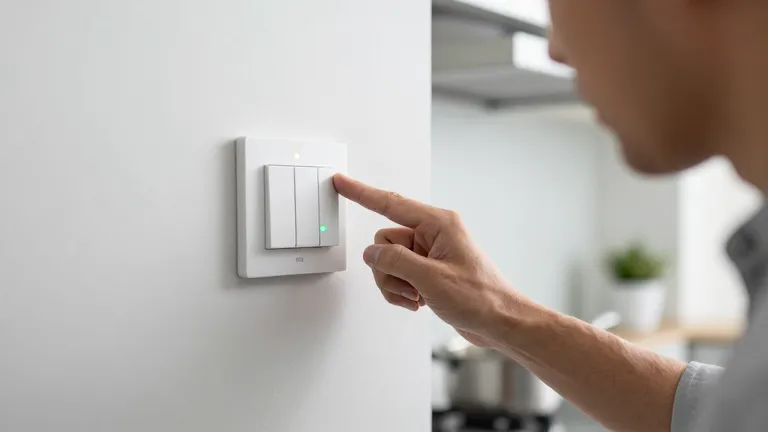
The blinking orange and green light typically signals that the Kasa Smart Switch is experiencing a connectivity or configuration issue. This light pattern is often used to indicate that the device is trying to establish a connection with the Wi-Fi network or the Kasa app, but is having trouble. It may also suggest that the device is in a state of reconfiguration or has encountered an error during the setup process.
Common Causes of Blinking Light Patterns
Common causes of the blinking orange and green light include unstable Wi-Fi connections, outdated firmware, or incorrect settings in the Kasa app. A poor or interrupted power supply can also lead to this light pattern, as the switch may not receive consistent power to operate correctly. Additionally, issues with the neutral wire connection in the electrical circuit can cause the switch to behave unpredictably. Identifying the root cause is essential to resolving the issue effectively.
Basic Troubleshooting Steps for Kasa Smart Switch
Basic troubleshooting is the first step in resolving issues with your Kasa Smart Switch. Simple actions like restarting the device or checking for firmware updates can often resolve connectivity or operational problems.
- Restart the Kasa Smart Switch and your router to reset any temporary connection issues.
- Ensure the switch is connected to the correct Wi-Fi network and has the latest firmware.
- Check for physical obstructions or interference that may affect the signal.
- Verify the switch's power supply and ensure it is properly installed.
Restarting the Kasa Smart Switch
Restarting the Kasa Smart Switch can resolve minor connectivity issues and refresh the device's connection to your network. To do this, unplug the switch from the power source for about 30 seconds, then plug it back in. Repeat the same process for your router to ensure both devices are synchronized. This step can help clear any temporary glitches that might be preventing the switch from functioning correctly.
Checking Wi-Fi and Firmware Updates
Keeping your Kasa Smart Switch updated with the latest firmware is crucial for optimal performance and security. Open the Kasa app, navigate to the switch's settings, and check for available updates. If an update is found, follow the on-screen instructions to install it. Additionally, ensure the switch is connected to the correct Wi-Fi network, as incorrect network settings can lead to connectivity problems. Regular firmware updates often include bug fixes and new features that enhance the switch's reliability.
How to Reset Your Kasa Smart Switch
Resetting your Kasa Smart Switch can help resolve software glitches or misconfigurations that may cause the blinking orange and green light. This process can restore the switch to its default settings while preserving essential data, ensuring a smooth recovery without losing critical configurations.
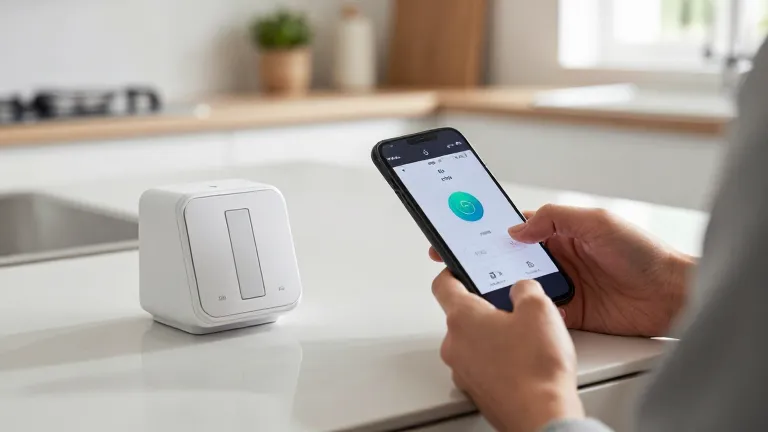
- Open the Kasa app and navigate to the switch’s device page.
- Tap the ‘More’ option and select ‘Reset’ to initiate the factory reset process.
- Wait for the reset to complete, which usually takes a few minutes.
- Once the reset is done, reconnect the switch to your Wi-Fi network and reconfigure it through the app.
Resetting via the Kasa App
Resetting your Kasa Smart Switch via the Kasa app is a straightforward and effective method to address software-related issues. The app guides you through the reset process, ensuring that the switch is restored to its original state without compromising your account or network settings. This method is ideal for users who prefer a digital approach and want to avoid physical interaction with the device.
Manual Reset Using Physical Buttons
If you prefer a manual reset, locate the physical reset button on the Kasa Smart Switch. Hold the button for approximately 10 seconds until the LED light starts blinking, indicating the reset process has begun. This method is useful if the app is not accessible or if you want to bypass any app-related complications. However, be cautious to avoid accidental resets and ensure the switch is powered on during the process.
Checking the Neutral Wire Connection
A faulty or loose neutral wire is a common cause of the Kasa Smart Switch blinking orange and green. Proper neutral wire connection is essential for the switch to function correctly and maintain stable communication with the Kasa app. If the neutral wire is not securely connected or damaged, it can lead to erratic behavior, including blinking lights. Inspecting and ensuring the neutral wire is properly connected can resolve many connectivity issues.
Identifying the Neutral Wire
Identifying the neutral wire is crucial for troubleshooting the Kasa Smart Switch. In most standard electrical setups, the neutral wire is typically white or light blue. It should be connected to the neutral terminal on the switch, often marked with a symbol like 'N' or labeled 'Neutral.' Before proceeding, ensure the power supply is disconnected to avoid electrical hazards. Locate the wiring box behind the switch and examine the connections to confirm the neutral wire is correctly identified.
Testing the Neutral Connection
Testing the neutral connection involves verifying that the wire is securely fastened and not damaged. Use a multimeter to check for continuity between the neutral terminal and the main panel. A stable voltage reading indicates a good connection, while a lack of continuity suggests a break or poor contact. If the connection is weak or broken, tighten the screws or replace the wire as needed. Ensure that the neutral wire is not sharing a terminal with other wires, as this can cause interference and disrupt the switch's performance.
Advanced Troubleshooting and Reinstallation
If basic troubleshooting steps fail to resolve the blinking orange and green light issue on your Kasa Smart Switch, advanced measures such as reinstallation and interference checks may be necessary. Reinstalling the switch can help reset its configuration and resolve any underlying installation-related problems. Additionally, checking for interference from other smart devices or home automation systems can prevent signal conflicts that affect performance.
Reinstalling the Kasa Smart Switch
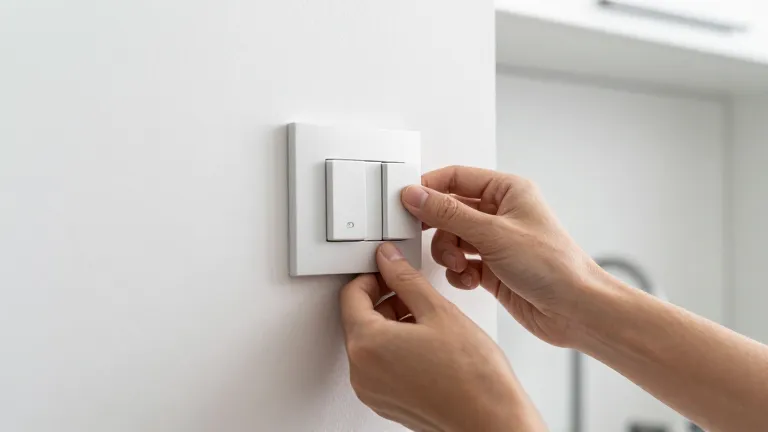
Reinstalling the Kasa Smart Switch involves carefully removing it from the electrical box and reinstalling it with proper wiring. Ensure the neutral wire is correctly connected and the switch is securely mounted. After reinstalling, power cycle the switch and check if the blinking light issue persists. This process can often resolve configuration errors or incorrect wiring that may have been overlooked during initial installation.
Checking for Interference
Interference from other smart devices or home automation systems can disrupt the Kasa Smart Switch’s ability to communicate with your network. Check for nearby devices such as smart plugs, cameras, or sensors that may be on the same Wi-Fi channel or using the same Zigbee or Z-Wave network. Consider changing the Wi-Fi channel or using a different network for the Kasa Smart Switch to reduce interference. If the issue remains unresolved, contacting Kasa support is recommended to get further assistance and guidance.
Frequently Asked Questions
What should I do if my Kasa Smart Switch is blinking orange and green but not responding?
If your Kasa Smart Switch is blinking orange and green but not responding, try restarting the device and checking your Wi-Fi connection. If the issue persists, reset the switch through the Kasa app or manually using the physical buttons.
Can a loose neutral wire cause the Kasa Smart Switch to blink?
Yes, a loose or disconnected neutral wire can cause the Kasa Smart Switch to blink. Ensure the neutral wire is properly connected and secure to resolve the issue.
How do I reset my Kasa Smart Switch without using the app?
To reset your Kasa Smart Switch without the app, press and hold the reset button on the device for 10 seconds until the light turns off. This will restore the switch to factory settings.
Is there a way to check if my Kasa Smart Switch is properly connected to the neutral wire?
You can check the neutral wire connection by visually inspecting for looseness or damage. Use a multimeter to test the continuity and voltage between the neutral and live wires for accurate results.
Final Thoughts
Troubleshooting a Kasa Smart Switch that is blinking orange and green involves checking the connection, resetting the device, and ensuring the neutral wire is secure. If the issue persists, advanced steps like reinstallation or interference checks may be necessary.
To resolve the blinking issue, start with basic troubleshooting steps and gradually move to more advanced solutions. Always ensure your Kasa Smart Switch is properly connected and updated to prevent future issues.